
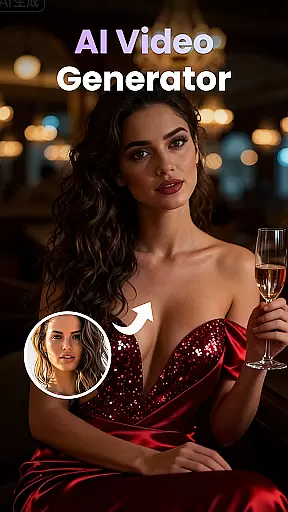
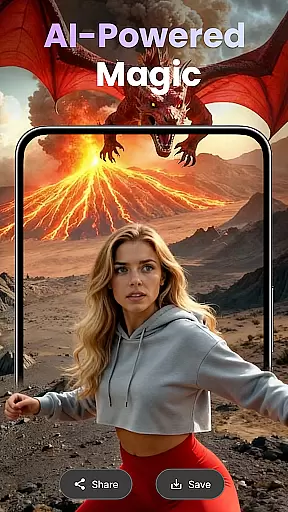
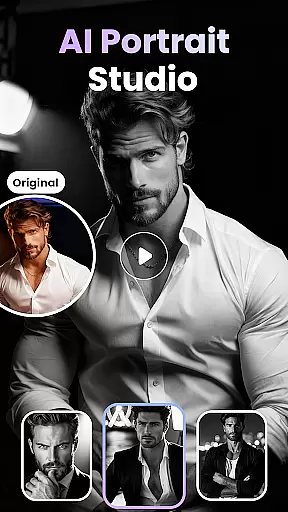
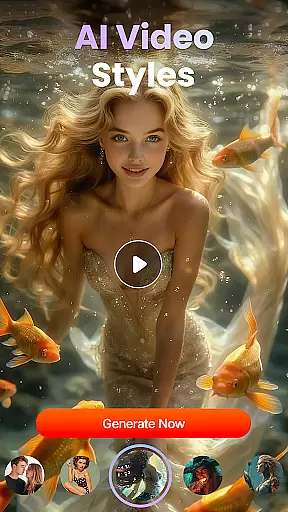
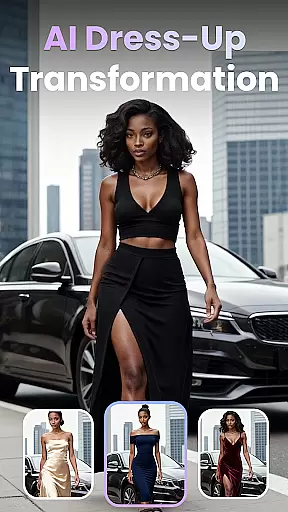
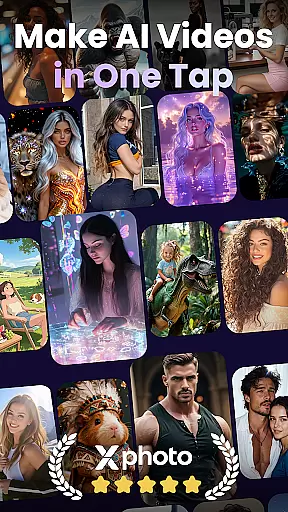
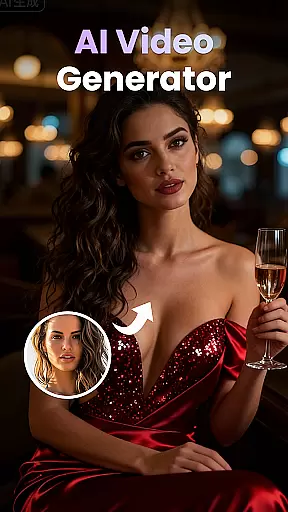
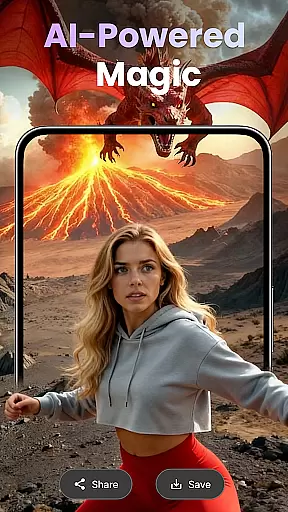
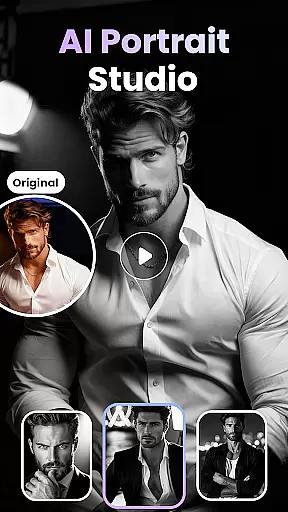
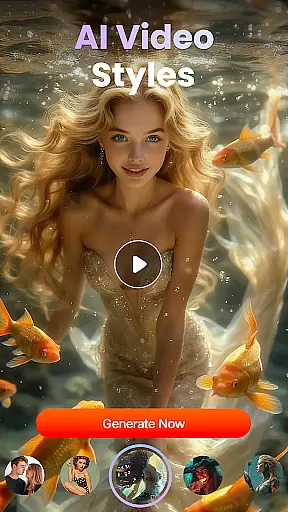
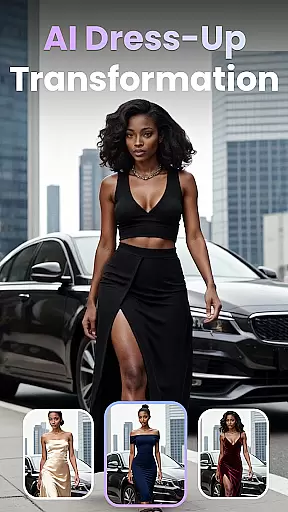
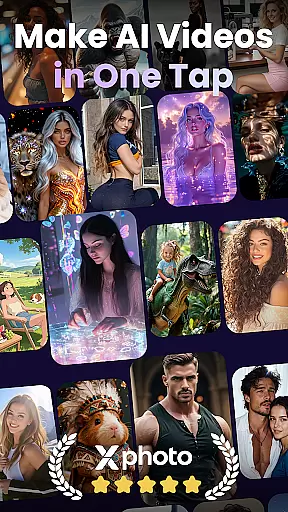
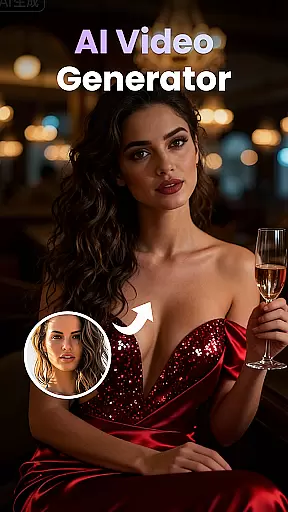
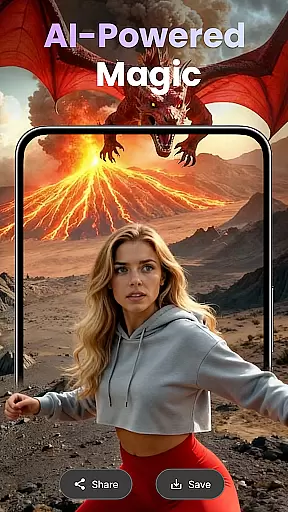
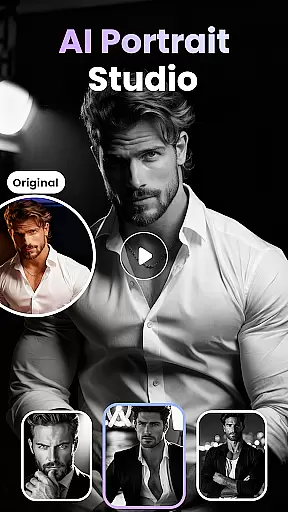
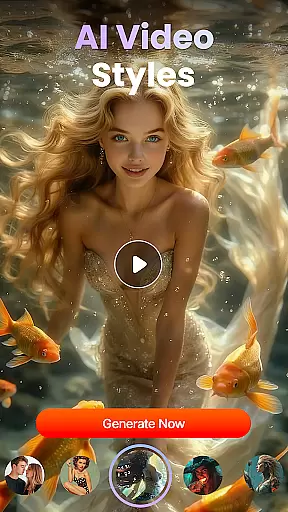
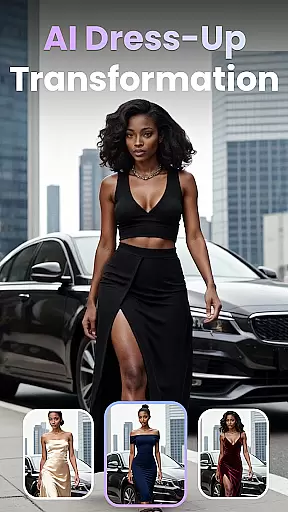
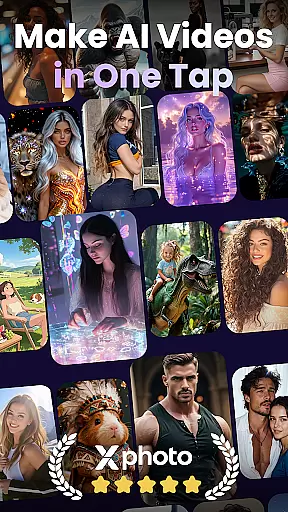
XPhoto is an AI-powered creative studio designed to bring your visual ideas to life. With its advanced AI capabilities, you can transform text prompts into cinematic videos or professional-grade art in seconds. The app supports multiple creative workflows including photo animation, face swapping, and smart video editing.
Perfect for content creators, influencers, and artists, XPhoto offers tools like HD export, ready-to-use templates, and automatic captions. Whether you're crafting visuals for TikTok, Instagram Reels, or YouTube Shorts, XPhoto provides everything you need to captivate your audience with stunning, high-quality content.
XPhoto stands out with its diverse range of AI-driven features tailored for creative professionals. The AI Text to Video tool converts simple descriptions into dynamic cinematic videos, while the Text to Image Generator creates visually striking artwork from text prompts.
Additional features include Photo to Video Animation, which adds motion and emotion to static images, and Face Swap & AI Effects for crafting viral trends. Users can also access a library of Creative Video Templates and Smart Editing Tools that simplify tasks like adding captions, voiceovers, or background music. All outputs are exportable in HD or 4K without watermarks.
Customization is at the heart of XPhoto, allowing users to tailor their creative process extensively. The app offers a wide array of customization options that cater to both beginners and professionals in the field of visual arts and video production.
XPhoto's features such as AI Text to Video, Text to Image Generator, and Photo to Video Animation provide diverse tools for users to experiment with. These features enable creators to bring their unique visions to life, whether it's through transforming text prompts into cinematic AI videos or animating still photos with emotional depth.
Moreover, the inclusion of Face Swap & AI Effects, along with a growing library of Creative Video Templates, ensures that users have access to the latest trends and technology. This empowers them to craft content that stands out on platforms like TikTok, Instagram Reels, and YouTube Shorts.
The ability to add captions, background music, or voiceovers automatically further enhances the personalization experience. Users can export their creations in HD or 4K without watermarks, ensuring their work looks professional and polished.
Theme compatibility in XPhoto ensures that all visual creations maintain consistency across various themes and styles. This feature is crucial for users who wish to keep a uniform look and feel throughout their projects, regardless of the type of content they are creating.
XPhoto supports a seamless integration of its extensive features within different thematic frameworks. Whether you're designing AI art from simple words or utilizing smart editing tools to enhance your videos, the app maintains coherence in style and presentation.
With an intuitive interface, users can easily switch between themes while working on multiple projects. This flexibility allows content creators, influencers, and artists to adapt their work according to specific brand guidelines or personal preferences without losing the essence of their original concept.
Furthermore, theme compatibility extends to the high-quality export options available in XPhoto. Creators can save their videos in 1080p or 4K resolution, ensuring that the final output aligns perfectly with the chosen theme, thus preserving the intended impact on audiences across platforms like TikTok, Instagram Reels, and YouTube Shorts.
User-friendly interface
High-quality AI outputs
Versatile creative tools
Fast rendering speeds
Beginner-friendly design
Limited free features
Premium subscription required
Occasional bugs
Internet connection needed
Learning curve for pros

A retro cartoon style watch face and a punch right in the face of the copyright
 4.60
4.60
Wear Os Watch Face - Seasonal - Animated Snow Effect - 9 Animals
4.20
Realistic animated snow on your wrist, with 10 images landscapes to choose from
4.00
Adult video chat, dating, making friends, random matching
4.20
Dark icon pack based on One 8
4.80
Try creating your own keyboard with "Keyboard theme for android" app now!
4.50
Your go to Weather App & Home Screen. Get your weather at a swipe of a finger!
3.80
Enjoy a variety of amazing live wallpapers and colorful EDGE lighting borders!
4.80
Custom ringtones songs, music ringtones for Android phones
4.60
Classic analogue watch face. For wear os devices.
4.60
Add cute Shimeji pets to screen, interact with them and relax with cute motions
4.60
Icons made of colorful linear lines
4.60
Ninja Turtles Cowabunga SE watch face for Wear OS
4.50
Customizable screen pets that play, climb, and keep you company.
4.50
Color phone with cool effects for call screen, flash alert & ringtones music
4.50
Transform your phone with stunning video wallpapers and a unique, personal touch
3.80
Emoji Maker app - Design custom emojis and effortlessly blend them with Mixer
3.80
Customize glowing edges, wallpapers, and caller screen with EdgeAura.
3.50
Struggling to find apps? Use this app to locate and open any app on your phone!
2.20


User Reviews