
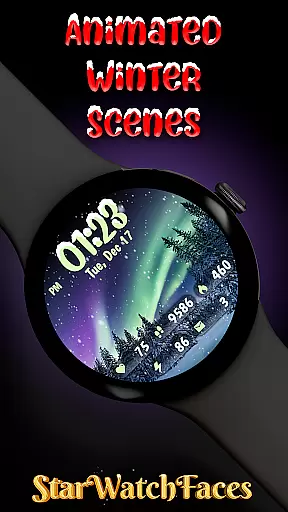
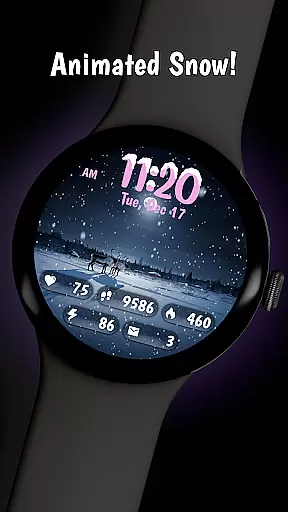
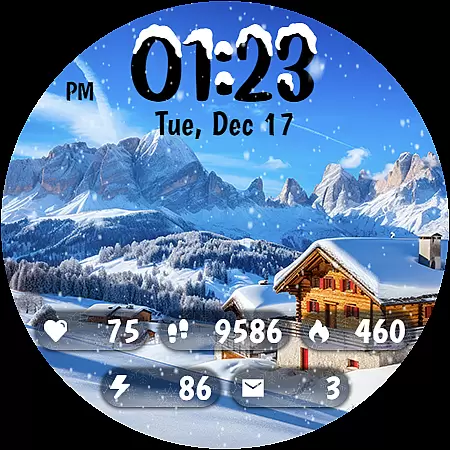
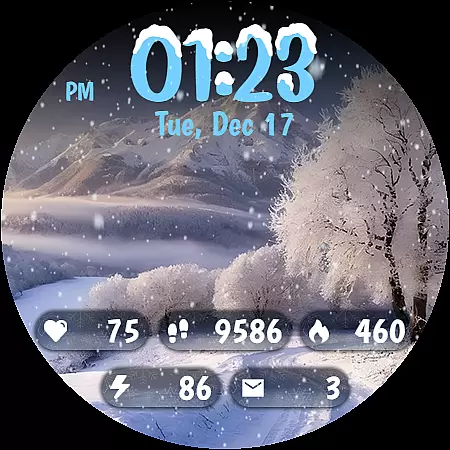
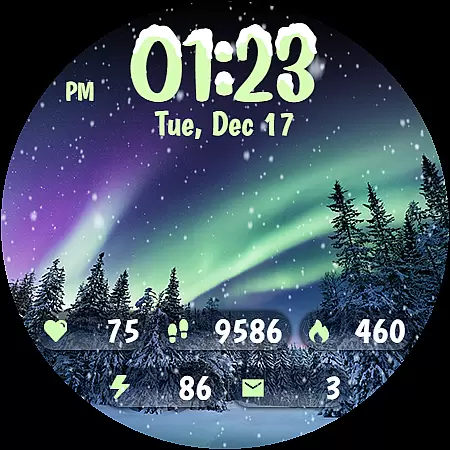
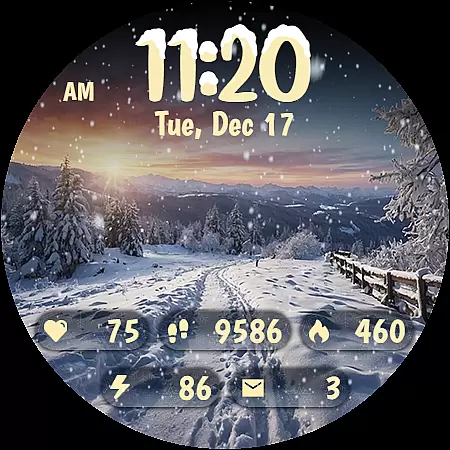
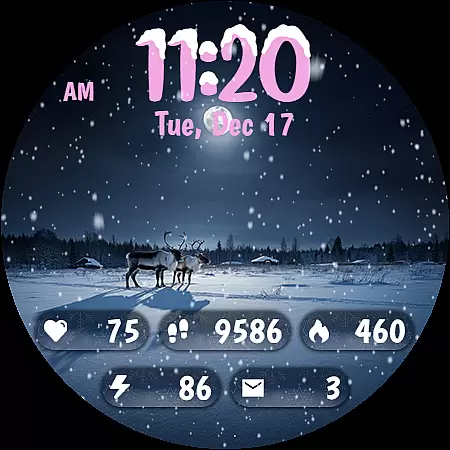
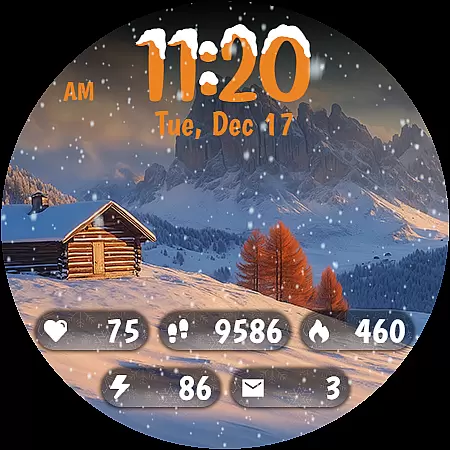
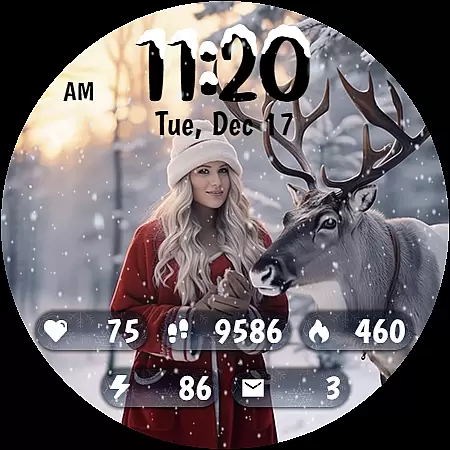
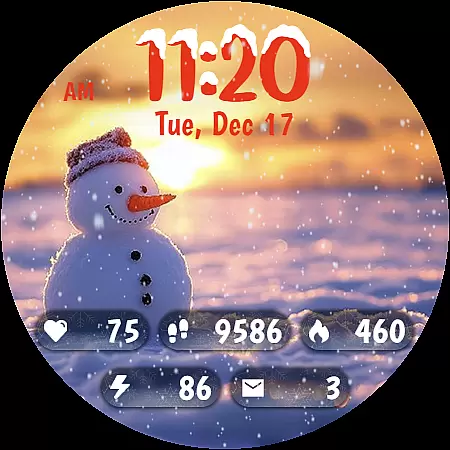
Animated Winter Scenes brings the serene beauty of winter to your Wear OS smartwatch. This personalization app offers a collection of stunning, animated watchfaces that transform your device into a window overlooking enchanting snowy landscapes.
With features like animated snowfall, 30 customizable color themes, and a unique digital clock design, the app creates an immersive winter experience. It also provides practical functionality by displaying essential information such as step count, heart rate, and battery status, making it both beautiful and useful for daily wear.
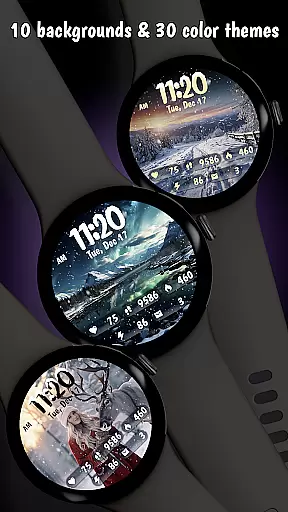
Animated Winter Scenes stands out with its carefully crafted features designed to enhance your smartwatch experience. The app includes 10 breathtaking winter-themed backgrounds, from snow-covered forests to aurora-lit skies, each optimized for Wear OS devices.
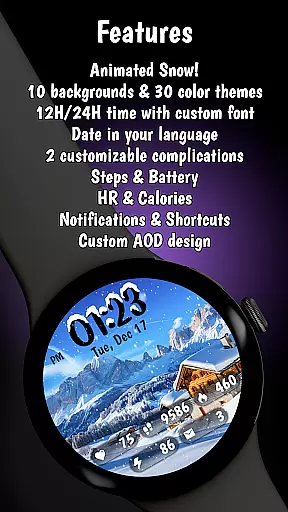
Beyond its visual appeal, the app offers practical customization options. Users can personalize their watchfaces with different color schemes, choose between 12/24-hour clock formats, and view comprehensive health and device information directly on their wrist. The Always-On Display (AOD) mode ensures these features remain accessible while maintaining optimal battery efficiency.
Customization is at the heart of Animated Winter Scenes, offering users a rich tapestry of options to tailor their smartwatch experience. With 10 stunning winter-themed backgrounds ranging from majestic mountains to enchanting forests, users can select the perfect scene that resonates with their personal style.
In addition to breathtaking visuals, the app provides 30 unique color themes, ensuring that there's a palette for every mood and occasion. These themes are carefully crafted to complement the wintry designs, enhancing the overall aesthetic appeal of your Wear OS device.
The custom digital clock feature adds another layer of personalization, allowing users to choose between 12/24-hour formats adorned with charming snow accents. This attention to detail ensures that timekeeping is not only functional but also an expression of individuality.
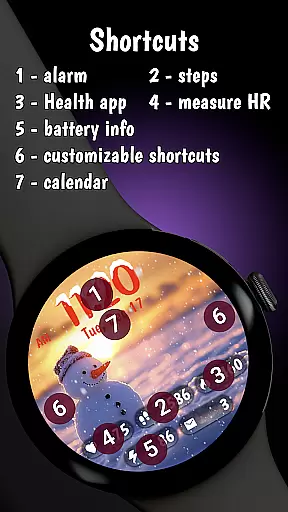
By integrating essential information such as step count, heart rate, calories burned, battery status, and notifications into the design, Animated Winter Scenes offers both beauty and utility. Users can enjoy a personalized yet practical watch face that meets their lifestyle needs while reflecting their love for winter wonderlands.
Theme compatibility is a standout feature of Animated Winter Scenes, ensuring that each visual element harmonizes seamlessly with the chosen winter backdrop. The app supports a wide array of customizable themes, making it easy for users to switch between different aesthetics without losing functionality or visual coherence.
Whether you prefer serene snowy landscapes or vibrant aurora borealis displays, the appu2019s theme system adapts effortlessly. This flexibility allows users to experiment with various combinations of backgrounds, color schemes, and clock styles, creating a look that is uniquely theirs while maintaining optimal performance on Wear OS devices.
Animated Winter Scenes also includes an Always-On Display (AOD) mode optimized for battery efficiency. This ensures that even when the watch face is in AOD mode, the selected theme remains visually appealing and readable, preserving the integrity of the user's customization choices throughout the day.
With comprehensive support for complications and other interactive elements, Animated Winter Scenes guarantees that all features work together smoothly. Users can trust that their personalized settings will remain consistent and reliable, providing a cohesive and engaging experience every time they glance at their wrist.
Stunning winter visuals
Customizable themes
Practical health data
Optimized battery use
Unique clock design
Premium purchase required
Limited to Wear OS
Complex customization
Few interactive features
Seasonal focus only

Winter's Journey: digital watch face for Galaxy Watch & Wear OS
 4.80
4.80
More than 3000+ themes and 9000+ wallpapers for everybody!
4.10
Unique Fonts, typefaces and stylish text. Fonts for Instagram, Whatsapp & others
4.20 3.50
3.50
Nothing Icon pack with more than 3750+ highly crafted icons.
4.70
HappyLighting is a Bluetooth lamp control software.
3.40
300+ Beautifully crafted widgets inspired by OneUI.
4.60
Enjoy a variety of amazing live wallpapers and colorful EDGE lighting borders!
4.80
Amazing letter fonts in your messages and social statuses
4.70
One 8 icons glass color version
4.80
Classic analogue watch face. For wear os devices.
4.60
Add cute Shimeji pets to screen, interact with them and relax with cute motions
4.60
Want to make your phone more special than ever?
4.60
Stylish Pink Cute Hippo keyboard with 10000+ customized keyboard themes!
4.60
Try creating your own keyboard with "Keyboard theme for android" app now!
4.50 4.50
4.50
Fingerprint Lock Screen & Live Animations with 4K Wallpapers as Live Wallpaper
4.40
App Icon Changer & Shortcut Creator. Customize your icons without any watermarks
4.30
Customize glowing edges, wallpapers, and caller screen with EdgeAura.
3.50


User Reviews