
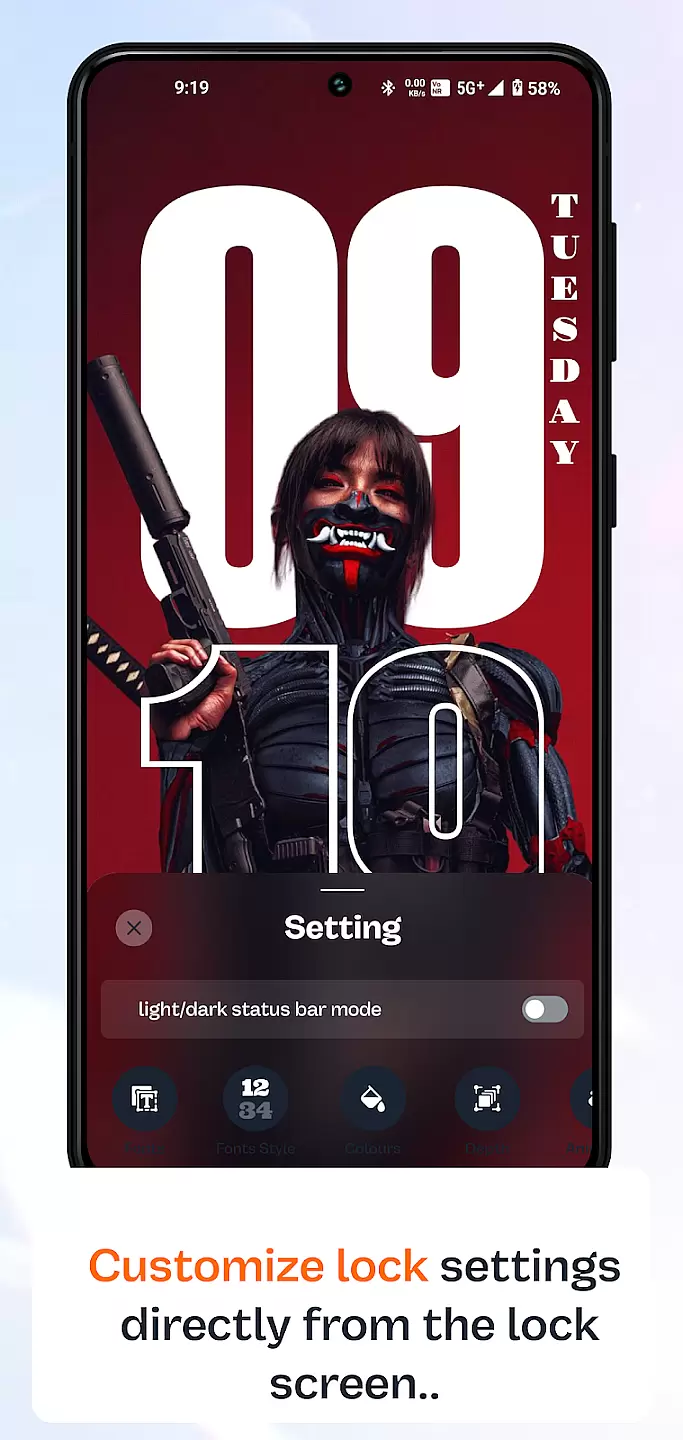
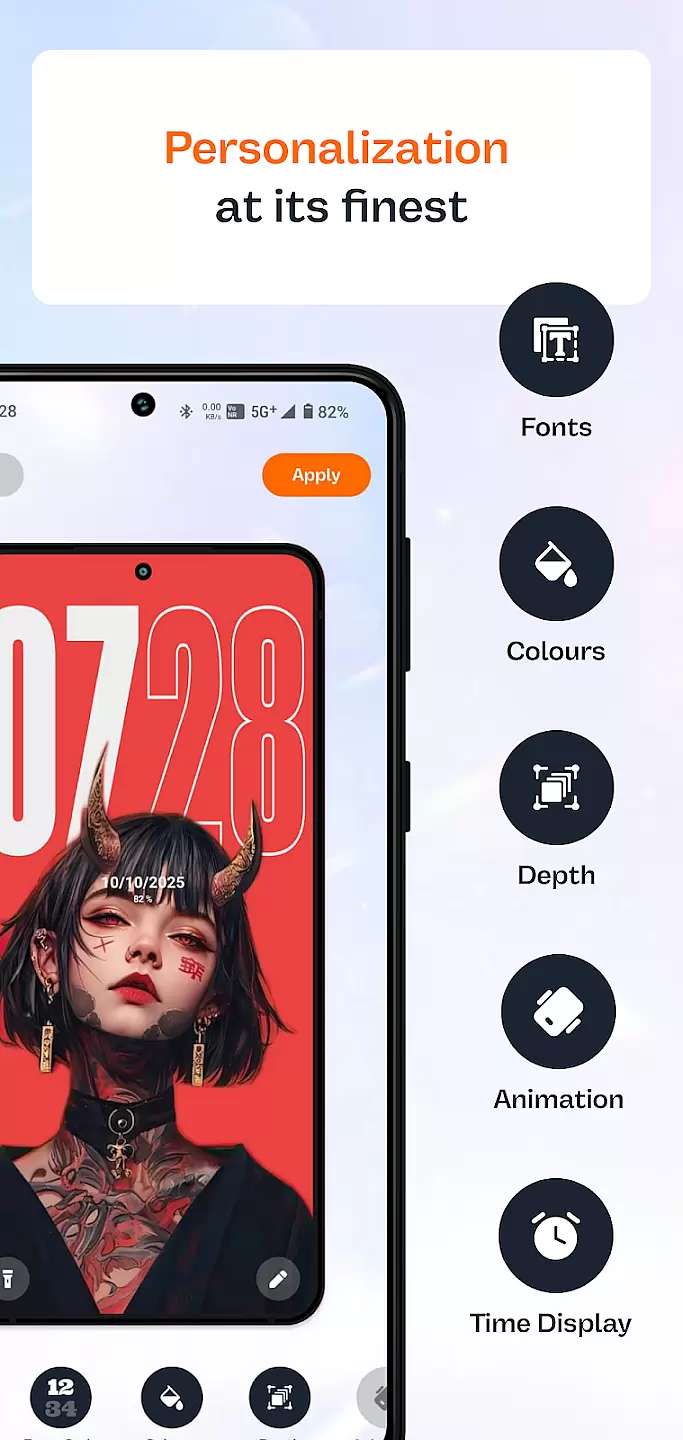
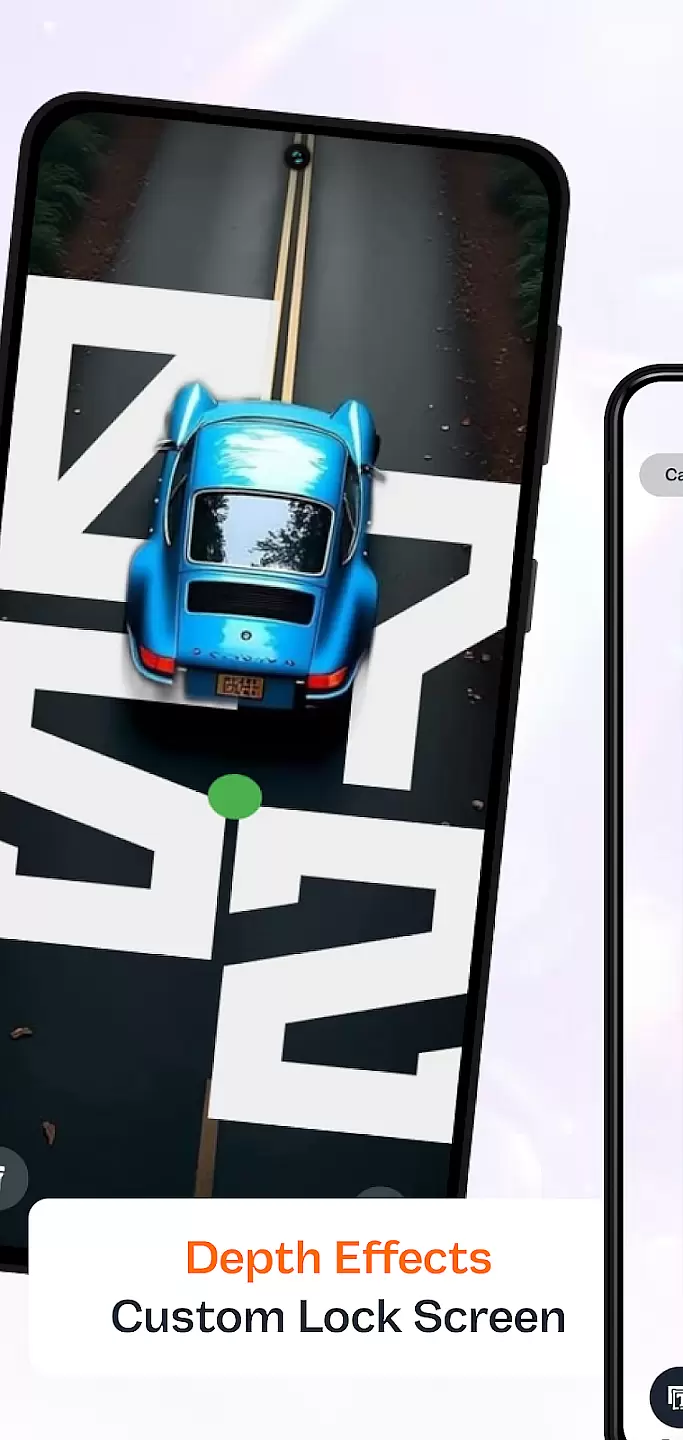
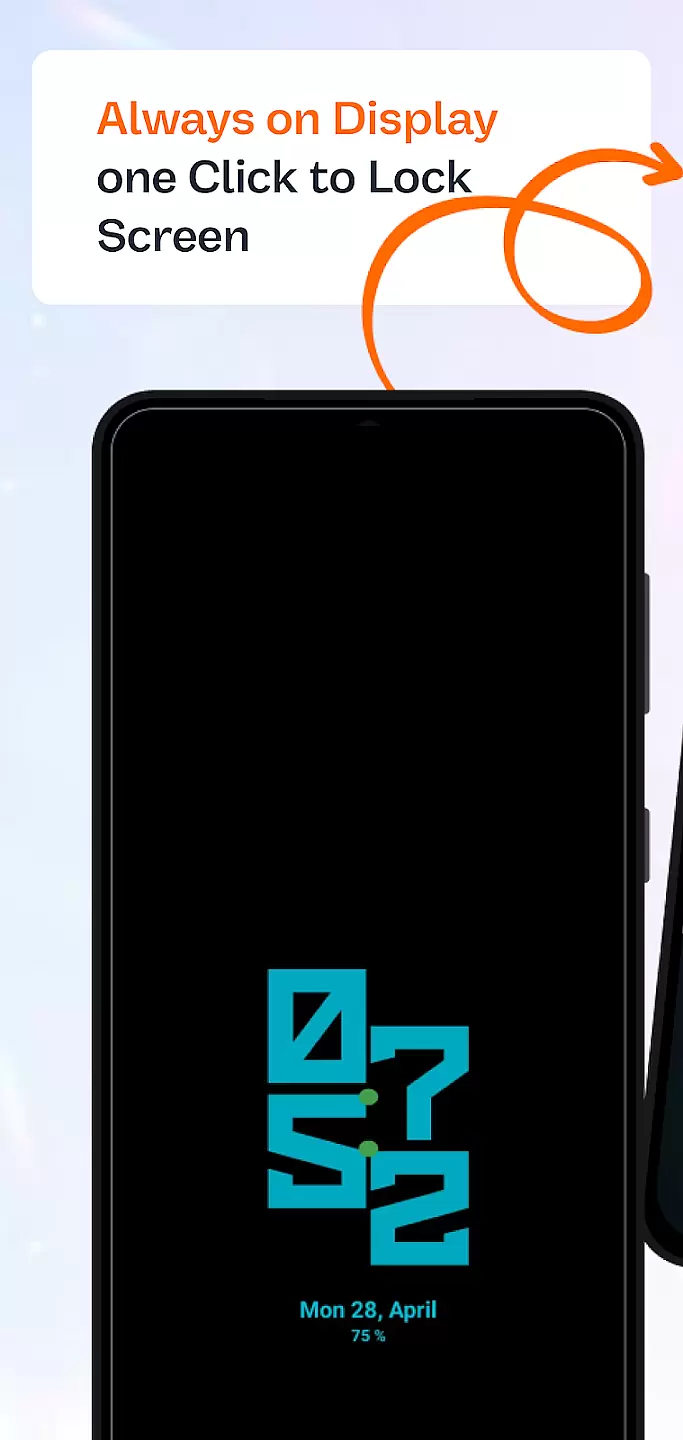
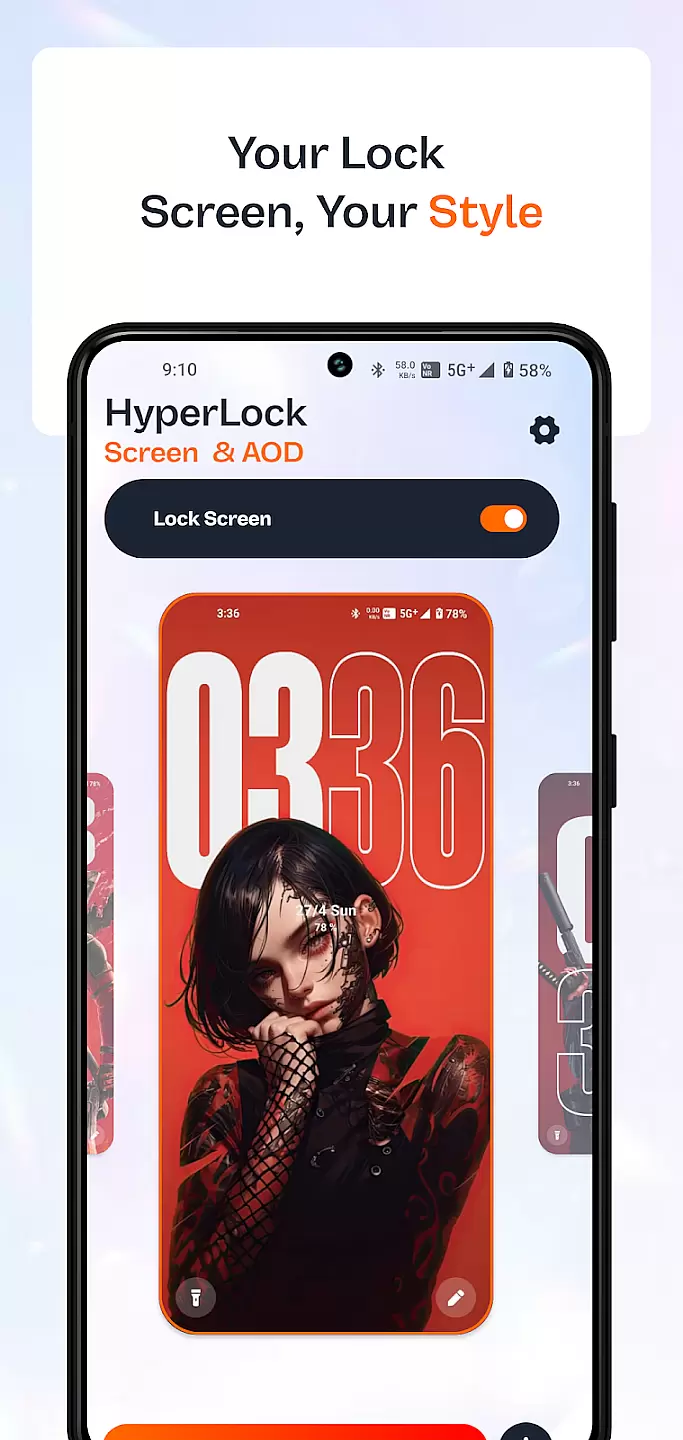
HyperLock Screen & AOD is a personalization app that transforms your device's lock screen and always-on display. It offers a variety of customization options, allowing users to personalize their device's appearance with unique designs and themes. The app caters to those looking to enhance their smartphone's aesthetics while maintaining functionality.
The app features an intuitive interface that makes it easy to apply stunning designs and animations to your lock screen. With regular updates and a growing library of themes, HyperLock ensures your device remains fresh and stylish. Whether you want a minimalist look or vibrant visuals, this app delivers a personalized experience tailored to your preferences.
HyperLock Screen & AOD stands out with its extensive collection of customizable themes and widgets. Users can choose from various clock styles, weather widgets, and notification settings to create a lock screen that suits their lifestyle. The app also supports interactive elements, enabling touch gestures for quick access to frequently used functions.
Advanced features include battery-saving modes for the always-on display and privacy options to hide sensitive information. HyperLock ensures smooth performance by optimizing resource usage, providing a visually appealing yet efficient lock screen experience. These capabilities make it a top choice for users seeking both style and utility in their device's personalization.
Customization is at the heart of personalizing your device to truly make it yours. HyperLock Screen & AOD offers a wide array of customization options that allow users to tailor their lock screen and always-on display to match their personal style.
This application provides an extensive selection of themes, fonts, and color schemes. Users can choose from a vast library of designs ranging from minimalistic styles to vibrant, artistic visuals. This ensures that whether you prefer a sleek, professional look or something more expressive and colorful, there's something for everyone.
Beyond aesthetics, HyperLock Screen & AOD also allows for functional customizations. You can adjust the layout, widget placements, and even interactive elements on your lock screen. These features ensure that not only does your device look unique, but it also operates in a way that best suits your daily needs.
The true value lies in the user's ability to constantly refresh and update their customization choices. With regular updates and new content additions, maintaining a personalized and engaging device experience becomes effortless.
Theme compatibility is crucial for ensuring that all visual modifications integrate seamlessly with your deviceu2019s operating system. HyperLock Screen & AOD excels in providing themes that are fully compatible with various devices and OS versions.
Each theme available through the app undergoes rigorous testing to ensure it works harmoniously across different screens and resolutions. This meticulous attention to detail guarantees that no matter what device you are using, the themes will appear as intended without any distortions or inconsistencies.
Moreover, HyperLock Screen & AOD supports third-party themes, allowing users to import and utilize designs from other creators. This openness enhances creativity and choice, giving users access to an even broader range of customization possibilities.
By focusing on compatibility, HyperLock Screen & AOD ensures that every theme change results in a cohesive and visually pleasing interface. This dedication to quality and integration makes certain that users enjoy a consistently high-quality experience every time they personalize their device.
Extensive theme library
User-friendly interface
Regular feature updates
Privacy-focused options
Optimized performance
Limited free themes
High battery usage
Occasional bugs
Premium subscription required
Complex settings

Stunningly Different look with Line Icons and Neon Colors
 4.60
4.60
Fingerprint Lock Screen & Live Animations with 4K Wallpapers as Live Wallpaper
4.40
Ultimate widget creator. Design custom widgets for a truly unique home screen!
3.90
More than 3000+ themes and 9000+ wallpapers for everybody!
4.10
The definitive Icon pack maker and editor
4.30
Your home screen, just the way you like it.
4.30
350+ widgets with a premium glass-style finish, perfect for home & lock screens.
4.70
set a new experience for the Android mobile phone
4.20
Fast SMS & group chat - use GIFs and emojis from your home screen launcher.
4.50
Wallpaper HD 4K Live - Thousands of high-quality Anime backgrounds for you.
4.80
300+ Stunning and well-designed widgets inspired by NOTHING.
4.70
Want to make your phone more special than ever?
4.60
300+ Beautifully crafted widgets inspired by OneUI.
4.60
Color phone with cool effects for call screen, flash alert & ringtones music
4.50
AI-powered Copilot. Personalized keyboard with gifs, stickers & themes
4.40
Run multiple accounts of the same app on a single device
4.10 4.10
4.10
Crystal-clear, square icon provides a sleek and sophisticated visual upgrade
4.00
⭐ OneUI inspired Fluffy Icon Pack – Soft. Stylish. Standout. ⭐
4.1


User Reviews