
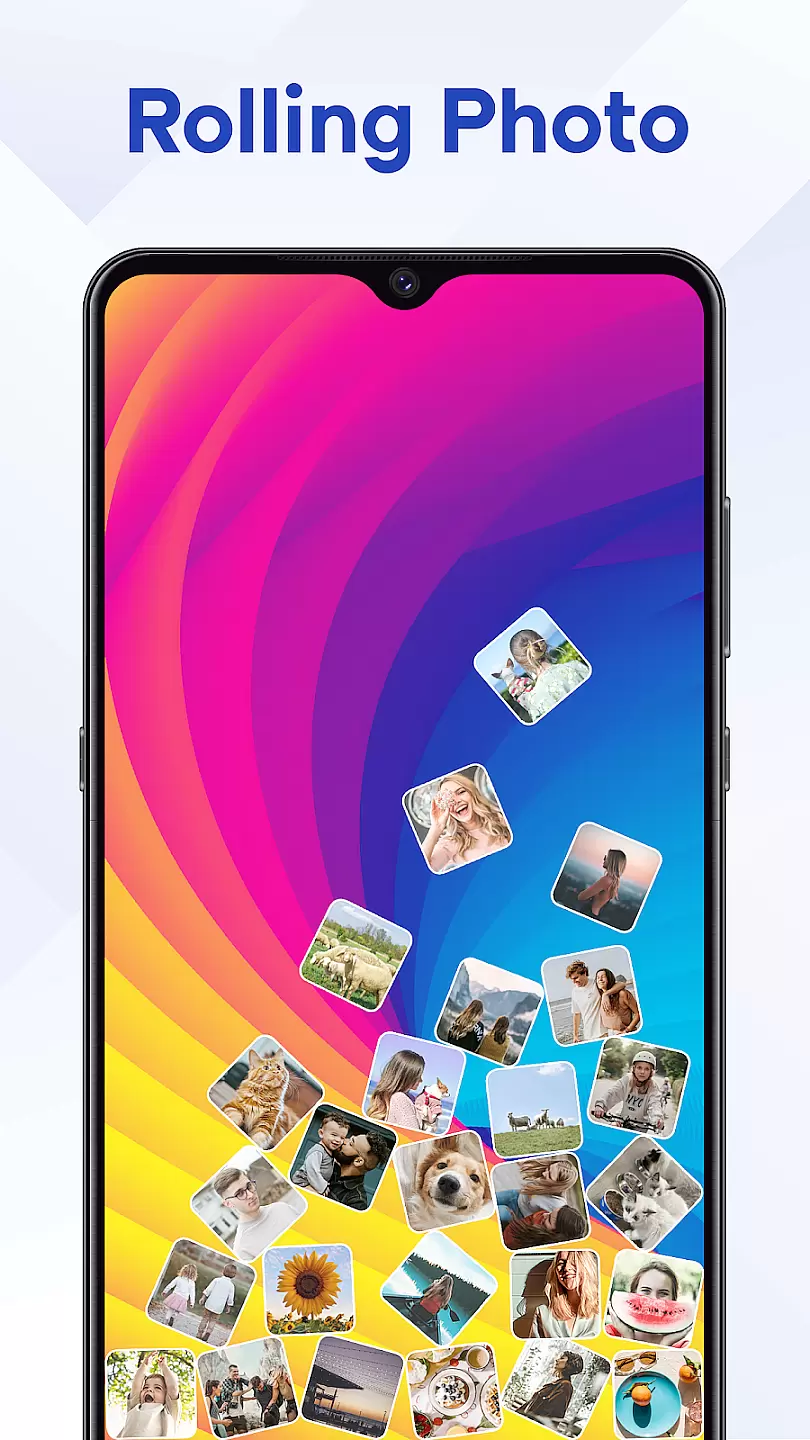
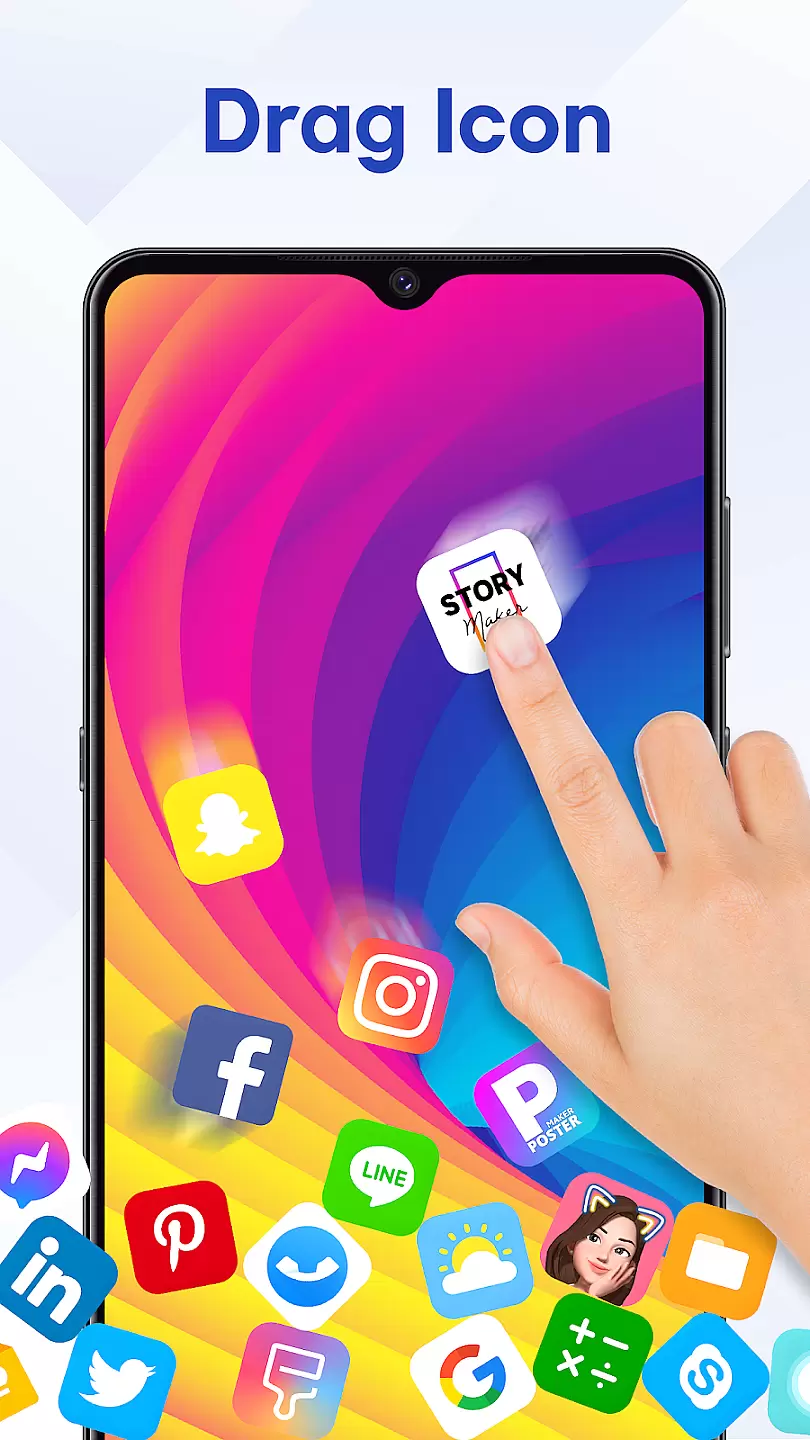
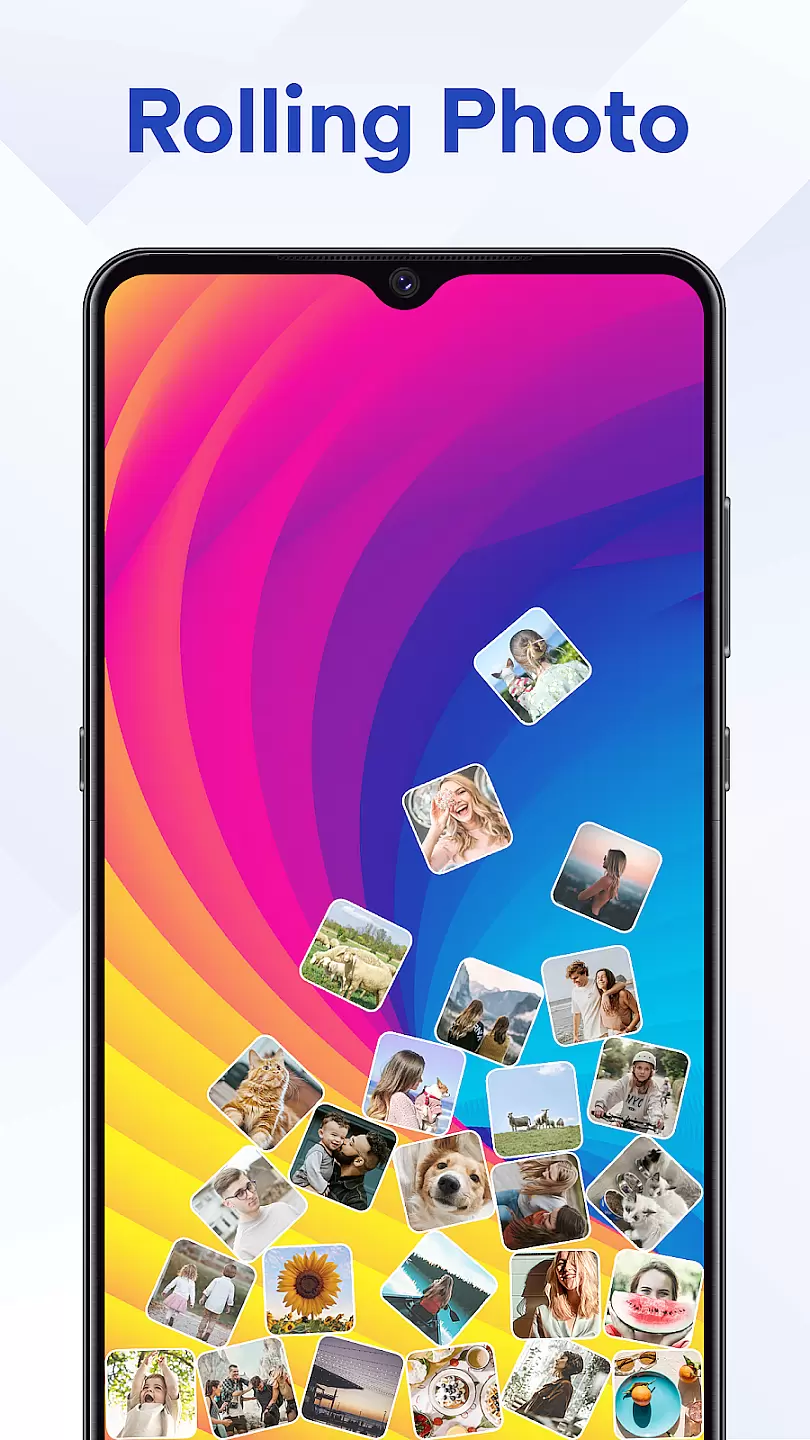
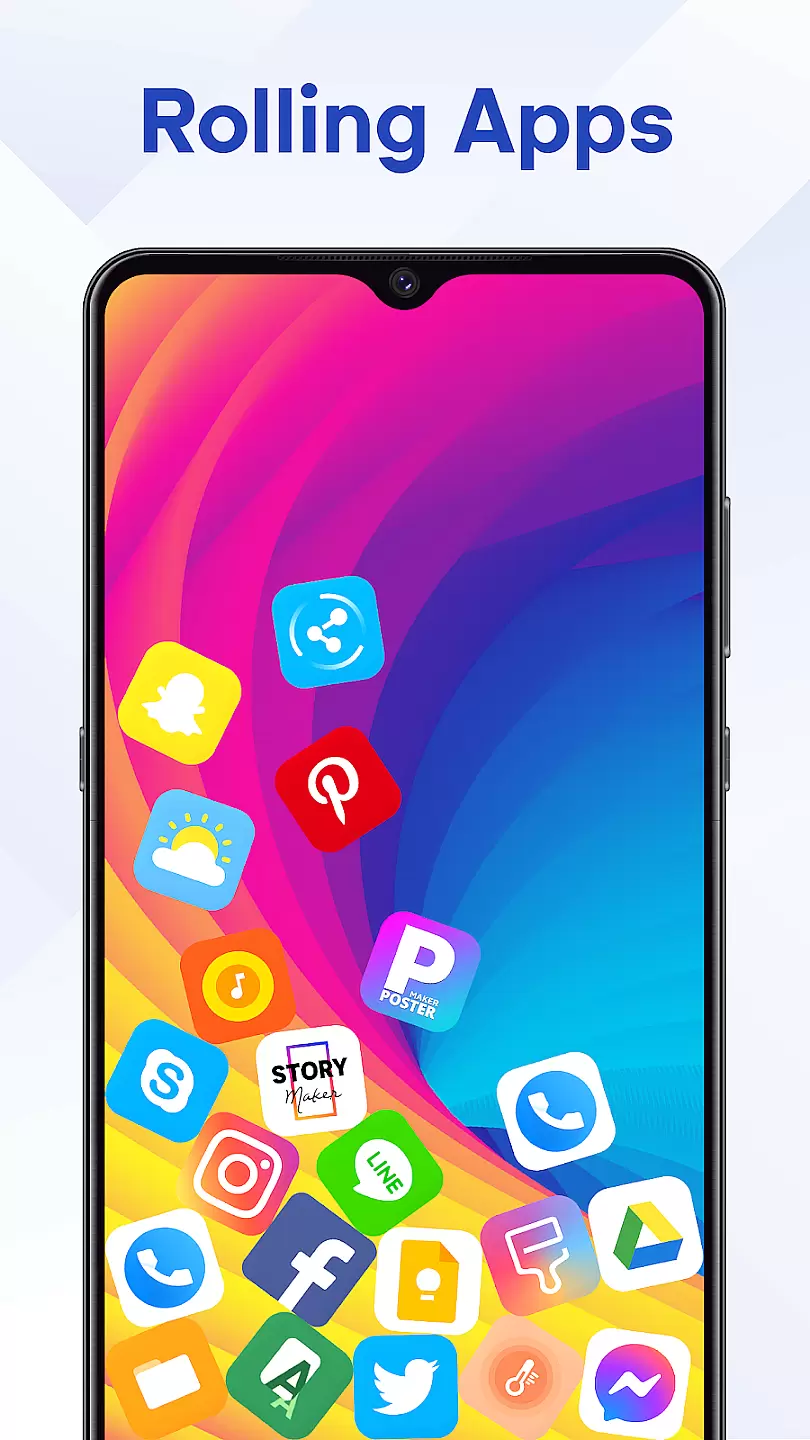
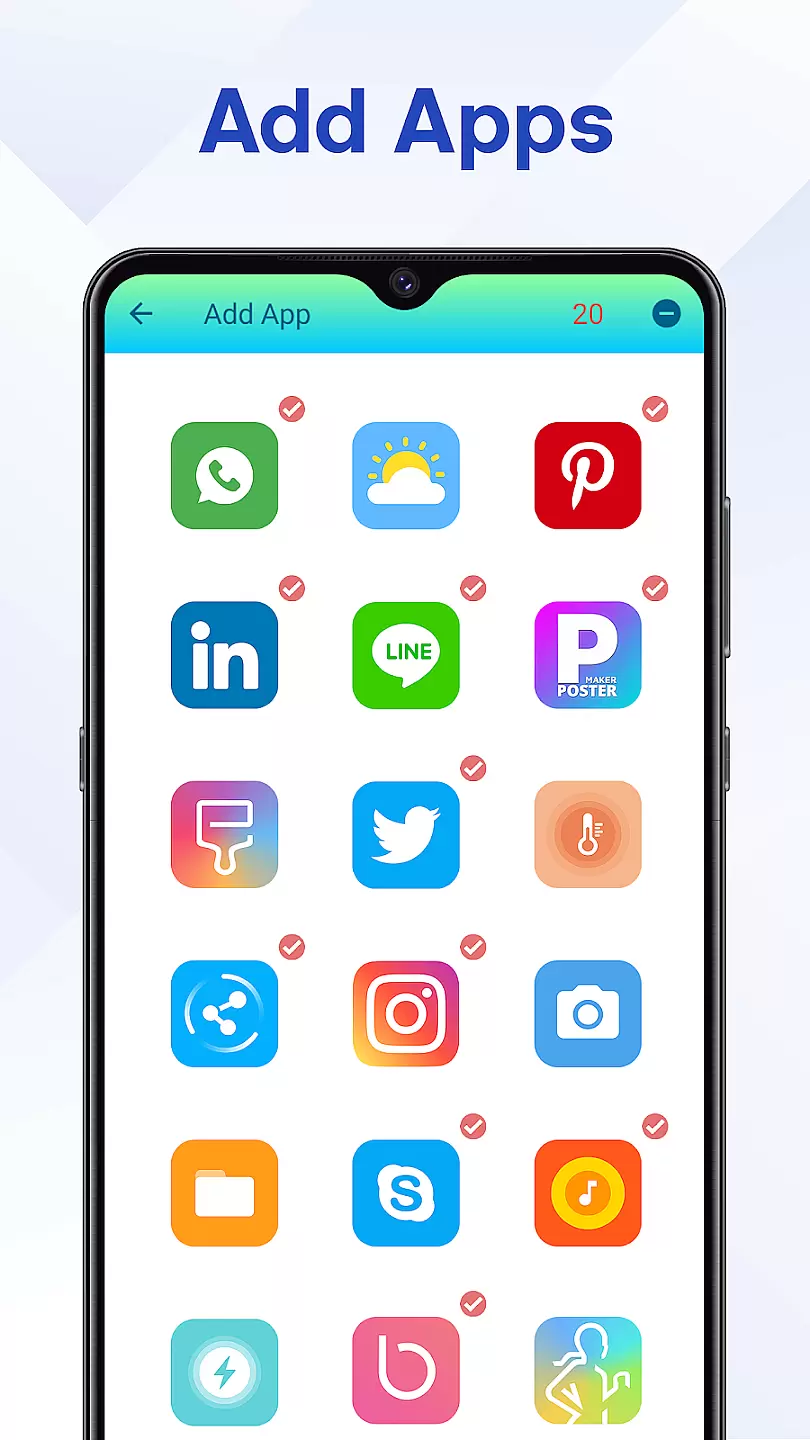
Rolling Icon: 3D Wallpaper is a personalization app that allows users to create dynamic and visually appealing home screens. The app specializes in 3D icon design and animated wallpapers, providing a modern look to any smartphone interface. With its intuitive tools, users can customize their device's appearance with ease.
The app offers a wide range of 3D icons and wallpapers that suit various preferences. Whether you prefer a minimalist aesthetic or vibrant designs, Rolling Icon has options for everyone. Its unique feature set makes it especially useful for those looking to stand out with a personalized device theme.
One of the standout features of Rolling Icon: 3D Wallpaper is its extensive library of customizable 3D icons. Users can choose from multiple styles and apply them directly to their apps for a cohesive look. Additionally, the app provides high-quality animated wallpapers that bring your screen to life.
Beyond basic customization, the app includes advanced settings such as icon size adjustment and color filters. These features ensure that every user can tailor their experience exactly how they want it. The ability to preview changes before applying them adds another layer of convenience.
Customization is at the heart of Rolling Icon: 3D Wallpaper, allowing users to tailor their device's appearance to match their personal style.
This app offers a wide array of customization options including various themes, colors, and dynamic icons that bring your screen to life. Users can choose from an extensive library of 3D wallpapers that change in real-time, providing a lively and interactive experience.
The ability to customize every aspect of your home screen not only enhances aesthetic appeal but also improves usability by organizing apps and shortcuts in a way that best suits the user. With intuitive controls, adjusting settings such as animation speed or icon size becomes effortless.
Ultimately, Rolling Icon empowers users with unprecedented freedom in expressing individuality through their smartphone's interface while maintaining ease-of-use and functionality.
Theme compatibility is a crucial feature of Rolling Icon: 3D Wallpaper, ensuring that all visual modifications integrate seamlessly with your deviceu2019s operating system.
This app supports a broad spectrum of themes, which are designed to work harmoniously across different devices and screen resolutions without compromising performance or visual quality. Whether you prefer minimalist designs or vibrant patterns, each theme has been optimized for consistency and balance on the home screen.
By prioritizing compatibility, Rolling Icon guarantees that whether you're using stock Android or a customized version, every element will look crisp and function correctly. This ensures a uniform appearance throughout the user interface, enhancing both aesthetics and navigation.
In summary, this attention to detail in theme compatibility allows users to enjoy a cohesive and visually pleasing experience regardless of their device type.
User-friendly interface
Wide variety of themes
High-quality animations
Frequent updates
Customizable options
Limited free content
Some features require payment
May drain battery faster
Occasional bugs
Not all devices supported

Customizable Glass widgets. Over 360+ stunning widgets and more!
 4.70
4.70
Color phone with cool effects for call screen, flash alert & ringtones music
4.50
Launcher OS™ Pro without ads help make your phone simple and pretty
4.30
Crystal-clear, square icon provides a sleek and sophisticated visual upgrade
4.00
200+ Material Inspired Widgets
4.50
400+ Beautifully crafted widgets inspired by NOTHING.
4.70
Transform your phone with stunning video wallpapers and a unique, personal touch
3.80
Your home screen, just the way you like it.
3.80
Cool custom fonts & keyboard themes! Symbols & font changer for Instagram
4.50
Vertically oriented rectangular icons
4.70
Make your phone look simple & luxury, like iDevice
4.60
Icons made of colorful linear lines
4.60
Beautiful realistic hybrid watch face with numerous customization options.
4.50
Ninja Turtles Cowabunga SE watch face for Wear OS
4.50
Art & Emoji Keyboard with Cool Fonts, Cute Themes and Custom Designs.
4.40
Magic fluids wallpaper 4D: Relax with stunning fluid simulation wallpaper app
4.20
Interactive Miniature Painting Catalogue
3.30
Turn your lock screen into fun with smile live wallpapers & animated wallpapers!
2.50
Struggling to find apps? Use this app to locate and open any app on your phone!
2.20


User Reviews