
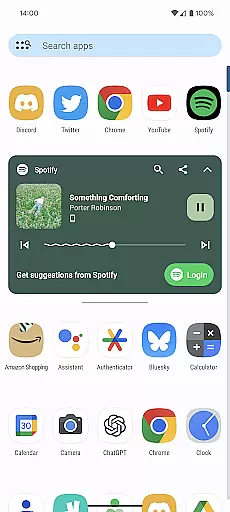
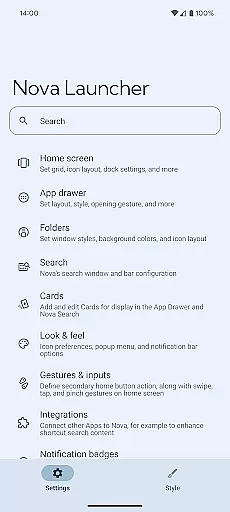
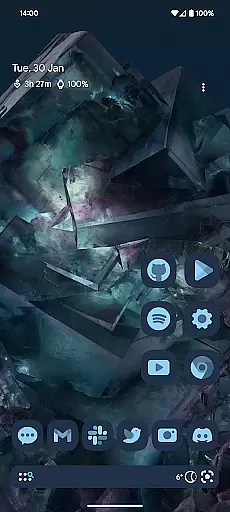
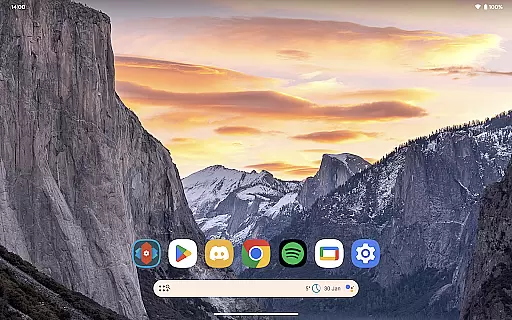
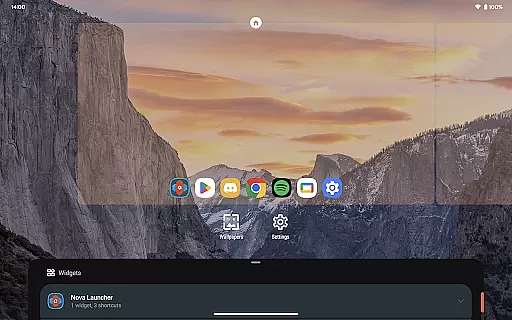
Nova Launcher is a highly customizable home screen replacement for Android devices, designed to enhance user experience through advanced features and personalization options. It offers a versatile platform for users who want to overhaul their home screens or simply seek a cleaner, faster launcher.
With Nova Launcher, users can access the latest Android launcher features, customize icons, and utilize an extensive color system based on Material You. The app supports custom light and dark themes, a powerful search system, and subgrid positioning for precise layout control. Additionally, it provides backup and restore functionality, ensuring seamless transitions between devices.
Nova Launcher stands out with its rich feature set tailored for personalization enthusiasts. The app supports thousands of icon themes and allows users to reshape all icons for a uniform look. Its color system lets users personalize their interface with unique colors, while custom light and dark themes offer flexible display options.
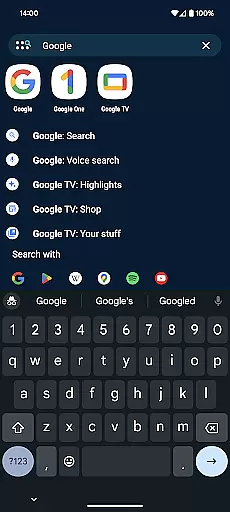
The app's powerful search system enables users to find content across apps, contacts, and integrated platforms. Customizable home screens, app drawers, and folders provide extensive control over the user interface. Moreover, Nova Launcher Prime unlocks additional capabilities such as gestures, app drawer groups, and custom icon swipe gestures, enhancing productivity and organization.
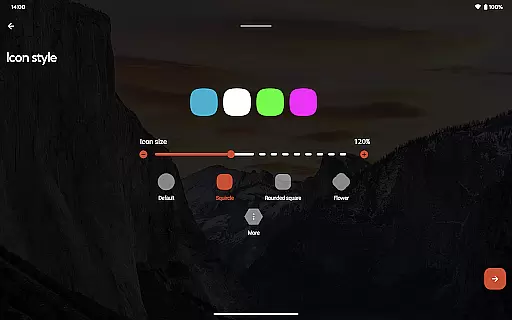
Customization is at the heart of Nova Launcher, offering users a vast array of options to tailor their home screen experience. With support for thousands of icon themes available in the Play Store, users can completely transform the look and feel of their device. Beyond just swapping out icons, Nova allows you to reshape all icons to a uniform shape of your choice, ensuring consistency across your home screen.
The level of personalization extends to an extensive color system that leverages Material You colors from your system or lets you choose your own palette. This means every user can enjoy a personalized interface that resonates with their style. Additionally, Nova offers customizable light and dark themes, syncing with your system settings or allowing permanent dark mode activation based on personal preference.
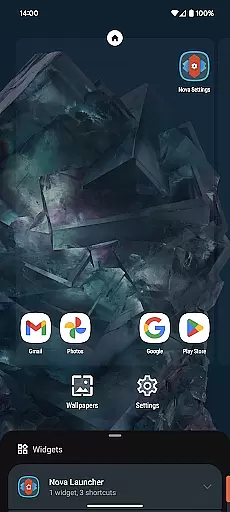
Nova doesn't stop at visual customization; it also provides powerful functional adjustments. Users can customize their home screen, app drawer, and folders extensively. From altering icon sizes and label colors to deciding the scroll direction and search bar positioning, Nova hands over control to the user. The introduction of innovative, customizable cards in the app drawer further enhances access to essential information right when needed.
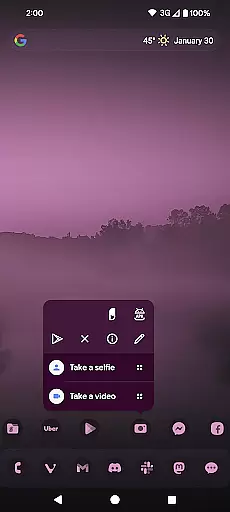
Nova Launcher excels in theme compatibility, ensuring that whether you're using custom icons or themed icon packs, everything integrates seamlessly into your home screen environment. This compatibility extends to popular icon packs like OneYou Icon Pack and OneYou Themed Icon Pack by PashaPuma Design, which are featured in screenshots but represent just a fraction of what's possible with Nova.
The flexibility Nova provides isn't limited to static visuals; it encompasses dynamic elements as well. Subgrid positioning is one such feature that allows for precise layout control, enabling icons and widgets to snap into place between grid cells. This precision ensures a clean, organized appearance that's often unattainable with other launchers.
Moreover, Nova supports advanced theming capabilities through its Prime version, unlocking even more potential. Features like gestures add another layer of interaction, allowing actions such as swiping, pinching, or double-tapping on the home screen to execute commands. App drawer groups and custom tabs offer an ultra-organized structure, while hidden apps and custom icon swipe gestures enhance productivity without cluttering the workspace.
Highly customizable
User-friendly interface
Advanced search functionality
Backup and restore feature
Active community support
Premium features require purchase
May overwhelm new users
Occasional performance issues
Limited iOS compatibility
Complex setup for beginners

Personalize your phone with stunning HD and 4K wallpapers!
 4.70
4.70 4.50
4.50
Icons made of colorful linear lines
4.60
Launcher OS™ Pro without ads help make your phone simple and pretty
4.30
Stylish Pink Cute Hippo keyboard with 10000+ customized keyboard themes!
4.60
Yandex Browser — stylish and secure, with voice search and data compression
4.40
Customize phone with anime themes, 3D icons, aesthetic widgets & wallpapers
4.80
Install amazing sticker packs: endless styles, always cool.
4.70
Custom ringtones songs, music ringtones for Android phones
4.60
A Colorful and Minimal icon pack in an Outline Style - Over 13,600 icons!
4.70
Nothing Icon pack with more than 3750+ highly crafted icons.
4.70
300+ widgets inspired by Material You and Material 3 expressive design.
4.60
Vibrant Adaptive Icons with Material You and Enhanced Monet Colors.
4.50
Fingerprint Lock Screen & Live Animations with 4K Wallpapers as Live Wallpaper
4.40
The definitive Icon pack maker and editor
4.30
App Icon Changer & Shortcut Creator. Customize your icons without any watermarks
4.30
Wear Os Watch Face - Seasonal - Animated Snow Effect - 9 Animals
4.20
Turn your lock screen into fun with smile live wallpapers & animated wallpapers!
2.50
⭐ OneUI inspired Fluffy Icon Pack – Soft. Stylish. Standout. ⭐
4.3


User Reviews