
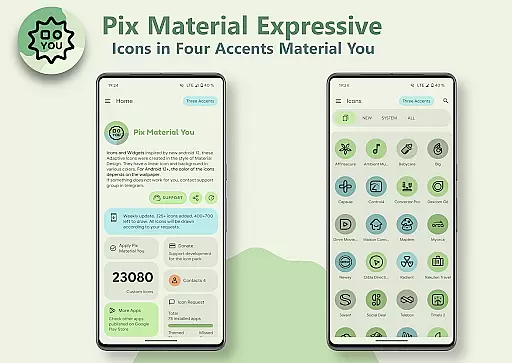
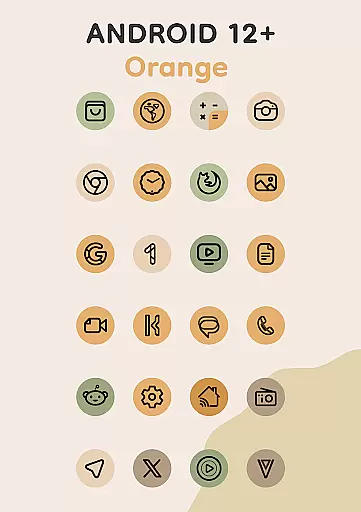
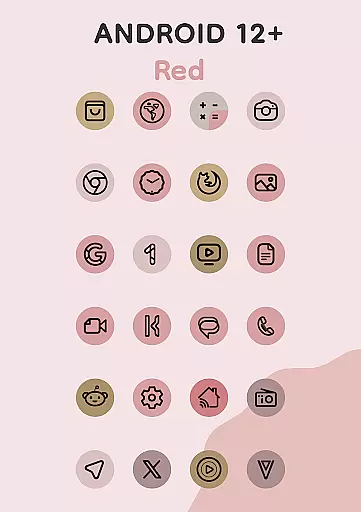
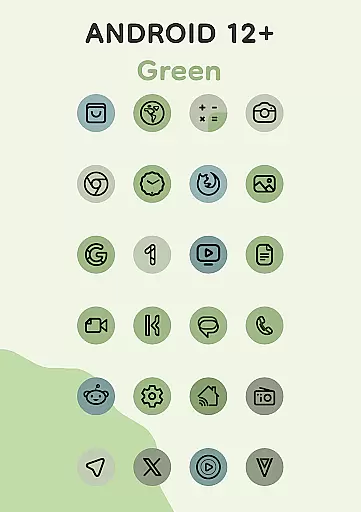
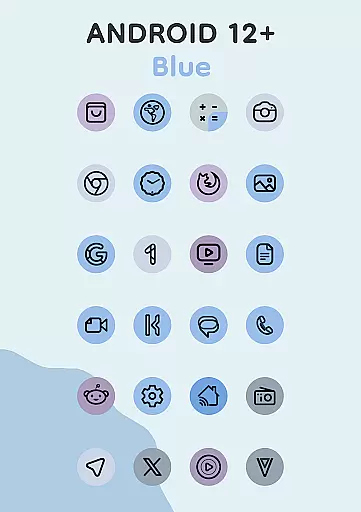
Pix Material Expressive Icons is a dynamic icon pack that fully supports Material You design, offering users next-level personalization for their Android devices. With adaptive icons that change shape and color based on the device's wallpaper, it creates a harmonious and modern aesthetic across the system.
The app provides over 24,000 adaptive icons, clock widgets, music widgets, and an innovative Icon-Widget feature. These elements allow for extensive customization, including accent colors, icon shapes, and widget sizes, ensuring a personalized experience on supported launchers like Nova Launcher, Pixel Launcher, and more.
This icon pack stands out with its enhanced Monet palette, which adds four expressive accent colors to make icons visually striking. Each icon features a clean linear outline and dynamically adjusts its background color based on the user's wallpaper, ensuring seamless integration with the system's theme.
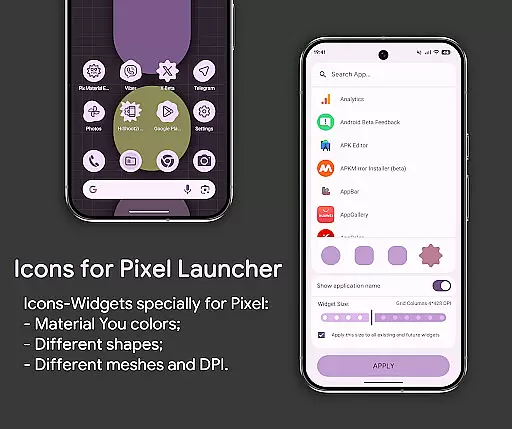
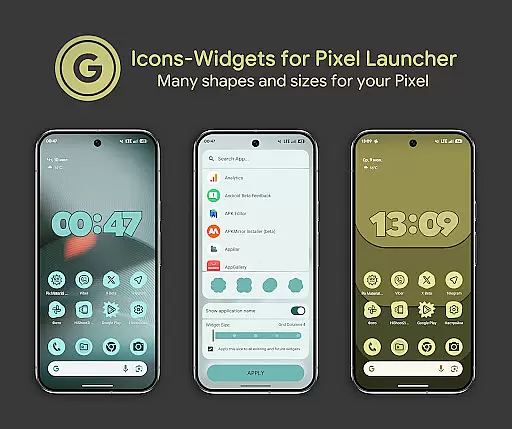
For advanced customization, the Icon-Widget functionality allows users to choose icon shapes, names, and sizes while adapting to light or dark themes. The app also supports various launchers, including those that automatically apply colors on Android 12+, making it versatile and future-proof.
Customization is at the heart of Pix Material Expressive Icons, offering users a wide array of options to tailor their device's appearance. With full support for Material You, this icon pack introduces four additional expressive accent colors beyond the standard Monet palette, ensuring your icons not only blend seamlessly with your system's color scheme but also stand out with unique flair.
The adaptive nature of these icons allows them to change shape on supported custom launchers, providing even more personalization possibilities. Whether you prefer a clean linear outline or dynamic backgrounds that shift hues based on your wallpaper, each icon delivers a modern and harmonious aesthetic tailored to individual preferences.
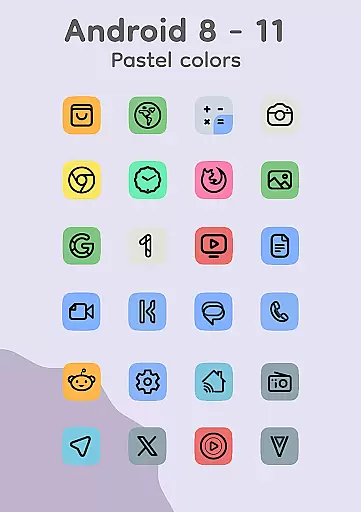
For devices running Android 8-11, icons display in soothing pastel shades due to the absence of Monet support, while those on Android 12+ benefit from vibrant colors influenced by both wallpaper and system settings. This ensures every user enjoys an engaging visual experience regardless of their deviceu2019s operating system version.
Pix Material Expressive Icons excel in theme compatibility, ensuring a cohesive look across various launchers and devices. The introduction of Icon-Widgets marks a significant advancement, allowing users without native icon pack support to enjoy themed visuals. These widgets adapt their color based on the wallpaper and respect light or dark themes, aligning perfectly with Google Pixelu2019s design language while remaining versatile enough for other devices.
Users can select from different icon shapes using Material 3 Expressive styles, choose specific names for clarity, and adjust widget sizes according to screen gridsu2014all contributing to a highly personalized home screen setup reminiscent of Pixel Launcher aesthetics.
To utilize these features effectively, simply add a widget, pick your desired app and icon shape, then set the appropriate grid size considering DPI settings before applying changes. Detailed guidance is available at https://pashapumadesign.com/news/pixel-icons-widget/, making it easy for anyone to achieve visually stunning results.
Full Material You support
Dynamic color adaptation
Extensive icon library
Innovative Icon-Widget
Wide launcher compatibility
Limited to Android 8+
Color changes require reapply
Pastel colors on older OS
No automatic color in some launchers
Complex setup for beginners

Customizable flower power digital watch face for Wear OS watches.
 4.00
4.00
3D, live, and moving wallpapers & themes in 4K and HD for your device.
4.50
Fingerprint Lock Screen & Live Animations with 4K Wallpapers as Live Wallpaper
4.40
100+ Stylish Fonts, Emojis, Symbols keyboard for Instagram & TikTok!
4.80
Customize glowing edges, wallpapers, and caller screen with EdgeAura.
3.50 4.50
4.50
Adaptive Dot Style IconPack with Light & Dark Theme.
3.70
Icons made of colorful linear lines
4.60
Choose your keyboard with RGB colors effect, themes, fonts, emojis.
4.60
One 8 icons glass color version
4.80
Sparkle your screen with Glitter Wallpapers For Girls and Cute Backgrounds!
4.80
Unique Android Launcher
4.60
Ultimate Gallery Lock App - Hide Pictures, Videos and Lock Apps Instantly!
4.60
Stylish Pink Cute Hippo keyboard with 10000+ customized keyboard themes!
4.60 4.50
4.50
Art & Emoji Keyboard with Cool Fonts, Cute Themes and Custom Designs.
4.40
Your home screen, just the way you like it.
4.30
Interactive Miniature Painting Catalogue
3.30
Turn your lock screen into fun with smile live wallpapers & animated wallpapers!
2.50


User Reviews