
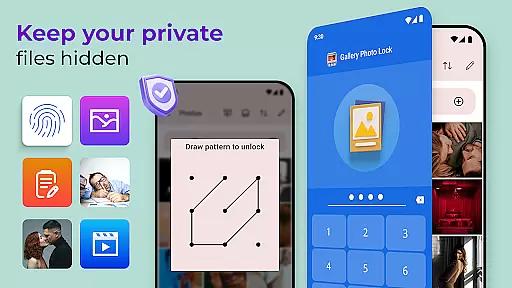
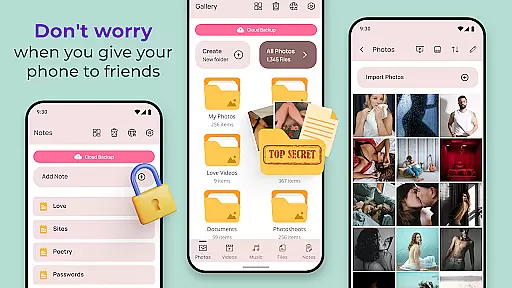
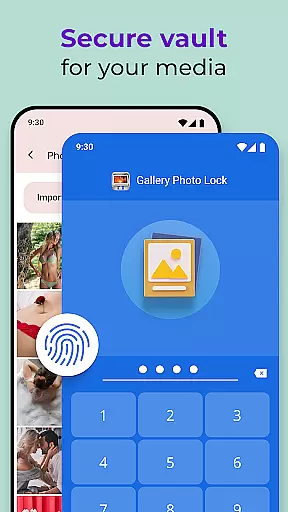
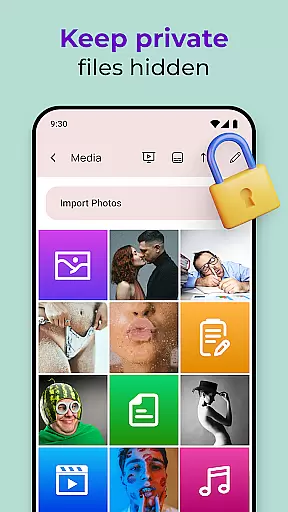
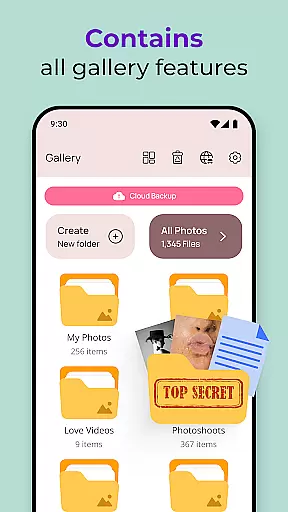
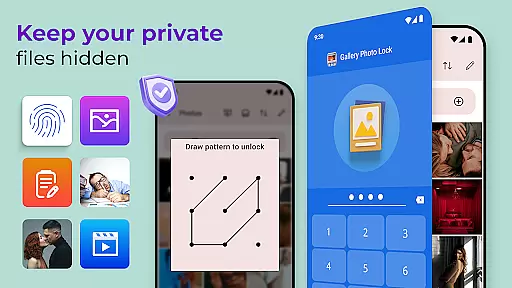
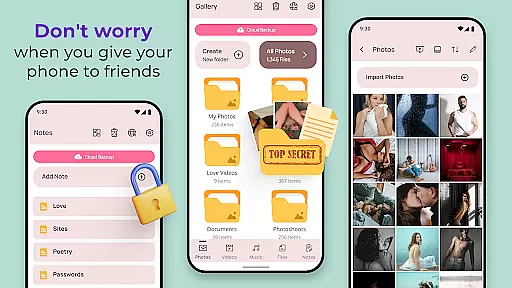
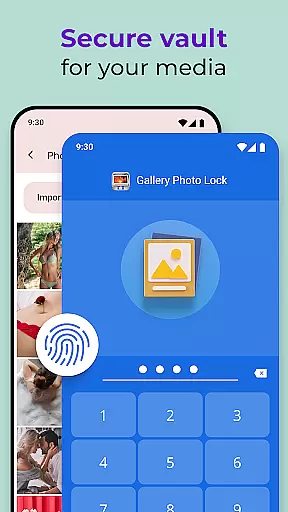
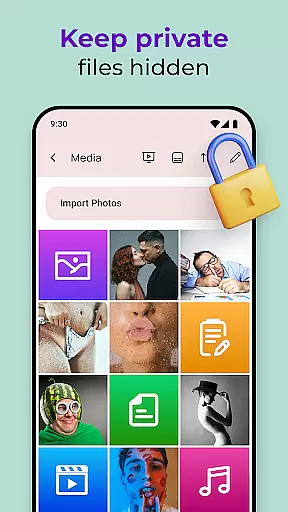
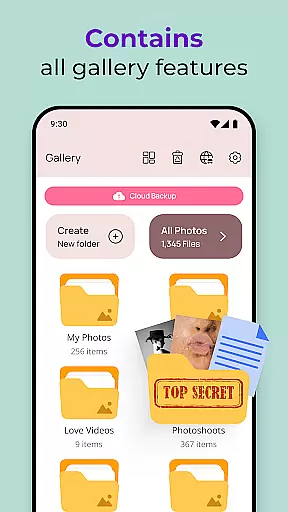
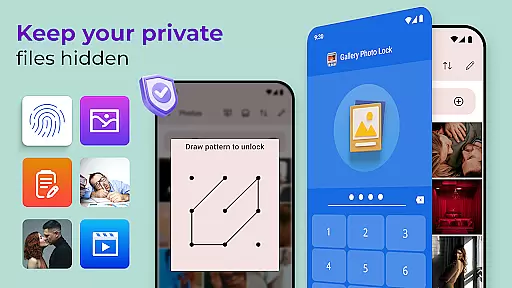
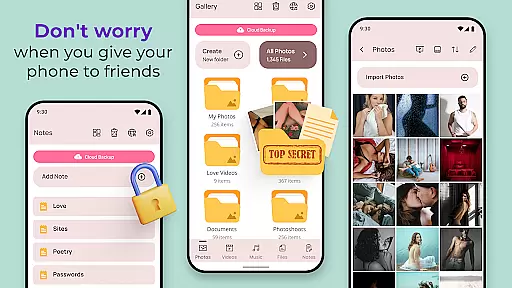
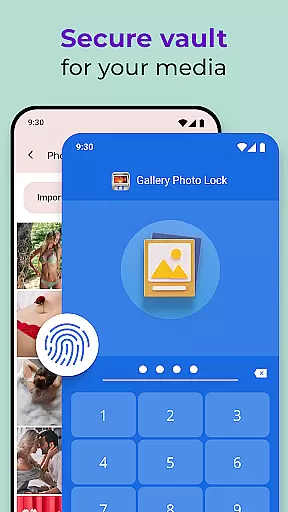
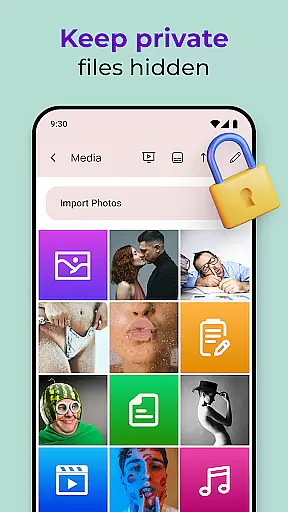
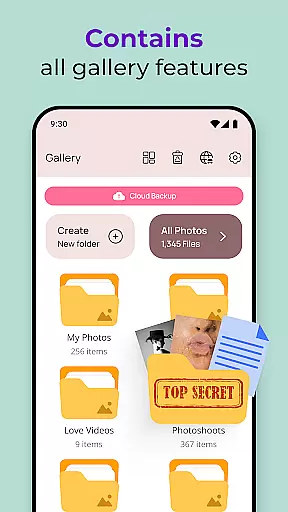
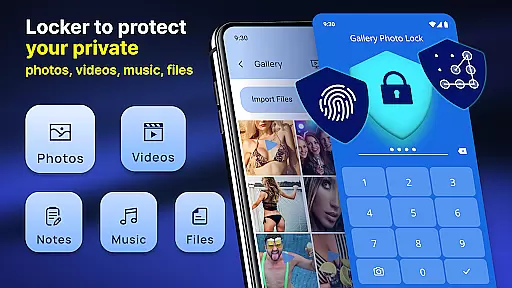
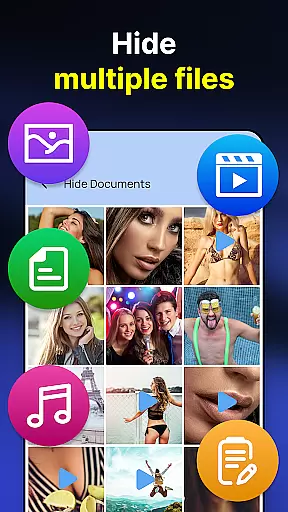
Gallery Photo Locker is a comprehensive privacy protection app designed to safeguard your personal media. With this app, you can effortlessly hide an unlimited number of images and videos, ensuring that your private content remains secure. Whether you're lending your phone to friends or family, the Gallery Photo Locker provides peace of mind by keeping your secrets safe within a secret photo vault.
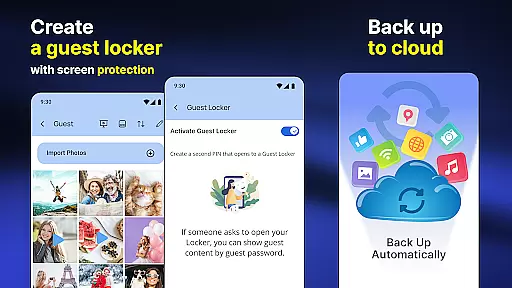
The app offers advanced features such as fingerprint authentication, cloud backup, and customizable themes. These functionalities not only enhance security but also provide a user-friendly experience. By using the Gallery Photo Locker, you can protect your personal life while enjoying seamless access to your hidden files whenever needed.
Gallery Photo Locker stands out with its robust set of features tailored for privacy-conscious users. One of the key highlights is the ability to store private media securely within a hidden photo vault. This ensures that your pictures and videos are not accessible to unauthorized users, providing an additional layer of security.
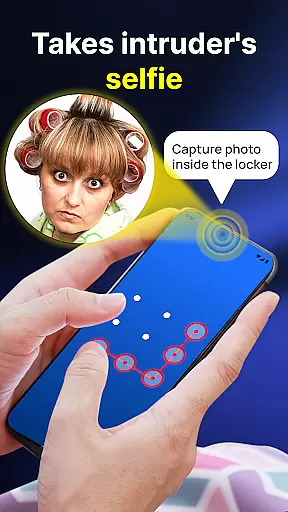
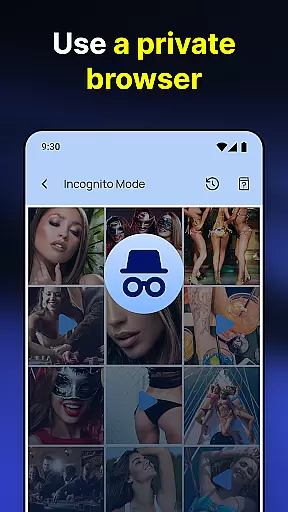
Beyond just hiding media, the app includes a safe browser for secure internet surfing and supports direct downloads into the secret vault. It also offers unique features like intruder selfies, which capture photos of anyone attempting unauthorized access, and face-down locking, which locks the app when the device is placed face down. These innovative features make Gallery Photo Locker a top choice for those seeking ultimate privacy protection.
Customization is at the heart of personalizing your experience with the Photo Lock App - Hide Pictures. This app offers a wide array of customization options that allow users to tailor their privacy settings according to their preferences.
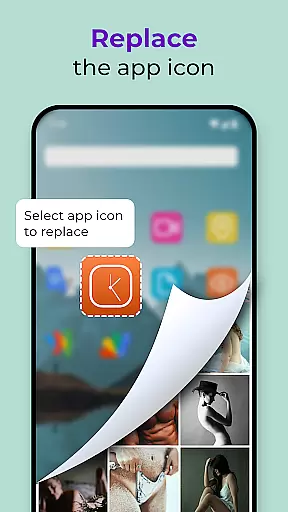
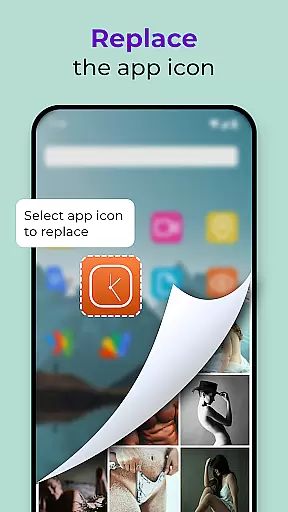
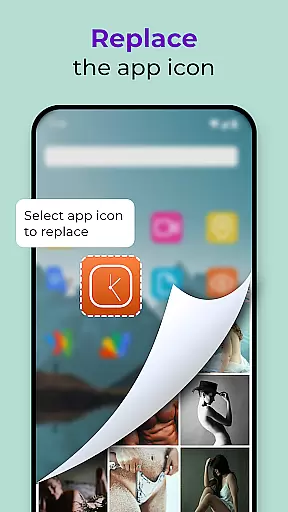
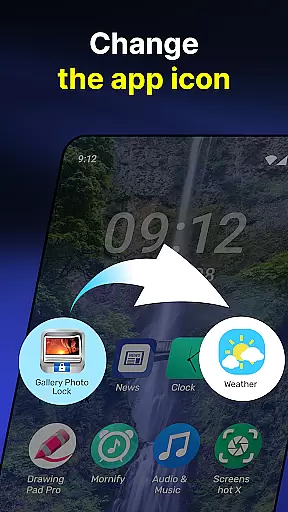
The app provides features such as Replace App Icon, which cleverly disguises the app's presence on your device by changing its icon to something more innocuous like a news or weather app icon. Additionally, Galerie Lock Themes let you personalize the look and feel of your Private Photo Vault: Photo Hider app, ensuring that your interface is both familiar and discreet.
With these customization options, users can enjoy peace of mind knowing they have control over how their private content is stored and displayed. The ability to modify the app's appearance helps maintain user privacy while still offering quick access for authorized individuals.
By integrating customizable security measures with user-friendly features, Photo Lock App - Hide Pictures ensures that each user's experience is not only secure but also aligned with their personal style, making it an indispensable tool for safeguarding sensitive media.
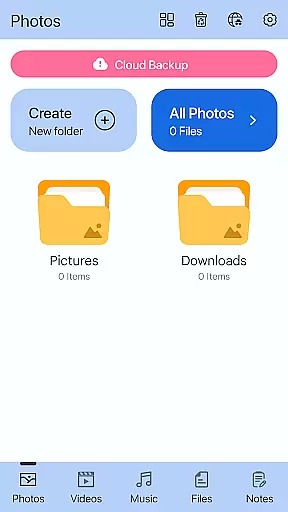
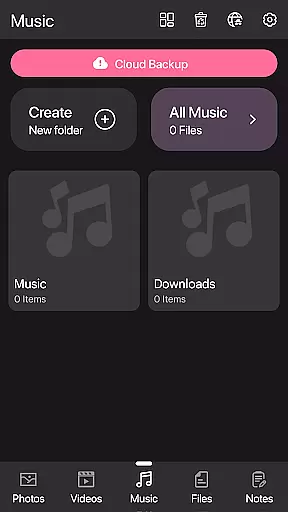
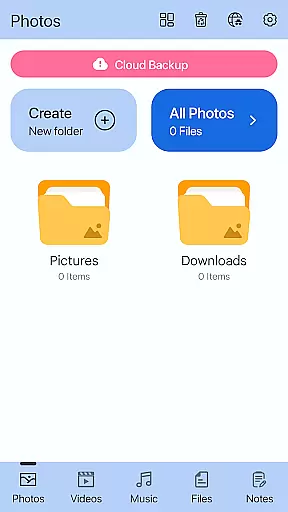
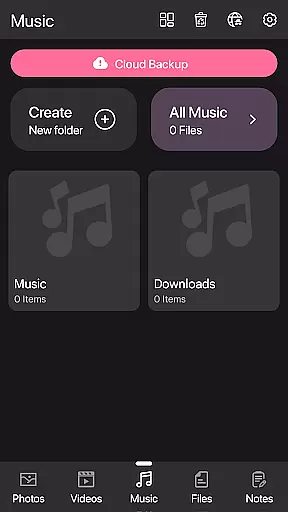
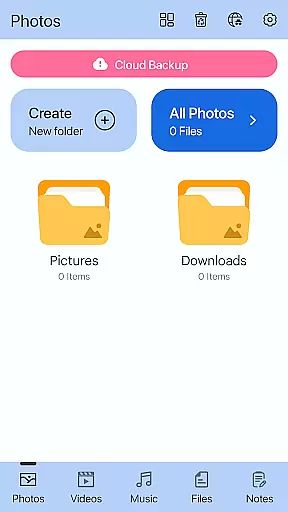
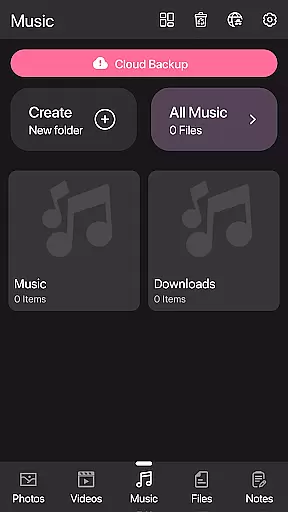
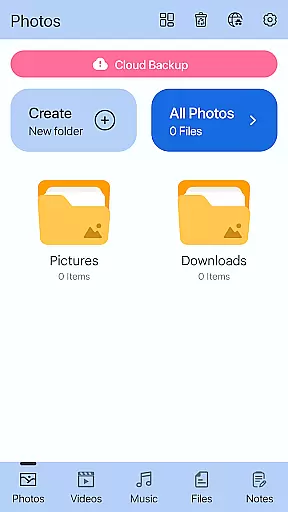
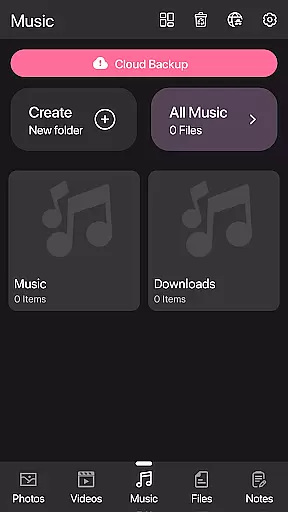
Theme compatibility in the Photo Lock App - Hide Pictures ensures that users can enjoy a seamless visual experience while securing their private media. The availability of various themes within the Private Photo Vault: Photo Hider app allows for a personalized touch that resonates with individual aesthetics.
Galerie Lock Themes are designed to be visually appealing and compatible across different devices and operating systems. This means whether you're using an Android phone or tablet, you'll find consistency in design and functionality, enhancing usability without compromising on style.
Moreover, theme options extend beyond mere aesthetics; they contribute to the overall user experience by providing intuitive navigation and clear visibility of functions. Users can switch between themes based on mood or preference, all while maintaining top-notch security for their hidden photos and videos.
In summary, theme compatibility within this secret photo vault free app not only beautifies your deviceu2019s interface but also reinforces its role as a robust privacy protectoru2014ensuring every interaction is both pleasant and secure.
User-friendly interface
Advanced security features
Cloud backup support
Fingerprint unlock option
Customizable app icon
May require frequent updates
Some features need premium access
Occasional bugs reported
Interface can be complex for beginners
Limited free storage

Vertically oriented rectangular icons
 4.70
4.70
Capture moments that pass like a storm, second by second.
4.5
Make your phone look simple & luxury, like iDevice
4.60
Adult video chat, dating, making friends, random matching
4.20
Gun Chase - Let the chase begin.
4.80 4.50
4.50
300+ Stunning and well-designed widgets inspired by NOTHING.
4.70
Create unique, fun emojis with Funny Emoji Maker! Unlimited creativity!
4.00
Cool custom fonts & keyboard themes! Symbols & font changer for Instagram
4.50
Enjoy a variety of amazing live wallpapers and colorful EDGE lighting borders!
4.80
Classic analogue watch face. For wear os devices.
4.60
Bring adorable pets to life on your screen. Playful, interactive and full of fun
4.60
Add cute Shimeji pets to screen, interact with them and relax with cute motions
4.60
Romantic Kiss Stickers App. Start romantic messaging now!
4.30
Unleash Your Creativity and Connect with Loved Ones with Lockscreen Drawing!
4.20
Run multiple accounts of the same app on a single device
4.10
Adaptive Dot Style IconPack with Light & Dark Theme.
3.70
Turn your lock screen into fun with smile live wallpapers & animated wallpapers!
2.50
Custom edge gestures for volume control, brightness, apps, and shortcuts.
4.2


User Reviews