
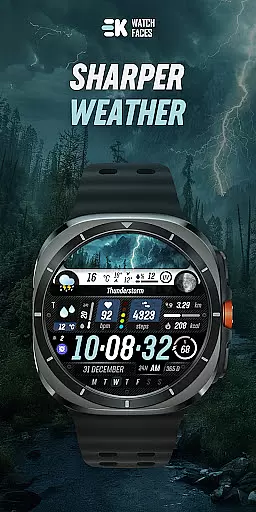
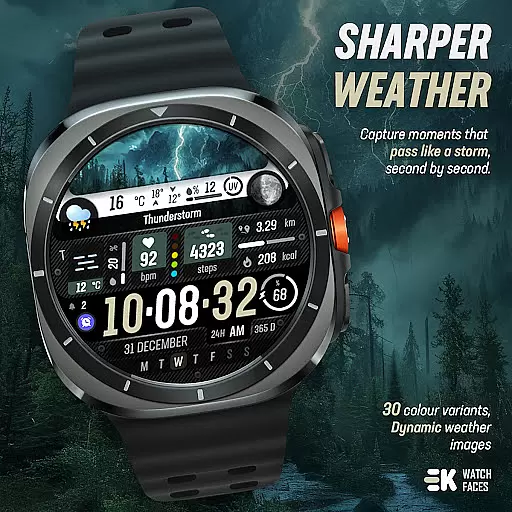
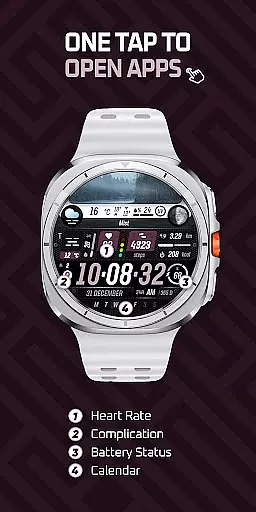
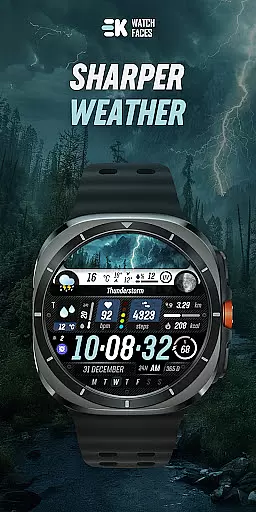
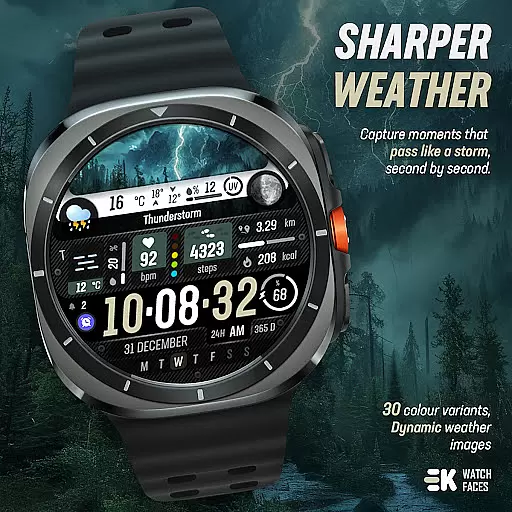
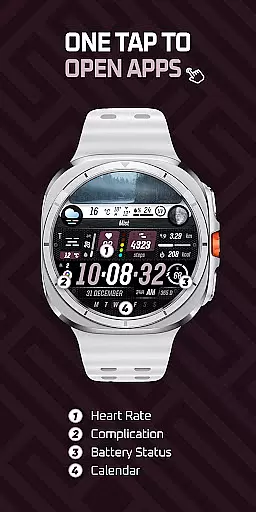
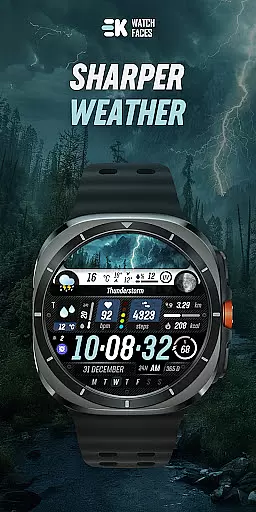
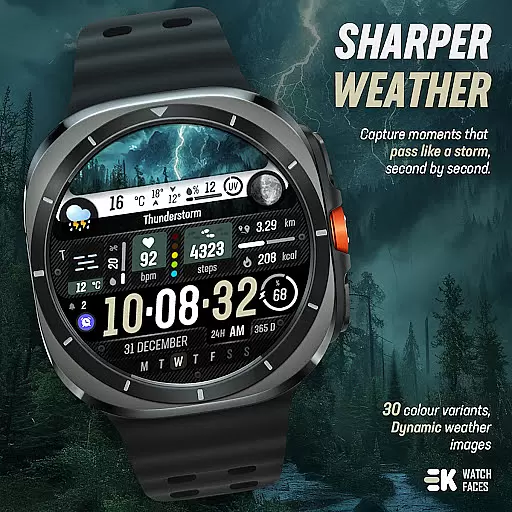
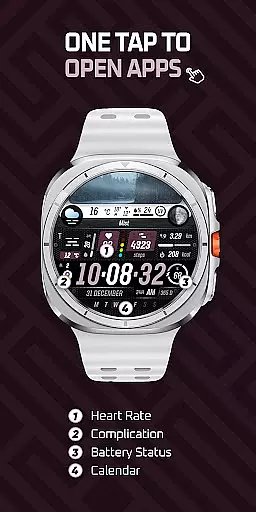
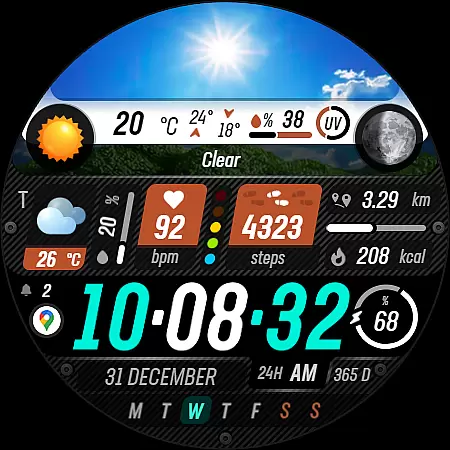
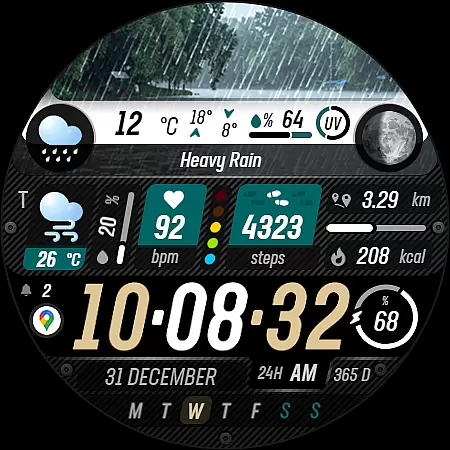
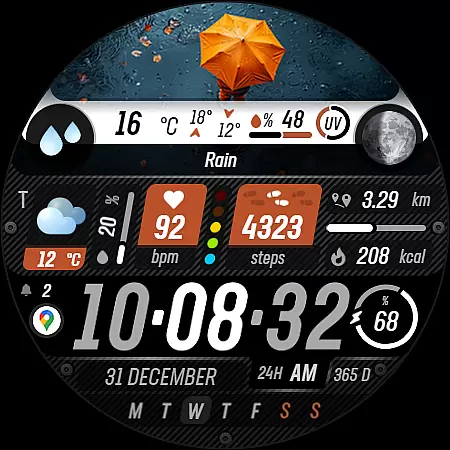
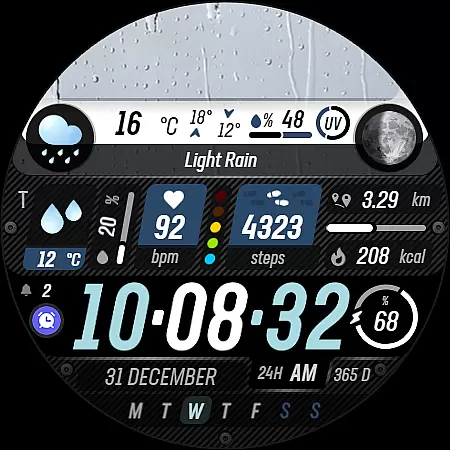
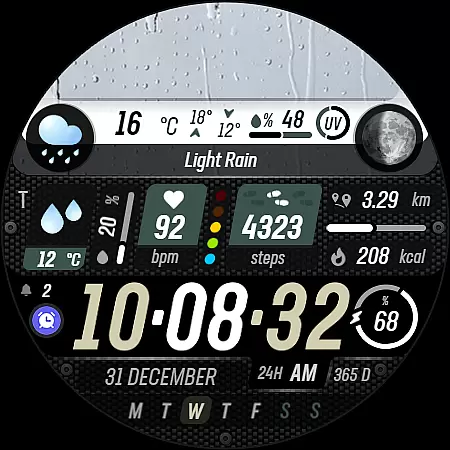
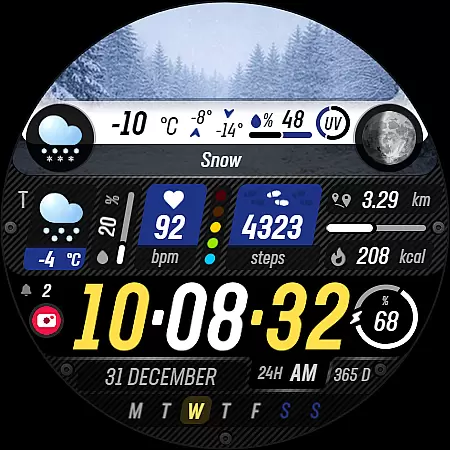
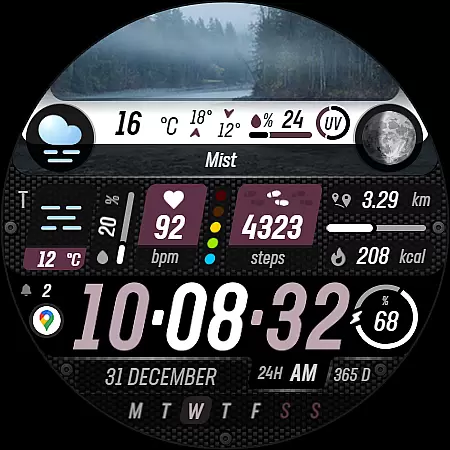
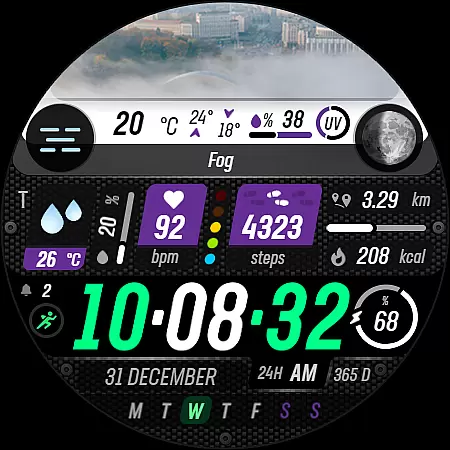
Sharper Weather is a feature-rich watch face designed exclusively for Wear OS devices, offering users an enhanced and personalized timekeeping experience. With its visually striking design and comprehensive weather tracking capabilities, this app transforms your smartwatch into a dynamic personal assistant.
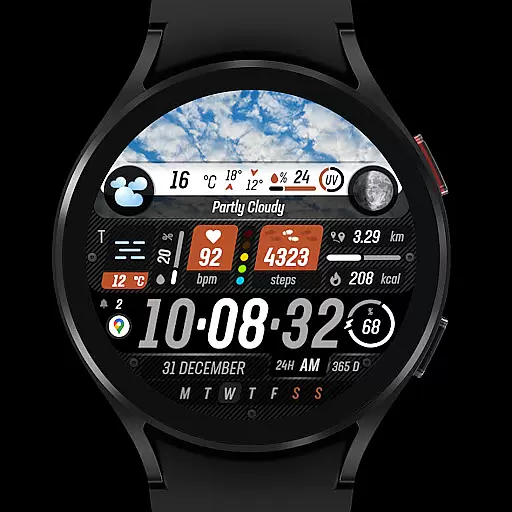
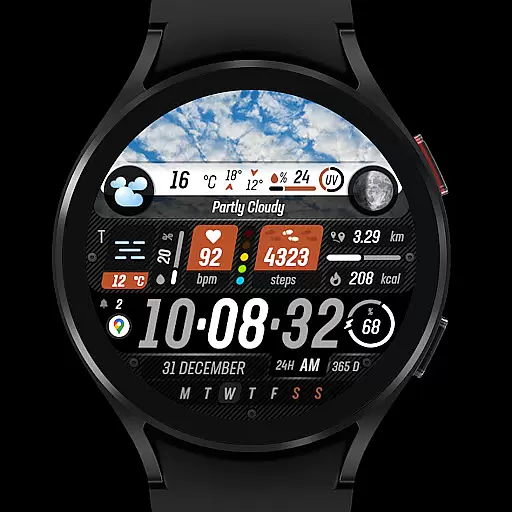
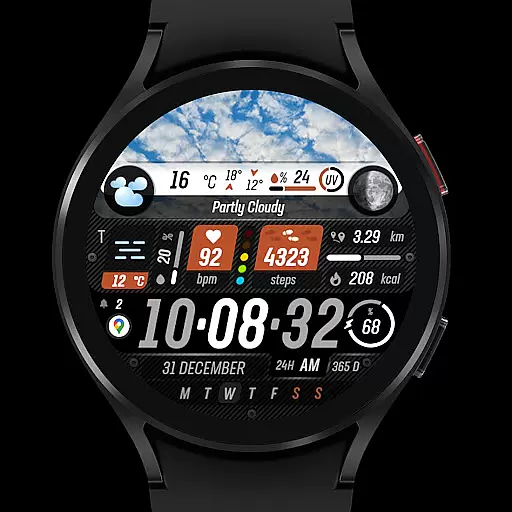
The watch face provides real-time weather updates through animated icons and condition-specific imagery, ensuring you stay informed about changing weather patterns throughout the day. It also includes practical features like step counting, heart rate monitoring, and calendar notifications, making it an indispensable tool for managing both fitness and daily schedules.
Ideal for tech-savvy individuals who value both aesthetics and functionality, Sharper Weather helps streamline your digital life while keeping you connected to the world around you.
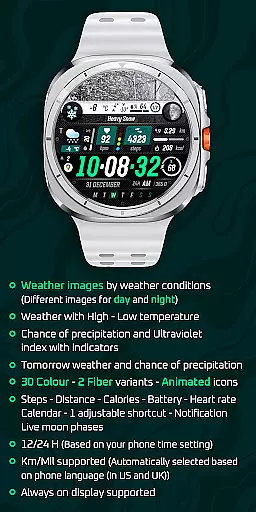
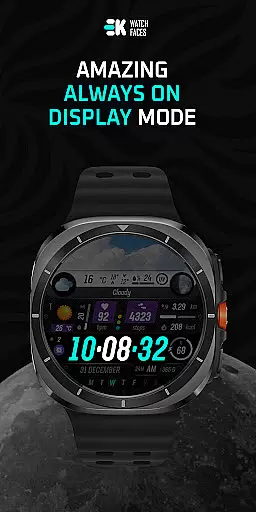
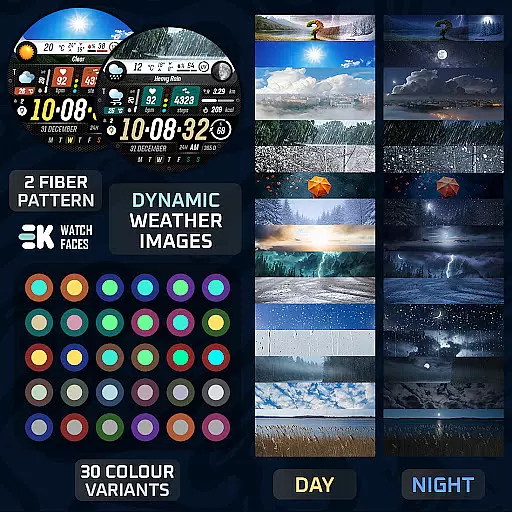
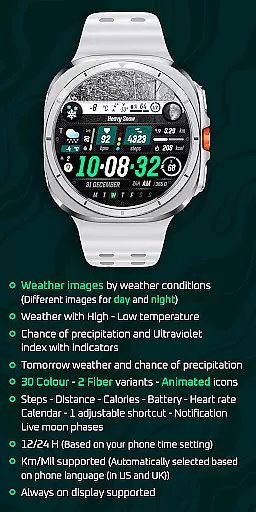
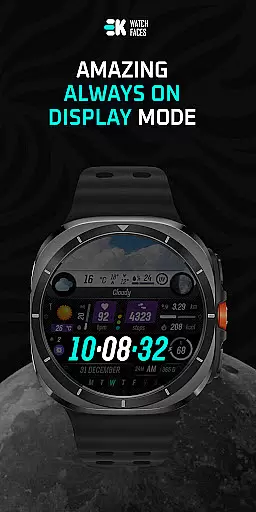
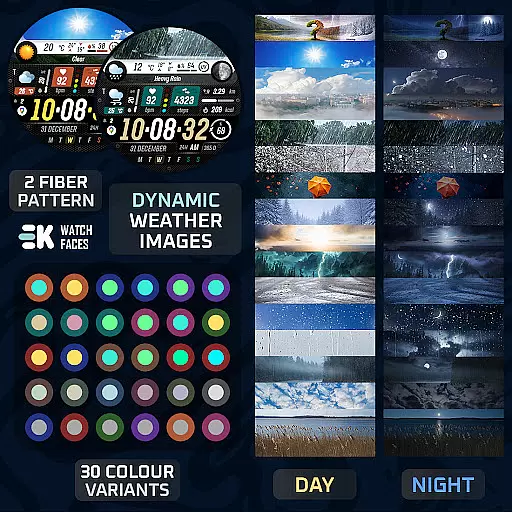
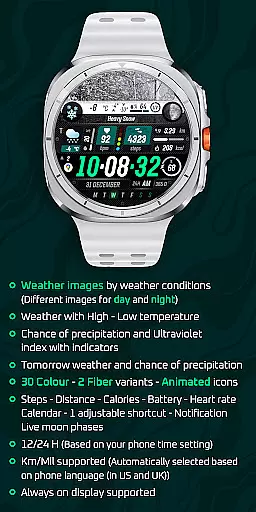
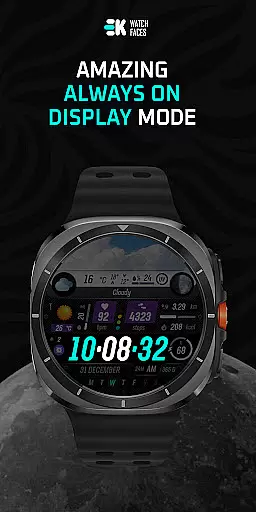
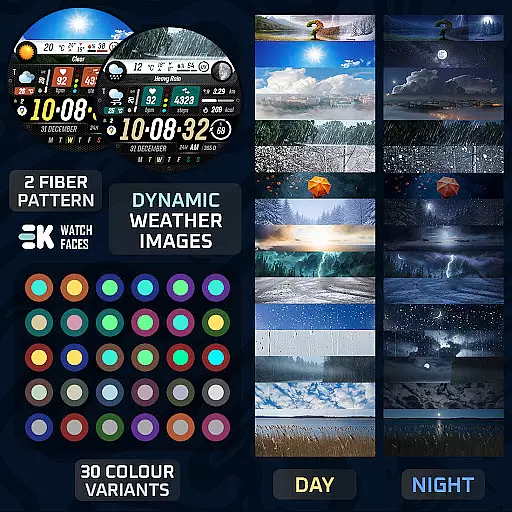
Sharper Weather stands out with its extensive customization options and advanced functionality. The app offers 30 color variants and 2 fiber options, allowing users to tailor the appearance to their personal style. Its animated icons and always-on display support ensure that vital information remains accessible at all times.
Weather tracking is a core feature, providing current conditions, high-low temperatures, precipitation chances, and UV index indicators. The app also displays tomorrow's forecast, helping users plan ahead. Additional smart features include step counting, distance tracking, calorie monitoring, battery status, and heart rate readings.
For seamless integration, the app automatically adjusts to your phone's time settings and language preferences. It supports both 12/24-hour formats and metric/imperial units based on your location. To unlock full functionality, users can enable sensor permissions and complication data access.
Sharper Weather offers an extensive range of customization options that cater to individual preferences and needs. With 30 color choices and 2 fiber variants, users can tailor the watch face to match their personal style or mood.
The application provides animated icons and supports both 12 and 24-hour time formats based on the phone's time setting. This flexibility ensures that users from different regions can comfortably use the app according to their local conventions.
In addition to aesthetic customizations, Sharper Weather includes practical features like adjustable shortcuts and live moon phases. These elements allow users to access frequently used functions quickly and enjoy additional astronomical information at a glance.
Furthermore, the app supports various units of measurement, automatically selecting between kilometers and miles based on the phone's language settings. This intelligent adaptation enhances user experience by providing relevant data without manual input.
Theme compatibility is a crucial aspect of Sharper Weather, ensuring that the watch face integrates seamlessly with Wear OS devices. The app is specifically designed for Wear OS 5+ devices (API 34+), guaranteeing optimal performance and visual consistency across supported platforms.
Users can expect a harmonious blend of weather-related imagery with day and night variations, enhancing the overall aesthetic appeal. High and low-temperature displays, along with precipitation chances and ultraviolet index indicators, are presented in a cohesive manner that aligns with the chosen theme.
To maintain this compatibility, users must manually enable Sensors & receive complication data permissions. This step ensures that all thematic elements function correctly and provide accurate information, contributing to a unified and engaging user interface.
By prioritizing theme compatibility, Sharper Weather delivers a visually appealing and technically robust experience, allowing users to enjoy a personalized and responsive watch face that remains true to the original design intent.
Visually appealing design
Comprehensive weather data
Extensive customization options
Advanced health tracking features
Seamless Wear OS integration
Limited to Wear OS devices
Requires manual permission setup
Potential installation complexity
May drain battery faster
Some features need additional permissions

Winter's Journey: digital watch face for Galaxy Watch & Wear OS
 4.80
4.80
Make your phone look simple & luxury, like iDevice
4.60
AI-powered Copilot. Personalized keyboard with gifs, stickers & themes
4.40
Customizable screen pets that play, climb, and keep you company.
4.50
The definitive Icon pack maker and editor
4.30
Run multiple accounts of the same app on a single device
4.10
Launcher OS™ Pro without ads help make your phone simple and pretty
4.30
Your home screen, just the way you like it.
4.30
Create stunning widgets with Widget 2026: Aesthetic Widgets for Android!
4.60
Customizable Glass widgets. Over 360+ stunning widgets and more!
4.70
Ultimate Gallery Lock App - Hide Pictures, Videos and Lock Apps Instantly!
4.60
Customize your home screen with stunning themes, blur, widgets & icons.
4.60 4.50
4.50
Yandex Browser — stylish and secure, with voice search and data compression
4.40
Wear Os Watch Face - Seasonal - Animated Snow Effect - 9 Animals
4.20
Transfer your live wallpapers from Windows to Android using Wallpaper Engine!
4.00
Your go to Weather App & Home Screen. Get your weather at a swipe of a finger!
3.80
Adorable pets roam and play right on your phone screen!
3.30
Custom edge gestures for volume control, brightness, apps, and shortcuts.
4.3


User Reviews