
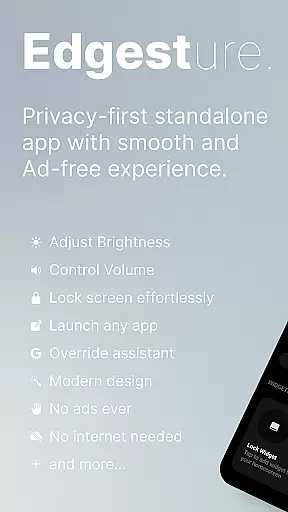
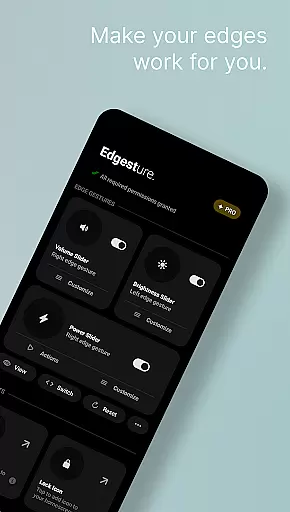
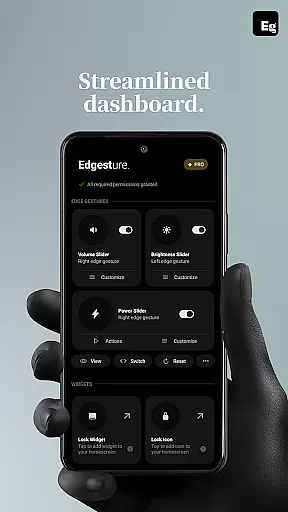
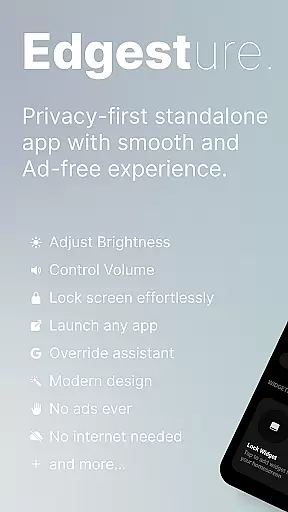
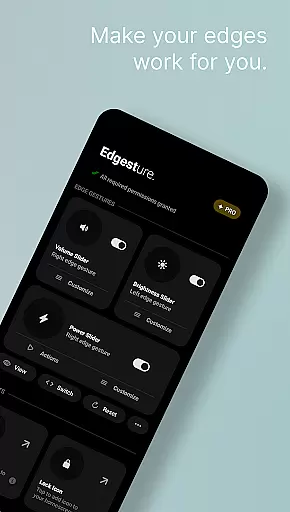

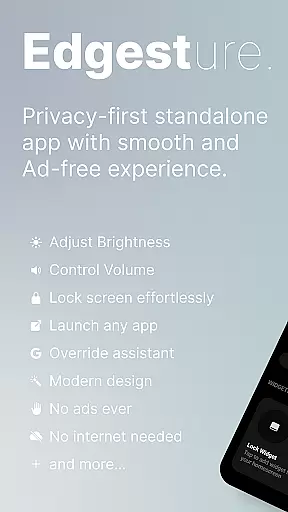
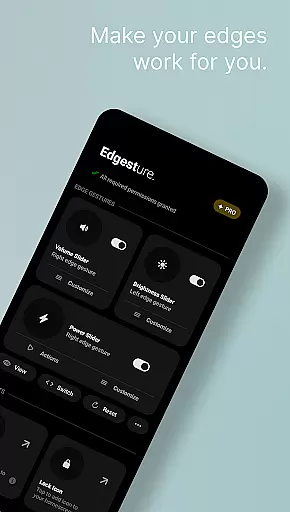
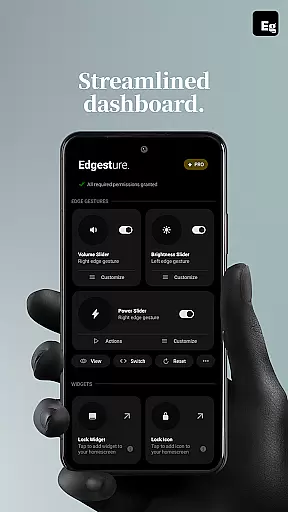
Edgest is a powerful personalisation tool that revolutionises how you interact with your smartphone through intuitive edge gestures and custom controls. Designed for users seeking enhanced navigation and effortless access to their favourite apps and actions, this app offers a seamless experience without ads or tracking.
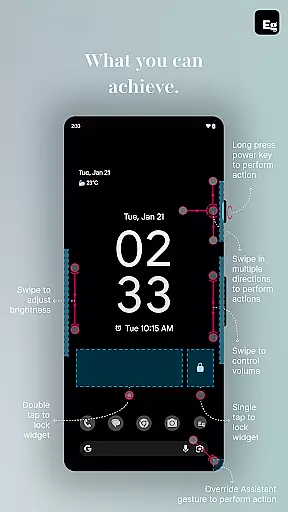
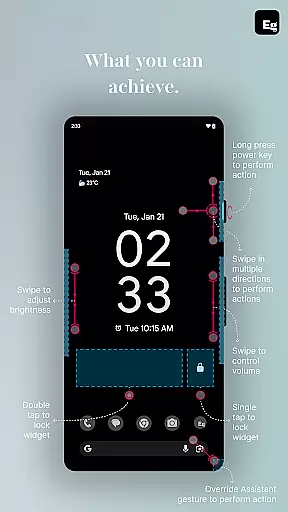
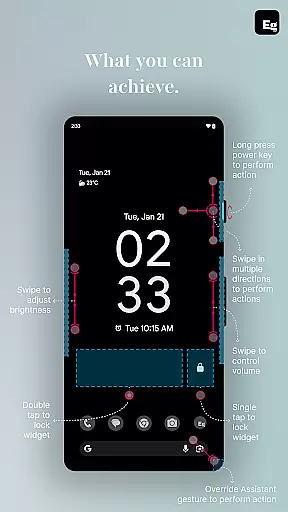
The application's core functionality lies in its ability to provide quick gesture navigation, volume and brightness control directly from the screen's edge, and fully customisable shortcuts. Whether you're looking to boost productivity or simply streamline daily tasks, Edgest adapts to your needs while maintaining simplicity and user-friendliness.
Perfect for power users who want more control over their device, Edgest allows personalised gesture management, media playback control, and lock screen widgets. Its lightweight design ensures minimal battery consumption while delivering maximum utility.
Edgest stands out with its comprehensive feature set tailored for personalised device control. The app's edge gestures enable users to navigate their smartphones effortlessly, providing instant access to frequently used apps and system functions without opening menus.
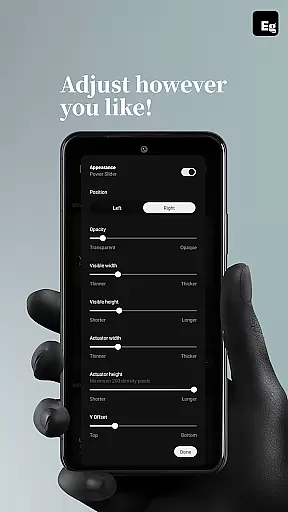
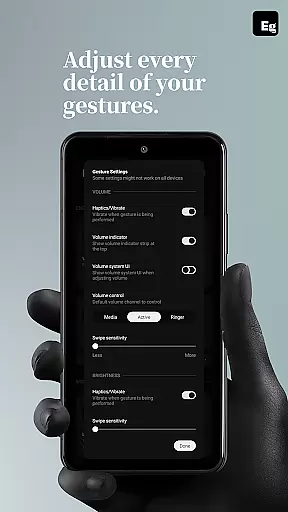
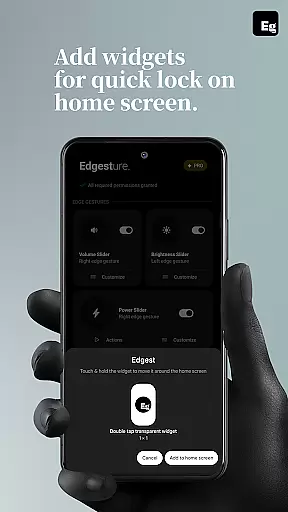
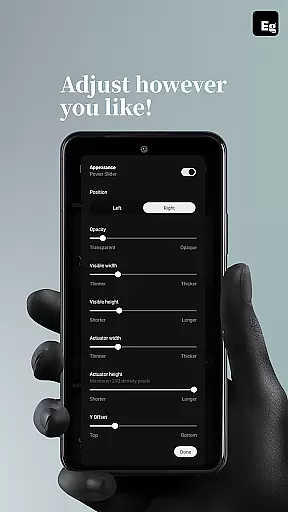
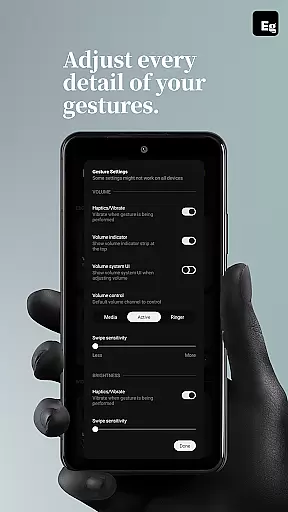
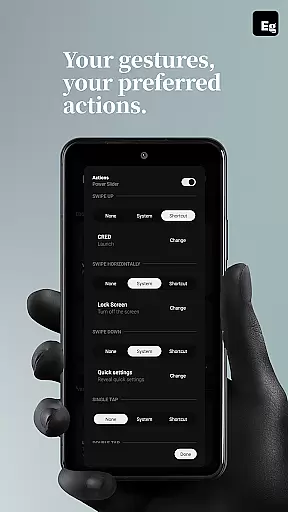
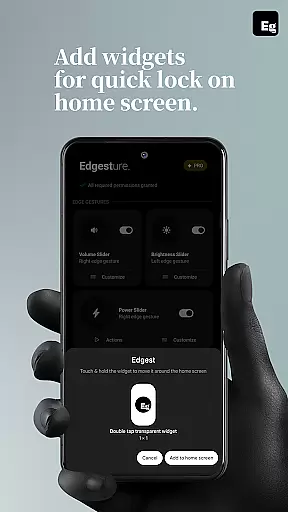
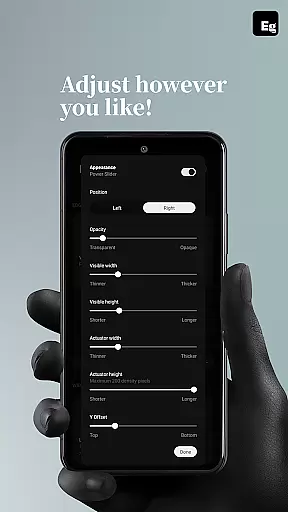
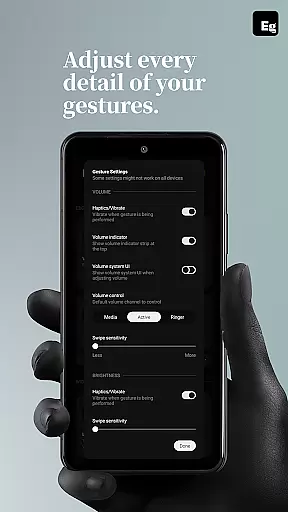
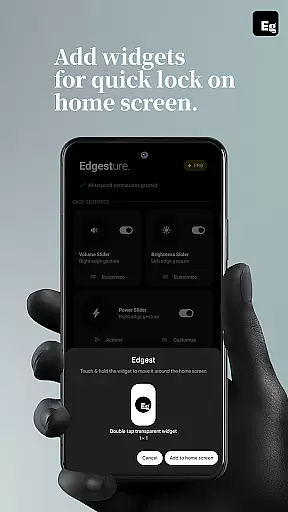
One of the key highlights is the ability to create custom gestures for specific actions such as launching applications, controlling media playback, or managing system settings. Users can fine-tune gesture sensitivity, animation speed, and feedback, ensuring a perfectly tailored experience. The inclusion of quick settings tiles and lock screen widgets further enhances accessibility.
What makes Edgest particularly innovative is its use of the AccessibilityService API to execute essential system commands like opening notifications, navigating home, or taking screenshots. This functionality, combined with regular updates and new features, positions Edgest as a complete solution for advanced gesture-based navigation.
Customization is at the heart of Edgest, offering users a wide array of options to tailor their device interaction according to personal preferences. With edge gestures, users can effortlessly navigate their devices, access favorite apps, and perform essential actions without diving into menus.
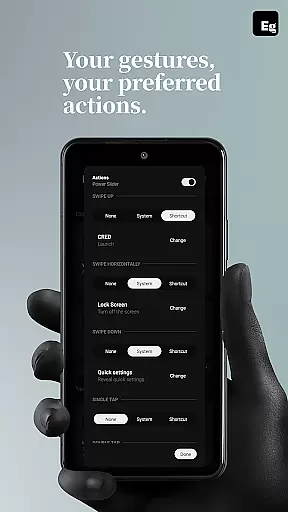
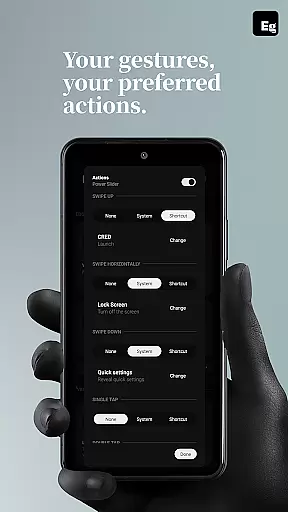
The app allows for personalized gesture shortcuts that cater to daily tasks, such as opening applications, adjusting volume control or brightness, and even locking the device. This level of customization ensures that every interaction with your smartphone is both intuitive and uniquely yours.
Moreover, Edgest supports custom gestures that extend beyond basic navigation. Users can set up specific movements to launch apps, open system menus, or trigger any shortcut they desire, enhancing productivity and streamlining frequent tasks.
With plans for more features on the horizon, Edgest promises an expanding suite of customization possibilities, ensuring it remains a top choice for those looking to personalize their smartphone experience.
While Edgest focuses primarily on gesture-based navigation and shortcuts, theme compatibility plays a crucial role in providing a seamless user experience. The application integrates smoothly with various Android themes, ensuring that aesthetic modifications do not impede functionality.
Users can enjoy consistent visual feedback when using Edgest's features, such as quick settings tiles or lock screen widgets, regardless of their chosen device theme. This compatibility enhances the overall coherence of the user interface while maintaining the app's performance.
Furthermore, Edgestu2019s design takes into account different visual schemes, adapting its appearance to match the underlying theme of the operating system. This means whether you prefer a light or dark mode, Edgest will feel like a natural extension of your deviceu2019s look and feel.
By prioritizing theme compatibility alongside its core offerings, Edgest guarantees that users won't have to compromise on style or substance, delivering a cohesive and visually pleasing environment for gesture-based controls.
Intuitive gesture navigation
Highly customisable shortcuts
No ads or tracking
Lightweight and efficient
Regular feature updates
Requires accessibility permission
Learning curve for new users
Limited visual customisation
Premium features may require payment
Some gestures may conflict with system defaults

Only for Wear OS devices!
 4.90
4.90
3D, live, and moving wallpapers & themes in 4K and HD for your device.
4.50
A launcher for Samsung Good Lock and Good Guardians modules without ads
4.70
Turn your lock screen into fun with smile live wallpapers & animated wallpapers!
2.50
Embrace the Night. Unleash the power of darkness with Raven Dark Icon Pack
4.60
Unleash Your Creativity and Connect with Loved Ones with Lockscreen Drawing!
4.20
Your home screen, just the way you like it.
4.30
Fast SMS & group chat - use GIFs and emojis from your home screen launcher.
4.50
Install amazing sticker packs: endless styles, always cool.
4.70
One 8 icons glass color version
4.80
A Colorful and Minimal icon pack in an Outline Style - Over 13,600 icons!
4.70
Stunningly Different look with Line Icons and Neon Colors
4.60
Bring adorable pets to life on your screen. Playful, interactive and full of fun
4.60
Ultimate Gallery Lock App - Hide Pictures, Videos and Lock Apps Instantly!
4.60
Customizable screen pets that play, climb, and keep you company.
4.50
Turn text & photos into stunning AI videos, art, and creative visual stories.
4.50 4.50
4.50
Yandex Browser — stylish and secure, with voice search and data compression
4.40
Customizable flower power digital watch face for Wear OS watches.
4.00


User Reviews