


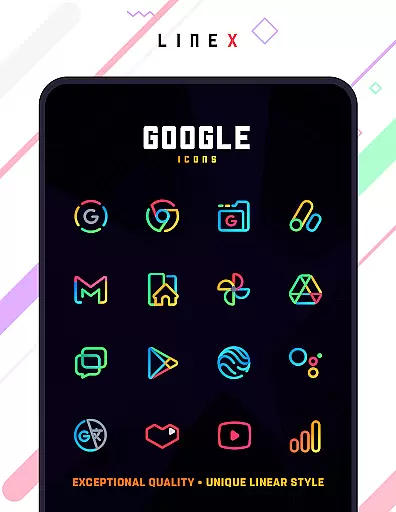
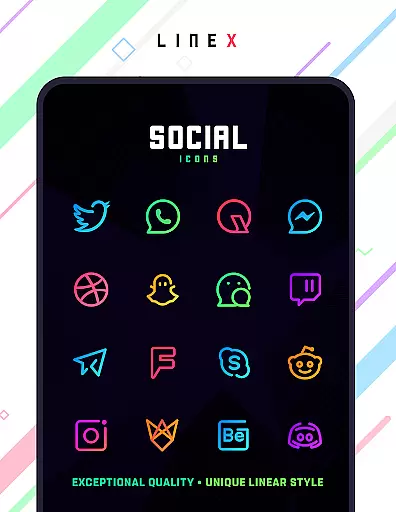
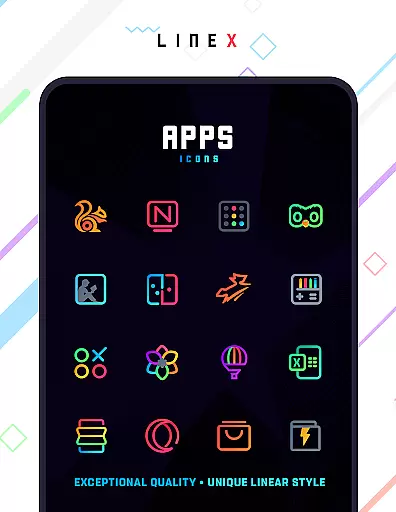
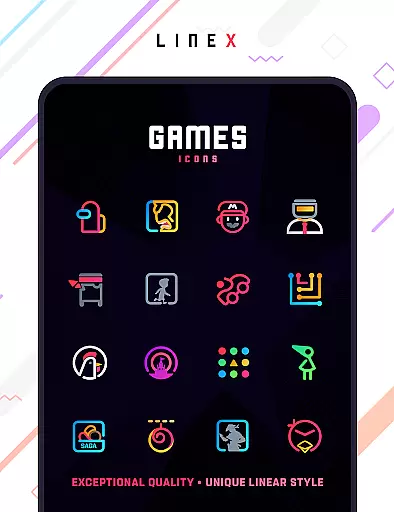
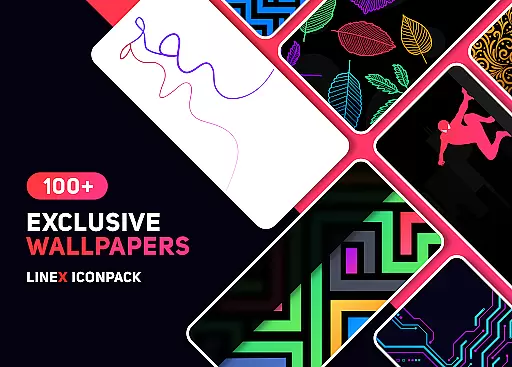
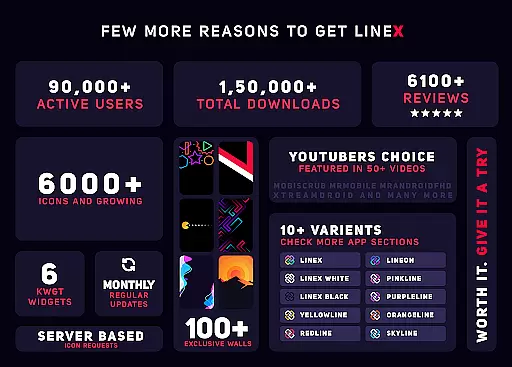
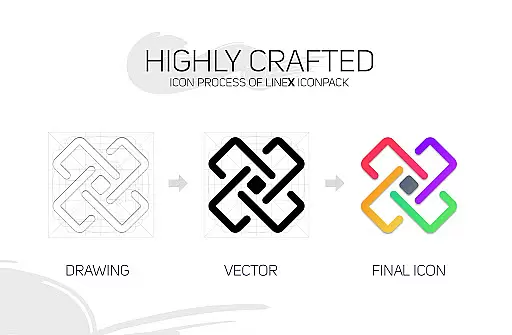
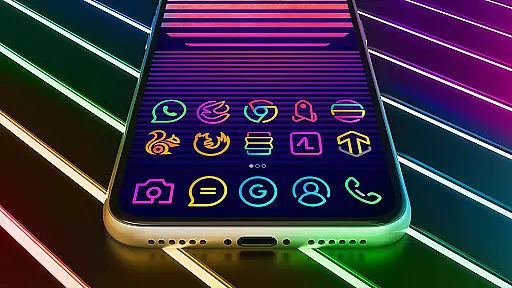
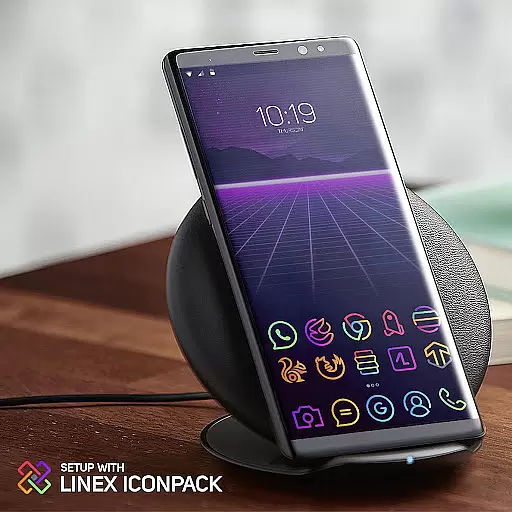
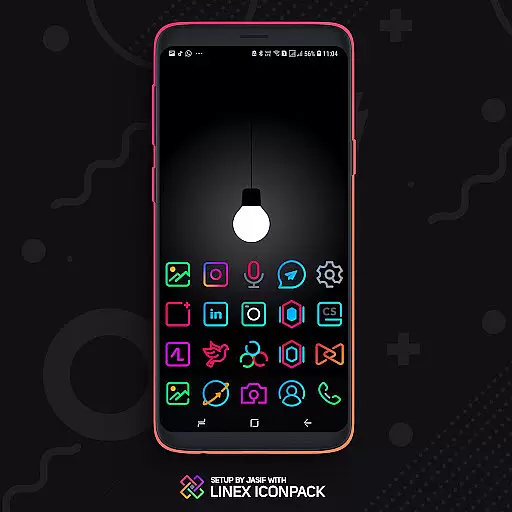
LineX Icon Pack is a premium icon pack designed for users who appreciate minimalist design with a modern touch. Featuring over 6000 linear-style icons, this pack offers one of the most comprehensive collections available on the market. Each icon is crafted with meticulous attention to detail, ensuring top-notch quality and consistency across the board.
Beyond its vast icon library, LineX also includes beautifully designed masks for unthemed icons, dynamic calendar support, and category-based organization. Compatible with popular launchers like Nova, Action Launcher, and Apex, this pack allows users to fully customize their home screens. Whether you prefer small or large icons, LineX provides flexible sizing options to suit your preference, making each interaction with your device visually pleasing.
What sets LineX Icon Pack apart is its robust feature set tailored for both casual users and customization enthusiasts. The pack boasts 6000+ high-quality icons, frequent updates, and an innovative masking system that ensures even unthemed apps look cohesive. Additionally, it offers alternative icons, custom folder designs, and app drawer customization, giving users unparalleled control over their device's aesthetics.
The material design dashboard serves as the central hub for managing your setup, complete with icon search and preview functionality. With support for dynamic calendars and easy icon request options, LineX ensures that your home screen remains fresh and functional. Whether you're looking to personalize your experience further or simply enjoy a sleek, consistent design language, LineX delivers exceptional value.
LineX Icon Pack offers an extensive range of customization options that cater to various user preferences. With over 6000 icons, it provides one of the largest selections available in the market today. This vast library ensures that users can find icons for even the most niche applications, enhancing their device's aesthetic appeal.
In addition to the icon collection, LineX includes a perfect masking system for unthemed icons, ensuring a consistent look across all app icons on your device. The pack also features alternative icons and custom folder icons, allowing for further personalization. Users can choose from different icon sizes and styles, making each home screen truly unique.
The inclusion of dynamic calendars and material dashboards adds another layer of functionality. These features not only improve usability but also keep the interface fresh and engaging. Moreover, category-based icons and custom app drawer icons help organize apps efficiently, improving overall navigation.
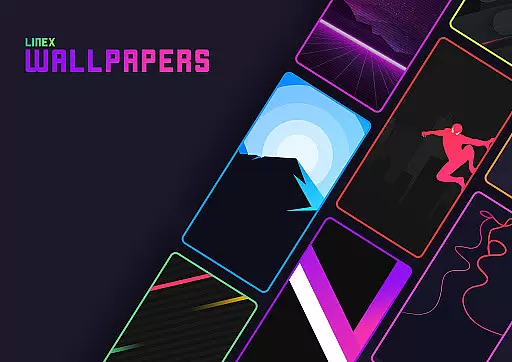
By offering these diverse customization options, LineX Icon Pack empowers users to tailor their devices exactly how they want. Whether you prefer small or large icons, need frequent updates, or desire beautiful wallpapers, this pack has something for everyone, ensuring a delightful experience every time you unlock your phone.
Theme compatibility is a crucial aspect of any icon pack, and LineX Icon Pack excels in this area. Designed to work seamlessly with a wide array of launchers, including popular ones like Nova, Action, ADW, Apex, and many others, LineX ensures that users can enjoy its stunning linear-themed icons regardless of their preferred launcher.
Despite the extensive list of supported launchers, some notable ones such as Google Now Launcher do not support third-party icon packs. However, LineX has been tested and verified to function flawlessly with numerous launchers, providing a smooth application process through either the built-in apply section or the launcheru2019s theme settings.
For those using less common launchers, LineX still maintains compatibility. Even if a specific launcher isn't listed in the apply section, users can often apply the icon pack via the launcheru2019s own theme settings. This flexibility ensures that most users can take advantage of LineXu2019s high-quality icons without worrying about compatibility issues.
Ultimately, LineX Icon Packu2019s broad theme compatibility enhances user satisfaction by allowing them to integrate the pack into their existing setup effortlessly. By supporting a wide range of launchers and providing clear instructions on how to apply the theme, LineX guarantees a hassle-free customization experience, letting users focus on what matters mostu2014enjoying their personalized device.
6000+ Icons
Frequent Updates
Perfect Masking
Custom Folders
Dynamic Calendar
Paid Refund Policy
Launcher Dependent
No Google Now Support
Missing Some Icons
Complex Setup

Customizable Glass widgets. Over 360+ stunning widgets and more!
 4.70
4.70
Glass style colourful icons with a One UI look and feel
4.60
Realistic animated snow on your wrist, with 10 images landscapes to choose from
4.00
The definitive Icon pack maker and editor
4.30
Ultimate Gallery Lock App - Hide Pictures, Videos and Lock Apps Instantly!
4.60
Your go to Weather App & Home Screen. Get your weather at a swipe of a finger!
3.80
200+ Material Inspired Widgets
4.50
Emoji Maker app - Design custom emojis and effortlessly blend them with Mixer
3.80
set a new experience for the Android mobile phone
4.20
Sparkle your screen with Glitter Wallpapers For Girls and Cute Backgrounds!
4.80
Gun Chase - Let the chase begin.
4.80
A launcher for Samsung Good Lock and Good Guardians modules without ads
4.70
400+ Beautifully crafted widgets inspired by NOTHING.
4.70
A minimalist productivity launcher. One-hand-friendly. Zero ads.
4.70
Add cute Shimeji pets to screen, interact with them and relax with cute motions
4.60
300+ Beautifully crafted widgets inspired by OneUI.
4.60
Ultra realistic gold analog watch face with lots of customization options.
4.50
Try creating your own keyboard with "Keyboard theme for android" app now!
4.50
HappyLighting is a Bluetooth lamp control software.
3.40


User Reviews