
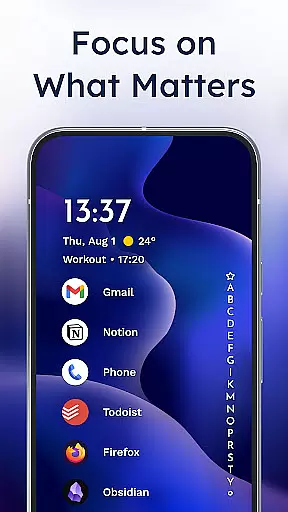
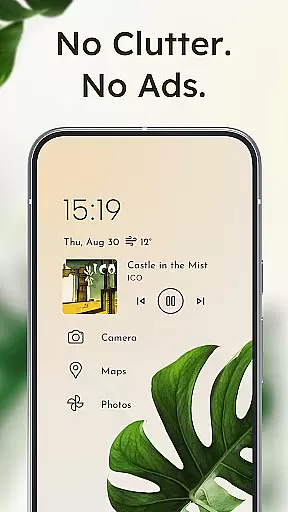
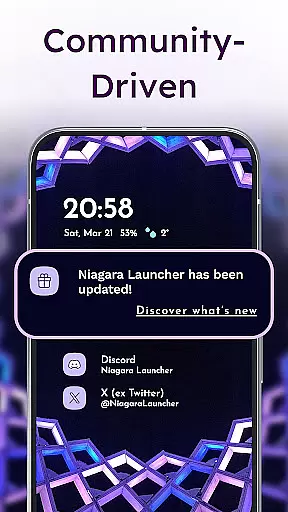
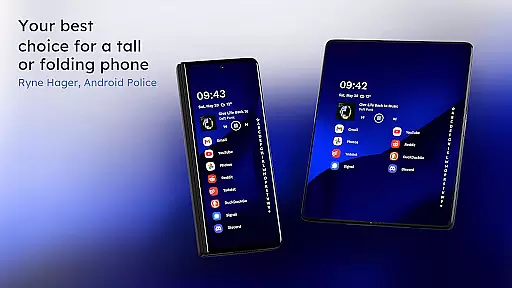
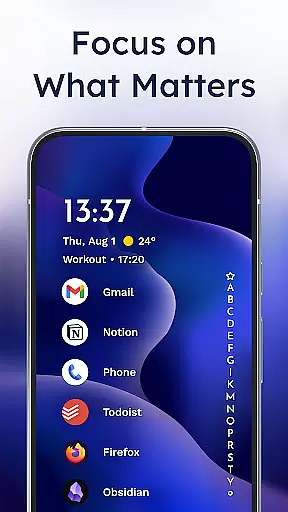
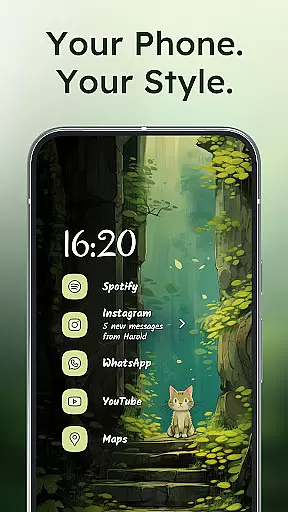
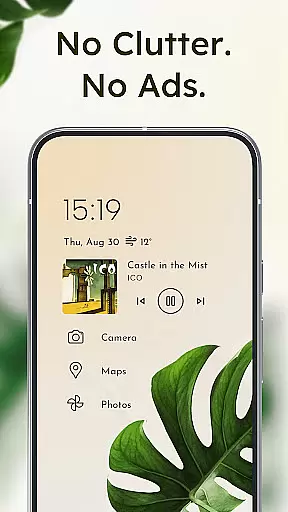
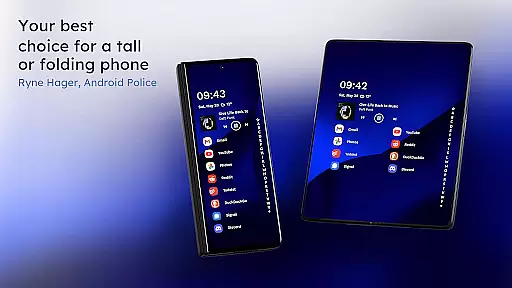
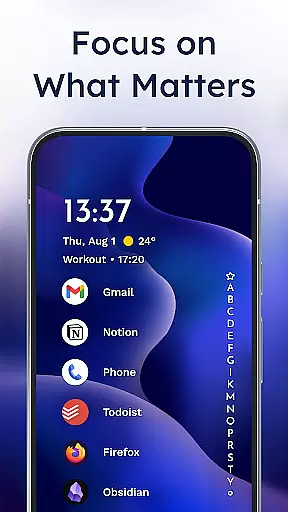
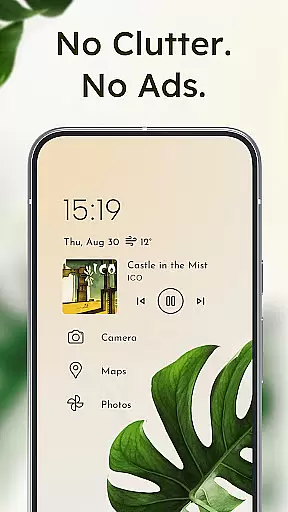
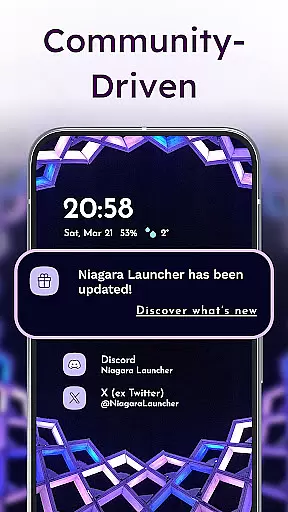
Niagara Launcher is a minimalist home screen app designed to make smartphone navigation efficient and distraction-free. With its unique one-handed operation feature, it allows users to access all their apps and essential functions without straining to reach across the screen. The launcher's adaptive list layout dynamically adjusts to show important information like media controls, messages, or calendar events when needed.
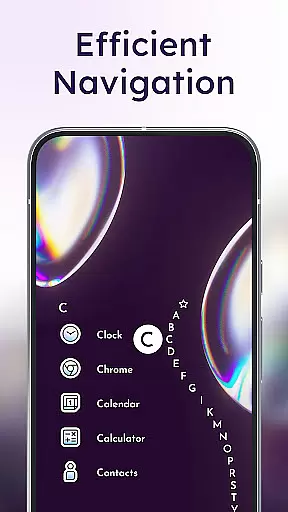
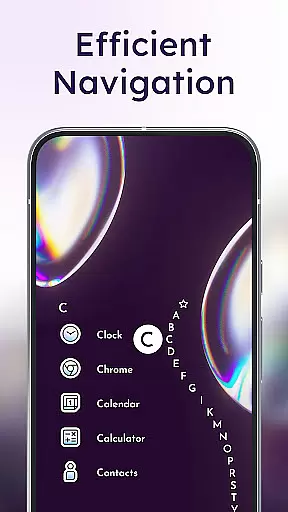
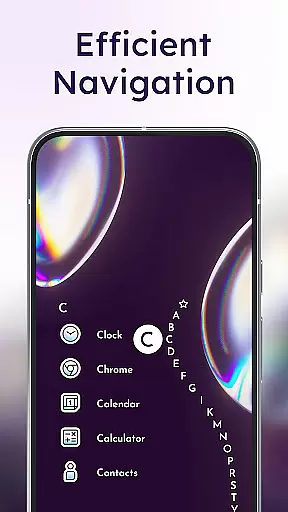
One of Niagara Launcher's standout features is its wave alphabet navigation, which lets users scroll through their apps smoothly and efficiently. It also integrates notifications directly into the home screen, enabling users to read and respond to messages without opening the notification shade. Its Material You theming ensures a personalized experience by adapting the interface to match your wallpaper, while its lightweight design ensures smooth performance on all devices.
This launcher is ideal for users who value simplicity, speed, and customization. Whether you're looking to declutter your digital life or want a more ergonomic way to use your phone, Niagara Launcher offers a refreshing alternative to traditional launchers.
Niagara Launcher stands out with its innovative approach to Android home screens. Unlike conventional grid-based layouts, Niagara uses an adaptive list that prioritizes content based on user needs. For instance, if you're listening to music, the media player will appear seamlessly within the list. This flexibility ensures that only relevant information is displayed at any given time, reducing clutter and enhancing focus.
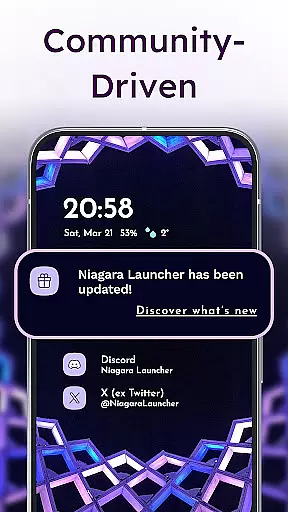
The launcher also incorporates embedded notifications, allowing users to interact with messages and alerts directly from the home screen. This eliminates the need to swipe down the notification shade, streamlining multitasking. Additionally, its wave alphabet navigation provides a satisfying and intuitive way to browse installed apps, making one-handed use effortless even on larger devices.
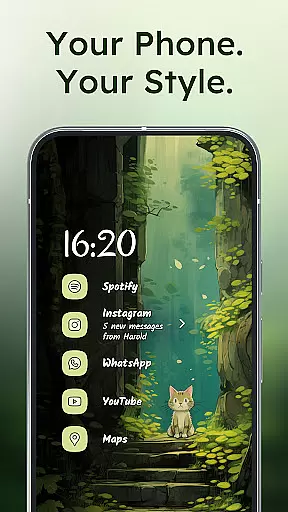
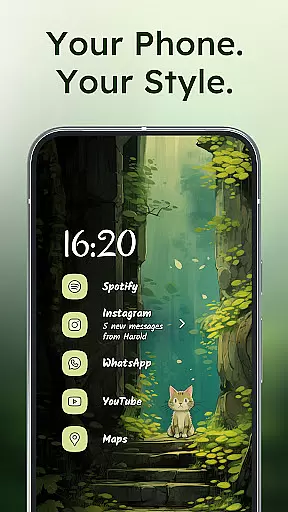
Customization is another key aspect of Niagara Launcher. Users can personalize their home screens with custom fonts, wallpapers, and icon packs. The app supports Material You theming, ensuring compatibility across various Android versions. Furthermore, its active development cycle and strong community support ensure regular updates and new features, keeping the launcher fresh and reliable for power users.
In the realm of personalization, Niagara Launcher stands out with its extensive customization options that cater to every user's unique preferences. The launcher allows you to personalize your home screen with integrated icon packs, diverse fonts, and a plethora of wallpapers, ensuring your device truly reflects your style.
One of the key features is the adoption of Material You Theming, which brings Androidu2019s expressive design system to all users regardless of their Android version. This means that by simply setting a wallpaper, Niagara Launcher can theme the entire home screen around it, creating a cohesive and personalized look that resonates with your taste.
Niagara Launcher also supports third-party icon packs and offers settings for grid size, font size, and style, allowing further refinement of the home screen aesthetics. With these capabilities, users have the power to craft an interface that not only looks good but feels intuitive and natural to navigate.
The emphasis on customization extends beyond mere aesthetics; it encompasses functional aspects as well. Users can tailor how they interact with their apps and information through adaptive lists and embedded notifications, making technology work in a way that aligns perfectly with individual workflows and lifestyles.
Theme compatibility is at the heart of Niagara Launcher's design philosophy, ensuring that aesthetic cohesion and personal expression are not compromised. By embracing Material You Theming, this launcher provides a seamless theming experience across your device, adapting colors and styles from your chosen wallpaper to create a visually harmonious environment.
This level of theme integration means that whether you prefer vibrant colors or subtle tones, Niagara Launcher adjusts accordingly, offering a personalized yet consistent look throughout your home screen. It eliminates the disjointed feel often associated with changing themes, where some elements may not match the overall aesthetic.
Moreover, Niagara Launcher goes beyond standard theming by backporting Material You to all Android versions, democratizing access to this advanced personalization feature. This ensures users on older devices can enjoy the same high-quality theming experience as those on the latest Android versions, promoting inclusivity in personal expression.
With its commitment to theme compatibility, Niagara Launcher empowers users to express themselves fully while maintaining usability and accessibility standards, proving that beauty and functionality can indeed coexist on your smartphone's home screen.
Lightweight design
One-handed usability
Adaptive list layout
Embedded notifications
Material You theming
Limited widget support
No live wallpapers
Basic folder options
Fewer animations
Steep learning curve

Capture moments that pass like a storm, second by second.
 4.5
4.5
Only for Wear OS devices!
4.90
Ultra realistic high quality analog watch face for Wear OS.
4.60
Ninja Turtles Cowabunga SE watch face for Wear OS
4.50
Fingerprint Lock Screen & Live Animations with 4K Wallpapers as Live Wallpaper
4.40
Organize and manage your photos and videos effortlessly with Photo Gallery
4.20
Embrace the Night. Unleash the power of darkness with Raven Dark Icon Pack
4.60
350+ widgets with a premium glass-style finish, perfect for home & lock screens.
4.70
Transform your phone with stylish zipper lock themes and 4D live wallpaper
4.10
Nothing Icon pack with more than 3750+ highly crafted icons.
4.70
Make your phone look simple & luxury, like iDevice
4.60
Over 28,000 high quality icons to bring color & homogeneity to your phone.
4.60
300+ widgets inspired by Material You and Material 3 expressive design.
4.60 4.50
4.50 4.50
4.50
Launcher OS™ Pro without ads help make your phone simple and pretty
4.30
Wear Os Watch Face - Seasonal - Animated Snow Effect - 9 Animals
4.20
Unleash Your Creativity and Connect with Loved Ones with Lockscreen Drawing!
4.20
Run multiple accounts of the same app on a single device
4.10


User Reviews