
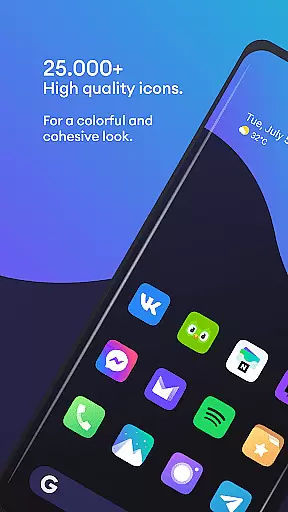
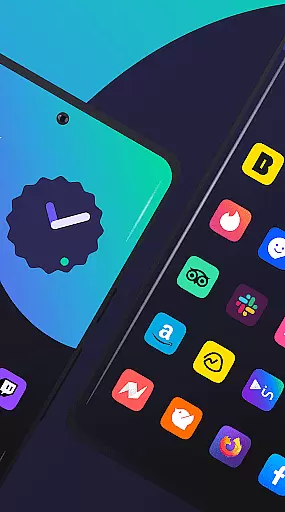
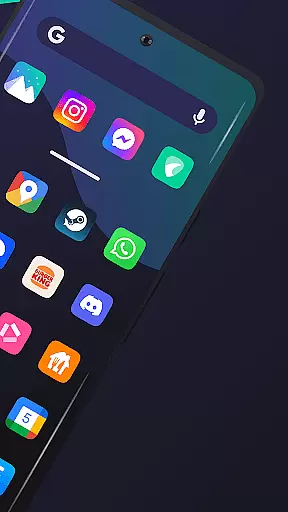
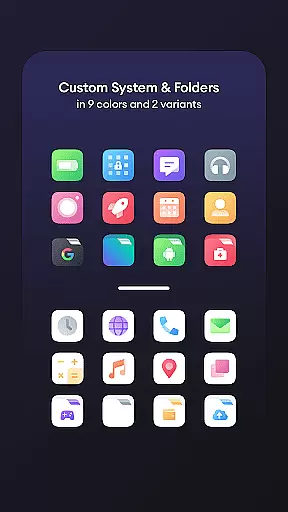
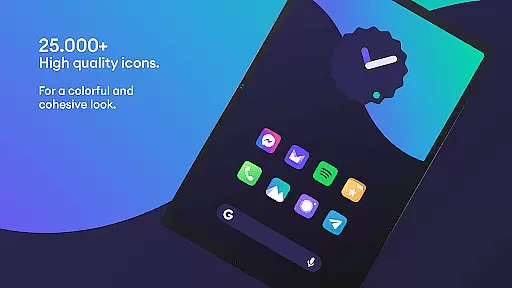
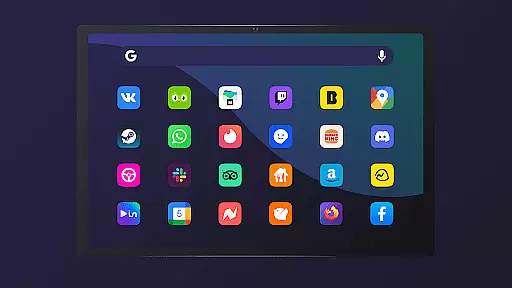
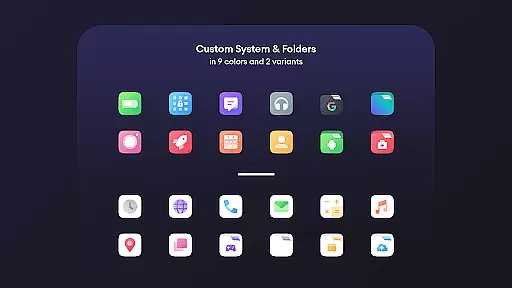
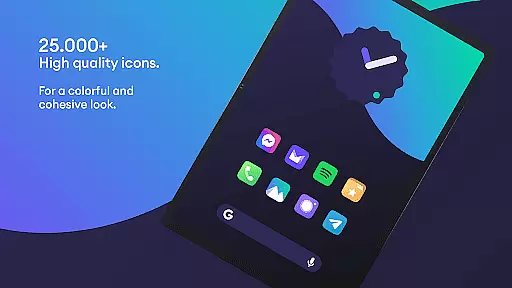
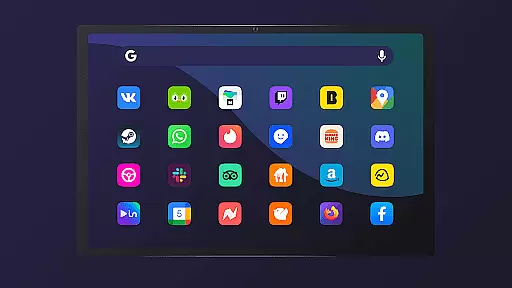
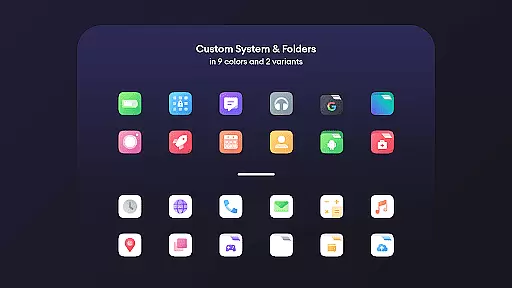
Borealis - Icon Pack is a premium personalization solution that brings color and homogeneity to your devices. With over 28,000 high-quality icons, it offers users the ability to transform their device's appearance while maintaining brand integrity. The pack includes multiple alternative icons for popular apps, dynamic calendar support, and icon masking for unthemed icons.
The icon pack features a modern dashboard interface, providing easy access to cloud-based wallpapers, icon requests, and FAQs. Compatible with numerous launchers including Nova, Apex, and ADW, Borealis ensures broad device support. Regular updates keep the icon library fresh and relevant, making it an ideal choice for users seeking a cohesive and customizable home screen experience.
Borealis stands out with its comprehensive feature set designed for customization enthusiasts. The pack includes 48+ high-resolution cloud-based wallpapers that complement the icon designs, creating a unified visual experience across devices. Its intuitive dashboard provides quick access to essential features like icon requests and FAQ sections.
Advanced functionality includes dynamic calendar support for compatible launchers and sophisticated icon masking capabilities. Users can choose from multiple alternative icons for popular applications, ensuring a personalized experience. The pack maintains compatibility with over 20 different launchers, including mainstream options like Nova and specialized launchers such as Niagara. Regular updates and responsive customer support through multiple channels demonstrate the developer's commitment to quality and user satisfaction.
Borealis - Icon Pack offers an extensive range of customization options that cater to personal preferences and device aesthetics. With over 28,000 high-quality icons, users can dramatically alter the visual experience of their devices.
The pack includes multiple alternative icons for popular apps, allowing further personalization. Users can select icons that best match their style or mood, providing a fresh look every time they choose to switch things up.
For those unthemed apps, Borealis applies icon masking, ensuring a consistent appearance across all app icons on the device. This feature helps maintain a uniform design language, even when some icons don't have dedicated themes.
In addition to icons, the pack also offers dynamic calendar support and cloud-based wallpapers, enhancing the overall user interface with functional and visually appealing elements.
Theme compatibility is a crucial aspect of Borealis - Icon Pack, ensuring that its vibrant icons work seamlessly with a wide array of launchers. The pack supports numerous launchers including Nova, Apex, and GO Launcher among others, which means it integrates smoothly into different environments.
Users are provided with a modern and intuitive dashboard to manage their icon pack settings efficiently. This centralized control panel simplifies navigation and adjustments, making it easy for anyone to apply their chosen theme without hassle.
To address any issues related to theme application, troubleshooting tips such as disabling 'normalize icon size' in launcher settings are available. These practical solutions help optimize the visual outcome and ensure icons display correctly.
With regular updates and responsive customer support, Borealis guarantees ongoing compatibility and assistance. Should users encounter challenges, direct communication channels like email and social media provide accessible support options.
Extensive icon library
Multiple launcher support
Regular content updates
High-quality design
Responsive support
Requires compatible launcher
No native theming engine
Paid application
Some icons missing
Android only

Wear Os Watch Face - Seasonal - Animated Snow Effect - 9 Animals
 4.20
4.20
Adult video chat, dating, making friends, random matching
4.20
AI-powered Copilot. Personalized keyboard with gifs, stickers & themes
4.40
Try creating your own keyboard with "Keyboard theme for android" app now!
4.50
The definitive Icon pack maker and editor
4.30
100+ Stylish Fonts, Emojis, Symbols keyboard for Instagram & TikTok!
4.80
300+ Stunning and well-designed widgets inspired by NOTHING.
4.70
200+ Material Inspired Widgets
4.50
Create unique, fun emojis with Funny Emoji Maker! Unlimited creativity!
4.00
Only for Wear OS devices!
4.90
Sparkle your screen with Glitter Wallpapers For Girls and Cute Backgrounds!
4.80
Wallpaper HD 4K Live - Thousands of high-quality Anime backgrounds for you.
4.80
Nothing Icon pack with more than 3750+ highly crafted icons.
4.70 4.50
4.50
A light in the dark, a unique style and an andless cutomization!
4.30
Romantic Kiss Stickers App. Start romantic messaging now!
4.30 4.10
4.10
Realistic animated snow on your wrist, with 10 images landscapes to choose from
4.00
Crystal-clear, square icon provides a sleek and sophisticated visual upgrade
4.00


User Reviews