
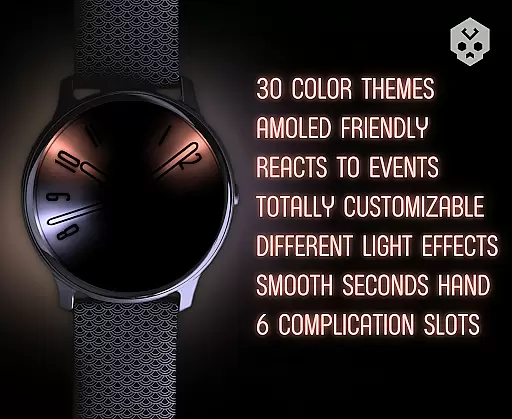
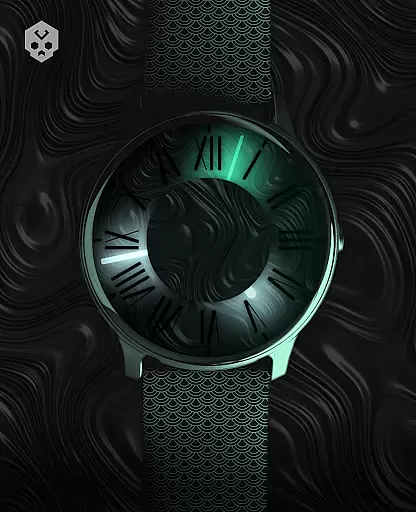
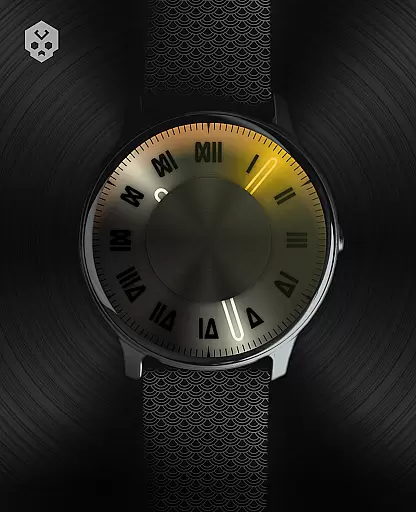

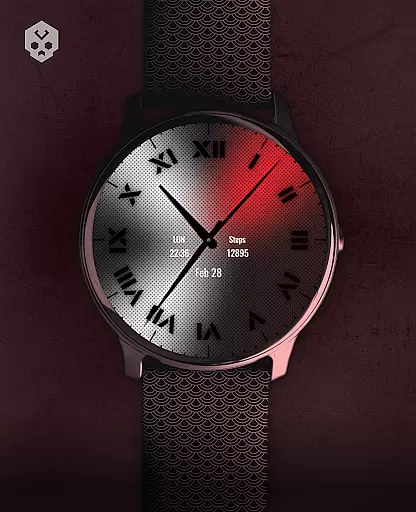
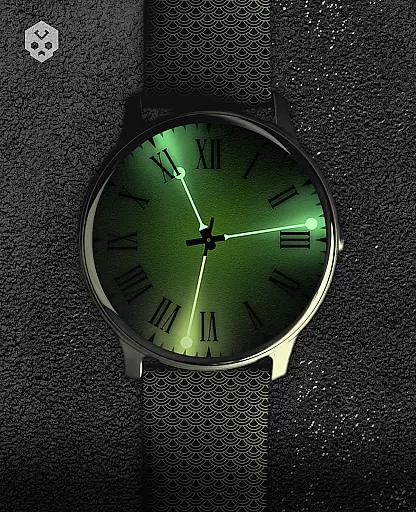
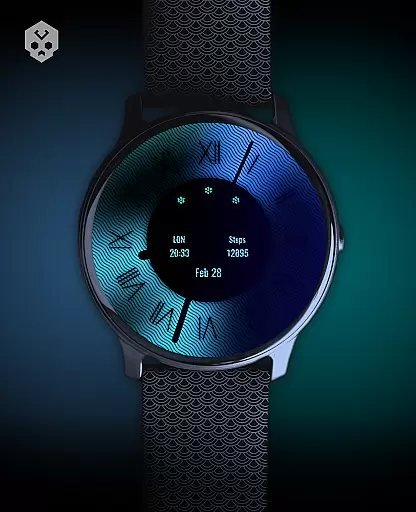
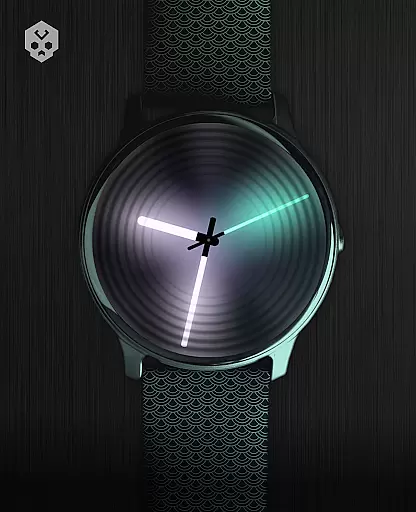
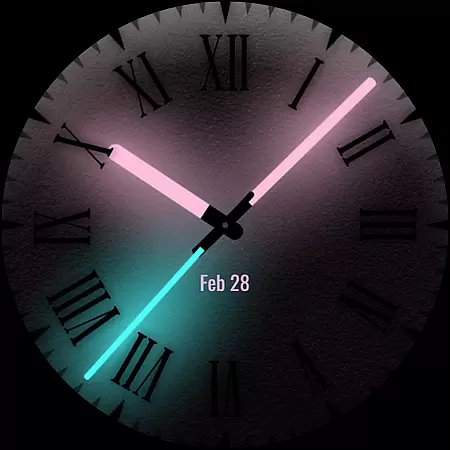
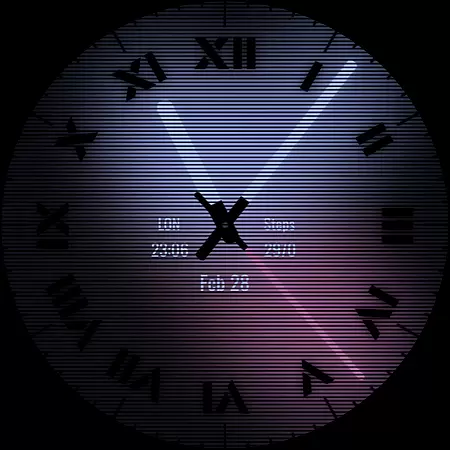
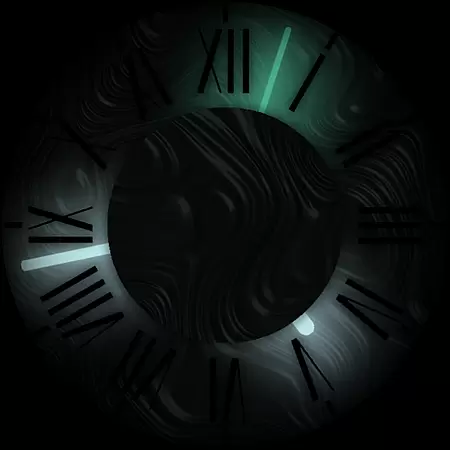

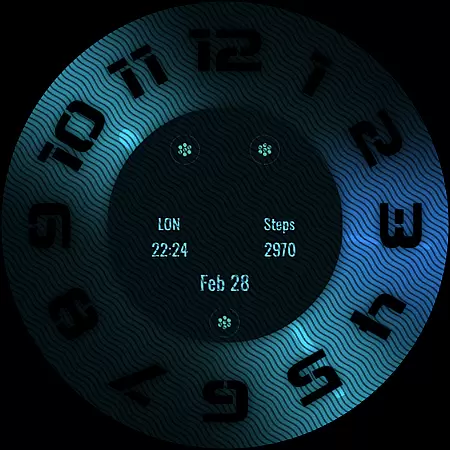
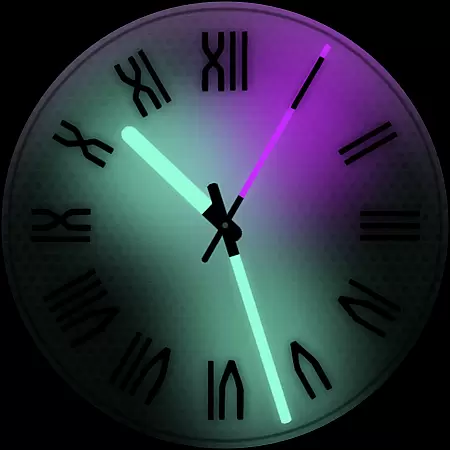
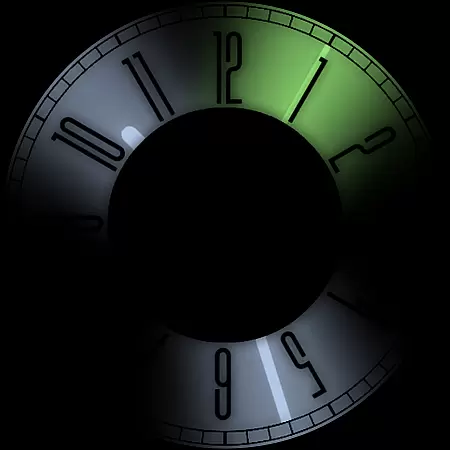
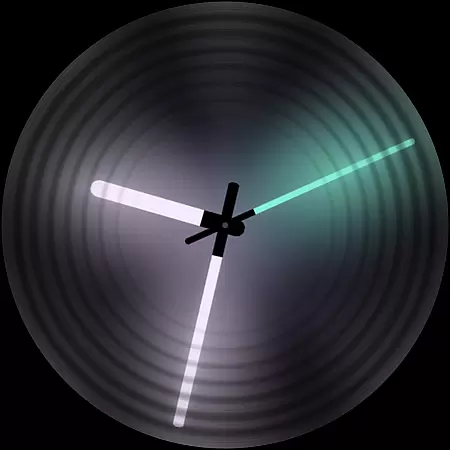
Dark Metal Saber Watch Face is a highly customizable Wear OS watch face designed for users who value both style and functionality. This native standalone app supports a wide range of smartwatches, including Samsung, Mobvoi Ticwatch, Fossil, Oppo, and more.
The watch face offers 30 color schemes, customizable clock hands, indices, decorators, overlays, backlighting, logos, and backgrounds. It also reacts to low battery, notifications, and charging, providing a dynamic user experience. With five customizable complications in different sizes, it ensures optimal utility while maintaining an elegant appearance.
This watch face stands out with its extensive customization options. Users can choose from 30 color schemes and modify clock hands, indices, decorators, overlays, backlighting, logos, and backgrounds to create a personalized look.
Functionality is enhanced through features like reactions to low battery, notifications, and charging statuses. The inclusion of five customizable complications in various sizes allows users to access important information at a glance. An easy-to-use companion app simplifies installation and management, ensuring a seamless user experience.
Designed for compatibility with multiple Wear OS devices, this watch face guarantees broad accessibility. Its handcrafted design ensures uniqueness, making it an ideal choice for those seeking a stylish and functional timepiece interface.
Customization is at the heart of Dark Metal Saber Watch Face, offering users an extensive range of personalization options to suit their unique style. With 30 color schemes available, this watch face ensures that you can find the perfect look that resonates with your personal aesthetic.
Beyond just colors, the level of detail extends to clock hands, indices, decorators, and even darkness settings. Users have the freedom to adjust these elements to match their preferences or even their mood on any given day, providing a dynamic and personalized time-telling experience.
The overlay, backlight, logo, and background are also customizable, allowing for further fine-tuning of the visual presentation. This vast array of customization choices means that your smartwatch doesn't just tell time; it makes a statement about who you are.
Dark Metal Saber Watch Face has been meticulously crafted to ensure seamless integration with Wear OS devices. As a standalone app, it supports a wide range of smartwatches from brands like Samsung, Mobvoi Ticwatch, Fossil, Oppo, and more, making it versatile for various users.
This compatibility is not just about working on different devices but maintaining visual consistency across them. Whether you're using a high-end model or an entry-level smartwatch, the theme retains its quality and character without compromise.
Moreover, the companion app simplifies installation and management while being easily uninstallable if needed. Such thoughtful design guarantees that regardless of your device choice within the Wear OS ecosystem, Dark Metal Saber remains accessible and functional.
Highly customizable
Wide device support
Dynamic features
Stylish design
User-friendly companion app
Premium price point
Requires Wear OS
Complex setup
Limited free options
Account syncing needed

Interactive Miniature Painting Catalogue
 3.30
3.30
App Icon Changer & Shortcut Creator. Customize your icons without any watermarks
4.30
Turn text & photos into stunning AI videos, art, and creative visual stories.
4.50
Color phone with cool effects for call screen, flash alert & ringtones music
4.50
Organize and manage your photos and videos effortlessly with Photo Gallery
4.20
Launcher OS™ Pro without ads help make your phone simple and pretty
4.30
Stylish Pink Cute Hippo keyboard with 10000+ customized keyboard themes!
4.60
A minimalist productivity launcher. One-hand-friendly. Zero ads.
4.70
Custom ringtones songs, music ringtones for Android phones
4.60
A Colorful and Minimal icon pack in an Outline Style - Over 13,600 icons!
4.70
A launcher for Samsung Good Lock and Good Guardians modules without ads
4.70
Make your phone look simple & luxury, like iDevice
4.60
Zip lock screen with magic wallpaper to decorate your phone with fun zipper lock
4.60
Handcrafted pixel art icons, widgets & wallpapers
4.60
Ninja Turtles Cowabunga SE watch face for Wear OS
4.50
Unique Fonts, typefaces and stylish text. Fonts for Instagram, Whatsapp & others
4.20
Magic fluids wallpaper 4D: Relax with stunning fluid simulation wallpaper app
4.20
Turn your lock screen into fun with smile live wallpapers & animated wallpapers!
2.50
Custom edge gestures for volume control, brightness, apps, and shortcuts.
4.1


User Reviews