
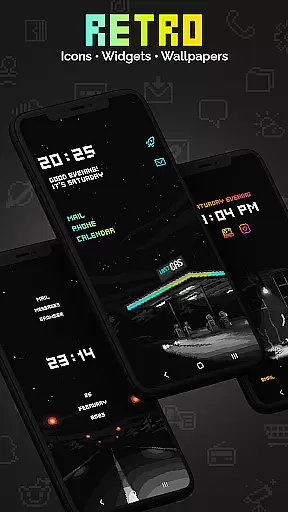
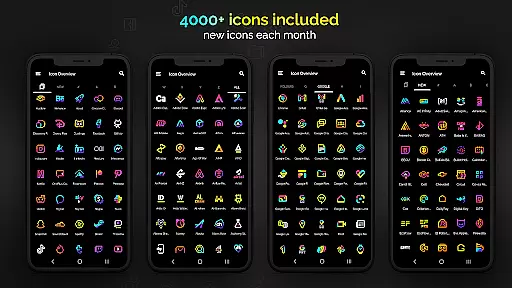
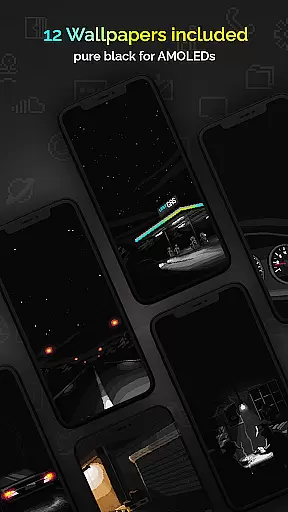
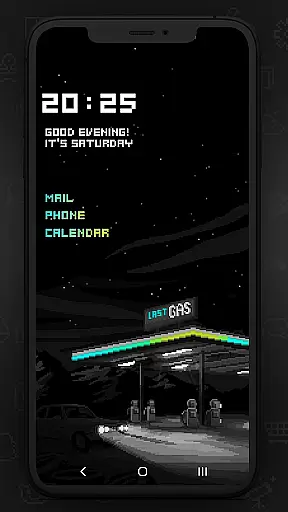
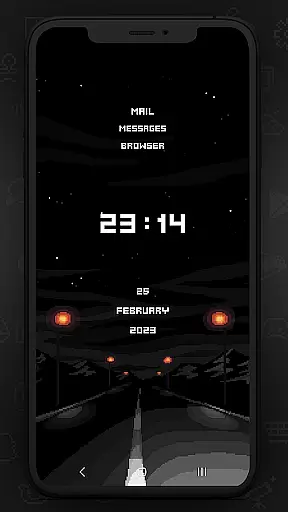
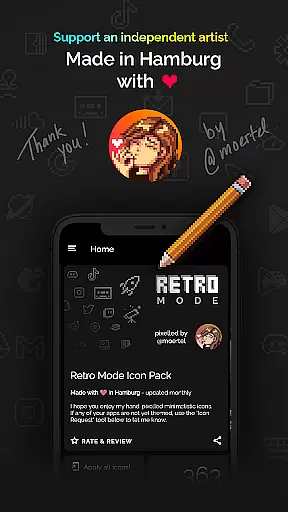
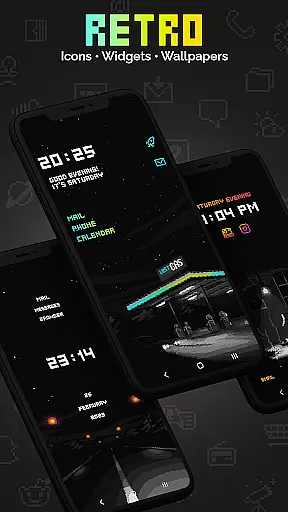
Retro Mode - Icon Pack (Neon) is a pixel art icon pack crafted by pixel artist Moertel, offering a nostalgic journey to the 90s with its crisp neon-colored design. This pack includes over 4050 icons, 12 wallpapers, and 6 widgets, all updated monthly to keep your phone's interface fresh and engaging.
Designed for users who appreciate pixel-perfect aesthetics, this icon pack supports more than 20 launchers and offers unique customization options through its diverse widgets. Whether you're looking to revamp your smartphone's appearance or seeking that retro vibe, Retro Mode delivers both style and functionality.
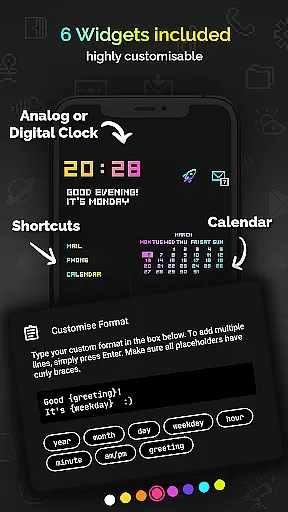
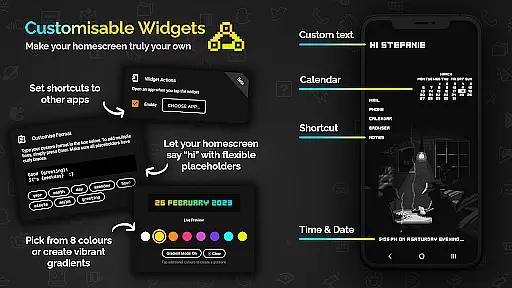
This icon pack stands out with its comprehensive features including digital and analog clock widgets, date display, greeting messages, and even calendar functionalities. Each widget comes in 8 different colors and can be customized with gradients and text configurations, allowing personalized setups.
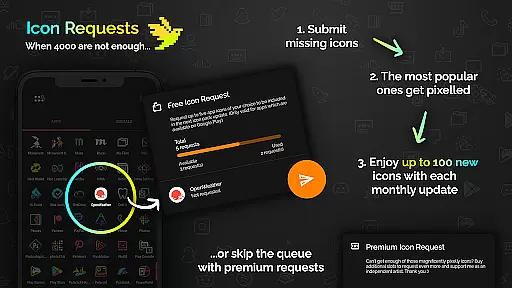
The design philosophy focuses on clean lines without shadows or outlines, ensuring each icon is distinctively visible. With monthly updates adding new icons and features based on user requests, Retro Mode not only maintains relevance but also continuously enhances user experience across various devices and launchers.
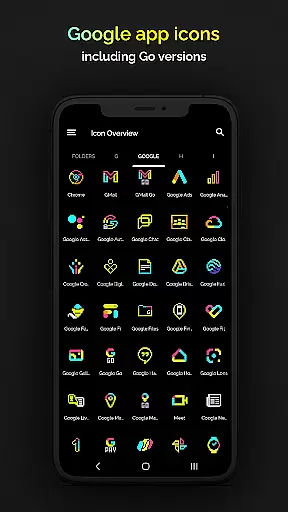
Retro Mode - Icon Pack (Neon) offers an extensive range of customization options that allow users to personalize their smartphone experience with pixel art aesthetics. With over 4050 unique icons included, the pack ensures that most apps on your device can be transformed to fit a cohesive neon-colored theme.
In addition to the vast icon library, the pack includes 12 wallpapers and 6 widgets, providing further opportunities for personalization. Users can choose from digital and analog clocks, date displays, greetings, calendar views, and text shortcuts, all designed in retro pixel art style. These elements enable users to create a homescreen that is not only visually striking but also functional and reflective of their personal taste.
Compatibility with more than 20 launchers makes this icon pack versatile for various devices and user preferences. Whether you're using Nova, Action, or other supported launchers, Retro Mode ensures seamless integration and application of its distinctive design across different platforms. This flexibility empowers users to enjoy a consistent and nostalgic aesthetic on their modern devices.
The Retro Mode - Icon Pack (Neon) stands out for its exceptional theme compatibility, ensuring that users can apply the pack's pixel art design across a wide array of launchers. This compatibility extends to popular launchers such as Nova, ADW, Lawnchair, and many others, making it accessible for a broad user base regardless of their device or launcher preference.
For Samsung users on Android 12 with OneUI 4.0 or newer, the pack works seamlessly with the Samsung app Theme Park, allowing for easy application without needing to switch launchers. Meanwhile, Google Pixel, Motorola, and Xiaomi users are advised to use one of the compatible third-party launchers like Nova to fully utilize the icon pack's features due to limitations in stock launchers.
With monthly updates introducing new icons and features, Retro Mode maintains its relevance and compatibility with evolving software environments. This commitment ensures that users receive continuous support and expanding options for customizing their devices while retaining the iconic neon-themed look that defines this pixel art icon pack.
Extensive icon library
Vivid neon colors
Monthly updates
Customizable widgets
Wide launcher support
Limited stock launcher support
Additional request costs
Small canvas size
Specific aesthetic appeal
Premium pricing model

A Colorful and Minimal icon pack in an Outline Style - Over 13,600 icons!
 4.70
4.70
Capture moments that pass like a storm, second by second.
4.2
3D, live, and moving wallpapers & themes in 4K and HD for your device.
4.50
Fingerprint Lock Screen & Live Animations with 4K Wallpapers as Live Wallpaper
4.40
Bring adorable pets to life on your screen. Playful, interactive and full of fun
4.60
Run multiple accounts of the same app on a single device
4.10
Crystal-clear, square icon provides a sleek and sophisticated visual upgrade
4.00
Transform your phone with stunning video wallpapers and a unique, personal touch
3.80
Custom ringtones songs, music ringtones for Android phones
4.60
Gun Chase - Let the chase begin.
4.80
Customizable Glass widgets. Over 360+ stunning widgets and more!
4.70
A launcher for Samsung Good Lock and Good Guardians modules without ads
4.70
A minimalist productivity launcher. One-hand-friendly. Zero ads.
4.70
Embrace the Night. Unleash the power of darkness with Raven Dark Icon Pack
4.60
Icons made of colorful linear lines
4.60
Transform your phone with Launcher iOS 26 - Smooth & elegant iOS experience
4.50
A light in the dark, a unique style and an andless cutomization!
4.30
Ultimate widget creator. Design custom widgets for a truly unique home screen!
3.90
Your go to Weather App & Home Screen. Get your weather at a swipe of a finger!
3.80


User Reviews