
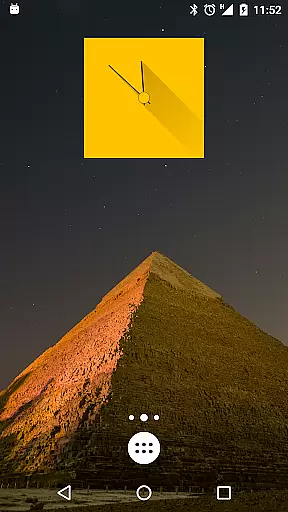
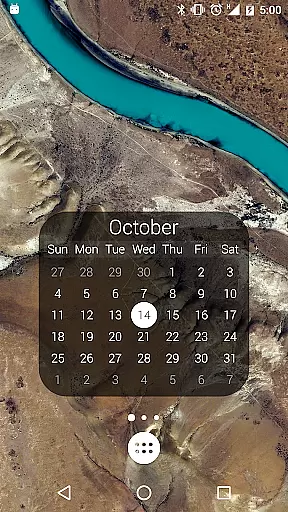
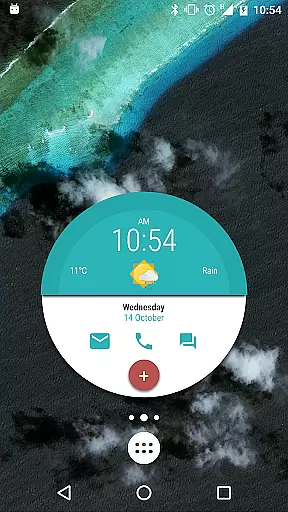
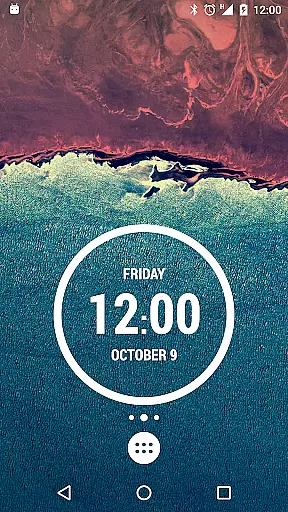
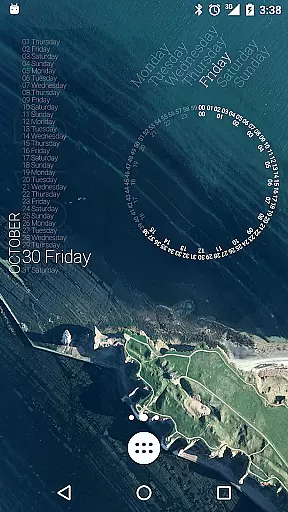
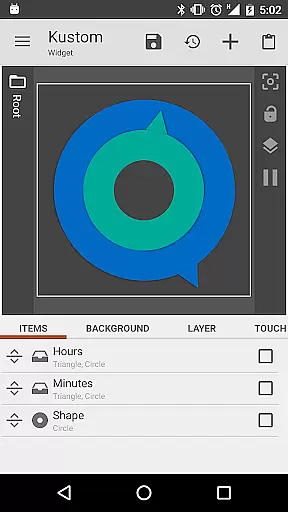
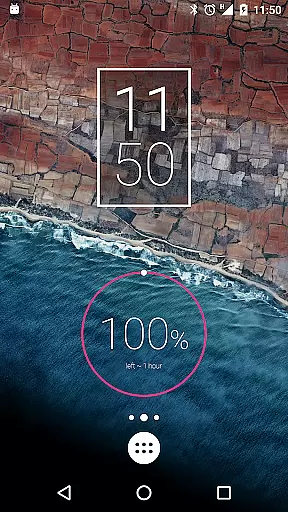
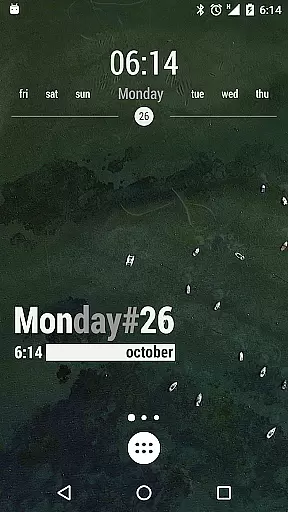
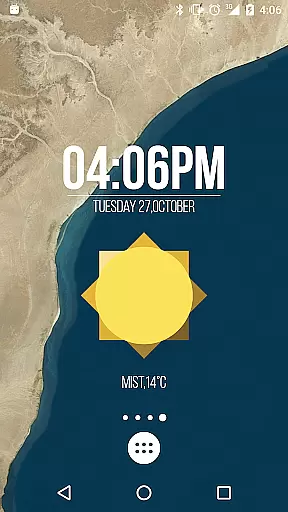
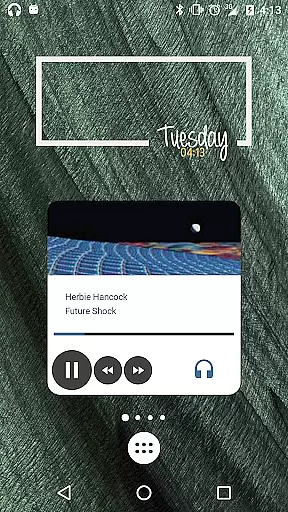
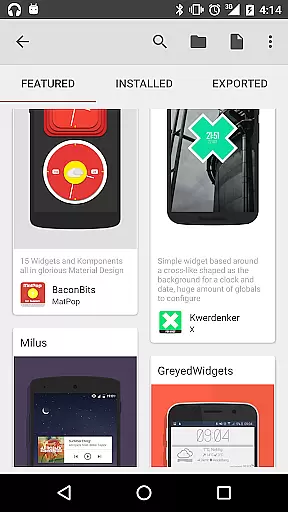
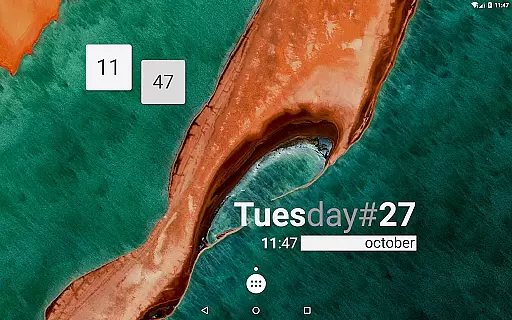
KWGT Kustom Widget Maker is the ultimate tool for personalizing your Android home screen. This powerful widget maker allows users to design custom widgets with complete creative freedom, displaying any data in a personalized format. Whether you want aesthetic photo widgets or sophisticated system monitors, KWGT provides all the tools needed to make your home screen truly unique.
The app features an advanced WYSIWYG editor that gives users total control over their widget designs. You can customize text with various fonts and effects, use shapes and images, and apply professional-grade layering techniques. Additionally, interactive elements like touch actions and hotspots allow for dynamic user experiences. With support for complex logic and Tasker integration, KWGT caters to power users seeking unmatched functionality.
KWGT stands out with its extensive feature set designed for both casual users and power users alike. The app includes a full suite of design tools such as custom fonts, color options, and text effects like 3D transformations and shadows. Users can also incorporate shapes, images, and scalable vector graphics into their widgets, providing unparalleled flexibility in design.
Beyond basic customization, KWGT offers advanced capabilities including complex logic programming, dynamic data display, and Tasker integration. These features enable users to create widgets that automatically update with live data from online sources or respond to system events. Whether you're building a custom weather widget or a personalized music player, KWGT provides the tools necessary to bring your ideas to life while offering a seamless experience across different devices.
Customization is at the heart of KWGT Kustom Widget Maker, offering users an extensive array of options to tailor their Android home screens. With its powerful WYSIWYG editor, users can manipulate every aspect of their widgets' appearance and functionality.
The level of customization KWGT provides is unparalleled. Users have the freedom to choose from a vast selection of fonts, colors, sizes, and effects such as 3D transformations, curved text, and shadows. This allows for the creation of text widgets that are not only informative but also visually striking.
Beyond text, KWGT supports the integration of shapes and images, including PNG, JPG, WEBP formats, and SVGs. The addition of pro-level layering features means users can apply gradients, color filters, and overlay effects like blur and saturation, akin to professional photo editing software.
This immense variety in customization options empowers users to craft widgets that are truly personal and unique, ensuring that no two home screens need to look the same. KWGT turns widget creation into an art form, limited only by the user's imagination.
Theme compatibility is a crucial aspect of KWGT Kustom Widget Maker, ensuring that the widgets you create will match and enhance your device's aesthetic. Whether you prefer minimalist designs or vibrant, data-rich displays, KWGT's adaptability has got you covered.
KWGT excels in creating widgets that are not just functional but also thematically coherent. Users can design weather widgets with detailed information, digital or analog clocks, and system monitors that all adhere to a chosen theme, providing a seamless visual experience.
The app's compatibility extends to interactive elements as well. Music players, fitness trackers, and calendar widgets can be customized to integrate perfectly with your home screen's design language, making each tap or swipe a pleasure.
With KWGT, the assurance of theme compatibility means that users can overhaul their home screens without worrying about disjointed or clashing aesthetics. Every widget becomes an integral part of a harmoniously designed digital environment.
User-friendly interface
Highly customizable options
Powerful logic programming
Vast data display capabilities
Active community support
Steep learning curve
Paid pro version required
Ads in free version
Complex features may overwhelm
Limited iOS compatibility

A light in the dark, a unique style and an andless cutomization!
 4.30
4.30
Glass style colourful icons with a One UI look and feel
4.60
Add cute Shimeji pets to screen, interact with them and relax with cute motions
4.60
Over 28,000 high quality icons to bring color & homogeneity to your phone.
4.60
Turn text & photos into stunning AI videos, art, and creative visual stories.
4.50
Nothing Icon pack with more than 3750+ highly crafted icons.
4.70
Adaptive Dot Style IconPack with Light & Dark Theme.
3.70
Yandex Browser — stylish and secure, with voice search and data compression
4.40
Transform your device in a game console
4.40
Gun Chase - Let the chase begin.
4.80
Vertically oriented rectangular icons
4.70
Personalize your phone with stunning HD and 4K wallpapers!
4.70
350+ widgets with a premium glass-style finish, perfect for home & lock screens.
4.70
Choose your keyboard with RGB colors effect, themes, fonts, emojis.
4.60
Aesthetic Widgets, HD Wallpapers, Themes in Mico Widget for Home and Lock Screen
4.50
Vibrant Adaptive Icons with Material You and Enhanced Monet Colors.
4.50
Unleash Your Creativity and Connect with Loved Ones with Lockscreen Drawing!
4.20
Customize glowing edges, wallpapers, and caller screen with EdgeAura.
3.50
Modern Glass Icon Pack with glossy icons, clean minimal theme & aesthetic style
4.4


User Reviews