
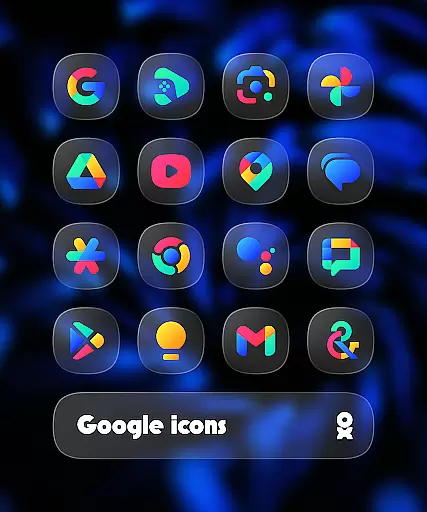
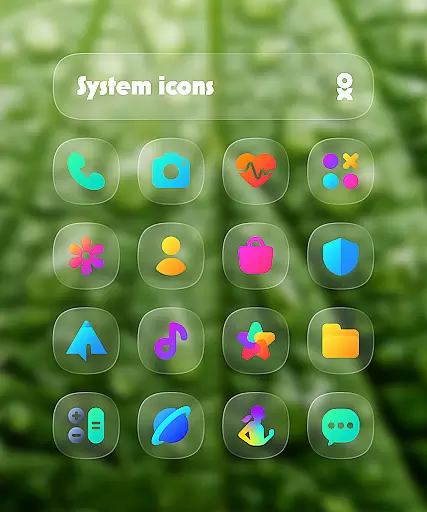
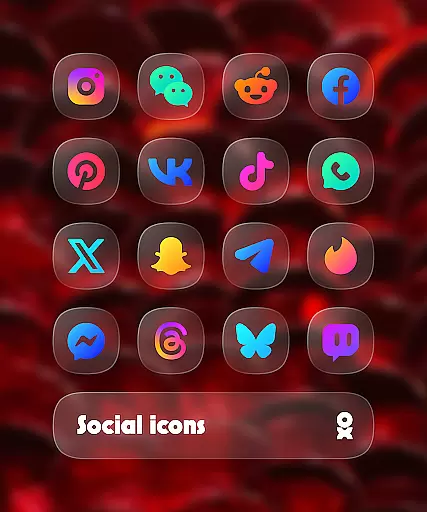
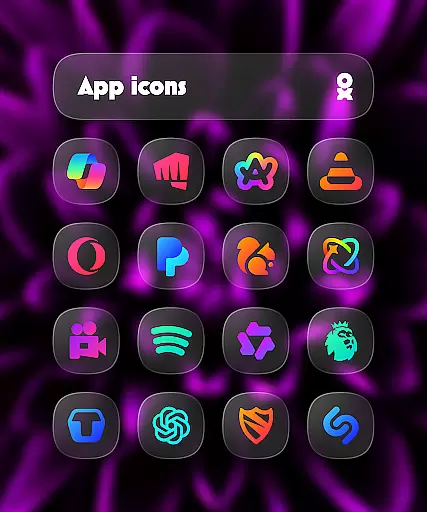
One UI Glass Color Icon Pack offers a sleek and modern collection of 6000+ HD icons designed to seamlessly integrate with your device's interface. Inspired by Samsung’s One UI design language, these crystal-clear, colorful squircle icons bring a minimal yet elegant look to any compatible launcher.
The pack includes essential features such as cloud wallpapers, an icon request tool, and regular updates to ensure users have access to the latest designs. Whether you're using One UI Home with Theme Park or popular launchers like Nova Launcher and Niagara Launcher, this icon pack provides a consistent and polished appearance across your device.
Perfect for those seeking a cohesive aesthetic, the One UI Glass Color Icon Pack enhances the overall user experience by combining functionality with visually appealing design elements.
One UI Glass Color Icon Pack stands out with its comprehensive set of features tailored for customization enthusiasts. The pack boasts over 6000 HD icons, each crafted with a sleek and minimal design that aligns with Samsung’s One UI principles, ensuring visual consistency across various launchers.
In addition to the extensive icon library, users can enjoy exclusive cloud wallpapers that complement the colorful icons. The built-in icon request tool allows users to suggest new icons, which are regularly updated by the developer. These updates not only add new icons but also refine existing ones based on user feedback, keeping the pack fresh and relevant.
Compatibility is another key feature, supporting numerous launchers including One UI Home, Nova Launcher, and Shade Launcher. This versatility ensures that no matter your preferred launcher, you can achieve a unified and stylish home screen setup with ease.
One UI Glass Color Icon Pack offers a wide array of customization options that cater to personal preferences and device aesthetics. With over 6000 HD icons, users can enjoy crystal-clear imagery in a colorful and sleek squircle design.
The inclusion of cloud wallpapers adds another layer of personalization, allowing users to complement their icon choices with matching or contrasting backgrounds. This feature ensures that your device's interface remains fresh and visually appealing.
An icon request tool is also provided, empowering users to suggest new icons that suit their needs. Regular updates ensure that the icon pack stays relevant and continues to meet user demands for new and varied customization options.
Compatibility is a key aspect of One UI Glass Color Icon Pack, designed to seamlessly integrate with various launchers and devices. It supports numerous launchers including One UI Home with Theme Park, Smart Launcher 6, Niagara Launcher, and more.
This extensive compatibility ensures that regardless of the device or launcher you use, you can apply the elegant and modern design language inspired by Samsungu2019s One UI. For Pixel Launcher users, integration with Shortcut Maker is recommended, while Nova Launcher users should enable shadow settings for optimal results.
Additionally, Kustom Widgets require KWGT & KWGT PRO (paid) for full functionality. These considerations highlight the pack's commitment to providing a cohesive and adaptable theming experience across different platforms and devices.
Extensive icon library
Frequent updates
Cloud wallpapers included
Wide launcher support
Modern design aesthetics
Paid app purchase
Limited free options
Requires compatible launcher
No instant icon requests
Some features need third-party apps

Transform your phone with Launcher iOS 26 - Smooth & elegant iOS experience
 4.50
4.50
Interactive Miniature Painting Catalogue
3.30
Aesthetic Widgets, HD Wallpapers, Themes in Mico Widget for Home and Lock Screen
4.50 4.10
4.10
Launcher OS™ Pro without ads help make your phone simple and pretty
4.30
Crystal-clear, square icon provides a sleek and sophisticated visual upgrade
4.00
200+ Material Inspired Widgets
4.50
Install amazing sticker packs: endless styles, always cool.
4.70
Cool custom fonts & keyboard themes! Symbols & font changer for Instagram
4.50
Vertically oriented rectangular icons
4.70
A launcher for Samsung Good Lock and Good Guardians modules without ads
4.70
400+ Beautifully crafted widgets inspired by NOTHING.
4.70
350+ widgets with a premium glass-style finish, perfect for home & lock screens.
4.70
Unique Android Launcher
4.60
Want to make your phone more special than ever?
4.60
A light in the dark, a unique style and an andless cutomization!
4.30
Organize and manage your photos and videos effortlessly with Photo Gallery
4.20
Run multiple accounts of the same app on a single device
4.10
HappyLighting is a Bluetooth lamp control software.
3.40


User Reviews