
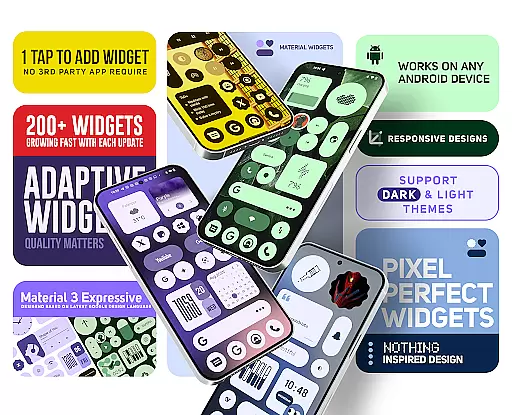
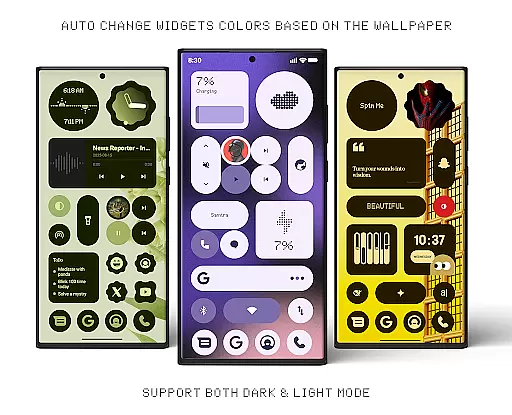
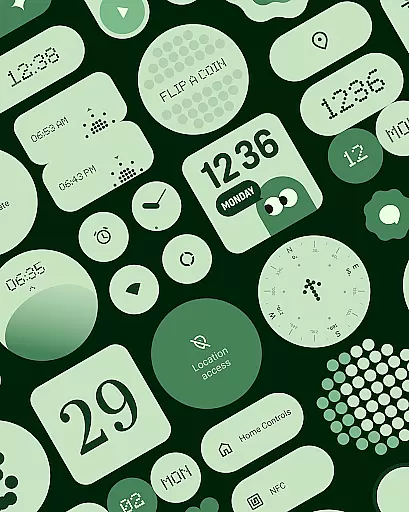
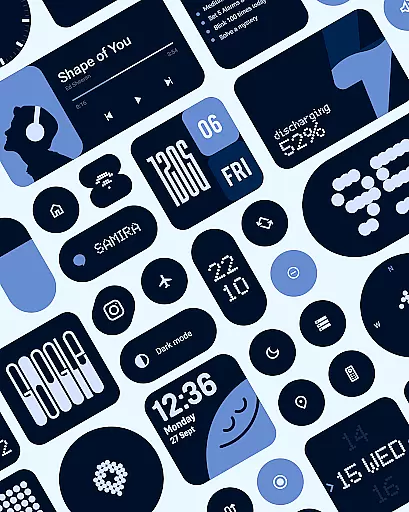
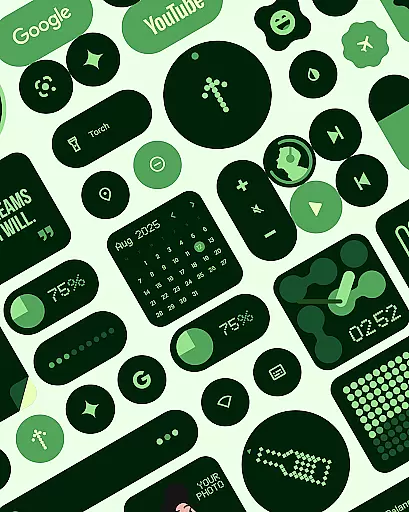
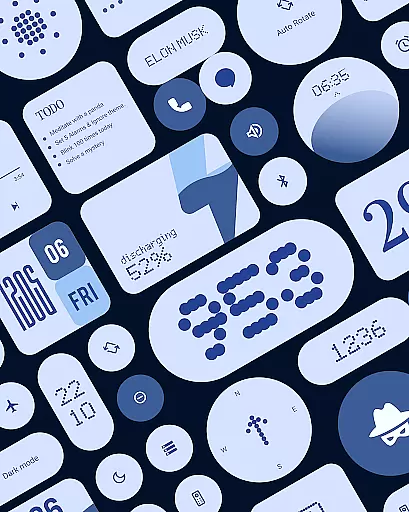
Material Widgets is a dynamic home screen customization tool that brings Google's Material 3 design to life. The app offers over 200 resizable, adaptive widgets that automatically adjust their colors based on your wallpaper and system settings.
Key features include clock and calendar widgets, battery indicators, weather displays, and quick settings controls. Users can also access productivity tools like to-do lists and note widgets, while enjoying the convenience of native functionality without requiring third-party apps.
Ideal for users seeking a personalized smartphone experience, this app allows complete creative control over your home screen while maintaining visual harmony through automatic color matching.
Material Widgets stands out with its native integration capability, eliminating the need for additional widget-building apps. The app implements Google's latest Material You design language, creating a seamless connection between your wallpaper, system colors, and widgets.
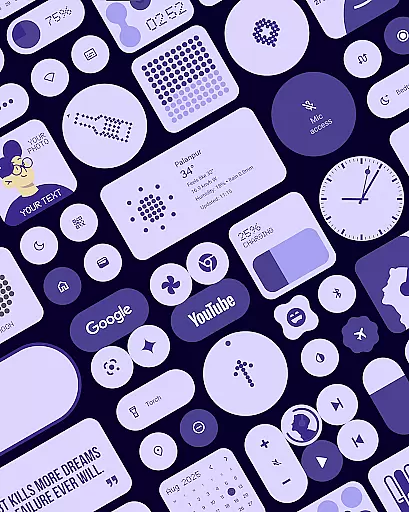
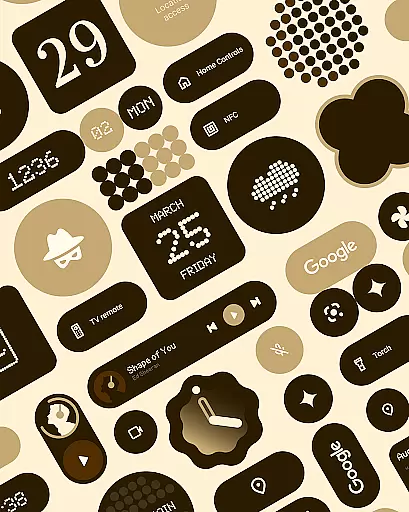
Each widget category serves distinct purposes - from functional elements like weather forecasts and battery indicators to creative showcases like photo frames and motivational quotes. The pack includes matching wallpapers, enhancing the cohesive aesthetic across your device.
The application's adaptive design ensures perfect scaling from small to full-screen layouts while maintaining visual quality. Regular updates expand the widget collection, keeping your home screen fresh and aligned with the latest design trends.
Material Widgets offers an extensive range of customization options, ensuring that every user can tailor their home screen to reflect their personal style. With over 200 widgets available, the app provides a diverse selection including clock, calendar, battery indicators, weather forecasts, and even mini-games like Snake.
The beauty of this application lies in its seamless integration with your device's existing system. It automatically adapts colors based on your wallpaper and transitions smoothly between dark and light modes. This dynamic theming allows for a fresh and unique look every time you change your background image.
Each widget is crafted following Googleu2019s Material 3 expressive design guidelines, featuring modern shapes, bold typography, and vibrant accents that enhance usability while maintaining aesthetic appeal. Users have complete control over resizing these widgetsu2014from compact sizes perfect for minimalists to full-screen layouts ideal for those who prefer more information at glance.
By offering such variety without requiring additional apps or third-party support, Material Widgets simplifies the process of personalizing your smartphone experience. Whether itu2019s through functional elements like quick settings controls or decorative ones such as photo frames, users are empowered to create a truly customized digital environment.
Theme compatibility is at the heart of Material Widgets' design philosophy. The app ensures that all its widgets not only match but also enhance the overall theme set by your chosen wallpaper. By leveraging advanced algorithms, each widget dynamically adjusts its color scheme to complement your background, creating a cohesive visual experience across your entire home screen.
This level of integration extends beyond mere aesthetics; it enhances functionality too. For instance, battery indicators and weather updates donu2019t just display informationu2014they do so in a way that feels native to your deviceu2019s current appearance settings. This means whether you opt for a bright colorful layout or something more subdued, everything remains visually consistent yet distinctively yours.
Moreover, Material Widgets supports both dark and light modes effortlessly. As system-wide themes switch throughout the day or according to user preferences, every element within the app responds accordingly, preserving readability and comfort without manual adjustments. Such adaptability makes switching between different looks hassle-free and enjoyable.
Ultimately, this commitment to theme compatibility empowers users to express themselves fully through their devices. With Material Widgets, thereu2019s no compromise between form and functionu2014every aspect works together harmoniously, allowing individuals to craft a personalized space that resonates with their unique identity and lifestyle choices.
Native widget support
Automatic color matching
Extensive widget variety
Regular feature updates
Material 3 compliance
Limited iOS support
High memory usage
Premium feature costs
Complex customization
Occasional bugs

Vertically oriented rectangular icons
 4.70
4.70
Ultra realistic high quality analog watch face for Wear OS.
4.60
Wear Os Watch Face - Seasonal - Animated Snow Effect - 9 Animals
4.20
Prank your friends with realistic broken screen and cracked HD effects!
4.3
Adult video chat, dating, making friends, random matching
4.20
Customizable screen pets that play, climb, and keep you company.
4.50
Choose your keyboard with RGB colors effect, themes, fonts, emojis.
4.60
Yandex Browser — stylish and secure, with voice search and data compression
4.40
300+ Stunning and well-designed widgets inspired by NOTHING.
4.70
Gun Chase - Let the chase begin.
4.80
Nothing Icon pack with more than 3750+ highly crafted icons.
4.70
Embrace the Night. Unleash the power of darkness with Raven Dark Icon Pack
4.60
Icons made of colorful linear lines
4.60
Handcrafted pixel art icons, widgets & wallpapers
4.60
Beautiful realistic hybrid watch face with numerous customization options.
4.50 4.50
4.50
Realistic animated snow on your wrist, with 10 images landscapes to choose from
4.00
Transfer your live wallpapers from Windows to Android using Wallpaper Engine!
4.00
Design your screen with unique, vibrant clocks
3.80


User Reviews