
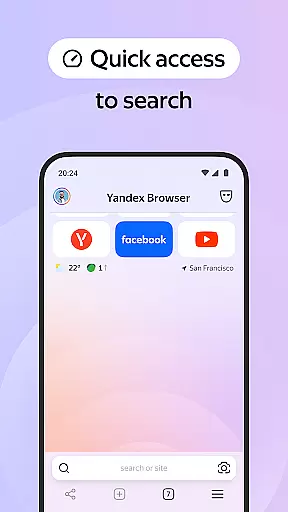
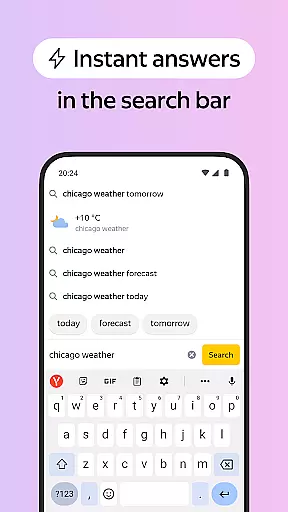

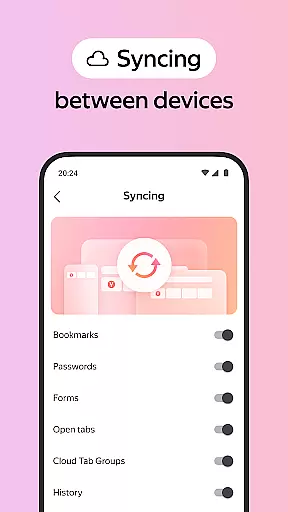
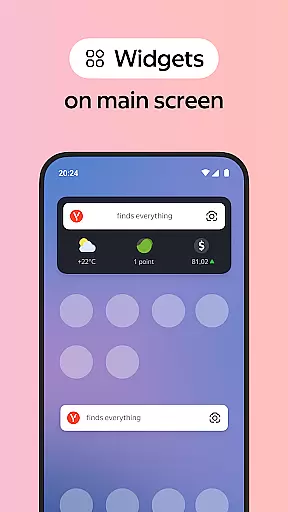
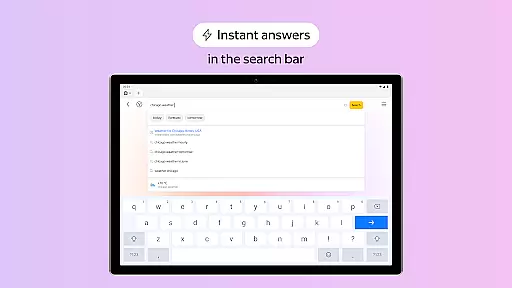
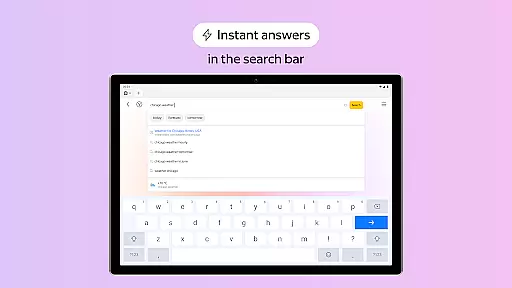
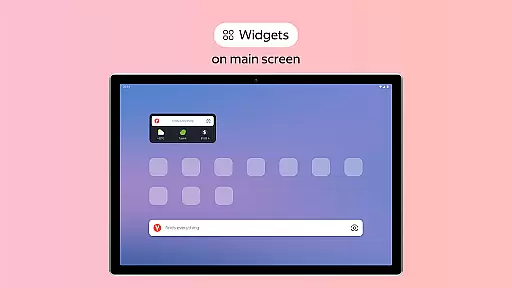
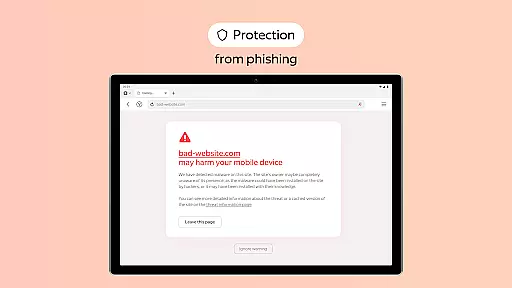
Yandex Browser with Protect is a stylish and secure mobile web browser that offers advanced features for an optimal browsing experience. It includes voice search functionality, data compression for faster loading, and an active security system called Protect that safeguards users' personal data on public Wi-Fi networks. The browser also provides tools like Reader Mode to declutter web pages by hiding ads and unnecessary interface elements, Incognito Mode for private browsing sessions without tracking, and a customizable interface with various wallpapers. Additionally, it supports cross-device syncing of bookmarks and favorite sites through a Yandex account.
This browser is particularly useful for users who prioritize both aesthetics and security in their online activities. Its combination of privacy protection features, customization options, and performance optimization makes it suitable for everyday use across different platforms while ensuring a pleasant and safe browsing environment.
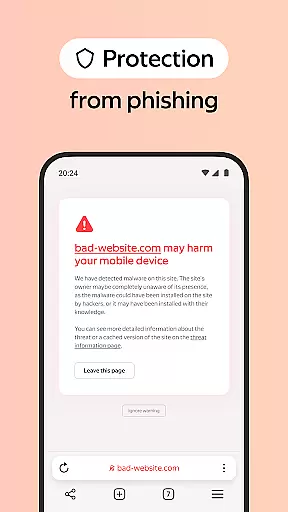
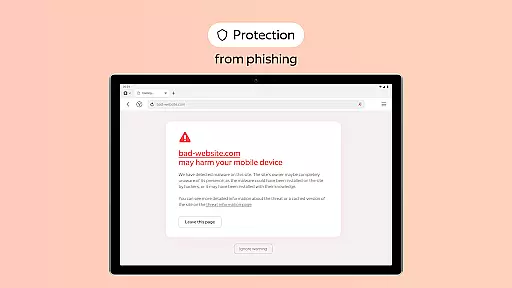
Yandex Browser stands out due to its comprehensive feature set designed to enhance user experience. One notable feature is the integration of third-party blocking apps for ad-free browsing, which eliminates intrusive advertisements on websites. Another key aspect is the Protect security system, which actively shields users from harmful or fraudulent pages, especially when connected to public Wi-Fi networks. This ensures peace of mind regarding personal data safety.
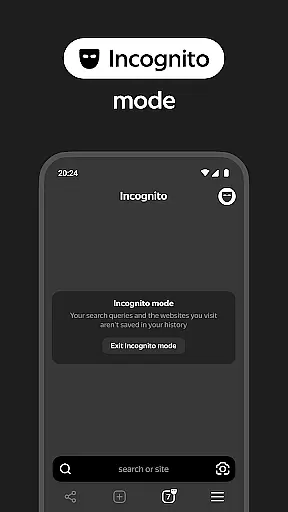
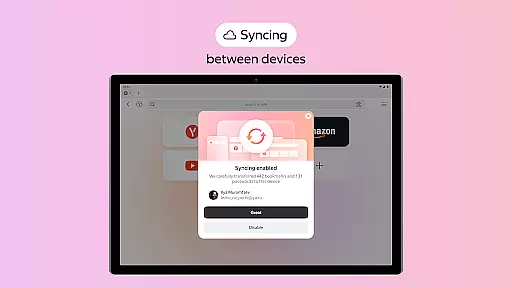
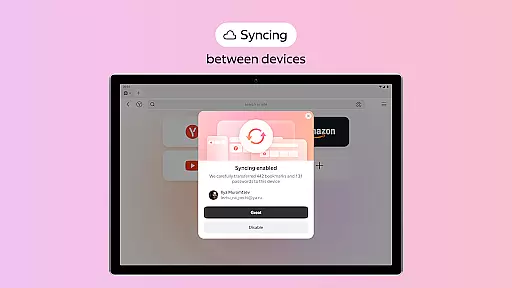
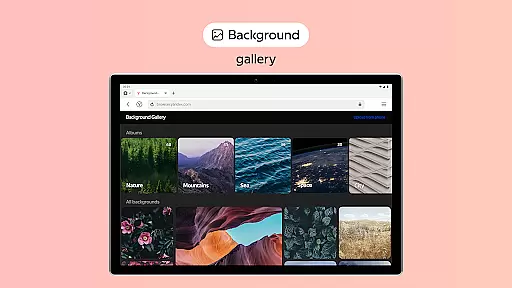
The browser also includes Reader Mode, allowing users to focus solely on relevant content by hiding unrelated interface elements such as ads and menus. For those concerned about privacy, Incognito Mode offers a solution by preventing the storage of passwords, search queries, and browsing history during private sessions. Furthermore, extensive customization options are available through a diverse wallpaper library, enabling users to personalize their browsing interface according to their preferences. Lastly, seamless synchronization across devices via a Yandex account allows easy access to favorite websites and bookmarks anywhere, anytime.
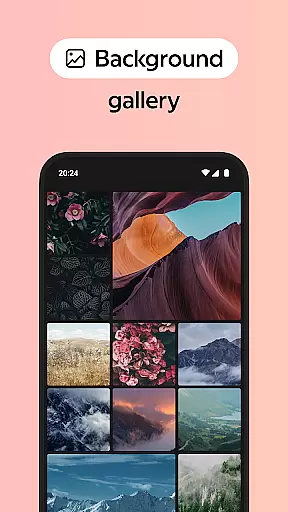
Customization is a key feature in any browser, and Yandex Browser with Protect excels in providing a wide array of customization options. The ability to personalize the browsing experience caters to both aesthetic preferences and functional needs.
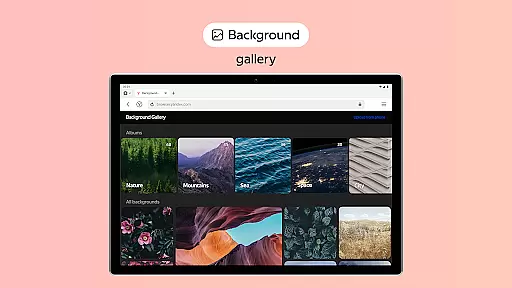
Users can choose from a vast library of wallpapers to give their browser a unique look that suits their style or mood. This level of personalization ensures that each user's browser is truly their own, enhancing the overall user experience.
In addition to visual customization, Yandex Browser also allows users to integrate third-party apps for ad blocking, further tailoring the browsing environment to individual preferences. This flexibility empowers users to create a browsing space that is free from distractions and aligned with their workflow.
The combination of visual personalization and functional add-ons makes Yandex Browser a versatile tool that adapts to various user needs, setting it apart in the realm of personalized browsing experiences.
Theme compatibility is crucial for users who wish to maintain a consistent appearance across their digital environments. Yandex Browser with Protect offers extensive theme support, ensuring that users can achieve a uniform look and feel across their devices.
Whether you're using a desktop or mobile device, Yandex Browser maintains visual consistency through its adaptive theming capabilities. This seamless transition between devices enhances usability and provides a cohesive user experience.
Moreover, the browser's compatibility extends beyond just visual themes. It supports syncing of bookmarks and favorite websites via a Yandex account, allowing users to access their personalized settings regardless of the device they are on.
This synchronization capability not only applies to themes but also to user data, making sure that all personalized elements are preserved across sessions and devices, thus offering an uninterrupted and customized browsing journey.
User-friendly interface
Strong security features
Voice search capability
Data compression technology
Cross-device syncing
Limited extension support
Higher memory usage
Occasional slow performance
Privacy concerns with syncing
Ad blocker integration issues

Sparkle your screen with Glitter Wallpapers For Girls and Cute Backgrounds!
 4.80
4.80
Art & Emoji Keyboard with Cool Fonts, Cute Themes and Custom Designs.
4.40
Wallpaper HD 4K Live - Thousands of high-quality Anime backgrounds for you.
4.80
Vibrant Adaptive Icons with Material You and Enhanced Monet Colors.
4.50
Icons made of colorful linear lines
4.60
Launcher OS™ Pro without ads help make your phone simple and pretty
4.30
HappyLighting is a Bluetooth lamp control software.
3.40
Unleash Your Creativity and Connect with Loved Ones with Lockscreen Drawing!
4.20
Modern Glass Icon Pack with glossy icons, clean minimal theme & aesthetic style
4.3
Enjoy a variety of amazing live wallpapers and colorful EDGE lighting borders!
4.80
Bring adorable pets to life on your screen. Playful, interactive and full of fun
4.60
Over 28,000 high quality icons to bring color & homogeneity to your phone.
4.60
Want to make your phone more special than ever?
4.60
Embrace the Night. Unleash the power of darkness with Raven Dark Icon Pack
4.60
A light in the dark, a unique style and an andless cutomization!
4.30
Wear Os Watch Face - Seasonal - Animated Snow Effect - 9 Animals
4.20
More than 3000+ themes and 9000+ wallpapers for everybody!
4.10
Transform your phone with stunning video wallpapers and a unique, personal touch
3.80 3.50
3.50


User Reviews