
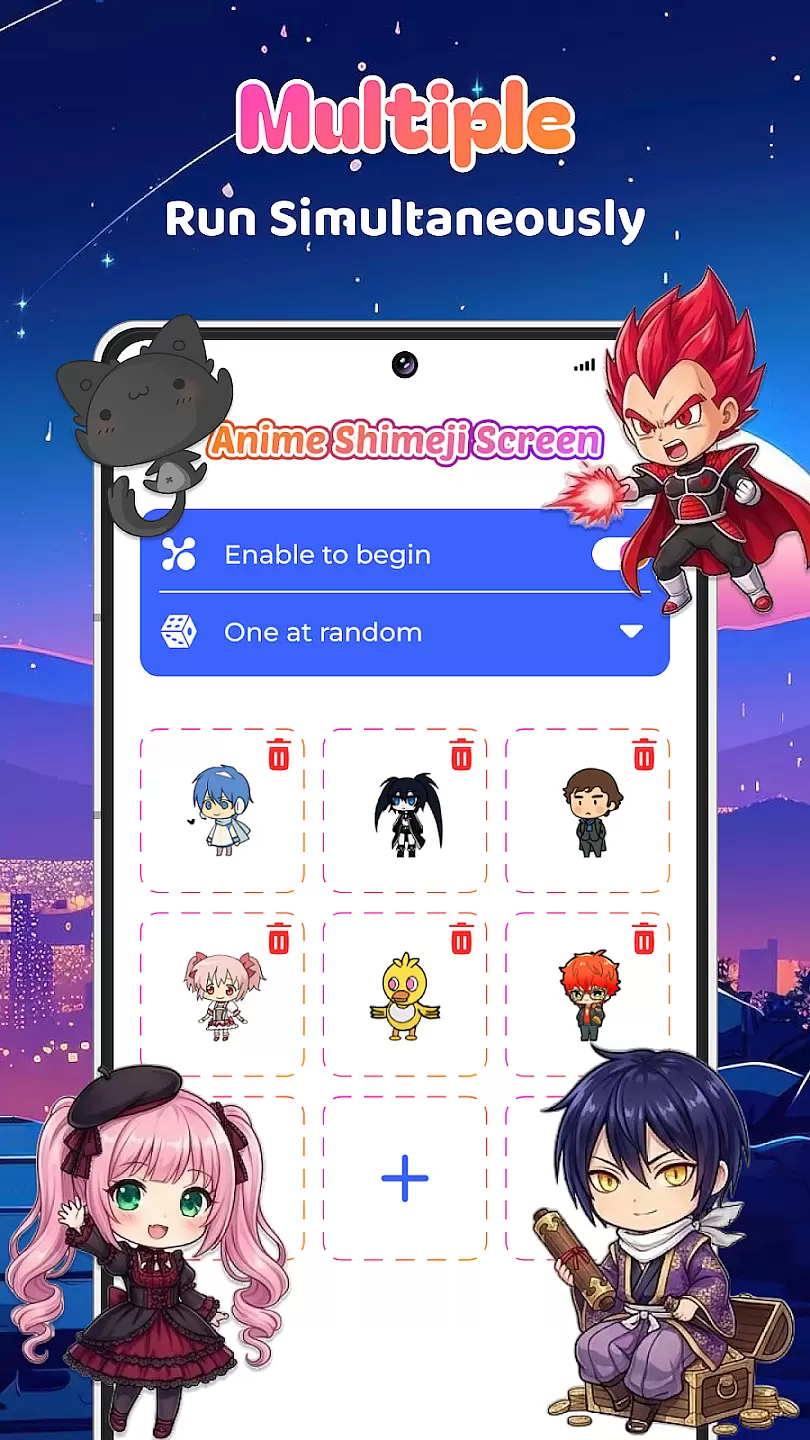
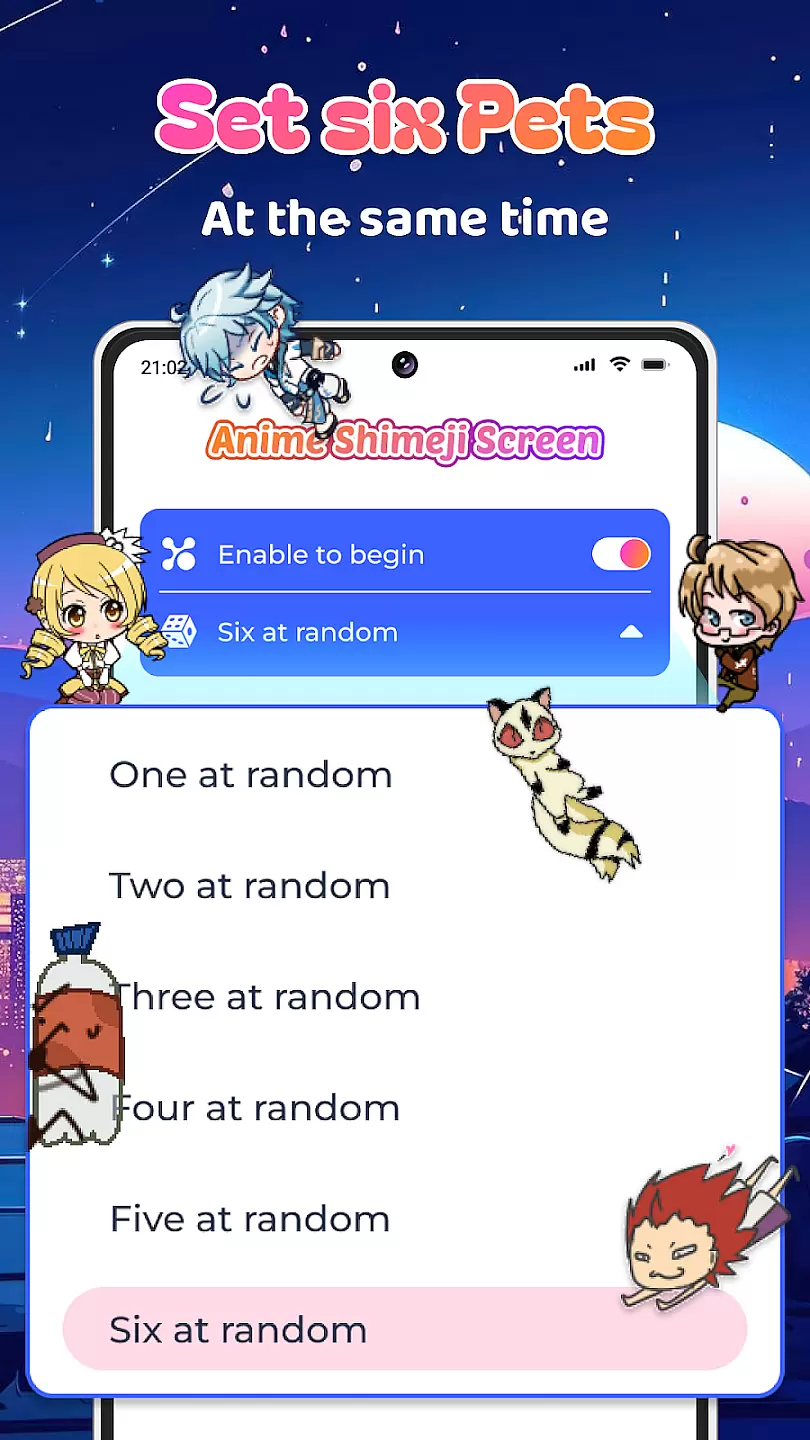
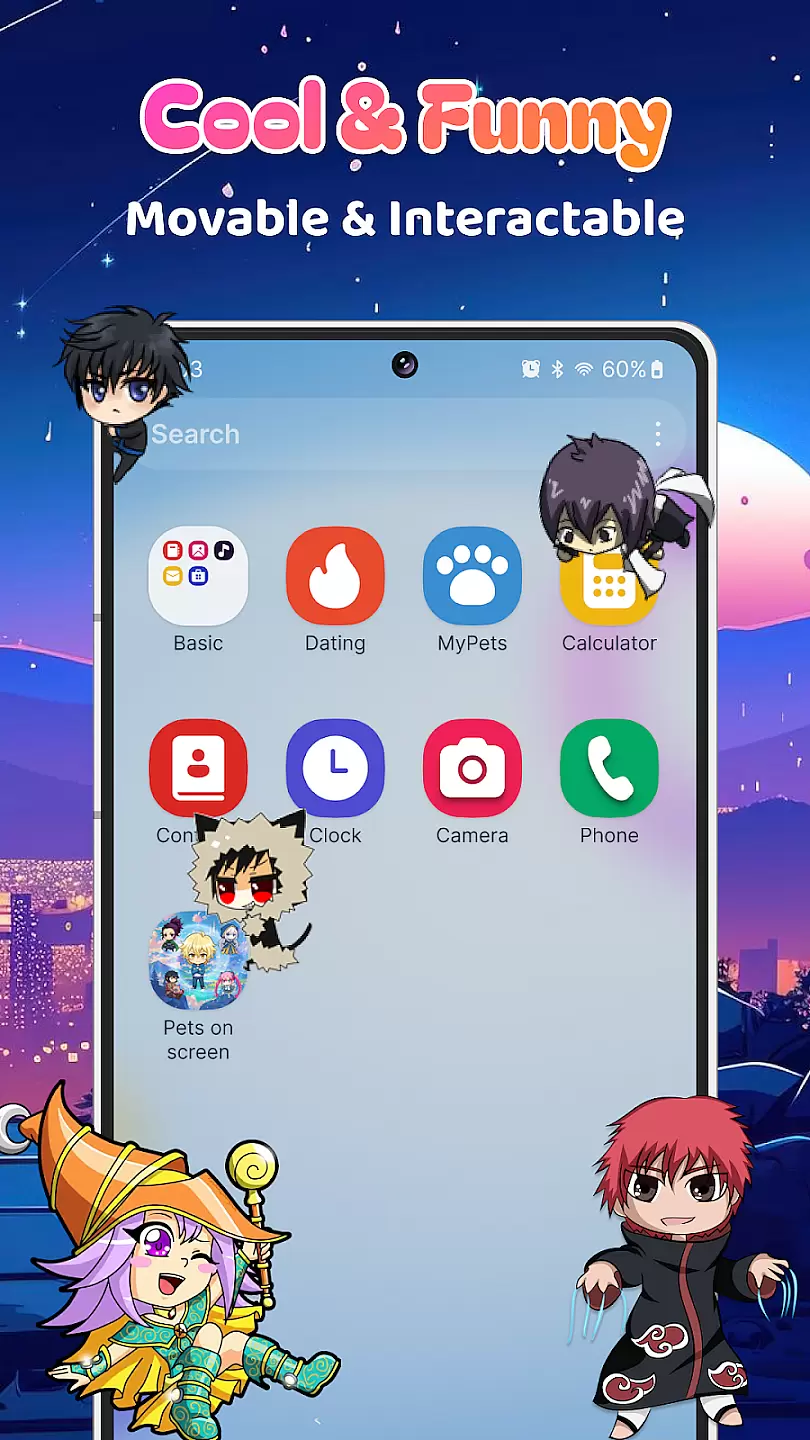
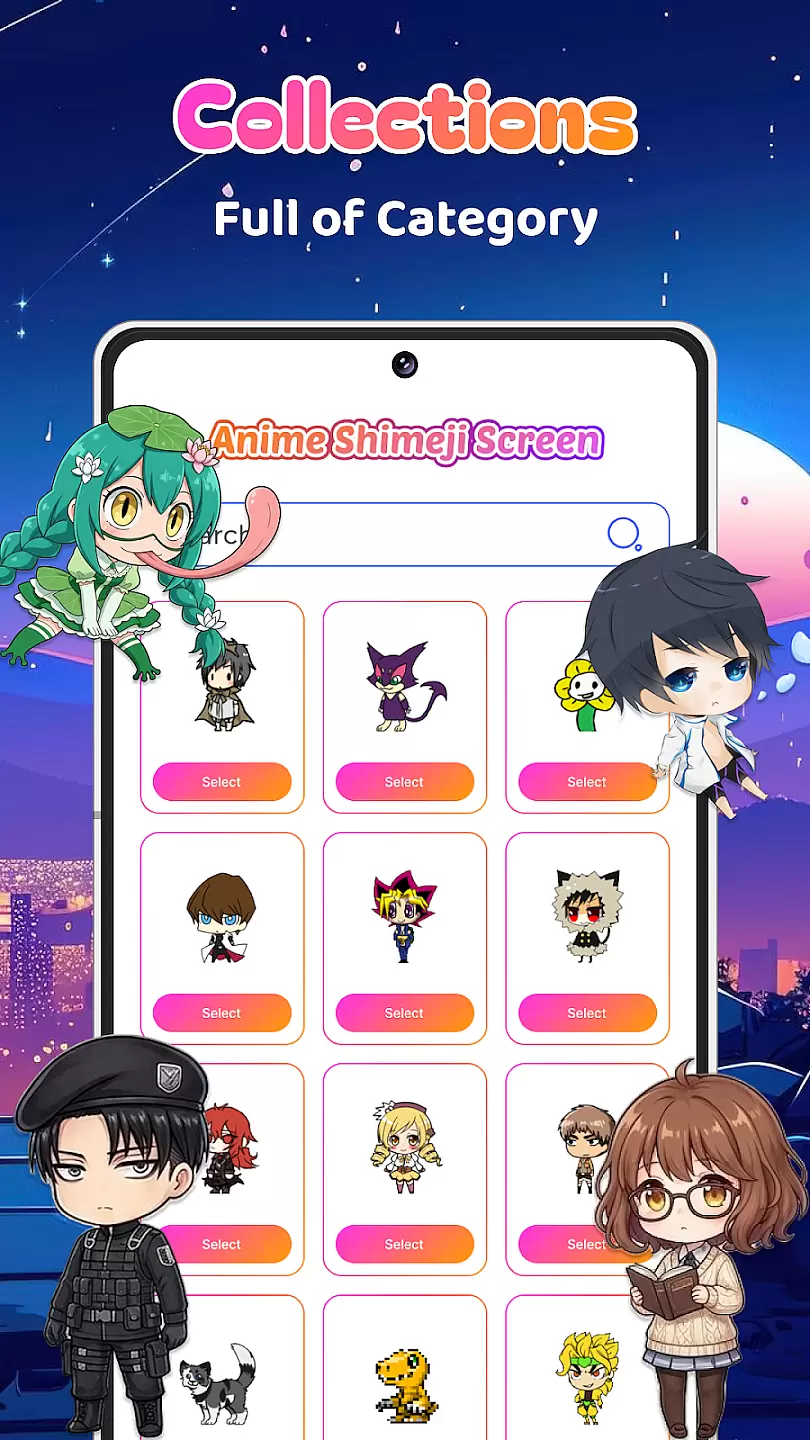
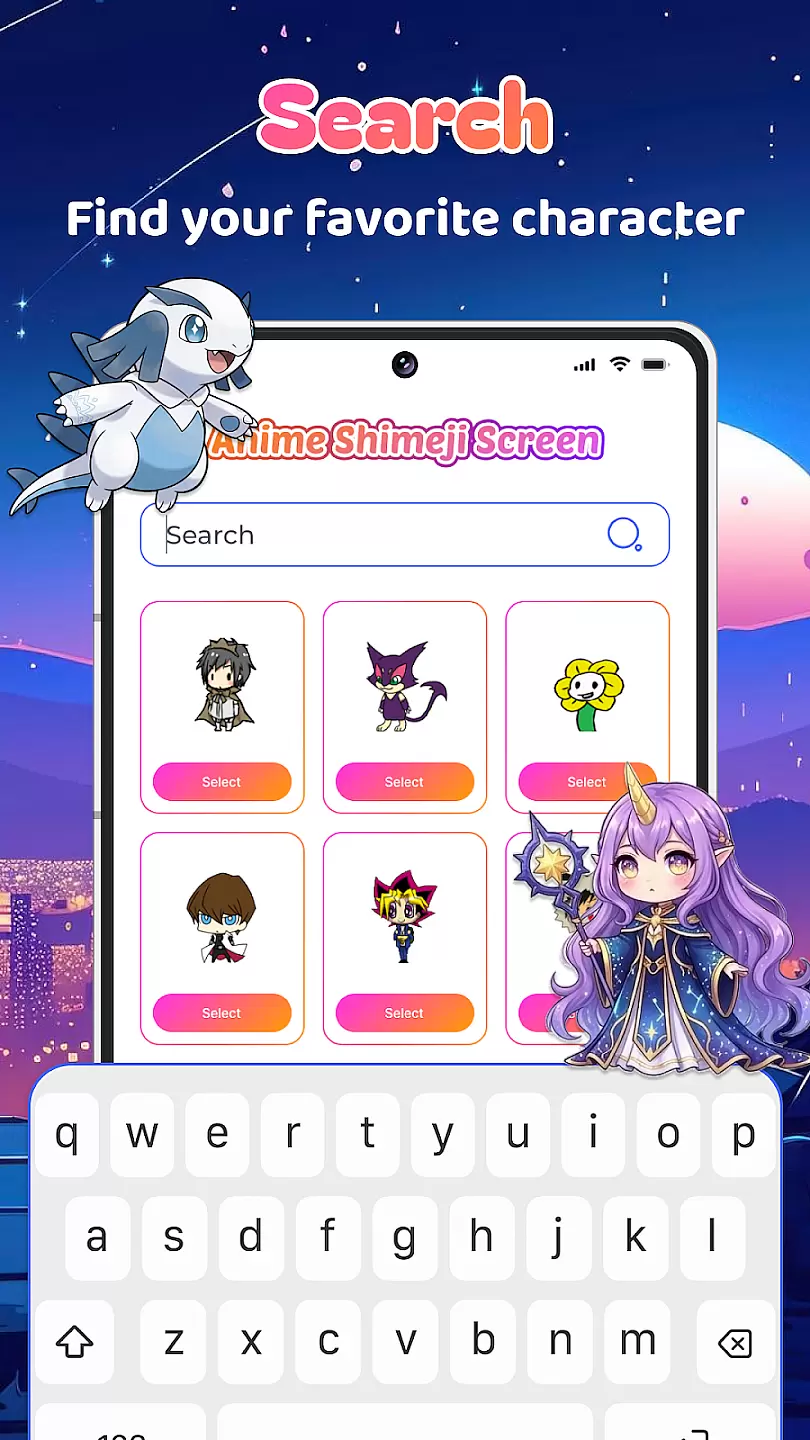
Live Anime Shimeji Screen Pets brings the charm of Japanese shimeji characters to your mobile device. This personalization app allows users to customize their screens with adorable anime-style pets that interact with your phone's interface. These virtual companions move around your screen, creating a playful and engaging user experience.
The app offers a variety of character designs, from classic anime styles to more unique and creative options. Users can select their favorite pets and watch them perform various actions like walking, sitting, or even playing with other shimeji. The application is perfect for anime enthusiasts who want to add a touch of personality to their devices while enjoying interactive entertainment.
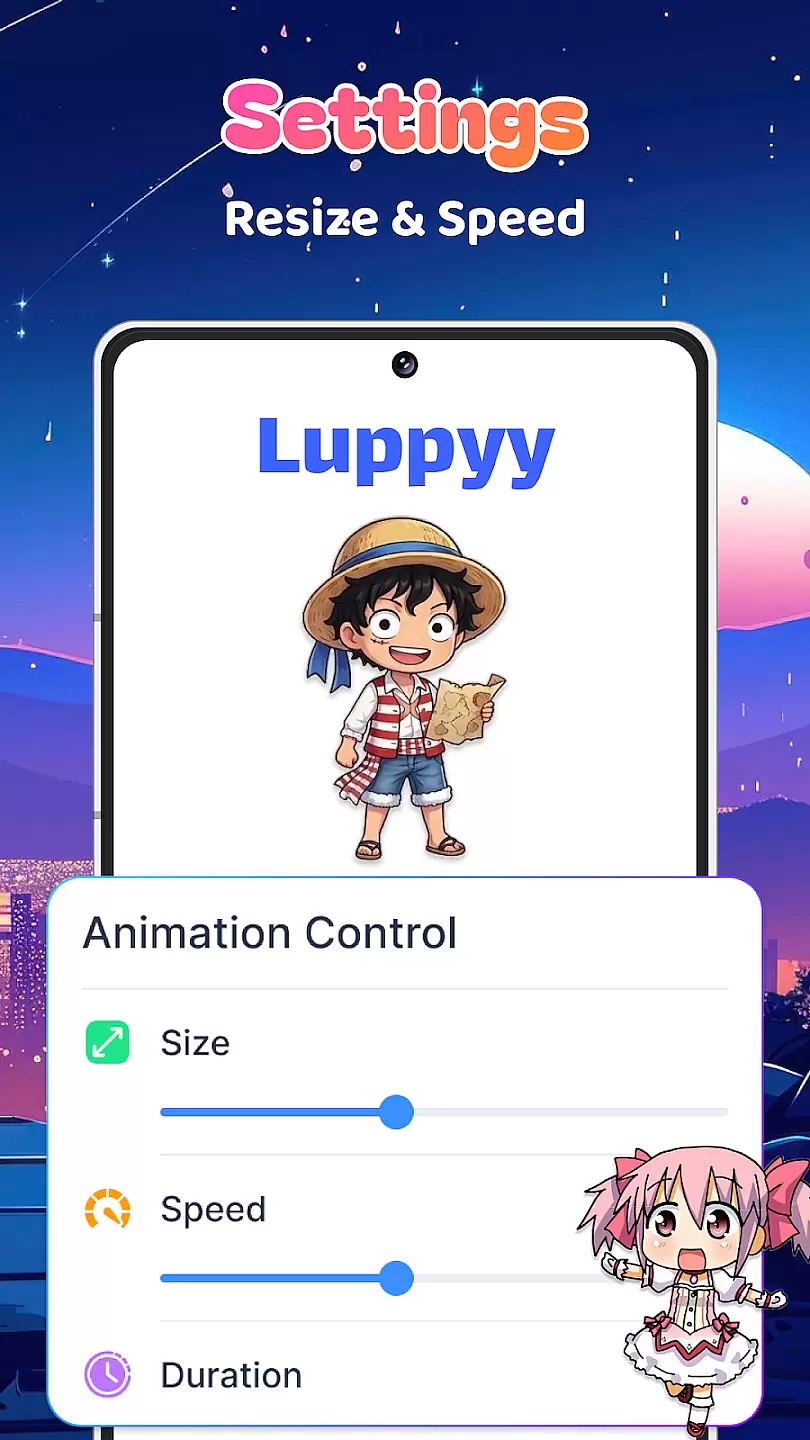
One of the standout features of Live Anime Shimeji Screen Pets is its extensive collection of customizable characters. Each pet comes with unique animations and behaviors, providing endless entertainment. Users can adjust settings such as movement speed, interaction frequency, and sound effects to create a personalized experience tailored to their preferences.
The app also supports multi-touch gestures, allowing users to interact directly with their virtual pets through taps and swipes. Additionally, it includes seasonal and limited-edition characters that are regularly updated, keeping the content fresh and exciting. With its lightweight design and minimal battery consumption, Live Anime Shimeji Screen Pets ensures that your device remains both fun and functional without compromising performance.
Customization is at the heart of any personalization app, and Live Anime Shimeji Screen Pets excels in offering a wide array of options to tailor your experience.
This application allows users to choose from a diverse selection of anime characters, each with unique animations and actions that can be personalized according to user preferences.
Users can adjust the size, speed, and behavior of these on-screen pets, ensuring that their digital companion perfectly fits their personality and style.
The ability to customize extends to setting up interactions between the virtual pets and the screen elements, providing an engaging and dynamic desktop environment.
Theme compatibility ensures that personalization apps like Live Anime Shimeji Screen Pets integrate seamlessly with various desktop themes and aesthetics.
This app supports multiple visual styles, allowing it to blend effortlessly into different setups without disrupting the overall look and feel of your desktop.
Whether you prefer a minimalist design or a vibrant anime-themed interface, Live Anime Shimeji Screen Pets adapts to match your chosen theme while maintaining its functionality and charm.
By prioritizing theme compatibility, the app enhances user satisfaction by delivering a cohesive and visually appealing experience across different customization scenarios.
User-friendly interface
Wide selection of characters
Customizable interactions
Regular updates
Low battery usage
Limited free options
Occasional bugs
In-app purchases required
Ads present
Not suitable for all ages

Vertically oriented rectangular icons
 4.70
4.70
A retro cartoon style watch face and a punch right in the face of the copyright
4.60
Add cute Shimeji pets to screen, interact with them and relax with cute motions
4.60
Customize glowing edges, wallpapers, and caller screen with EdgeAura.
3.50 4.50
4.50
Nothing Icon pack with more than 3750+ highly crafted icons.
4.70
Vibrant Adaptive Icons with Material You and Enhanced Monet Colors.
4.50
Launcher OS™ Pro without ads help make your phone simple and pretty
4.30
Magic fluids wallpaper 4D: Relax with stunning fluid simulation wallpaper app
4.20
Classic analogue watch face. For wear os devices.
4.60
Make your phone look simple & luxury, like iDevice
4.60
Over 28,000 high quality icons to bring color & homogeneity to your phone.
4.60
Ultimate Gallery Lock App - Hide Pictures, Videos and Lock Apps Instantly!
4.60 4.50
4.50
Fingerprint Lock Screen & Live Animations with 4K Wallpapers as Live Wallpaper
4.40
A light in the dark, a unique style and an andless cutomization!
4.30
Your home screen, just the way you like it.
4.30
Unique Fonts, typefaces and stylish text. Fonts for Instagram, Whatsapp & others
4.20
Your go to Weather App & Home Screen. Get your weather at a swipe of a finger!
3.80


User Reviews