
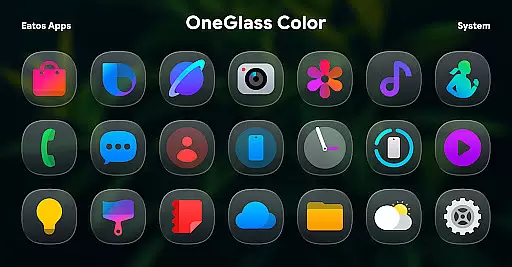
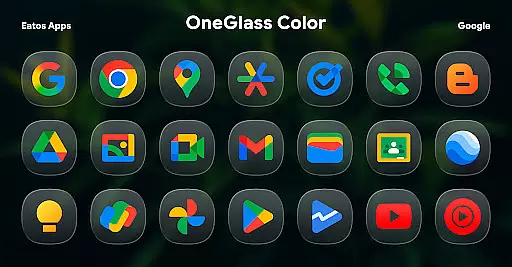
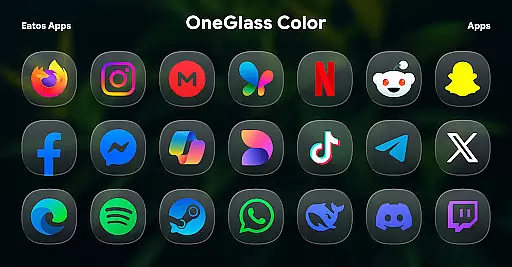
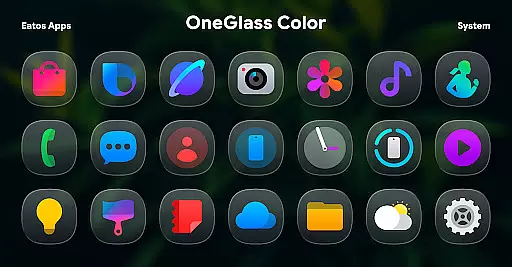
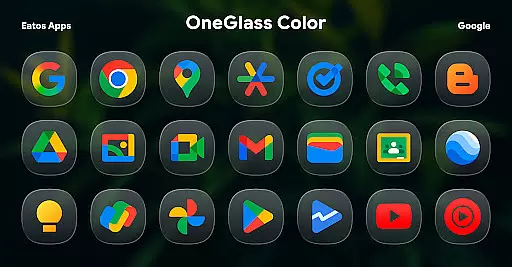
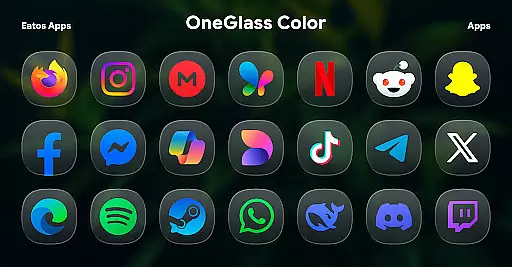
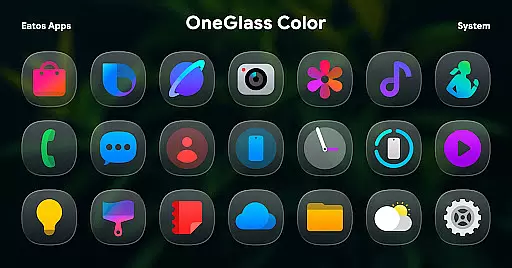
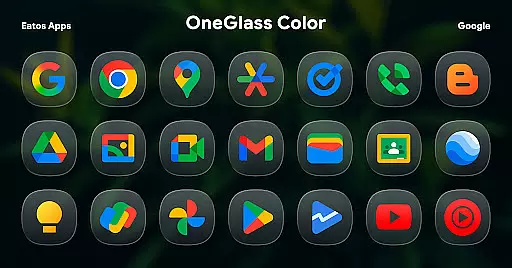
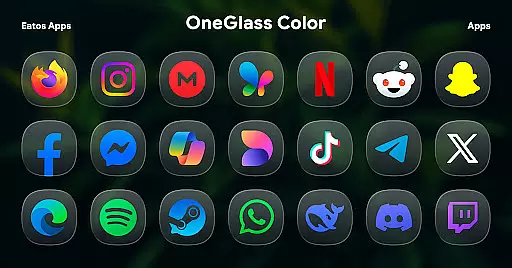
OneGlass 8 (Color) is a premium icon pack featuring over 4,600 beautifully crafted glass-style icons inspired by One 8 design language. This pack also includes more than 430 wallpapers, specifically optimized for dark mode usage.
The icon pack is designed to work seamlessly with popular launchers like Hyperion, Nova, and Smart Launcher. For Samsung OneUI users, it integrates perfectly through the Good Lock and Theme Park apps. Whether you want to enhance your device's aesthetics or create a cohesive dark-themed experience, this icon pack delivers both style and functionality.
OneGlass 8 (Color) stands out with its vibrant glass-inspired icons that bring a modern and sleek look to your device. Each icon is meticulously designed to ensure clarity and visual appeal, even in dark mode.
In addition to the extensive icon library, the pack provides over 430 high-quality wallpapers that complement the icons. The pack supports major launchers and offers compatibility with Samsung's OneUI through Good Lock and Theme Park apps. With regular updates and customer support available via email or X (formerly Twitter), this icon pack ensures a reliable and satisfying user experience.
OneGlass 8 (Color) offers a rich variety of customization options, ensuring users can tailor their device's appearance to their personal style. With over 4,600 Glass color icons and more than 430 wallpapers, this icon pack provides an extensive selection for those who prefer a cohesive dark mode aesthetic.
The customization extends beyond just icons and wallpapers. Users have the flexibility to choose from various themes that complement dark wallpapers, enhancing the overall visual experience. This makes it ideal for individuals who appreciate a sleek, modern look on their devices.
To apply these customizations, users need a compatible launcher such as Hyperion Launcher or Nova Launcher. The versatility in supported launchers ensures that most Android users can enjoy the benefits of this icon pack without compatibility issues.
Overall, OneGlass 8 (Color) stands out by offering diverse customization choices that cater to different preferences while maintaining a consistent and appealing design language.
Theme compatibility is a crucial aspect of OneGlass 8 (Color), designed to seamlessly integrate with various launchers that support theme application. This ensures that users can apply their preferred themes without encountering technical glitches or inconsistencies in visual presentation.
For users of OneUI launcher, OneGlass 8 (Color) provides specific instructions to ensure smooth integration. By downloading 'Good Lock' and 'Theme Park' apps, users can follow a straightforward process to apply themes effectively, as detailed on the provided link https://bit.ly/OneUIThemePark.
This compatibility extends to other popular launchers like Smart Launcher, making it versatile for a wide range of devices and user preferences. Such broad compatibility enhances user experience by allowing seamless transitions between different launchers without losing the customized look.
In summary, OneGlass 8 (Color) excels in theme compatibility, providing clear guidance and robust support across multiple platforms to deliver a consistently personalized and visually pleasing interface.
Stylish glass icons
Over 430 wallpapers
Dark mode optimized
Wide launcher support
Regular updates
Requires third-party launchers
No standalone use
Limited light mode
Paid app only
Complex setup

AI-powered Copilot. Personalized keyboard with gifs, stickers & themes
 4.40
4.40
Dark icon pack based on One 8
4.80
Customizable screen pets that play, climb, and keep you company.
4.50
Customize glowing edges, wallpapers, and caller screen with EdgeAura.
3.50 4.50
4.50
Color phone with cool effects for call screen, flash alert & ringtones music
4.50
Organize and manage your photos and videos effortlessly with Photo Gallery
4.20
Embrace the Night. Unleash the power of darkness with Raven Dark Icon Pack
4.60
Transform your phone with stunning video wallpapers and a unique, personal touch
3.80
Only for Wear OS devices!
4.90
A Colorful and Minimal icon pack in an Outline Style - Over 13,600 icons!
4.70
Vertically oriented rectangular icons
4.70
400+ Beautifully crafted widgets inspired by NOTHING.
4.70
Glass style colourful icons with a One UI look and feel
4.60
Add cute Shimeji pets to screen, interact with them and relax with cute motions
4.60
Ultimate Gallery Lock App - Hide Pictures, Videos and Lock Apps Instantly!
4.60
Stylish Pink Cute Hippo keyboard with 10000+ customized keyboard themes!
4.60
Transfer your live wallpapers from Windows to Android using Wallpaper Engine!
4.00
Design your screen with unique, vibrant clocks
3.80


User Reviews