

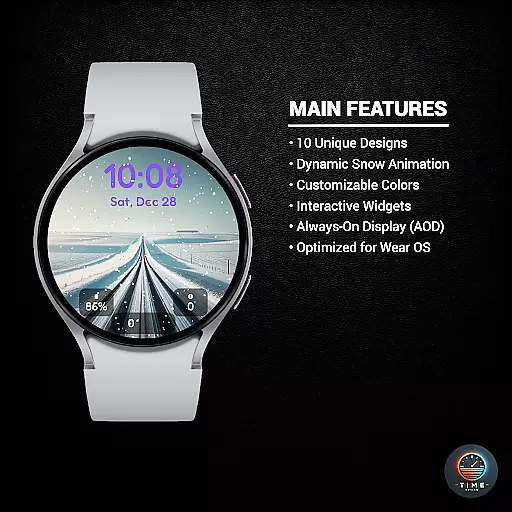
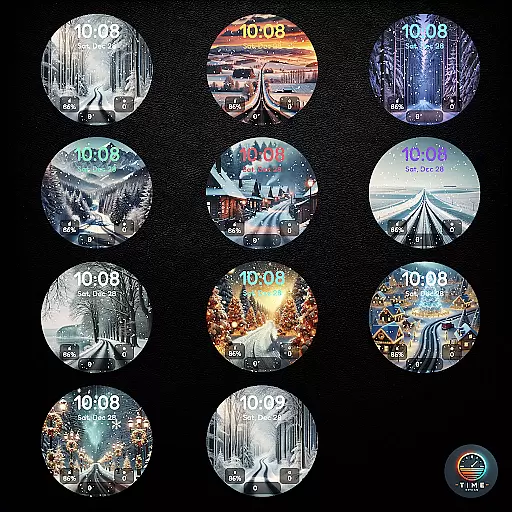
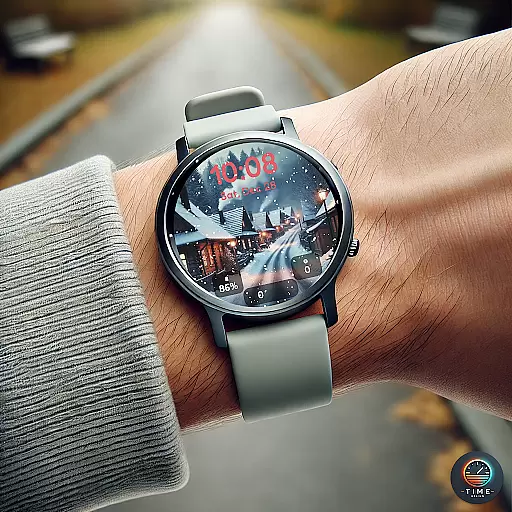
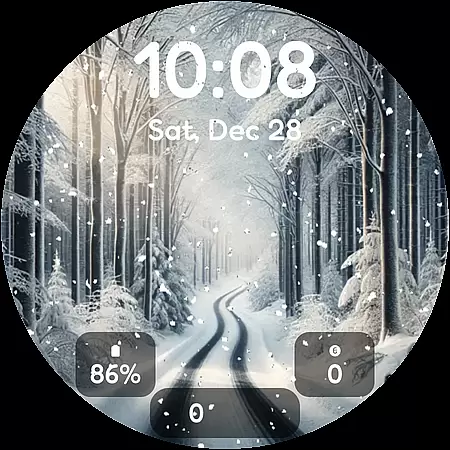
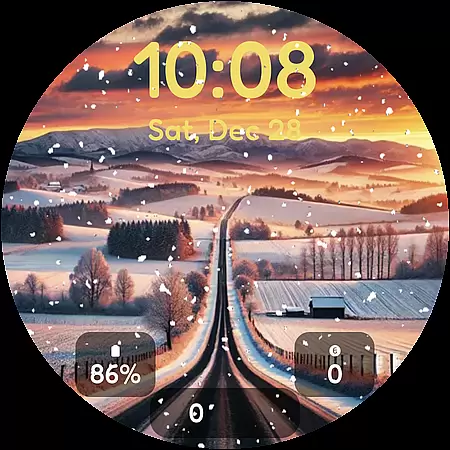
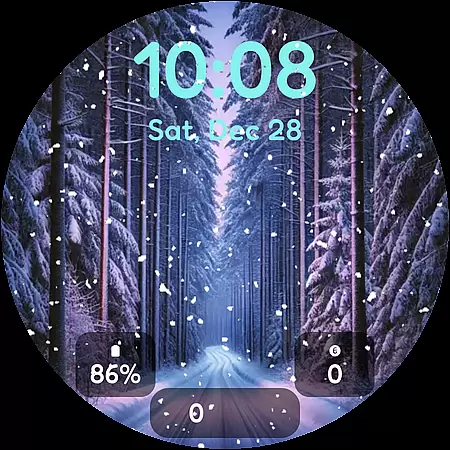
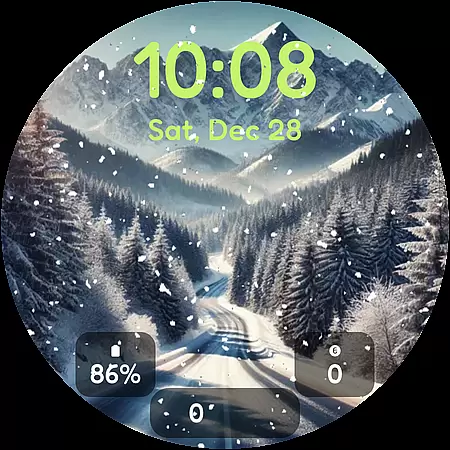
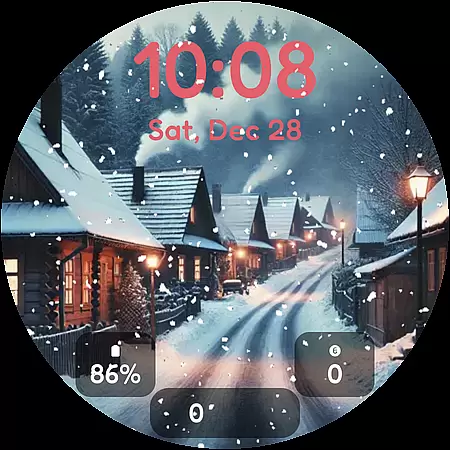
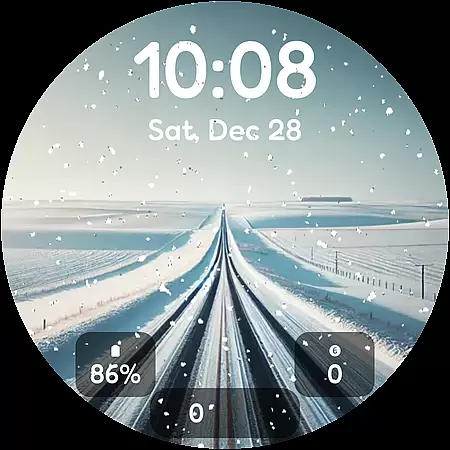
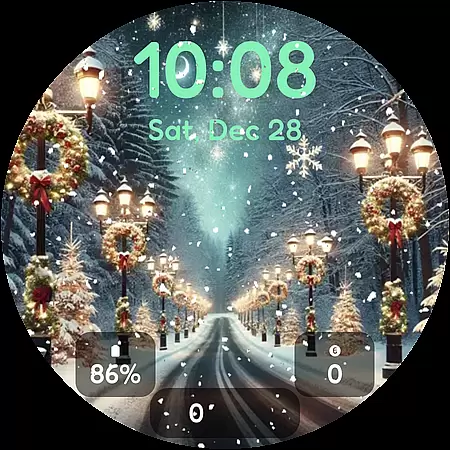

Winter's Journey Watch Face offers a serene winter-themed experience for smartwatch users, featuring 10 unique designs with dynamic snow animations. Compatible with Samsung Galaxy Watch series and Google Pixel Watch models, this watch face brings the beauty of winter to your wrist.
The app supports Wear OS optimization, AOD display, custom widgets, and multiple color themes, making it perfect for modern design enthusiasts. Whether you're looking for a visually stunning timepiece or customizable features, Winter's Journey provides both aesthetic appeal and functional utility.
Winter's Journey Watch Face stands out with its dynamic snow animation and 10 distinct winter-inspired designs. Each design is crafted to deliver a calming yet stylish appearance on your smartwatch screen.
Beyond its visual charm, the app includes advanced features such as Always-On Display (AOD) support, customizable widgets, and multiple color themes. These elements allow users to tailor their watch faces according to personal preferences while maintaining optimal performance on Wear OS devices.
Customization is at the heart of personalizing your smartwatch experience, and Winter's Journey Watch Face excels in offering a diverse range of options. With 10 unique designs, users can select a style that resonates with their personal aesthetic. Each design not only varies in appearance but also includes dynamic snow animation, adding life and movement to your watch face.
Beyond just visual appeal, this app provides multiple color themes allowing users to tailor the look to match their outfit, mood, or occasion. The availability of custom widgets means that wearers can prioritize the information most important to them, whether it be weather updates, fitness stats, or notifications. This level of customization ensures that each user's watch face is truly one-of-a-kind.
The practical benefits of such extensive customization are significant. Users can optimize their watch face for both form and function, ensuring quick access to frequently used features while enjoying a design that speaks to their individuality. By catering to fans of modern design, Winter's Journey Watch Face makes technology an extension of personal style.
Theme compatibility is crucial for ensuring that a watch face integrates seamlessly with a user's device ecosystem, and Winter's Journey Watch Face shines in this aspect. Designed specifically for Samsung Galaxy Watch and Google Pixel Watch models, as well as all Wear OS 6+ smartwatches, this app guarantees a smooth and visually consistent experience across supported devices.
By optimizing its performance for Wear OS, Winter's Journey maintains visual fidelity and operational efficiency. Whether you're using a Galaxy Watch 8 or a Pixel Watch 4, you can expect the same high-quality experience. This compatibility extends to Always-On Display (AOD) support, which means your chosen theme remains visible even when the watch is in standby mode.
For users, this compatibility translates into convenience and peace of mind. Knowing that the watch face will appear correctly and function optimally on their specific device model allows for a worry-free installation process. Moreover, the assurance of system-wide harmony enhances overall satisfaction, making Winter's Journey Watch Face a reliable choice for tech-savvy individuals seeking both beauty and functionality.
Stunning winter designs
Dynamic snow animations
Customizable widgets
AOD support included
Wear OS optimized
Limited device compatibility
Long installation time
Fewer interactive features
No free trial option
Premium-only access

Capture moments that pass like a storm, second by second.
 4.1
4.1
Transform your phone with Launcher iOS 26 - Smooth & elegant iOS experience
4.50
Sparkle your screen with Glitter Wallpapers For Girls and Cute Backgrounds!
4.80
Unique Fonts, typefaces and stylish text. Fonts for Instagram, Whatsapp & others
4.20 4.50
4.50
Icons made of colorful linear lines
4.60
300+ Beautifully crafted widgets inspired by OneUI.
4.60
Cool custom fonts & keyboard themes! Symbols & font changer for Instagram
4.50
Custom ringtones songs, music ringtones for Android phones
4.60
Dark icon pack based on One 8
4.80
Wallpaper HD 4K Live - Thousands of high-quality Anime backgrounds for you.
4.80
Stunningly Different look with Line Icons and Neon Colors
4.60
A retro cartoon style watch face and a punch right in the face of the copyright
4.60
Add cute Shimeji pets to screen, interact with them and relax with cute motions
4.60 4.50
4.50
Vibrant Adaptive Icons with Material You and Enhanced Monet Colors.
4.50
Adaptive Dot Style IconPack with Light & Dark Theme.
3.70
Adorable pets roam and play right on your phone screen!
3.30
Prank your friends with realistic broken screen and cracked HD effects!
4.1


User Reviews