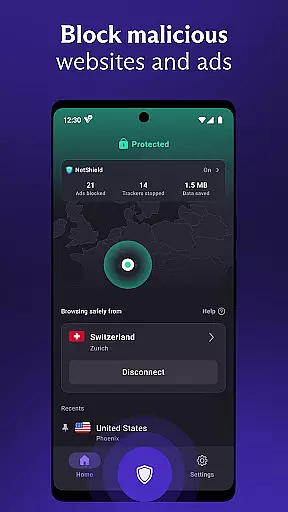

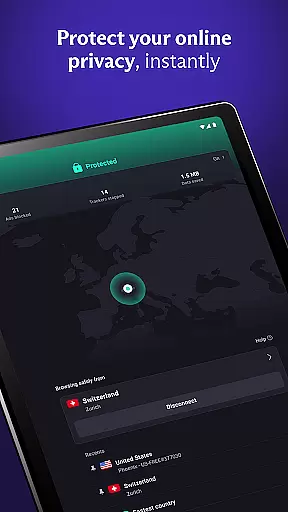
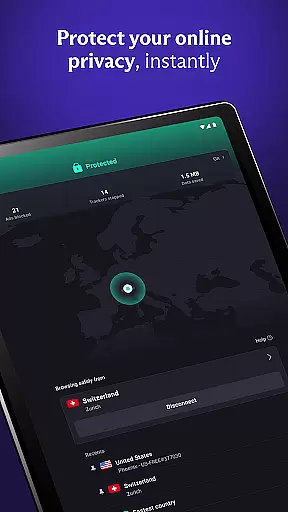
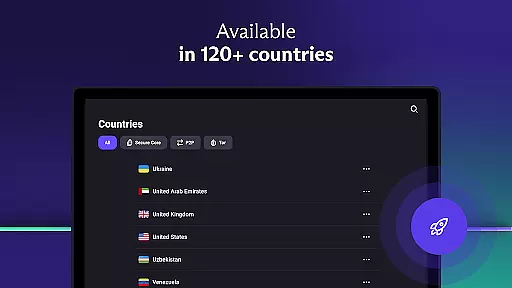

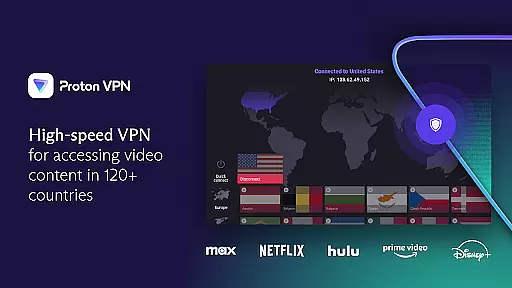
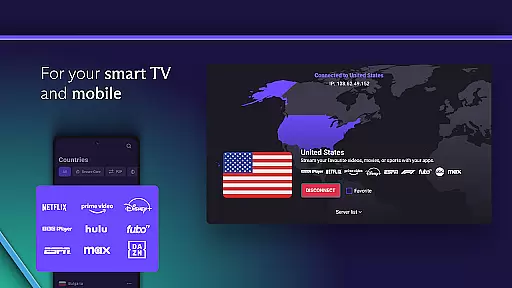
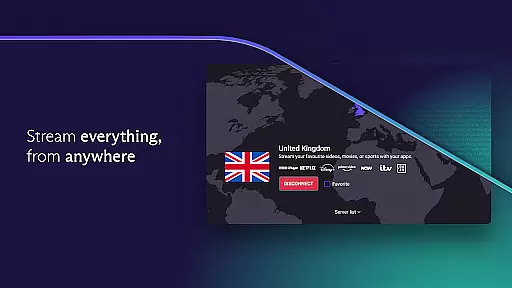
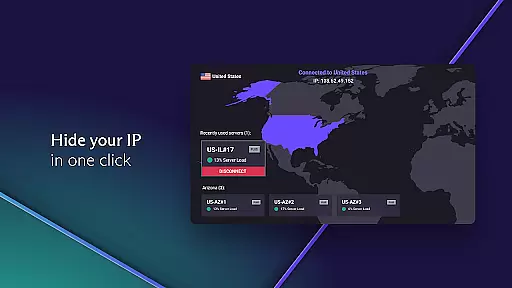

Proton VPN is a secure and privacy-focused virtual private network application developed by the team behind Proton Mail. This free-to-use app provides unlimited internet access with advanced security features, making it an ideal choice for users who prioritize online privacy. With its strict no-logs policy and strong encryption protocols, Proton VPN ensures that your browsing activity remains private and protected from third-party tracking.
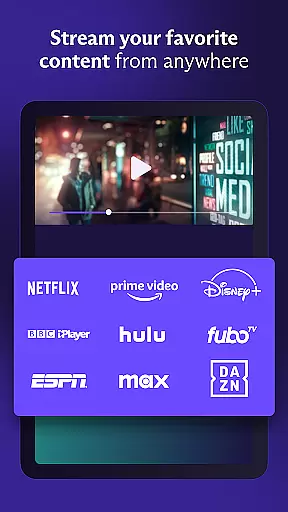
The app offers both free and premium tiers, allowing users to choose the level of service that best suits their needs. While the free version includes essential features like unlimited data access and DNS leak protection, the premium subscription unlocks advanced capabilities such as high-speed servers, streaming support, and multi-device connections. Whether you're looking to bypass geo-restrictions or simply want to protect your connection on public Wi-Fi networks, Proton VPN delivers a reliable solution across multiple platforms including Android, iOS, Windows, and macOS.
Proton VPN stands out with its comprehensive set of features designed to enhance user privacy and security. One of its key strengths is the implementation of advanced encryption protocols like OpenVPN and WireGuard, which ensure that your internet traffic remains secure from potential threats. Additionally, the app's Perfect Forward Secrecy feature prevents encrypted data from being decrypted in the future, even if the encryption keys are compromised.
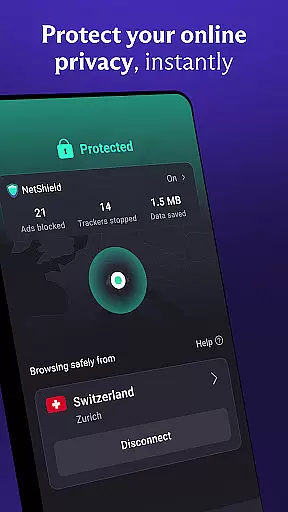
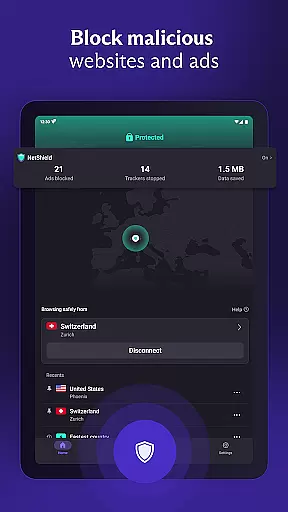
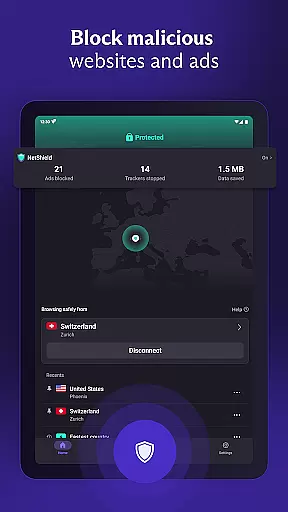
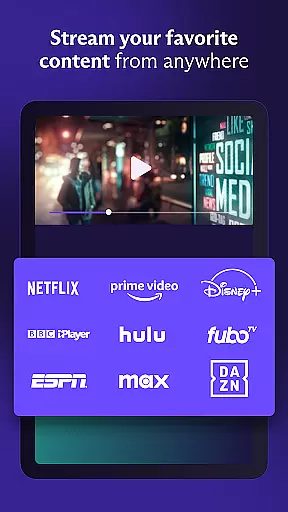
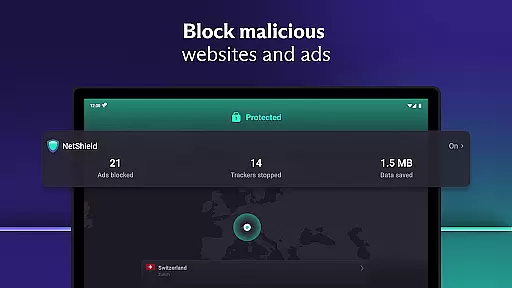
Another notable aspect of Proton VPN is its ability to bypass geo-restrictions effectively. The smart protocol selection automatically overcomes VPN bans, enabling users to access restricted content worldwide. For those seeking faster browsing speeds, the unique VPN Accelerator technology can boost connection speeds by up to 400%. Premium users also benefit from features like NetShield, which blocks ads and malware, and Secure Core servers that provide an extra layer of protection against network-based attacks. These robust features make Proton VPN a versatile tool for safeguarding your online presence.
Proton VPN stands out for its core function accuracy and effectiveness, ensuring users receive a secure and private internet connection. The app employs advanced protocols like OpenVPN and WireGuard, which are proven to be secure and reliable. This commitment to using only the most trusted protocols ensures that every connection you make is encrypted with the highest standards.
The effectiveness of Proton VPN is further enhanced by features such as Perfect Forward Secrecy and DNS leak protection. These technologies ensure that your browsing activity remains private and cannot be exposed through potential leaks or future decryption attempts. Additionally, the always-on VPN feature acts as a kill switch, offering protection against accidental disconnections and maintaining a consistent shield around your online activities.
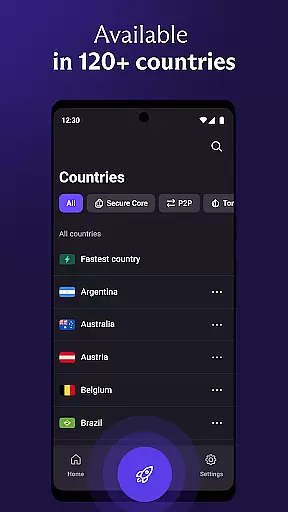
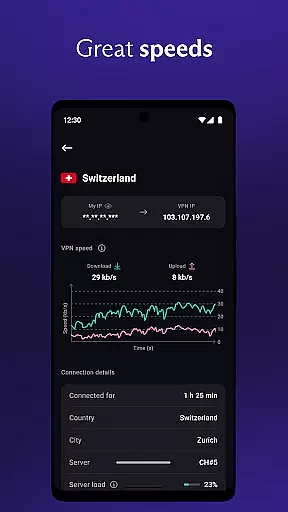
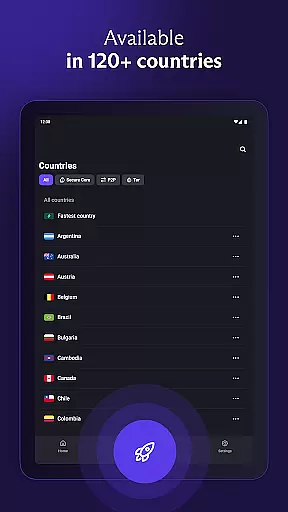
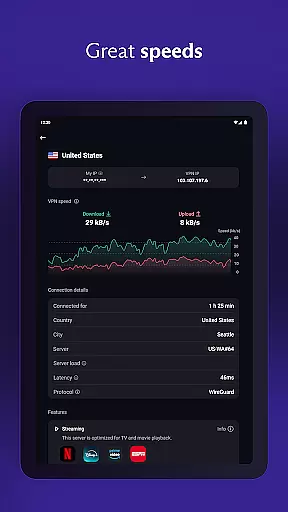
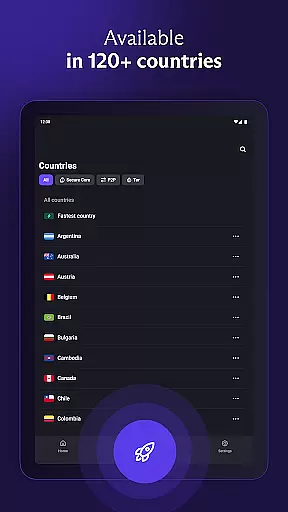
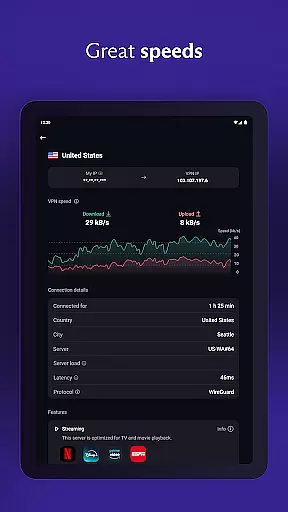
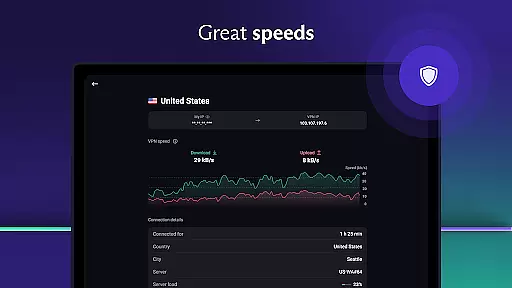
For users seeking premium features, Proton VPN offers even more robust options. With access to over 15,000 high-speed servers across 126 countries, the service guarantees fast and unlimited connections. The inclusion of unique technologies like VPN Accelerator boosts speeds by up to 400%, providing an exceptionally smooth browsing experience. Such advancements in speed and reliability demonstrate Proton VPN's dedication to delivering top-tier performance alongside uncompromised security.
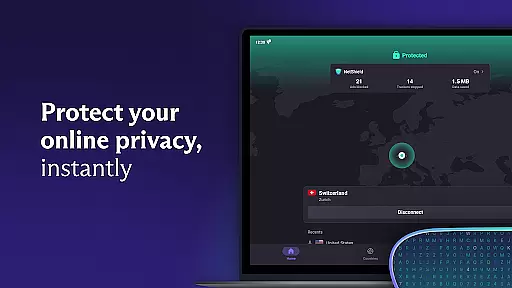
Proton VPN excels in interface simplicity and intuitiveness, making it accessible even for those new to virtual private networks. Upon launching the app, users are greeted with a clean and straightforward layout that prioritizes ease of use without compromising on essential functionalities. The main screen prominently displays the 'Quick Connect' button, allowing users to secure their internet connection with just one clicku2014a perfect solution for safeguarding public Wi-Fi hotspots.
Beyond basic connectivity, Proton VPN maintains clarity in presenting its advanced features. Options such as NetShieldu2014an ad blocker and malware protectoru2014are seamlessly integrated into the settings menu, ensuring they do not clutter the primary user interface. This thoughtful design allows users to enable powerful protections while keeping the dashboard uncluttered and focused on core tasks like connecting to servers or managing privacy settings.
Furthermore, multi-platform support enhances the overall intuitiveness of Proton VPN. Whether you're using Android, iOS, Windows, macOS, or Linux, the application provides a consistent experience tailored to each operating systemu2019s native environment. By respecting platform conventions and optimizing interactions accordingly, Proton VPN ensures that switching between devices feels natural and intuitive, reinforcing its position as a leader in both security and usability within the tools category.
Strong encryption protocols
No logs policy
Unlimited bandwidth
Advanced privacy features
Cross-platform support
Limited free servers
Premium tier costs
Occasional speed drops
Complex setup for beginners
Fewer server locations

 4.10
4.10 4.50
4.50
Quickly & easily calculate the spacing of handrail balusters
4.20
Excellent scientific calculator with symbolic algebra, integrals, derivatives
4.80
Navigate with Ease and Style
4.90
Introducing Smart Printer, your ultimate destination for printing solutions!
4.00
Fast VPN USA for any country. Super secure VPN for calls, streaming, games, TV.
4.40
Enjoy a smooth mobile reading experience!
3.60
Enhance your Beats
3.70
Easily install aab(Android App Bundle) files on your Android device with our app
4.80
ADB support Android 4.X-Android 13(Support wireless pair mode).No root required!
4.70
The one-and-only remote control for PC, Mac, and Linux
4.70
Mirror your screen to Chromecast and Android TV - Super fast and simple
4.60 4.50
4.50
Just one-tap to easy translate in any language after calls within seconds.
4.20
View detailed information about your Nissan Leaf the dealer never shows you.
4.10
A simple app to back up and restore SMS & MMS messages and call logs.
4.10
Create your own live wallpaper or check out thousands already made presets
3.90
Download any file easily and quickly with Downloader
4.0


User Reviews