
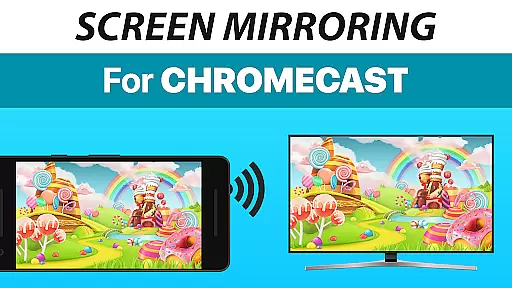
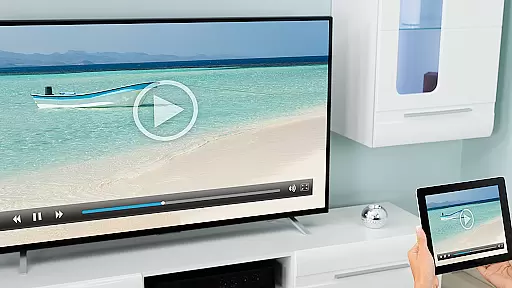
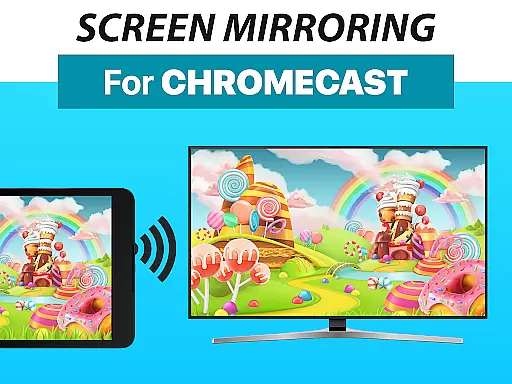
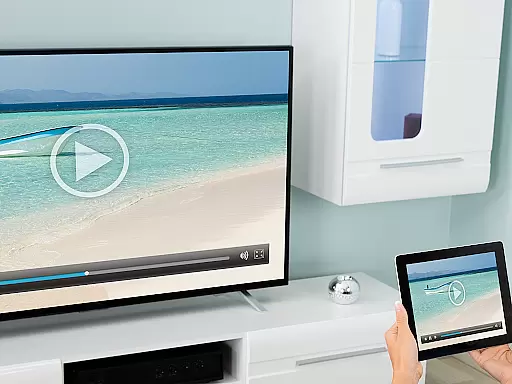
Screen Mirroring + Chromecast is a powerful tool designed to mirror your screen in real-time with HD quality to Chromecast and Android TV devices. This app allows you to share your screen on any Chromecast-enabled device, including Smart TVs from brands like Xiaomi, Sony Bravia, TCL, Vizio, Hisense, Philips, and Sharp, as well as NVidia Shield Gaming Consoles.
The app supports all Android devices running Android 5.0 and above, offering a seamless experience across different platforms. With an easy and unified setup process, users can start sharing without the need to adjust Android settings or Wi-Fi options. It's particularly useful for presentations, gaming, and sharing media content with friends and family.
For optimal performance, a strong Wi-Fi network is recommended, preferably 5GHz. The app also supports sound transmission on Android 10+. Developed by the creators of VIDEO & TV CAST, this tool ensures reliability and high-quality streaming.
Screen Mirroring + Chromecast stands out with its broad device compatibility and ease of use. It supports all Android devices with Android 5.0+, ensuring that most smartphone and tablet users can take advantage of its capabilities. The app provides a super easy and unified setup process across all Android devices, eliminating the need for complex configurations.
Performance-wise, the app excels when used with good Wi-Fi network conditions, recommending 5GHz Wi-Fi for the best experience. Sound support is available for devices running Android 10+, enhancing the multimedia sharing experience. Whether it's photos, videos, games, websites, apps, presentations, or documents, this app facilitates effortless sharing.
Developed by the team behind VIDEO & TV CAST, Screen Mirroring + Chromecast benefits from the expertise of creating one of the top video casting apps globally, with over 100 million downloads. This heritage ensures a reliable, high-quality service for users looking to share their screens.
Screen Mirroring + Chromecast is designed to provide users with an efficient and accurate screen sharing experience. The core functionality revolves around real-time HD quality screen mirroring to Chromecast and Android TV devices. This ensures that whatever content you wish to share, whether it be photos, videos, games, or presentations, is transmitted without loss of quality.
The app supports all Android devices running Android 5.0 and above, ensuring broad compatibility. With unified setup across all devices, users can easily connect and mirror their screens without the hassle of changing settings or Wi-Fi options. This ease of use enhances the overall user experience, making it accessible even for those who may not be tech-savvy.
Performance is optimized under good Wi-Fi network conditions, with a recommendation for 5GHz Wi-Fi for the best results. This focus on network conditions ensures minimal latency and a smooth mirroring experience. Additionally, sound support on Android 10+ devices adds another layer of functionality, allowing users to share audio along with visual content seamlessly.
A standout feature of Screen Mirroring + Chromecast is its simple and intuitive interface. The developers have prioritized user experience by creating a straightforward setup process that eliminates unnecessary steps. Users can quickly connect their devices to any Chromecast or Smart TV with Chromecast built-in without needing to adjust Android settings or Wi-Fi configurations.
This simplicity extends to the everyday use of the app. Once connected, sharing your screen becomes a seamless action. Whether you're showing a presentation, streaming a video, or playing a game, the app's interface ensures that these actions are intuitive and easy to perform. This design choice significantly lowers the learning curve, making the app suitable for users of all ages and technical backgrounds.
Furthermore, the app's developers, known for VIDEO & TV CAST, bring a wealth of experience in creating top-rated casting applications. This expertise is evident in the polished and user-friendly nature of the interface, which contributes to a frustration-free user experience. By focusing on simplicity and intuitiveness, Screen Mirroring + Chromecast ensures that users can enjoy their content without being bogged down by complex controls or confusing options.
User-friendly interface
Wide device compatibility
High-quality HD streaming
Easy setup process
Reliable performance
Requires good Wi-Fi for best results
Sound only on Android 10+
No affiliation with mentioned brands
Limited to Chromecast devices
Potential latency issues

App to pay for FUTO Keyboard
 4.60
4.60
VESC Tool can monitor and configure VESC-compatible devices over BLE and Wifi
4.20
A non-root local ADB shell client. READ BELOW!
3.40
Undelete and recover your lost or deleted files with DiskDigger!
3.40
The Ultimate Flex Drivers Utility App - Convenient Tapping & Block Filters
4.70
Create your own custom widget with endless possibilities
3.90
Introducing Smart Printer, your ultimate destination for printing solutions!
4.00
Mobile Security with Scam Protection | Malware & Virus Cleaner | Safe Browser
4.70
Clean up your phone, find files, play media, and share files offline
4.50
Connect wirelessly to your computer to watch movies, browse the web, play games
5.00
Best leveling tool for your Android device. Hang paintings like a pro.
4.90
Learn the vast amount of system information about device and monitor it's state
4.70
Connect instantly to a fast, encrypted VPN with one tap
4.60
Play your X-Box games remotely in 1080p with any controller and zero latency
4.60
eXtended Permission Manager - a small app to manage permissions and AppOps
4.50
Screen Mirroring for Roku Sticks, Roku TCL TV and Roku Hisense TV
4.50
PC precision for mobile gaming: dominate with keyboard and mouse!
4.30
A recovery soft,it features photo recovery, video recovery, file recovery.
3.40
Save any video in HD - paste the link, download fast and watch offline.
4.1


User Reviews