
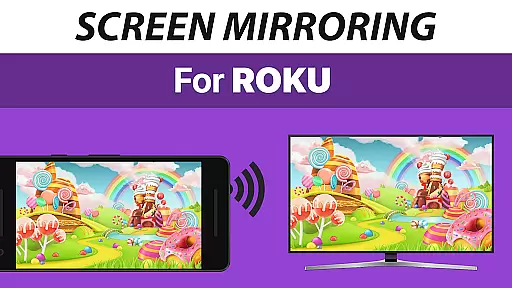
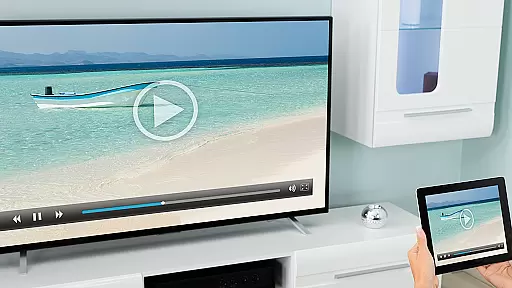
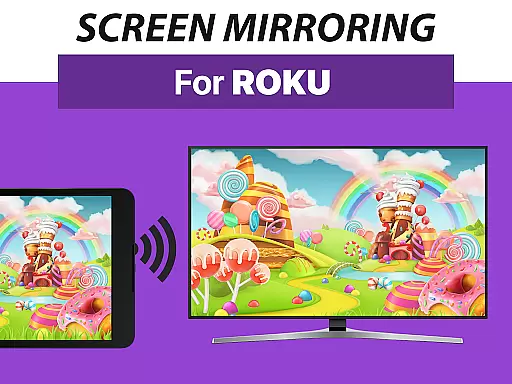
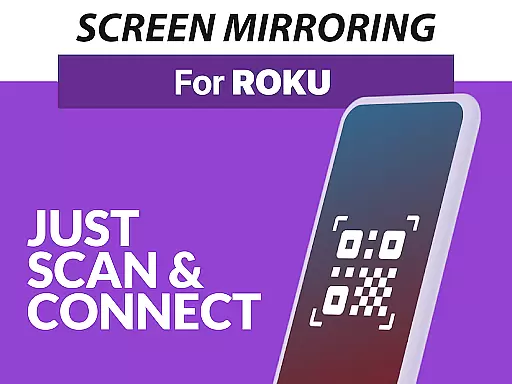
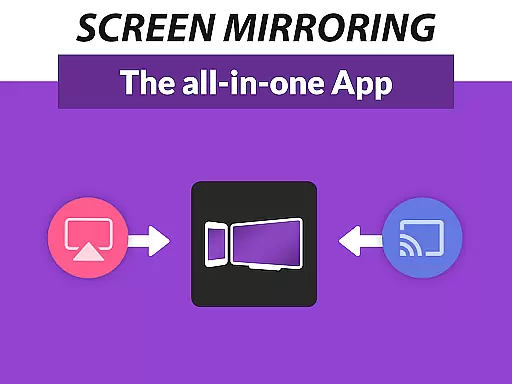
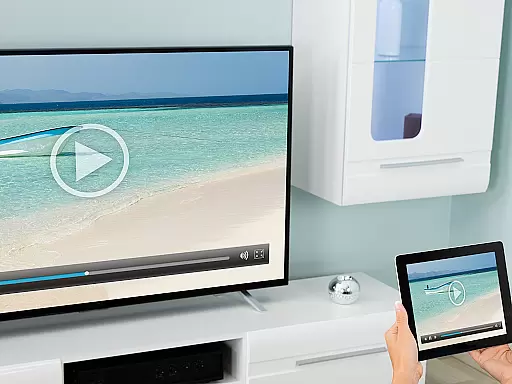
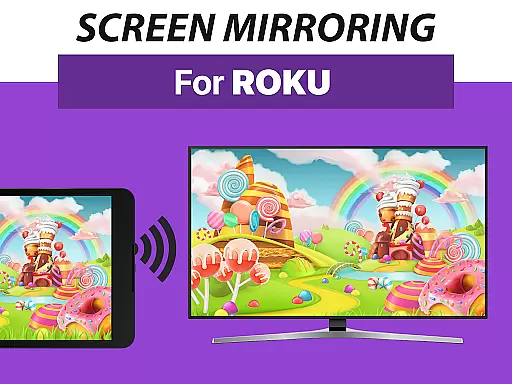
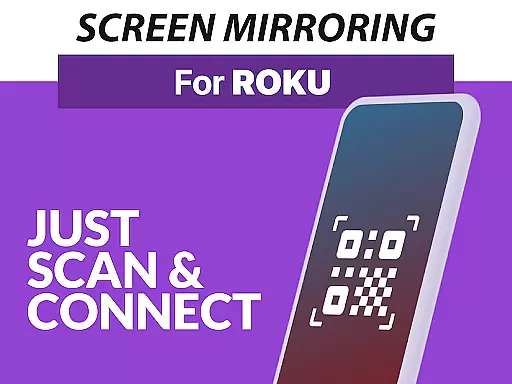
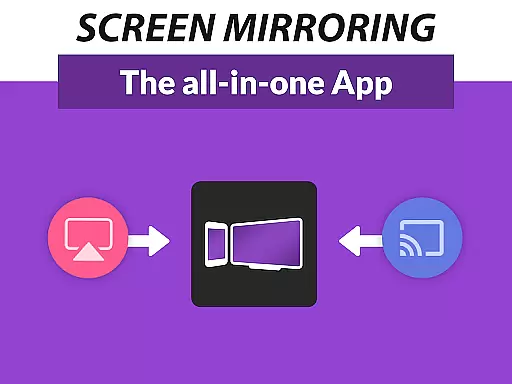
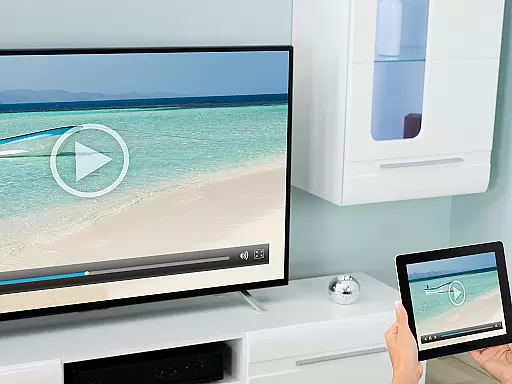
Screen Mirroring Pro for Roku is a powerful tool designed to mirror your Android device's screen to any Roku-enabled display seamlessly. This includes Roku Sticks, Boxes, Roku TVs from brands like TCL and Hisense. The app operates wirelessly, ensuring an easy setup process while maintaining HD quality streaming.
What sets this application apart is its superior device compatibility and user-friendly interface. Supporting all Android devices with version 5.0 and above, it eliminates the need for complex settings adjustments or specific Wi-Fi configurations. Users simply ensure both their Android device and Roku are on the same Wi-Fi network, preferably 5Ghz for optimal performance.
Ideal for sharing photos, videos, games, presentations, and more, Screen Mirroring Pro enhances connectivity and collaboration among friends, family, and colleagues. Its intuitive design and reliable performance make it a go-to solution for anyone looking to expand their digital workspace or entertainment options.
Screen Mirroring Pro for Roku boasts several standout features that enhance its usability and performance. Firstly, its broad device support ensures compatibility with all Android devices running version 5.0 and above, as well as all Roku models including Sticks, Boxes, TVs, and Roku Express variants.
The app simplifies the screen mirroring process through a unified and straightforward setup that doesn't require altering Android settings or Wi-Fi options. This ease of use is complemented by high-definition streaming capabilities, provided users maintain good Wi-Fi conditions, ideally utilizing a 5Ghz network for the best experience.
Additionally, Screen Mirroring Pro offers advantages over Roku's built-in Miracast feature, such as improved reliability and broader device support. With dedicated customer support available via email, users can easily seek assistance or provide feedback, ensuring continuous improvement and satisfaction.
Screen Mirroring Pro for Roku delivers exceptional core functionality by enabling seamless screen mirroring from Android devices to Roku-enabled screens. This app supports all Android devices running version 5.0 and above, ensuring broad compatibility.
The app's effectiveness is highlighted by its easy setup process, which eliminates the need for complex settings adjustments or Wi-Fi reconfigurations. Users can quickly mirror their screens in high-definition quality, making it ideal for sharing photos, videos, presentations, and more with friends, family, or colleagues.
Performance optimization is another key feature, particularly when connected to a robust 5GHz Wi-Fi network. This ensures minimal latency and smooth streaming, enhancing user experience during screen sharing sessions. The developers' expertise, drawn from creating one of the world's leading video casting apps, guarantees reliable performance.
By offering superior device support compared to Rokuu2019s built-in Miracast feature, Screen Mirroring Pro provides users with an efficient tool that meets both personal and professional needs without requiring technical expertise.
The interface design of Screen Mirroring Pro for Roku emphasizes simplicity and intuitiveness, ensuring that even first-time users can navigate effortlessly. With a unified setup process across all supported Android devices, the app removes barriers typically associated with screen mirroring technologies.
Users benefit from clear instructions and straightforward controls, allowing them to connect their devices to any Roku Stick, Box, or TV within moments. Thereu2019s no need to toggle Android settings or switch Wi-Fi networksu2014everything works seamlessly as long as both devices share the same network.
This intuitive approach extends to troubleshooting as well; if issues arise, users can easily reach out via email for prompt support. Such accessibility enhances overall satisfaction while minimizing frustration often caused by complicated interfaces.
Ultimately, this focus on user-friendly design makes Screen Mirroring Pro not just functional but also enjoyable to use, catering to individuals who value efficiency without sacrificing ease of use.
User-friendly interface
Wide device compatibility
Wireless HD streaming
Easy setup process
Dedicated customer support
Requires stable Wi-Fi
No offline functionality
Premium version costs
Limited to Roku devices
Occasional lag issues

 4.10
4.10 4.50
4.50
Learn the vast amount of system information about device and monitor it's state
4.70
Use your phone as a webcam on your computer over WiFi or USB.
4.40
A non-root local ADB shell client. READ BELOW!
3.40
Signal Strength, Mobile, Wifi, Speed Test, Bad Signals, Cellular, 5G, LTE, 4G
4.20
Mirror your screen to Chromecast and Android TV - Super fast and simple
4.60
The one-and-only remote control for PC, Mac, and Linux
4.70
Download any file easily and quickly with Downloader
4.2
WiFi Signal Strength Meter help you detect WiFi Signal Strength in real time.
4.80
Small and simple app to Verify Root Access and BusyBox Install!
4.70
The Ultimate Flex Drivers Utility App - Convenient Tapping & Block Filters
4.70
VESC Tool can monitor and configure VESC-compatible devices over BLE and Wifi
4.20
Screen Mirroring with sound for Samsung TV, LG TV, Sony TV, Smart TV and Browser
4.20
Detect hidden spy camera with advanced scanning {{ Premium version }}
4.00
Introducing Smart Printer, your ultimate destination for printing solutions!
4.00
Create your own live wallpaper or check out thousands already made presets
3.90
Clean the junk files on your device
3.40
Transfer Files, APK from Phone to Watch & Install.
4.1


User Reviews