
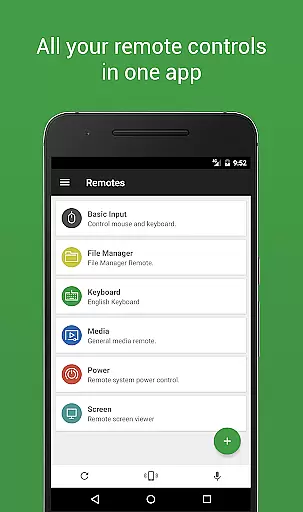

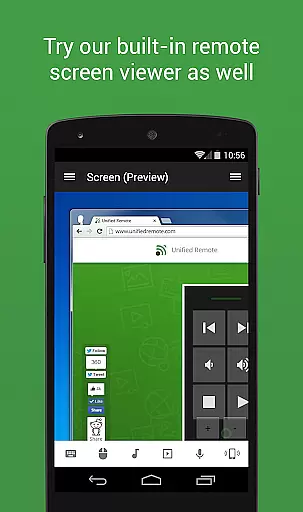
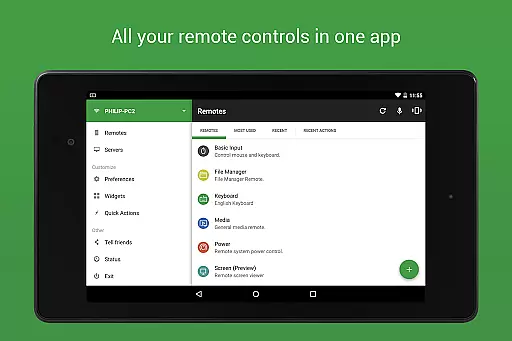
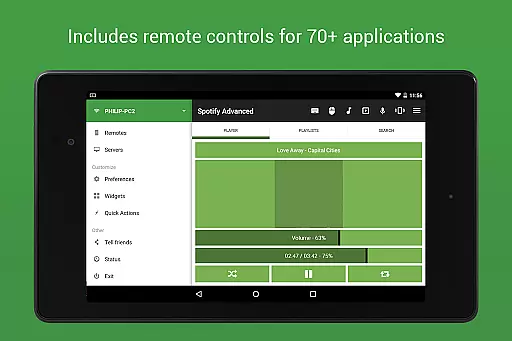
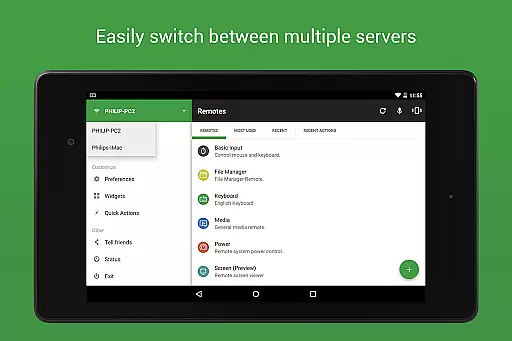
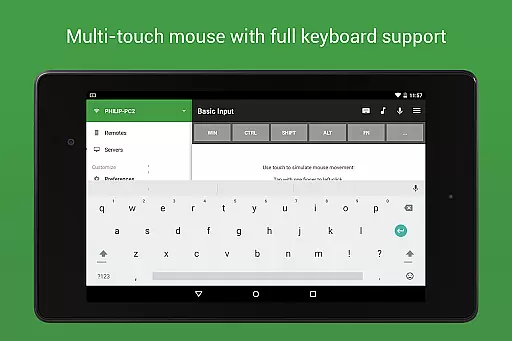
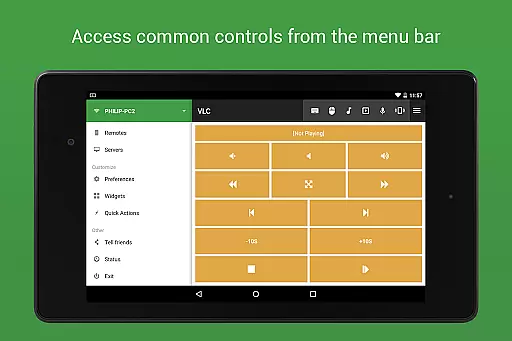
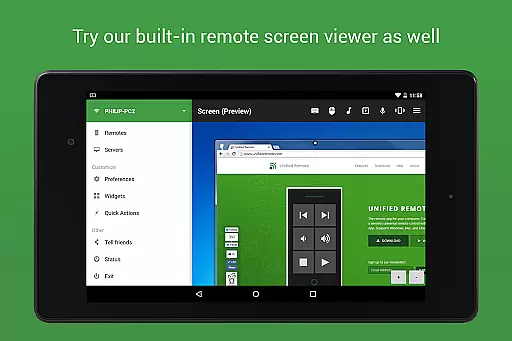
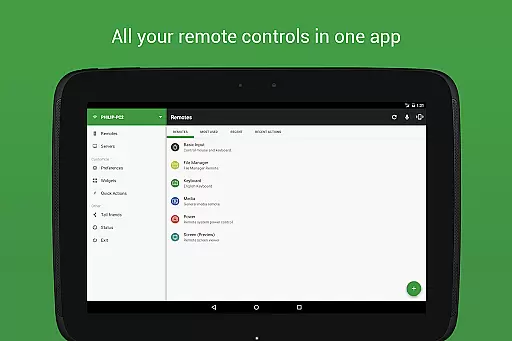
Unified Remote Full is a versatile remote control application designed to transform your mobile device into a universal remote for Windows PC, Mac, and Linux systems. With support for over 90 programs, this app allows you to control essential functions such as mouse and keyboard operations, media players, presentations, screen mirroring, power management, file navigation, terminal commands, and more.
The app stands out with its easy server and app setup process, automatic server detection within your network, and enhanced security features like server password protection and encryption. Whether you're looking to manage your computer from the comfort of your couch or need to operate other smart devices like Raspberry Pi and Arduino Yún, Unified Remote Full offers a comprehensive solution that caters to both casual users and tech enthusiasts.
By providing an intuitive interface available in light and dark themes, Unified Remote Full ensures accessibility and user comfort during extended use sessions. Its broad compatibility range and extensive feature set make it an indispensable tool for anyone seeking to streamline their digital control experience across multiple platforms.
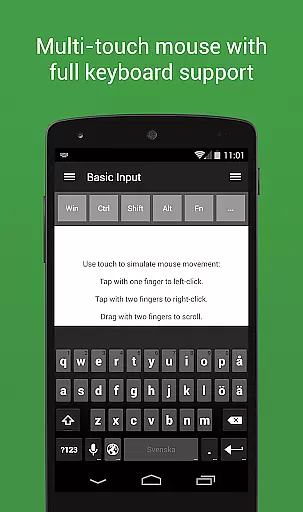
Unified Remote Full boasts an impressive array of features that cater to diverse user needs. One of its standout capabilities is the support for single and multi-touch mouse control, allowing precise navigation akin to using a physical mouse. The inclusion of Wake On LAN functionality enables users to effortlessly start their servers remotely, adding convenience to power management tasks.
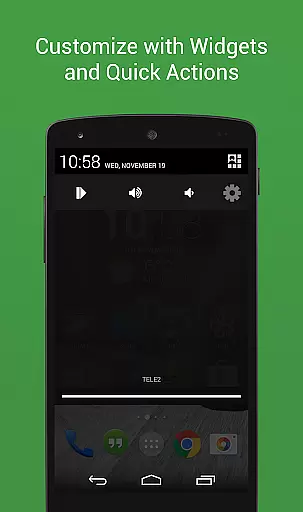
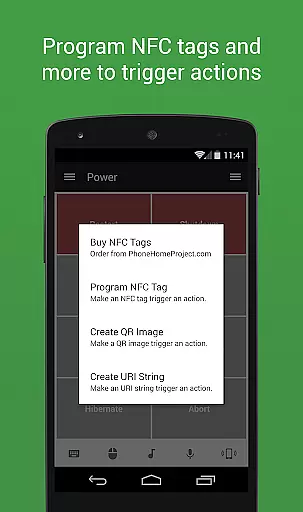
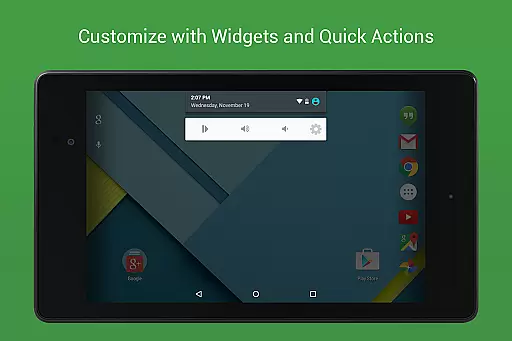
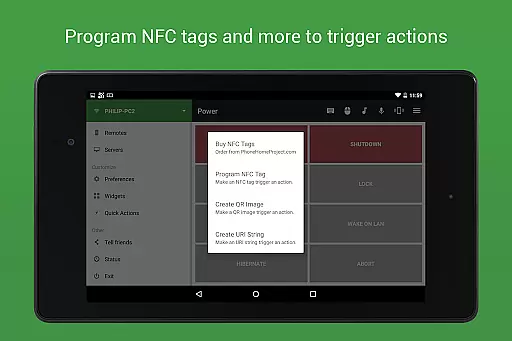
For those who require quick access to frequently used controls, the app offers floating remotes that can be used over other applications, custom remotes tailored to specific requirements, and widgets & quick actions for instant command execution. Advanced functionalities such as voice commands, IR actions, NFC actions, and Android Wear integration further enhance the remote control experience by providing alternative interaction methods beyond traditional touch input.
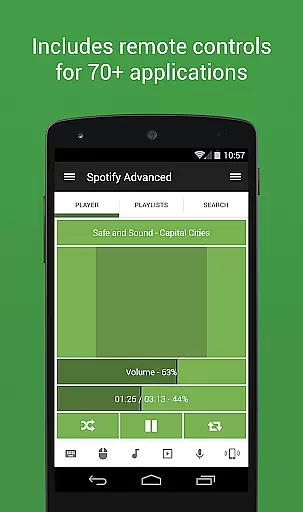
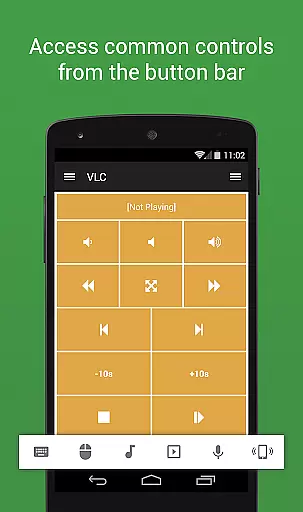
Moreover, Unified Remote Full supports a wide variety of program-specific remotes including essentials like mouse and keyboard, music players like Spotify and iTunes, video players such as VLC and Windows Media Player, media centers like Kodi and Plex, streaming services like YouTube and Netflix, presentation software including PowerPoint and Keynote, browsers like Chrome and Firefox, and other utilities covering power management, file handling, task monitoring, and system commands.
Unified Remote Full excels in providing accurate and effective core functions that transform your device into a universal remote control for Windows, Mac, and Linux computers. The app supports over 90 programs, including essential tools like mouse and keyboard control, media players, and power management.
The application ensures precision through its support for both single and multi-touch mouse control, allowing users to interact with their computers seamlessly. Its reliable server connection via Wi-Fi or Bluetooth guarantees that commands are transmitted without delay or error, making the user experience smooth and efficient.
For users who require versatility, Unified Remote Full offers advanced features such as Wake On LAN, which allows you to start your server remotely, and server password protection with encryption for enhanced security. These functionalities ensure that users can manage their systems safely and conveniently from their mobile devices.
Ultimately, the app's comprehensive feature set, including screen mirroring, file manager, and terminal control, provides significant value by consolidating multiple remote functions into one intuitive interface. This makes Unified Remote Full an indispensable tool for anyone seeking to enhance their digital workflow with minimal effort.
A standout feature of Unified Remote Full is its commitment to maintaining a simple and intuitive interface. Despite the complexity of its functions, the app is designed to be user-friendly, ensuring that even those new to remote control apps can navigate effortlessly.
The setup process is streamlined with automatic server detection, which simplifies finding servers on your network. This ease of use extends to its light and dark color themes, catering to user preference and environmental lighting conditions, thus enhancing usability.
Unified Remote Full also includes floating remotes, enabling users to control their devices over other apps without switching contexts. This innovative approach keeps the interface uncluttered while maximizing functionality, allowing users to maintain focus on their primary tasks.
By combining essential controls like mouse, keyboard, and volume with advanced options such as custom remotes and voice commands, the app strikes a balance between simplicity and powerful utility. This thoughtful design ensures that users can enjoy an intuitive and efficient remote control experience tailored to their individual needs.
User-friendly interface
Wide compatibility range
Comprehensive feature set
Enhanced security options
Versatile control capabilities
Premium version required
Complex setup for beginners
Limited free remotes
Occasional connectivity issues
Advanced features may overwhelm casual users

A powerful, easy-to-use flight computer on your phone or tablet!
 3.80
3.80
Unit and currency converter with easy and simple UI.
4.80
An open-source APK explorer for Android!
4.10
Amateur Radio app for APRS: Track friends, exchange messages, get tactical info.
3.90
MS-DOS in your pocket. Play old DOS games anywhere you are ;)
4.10
A non-root local ADB shell client. READ BELOW!
3.40
Screen Mirroring for Roku Sticks, Roku TCL TV and Roku Hisense TV
4.50
Protect your device with antivirus, storage cleanup, and system monitoring
4.70
Clean up your phone, find files, play media, and share files offline
4.50
Easily install aab(Android App Bundle) files on your Android device with our app
4.80
Small and simple app to Verify Root Access and BusyBox Install!
4.70
App to pay for FUTO Keyboard
4.60 4.50
4.50
eXtended Permission Manager - a small app to manage permissions and AppOps
4.50
Use your phone as a webcam on your computer over WiFi or USB.
4.40 4.10
4.10
Automate everything from settings to photos, SMS to speech. ADC2 prize winner.
4.10
A convenient photo, video, and file recovery tool.
4.00
Unleash gamepad precision for ultimate mobile gaming dominance.
3.90


User Reviews