
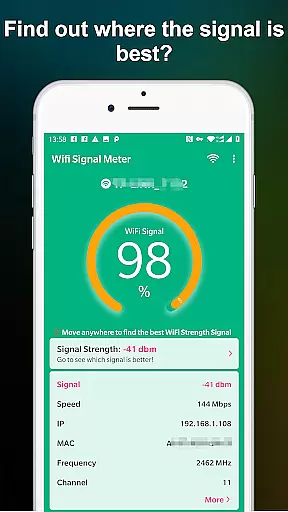
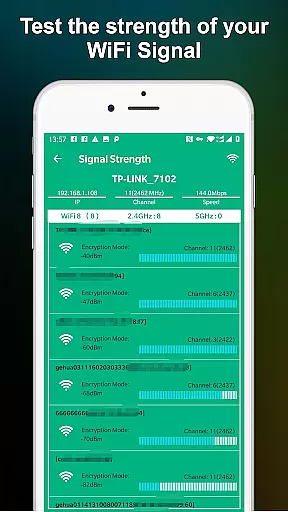
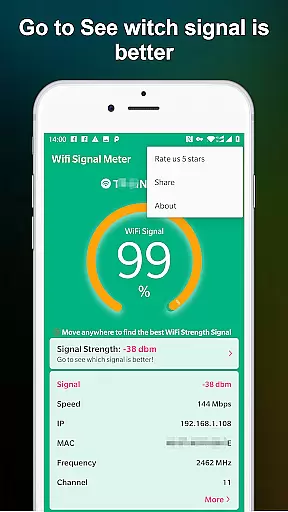
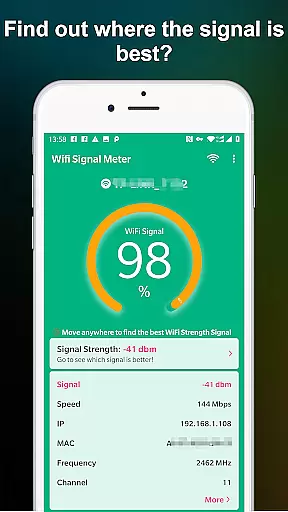
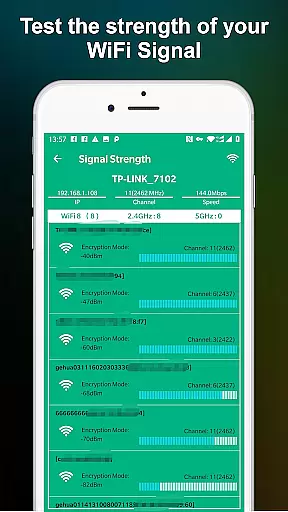
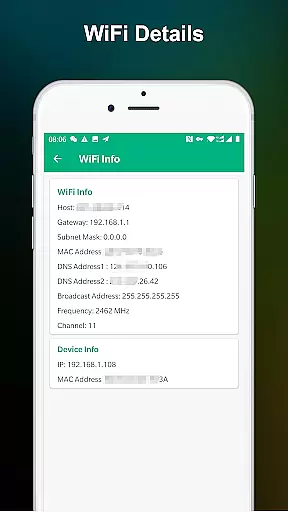
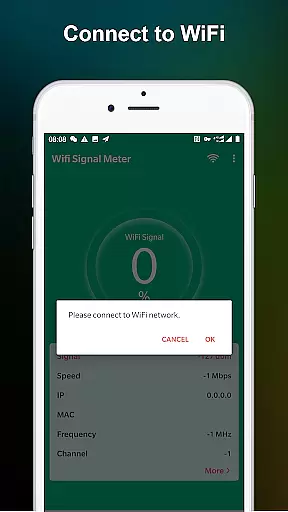
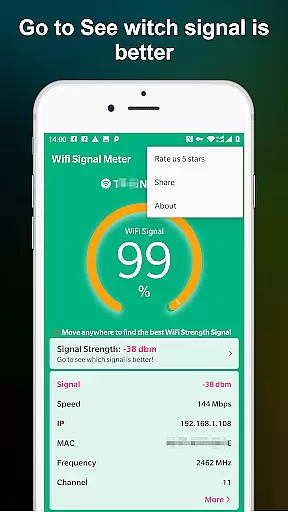
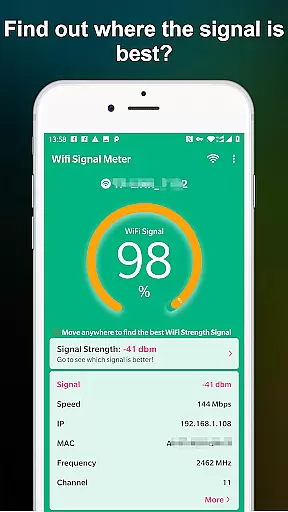
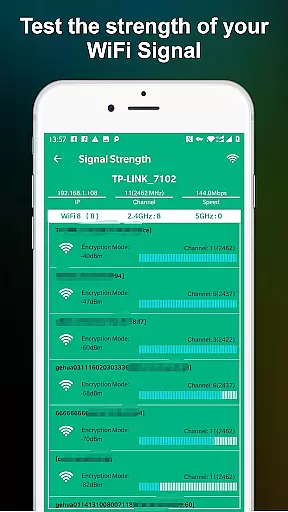
WiFi Signal Strength Meter Pro is a professional tool designed to help users optimize their WiFi network performance. The app's core functionality lies in its ability to identify optimal signal locations, commonly known as 'sweet spots', within your network coverage area.
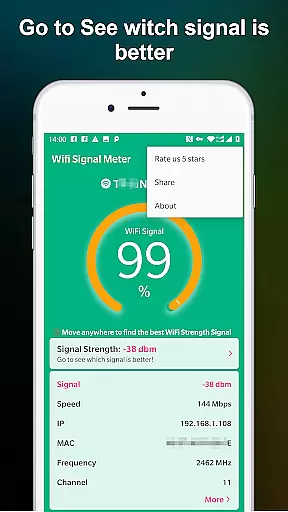
This application provides real-time monitoring capabilities, allowing users to view current WiFi signal strength and detect surrounding signals. Its continuous signal strength updates enable users to move around their space while identifying areas with the best connectivity, ideally recommending signal strength above 60% to avoid disconnection issues.
The app offers several distinctive features that set it apart from basic WiFi monitoring tools. Its real-time signal strength tracking system provides immediate feedback as you move through your environment, making it particularly useful for optimizing router placement.
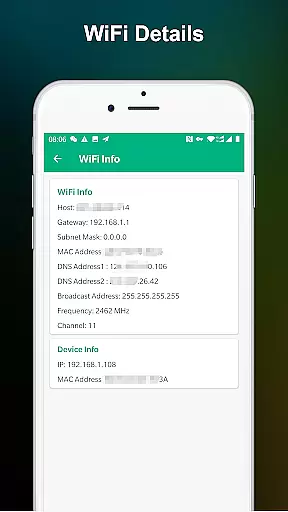
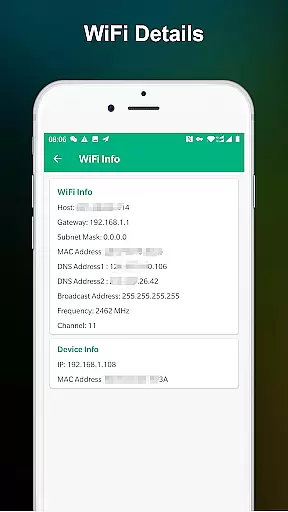
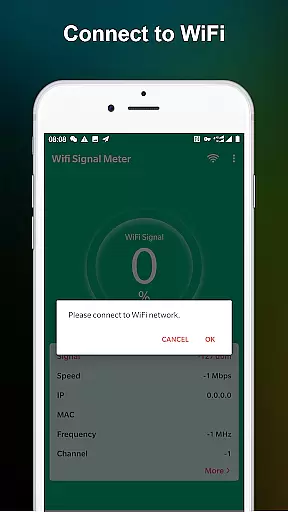
WiFi Signal Strength Meter Pro includes a comprehensive network monitoring dashboard that displays crucial information about your connection. The app also implements a signal quality warning system, alerting users when their connection falls below the recommended 50% threshold, which could potentially cause connectivity problems.
WiFi Signal Strength Meter Pro is designed to provide accurate and real-time monitoring of your WiFi signal strength. This functionality is crucial for users who need to identify the optimal locations in their home or office to ensure a stable internet connection.
The app employs advanced algorithms to constantly update and display the current signal strength. By doing so, it allows users to walk around their space and pinpoint areas with the best connectivity. This ensures that you can make informed decisions about where to place your router or which spots to avoid due to weak signals.
For users experiencing disconnection issues, the app provides clear guidance by indicating signal strengths below 50%, which may lead to instability. It recommends maintaining a signal strength above 60% for optimal performance, thus enhancing both the reliability and speed of your WiFi connection.
Ultimately, this tool empowers users to optimize their network setup, ensuring minimal disruptions and maximum efficiency in their daily tasks, whether for work or leisure.
The interface of WiFi Signal Strength Meter Pro is crafted to offer a straightforward and intuitive user experience. Recognizing that users may have varying levels of technical expertise, the app focuses on simplicity without compromising functionality.
Upon launching the app, users are greeted with a clean and uncluttered display that prominently showcases the current WiFi signal strength. The design eliminates unnecessary complexities, allowing users to quickly understand their network status at a glance.
Navigation within the app is seamless, with clearly labeled buttons and menus that guide users through its features. Whether checking real-time signal updates or reviewing historical data, users can easily access the information they need without a steep learning curve.
This emphasis on an intuitive interface ensures that even those unfamiliar with network diagnostics can effectively use WiFi Signal Strength Meter Pro to enhance their WiFi experience.
User-friendly interface
Real-time signal tracking
Comprehensive network data
Constant signal updates
Professional-grade monitoring
Premium version costs
Advanced technical terms
Limited beginner guidance
No automatic optimization
Occasional reading inaccuracies

A convenient photo, video, and file recovery tool.
 4.00
4.00
FV File Manager Pro, Fast and powerful file manager for Android
4.60
Fluid navigation gestures for all of us!
4.30
Unlock your Essential Key. Create custom shortcuts to your favorite apps!
4.4
View detailed information about your Nissan Leaf the dealer never shows you.
4.10
Mirror your screen to Fire TV - Super fast and simple
4.40
Powerful collection of electronics tools and reference.A must for any enthusiast
4.90
Play your X-Box games remotely in 1080p with any controller and zero latency
4.60
Clean up large files and similar photos, fast and easy to use
4.40
Unit and currency converter with easy and simple UI.
4.80
Optimize your WiFi network, turn your phone into Wifi Analyzer
4.70
NFC Tools can read and write NFC tags.
4.70
HD Camera captures every special moment.
4.60
Planner and Tracker for Stardew Valley
4.60
Use your phone as a webcam on your computer over WiFi or USB.
4.40
Carry a FTP server in your pocket and avoid USB cables for file transfer
4.20
Quickly & easily calculate the spacing of handrail balusters
4.20
Unleash gamepad precision for ultimate mobile gaming dominance.
3.90
A non-root local ADB shell client. READ BELOW!
3.40


User Reviews