
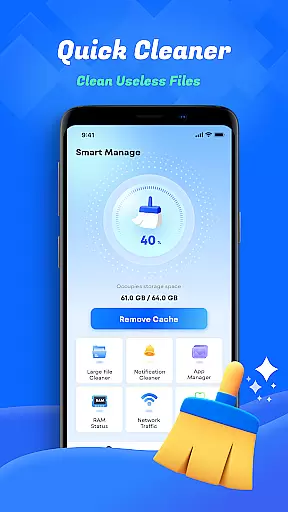
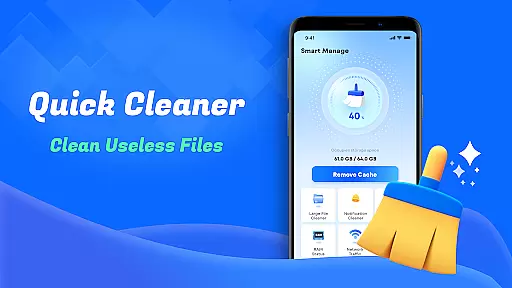
Smart Cleaner is a comprehensive phone cleaning tool designed to optimize device performance through efficient file management. The app specializes in removing unnecessary files, large files, and redundant screenshots while offering advanced features like similar photo detection and deletion.
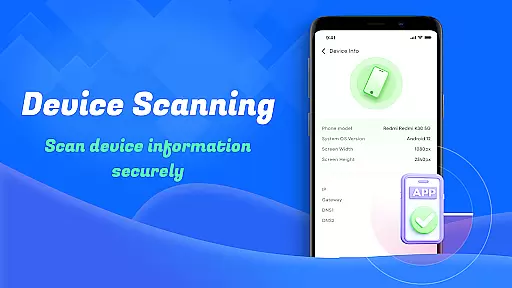
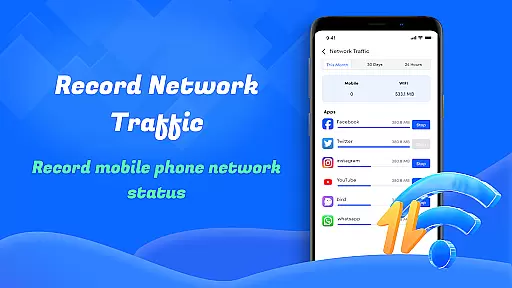
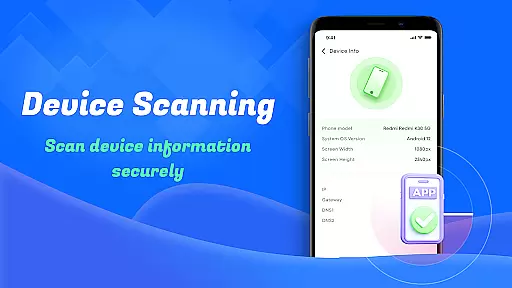
In addition to its cleaning capabilities, Smart Cleaner provides essential utilities such as device information checks and network usage monitoring. These features help users understand their device's status and manage data consumption effectively. With its user-friendly interface, the app ensures that even non-technical users can easily maintain their devices with just one click.
Whether you're looking to free up storage space or monitor your device's performance, Smart Cleaner offers practical solutions for everyday smartphone maintenance needs.
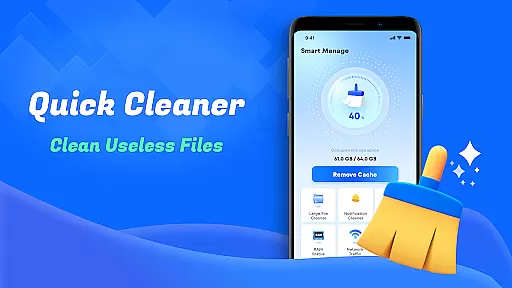
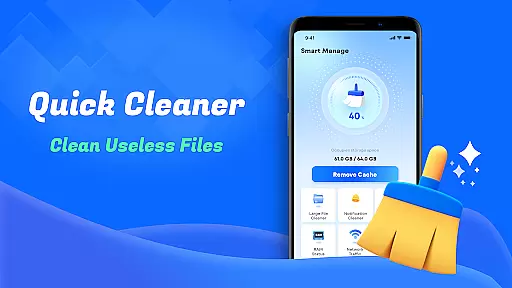
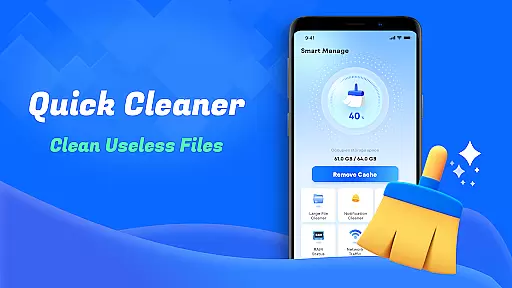
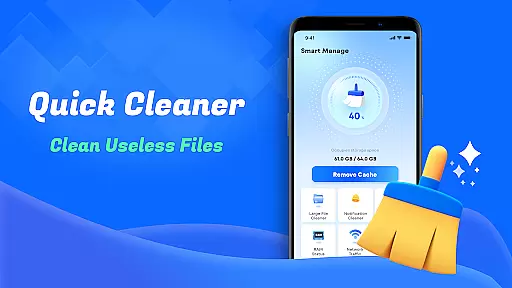
Smart Cleaner stands out with its diverse range of practical features tailored for device optimization. One key feature is the Unnecessary Files Cleanup, which scans and removes junk files cluttering your device's storage. This function helps improve system speed by eliminating temporary and residual files left behind by other apps.
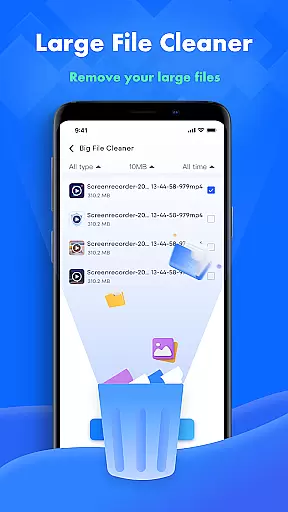
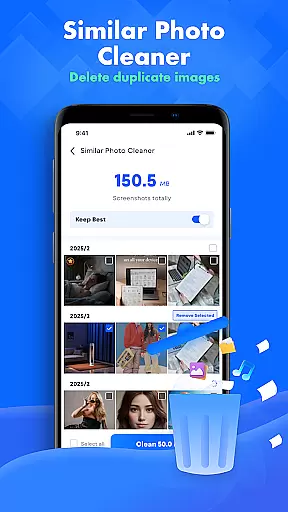
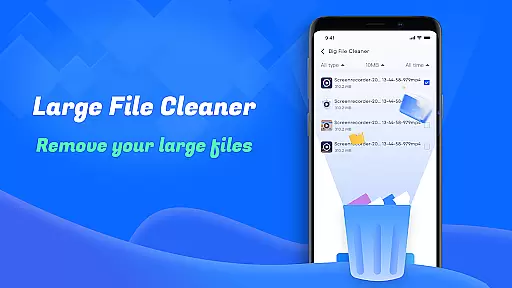
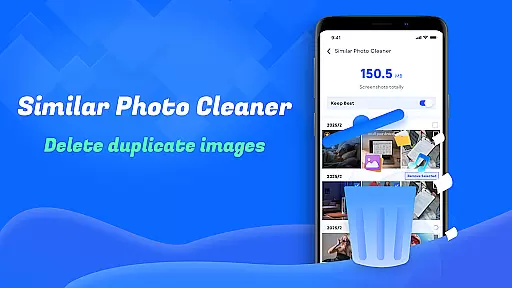
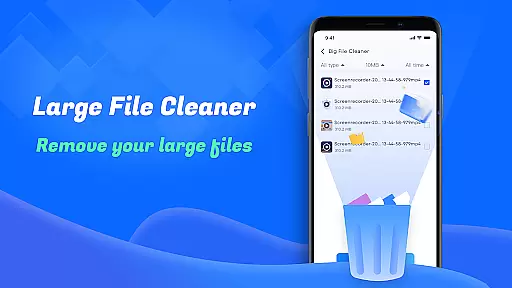
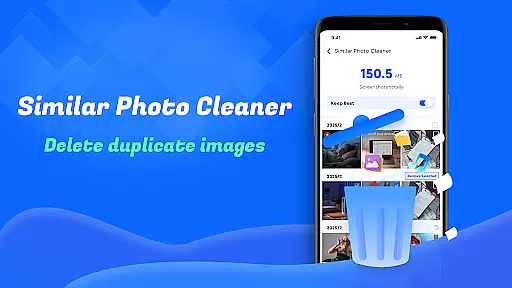
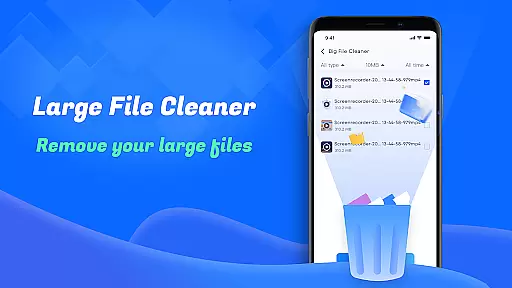
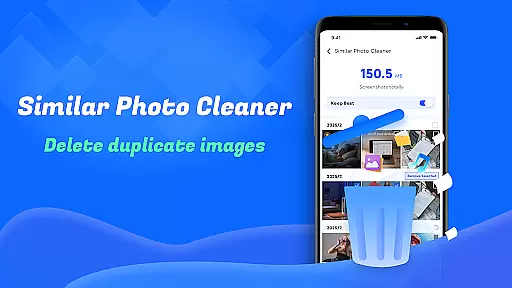
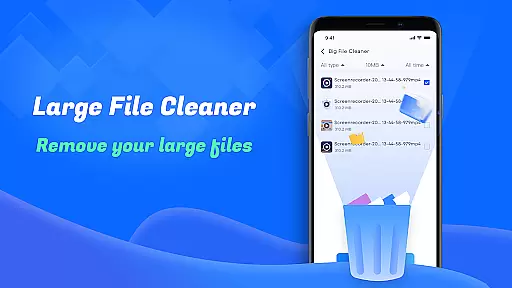
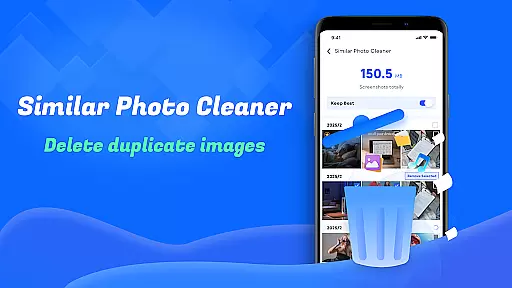
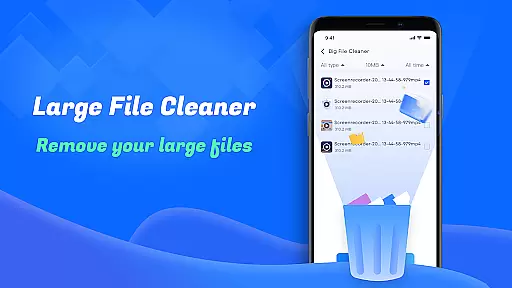
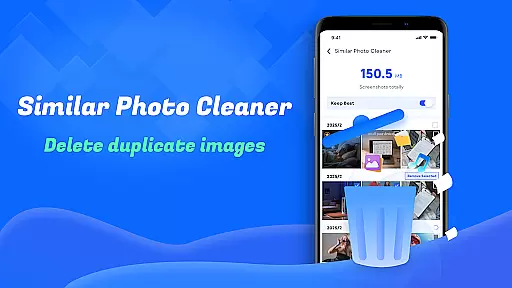
Another notable capability is the Large File Cleanup tool, which identifies oversized files consuming significant space. Users can review these files and decide whether to delete them, thus reclaiming valuable storage. Additionally, the Similar Photos feature uses intelligent algorithms to detect duplicate or near-identical images, allowing users to keep only the best versions.
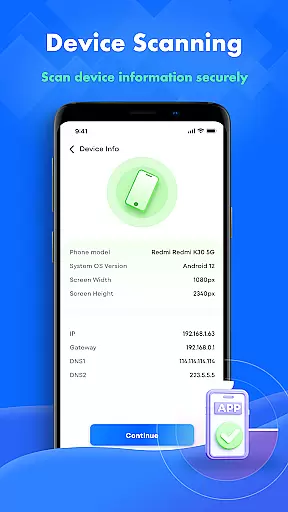
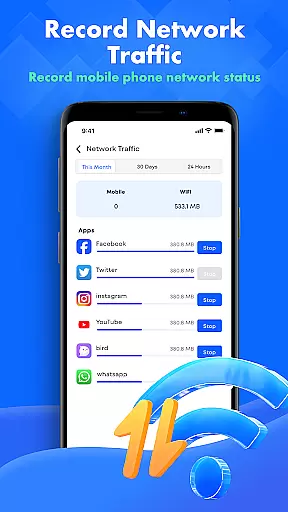
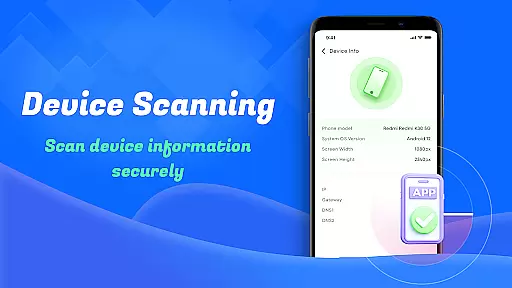
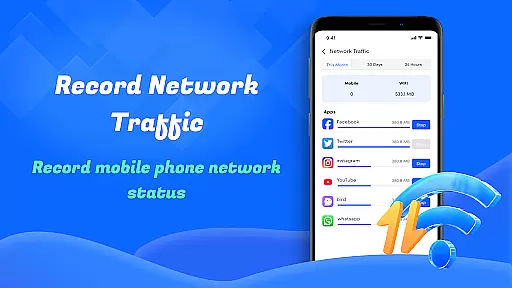
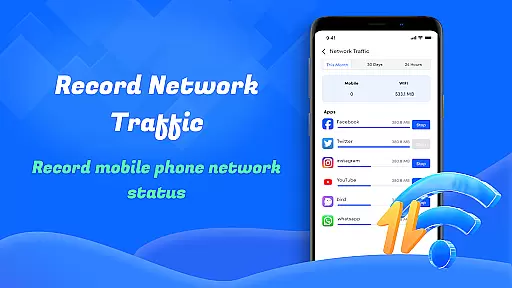
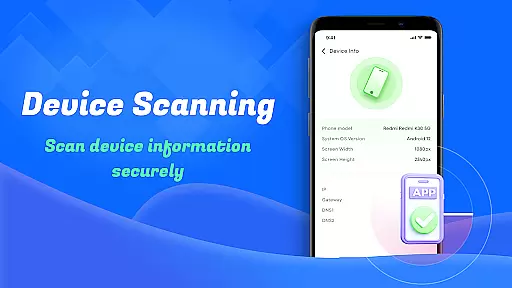
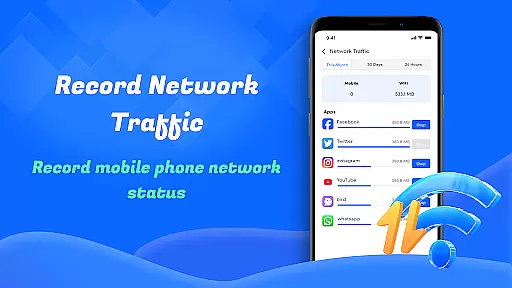
For those concerned about data usage, the Network Usage tracker provides detailed insights into how much traffic each app consumes. Combined with the Device Info Check utility, this makes Smart Cleaner an all-in-one solution for both cleaning and monitoring your device efficiently.
Smart Cleaner stands out for its precision in identifying and removing unnecessary files from your device. The app employs advanced algorithms to scan your storage thoroughly, ensuring that only the redundant files are targeted while safeguarding important data.
The Large File Cleanup feature is particularly effective, allowing users to pinpoint sizable files that may be occupying valuable space. By presenting these files with detailed information, Smart Cleaner empowers users to make informed decisions about which files to keep or discard.
Additionally, the Similar Photos functionality uses intelligent recognition to detect duplicate images, enabling users to declutter their photo galleries efficiently. This not only frees up space but also organizes your media library for easier navigation.
With real-time progress updates during scanning and cleaning tasks, users can trust that the operations are performed accurately and effectively, enhancing their overall experience with the app.
Smart Cleaner boasts a user-friendly interface that simplifies the process of managing and cleaning your device. Its design focuses on ease of use, ensuring that even those who aren't tech-savvy can navigate through its features effortlessly.
The app's layout is intuitive, offering quick access to essential functions like Unnecessary Files Cleanup and Screenshots Cleanup. Each tool is represented by clear icons and labels, making it straightforward for users to understand their purpose at a glance.
Moreover, the Device Info Check and Network Usage monitoring tools are presented in an easily digestible format. Users can quickly grasp their deviceu2019s status and data consumption patterns without needing to interpret complex technical jargon.
This simplicity extends to the execution of tasks; with just one click, users can initiate comprehensive scans and cleanups, streamlining the maintenance of their devices significantly.
User-friendly interface
Effective file cleanup
Advanced photo detection
Comprehensive device info
Network usage tracking
Limited advanced options
No cloud backup support
Basic design layout
Frequent notifications
Ads in free version

This app unlocks the Pro features of the Central for DayZ app
 3.60
3.60
Quickly & easily calculate the spacing of handrail balusters
4.20
ADB support Android 4.X-Android 13(Support wireless pair mode).No root required!
4.70
Best leveling tool for your Android device. Hang paintings like a pro.
4.90
Create your own custom widget with endless possibilities
3.90
A simple app to back up and restore SMS & MMS messages and call logs.
4.10
Introducing Smart Printer, your ultimate destination for printing solutions!
4.00
Screen recorder with audio to record high-quality videos and take screenshots.
4.40
Enhance your Beats
3.70
NFC Tools can read and write NFC tags.
4.70
Protect your device with antivirus, storage cleanup, and system monitoring
4.70
FV File Manager Pro, Fast and powerful file manager for Android
4.60 4.50
4.50
Button mapper, mouse toggle, sleep timer and a lot of another features
4.50
Forza Tuning Calculator App for Forza Horizon 5, Motorsport and Earlier Titles
4.40
pdf merge, word to pdf, jpg to pdf, edit pdf, convert to pdf and much more!
4.20
Screen Mirroring with sound for Samsung TV, LG TV, Sony TV, Smart TV and Browser
4.20
A recovery soft,it features photo recovery, video recovery, file recovery.
3.40
Transfer Files, APK from Phone to Watch & Install.
4.4


User Reviews