
PDF Editor & PDF Converter Pro is a comprehensive document management tool designed to enhance productivity and streamline workflows. This all-in-one solution allows users to convert, edit, merge, split, secure, and optimize PDF files with remarkable ease.
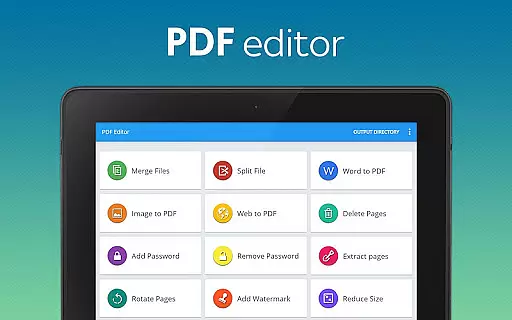
The app's standout features include seamless Word-to-PDF conversion, image-to-PDF transformation, and website archiving capabilities. Users can also add watermarks, rotate pages, compress files, and manage document security through password protection. These robust tools make it an essential companion for professionals, students, and anyone working with digital documents.
Ideal for business environments and academic settings, this application enables efficient document handling across multiple platforms. Whether you need to organize research papers or manage professional reports, PDF Editor & PDF Converter Pro provides the necessary tools to handle complex document tasks with professional-grade precision.
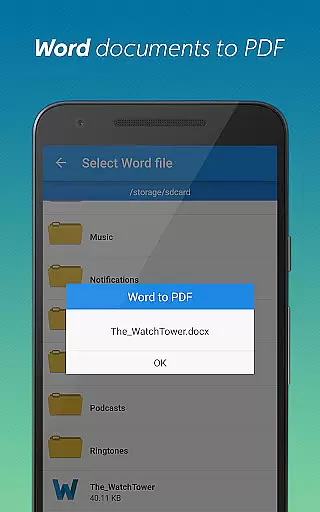
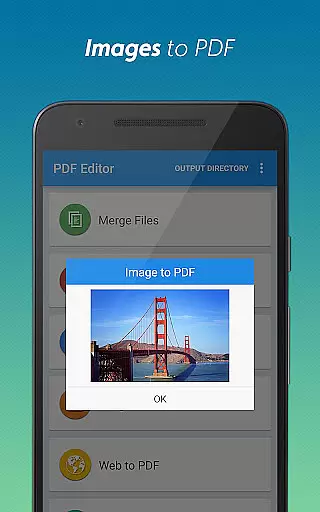
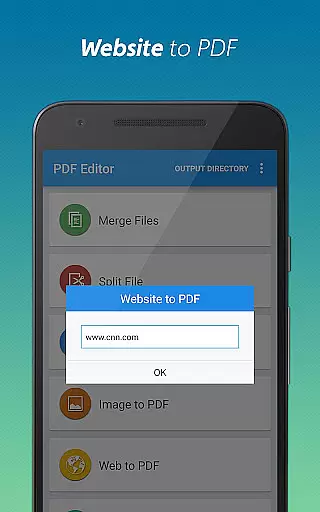
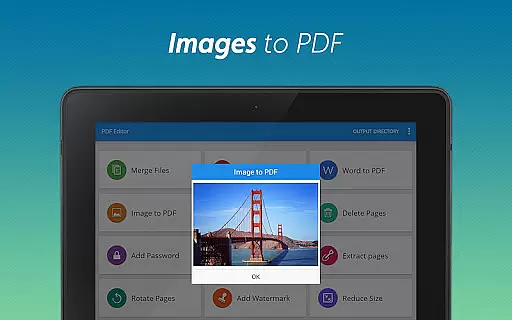
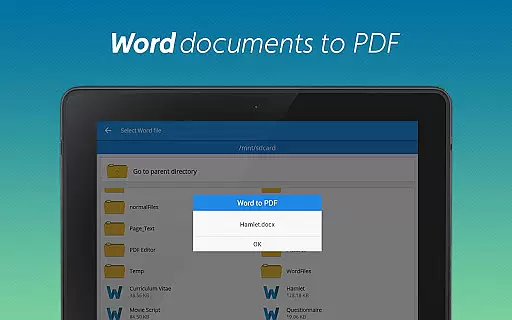
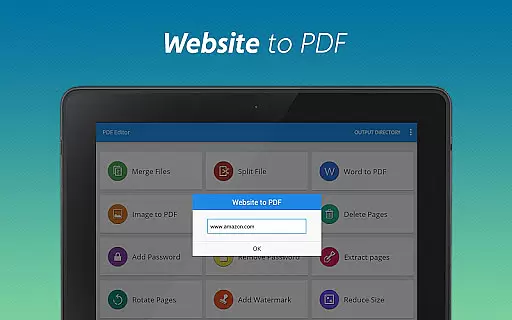
This powerful PDF utility distinguishes itself through its comprehensive feature set and user-friendly interface. The app supports multiple conversion formats including Word to PDF, Image to PDF, and Website to PDF, making it versatile for various document needs.
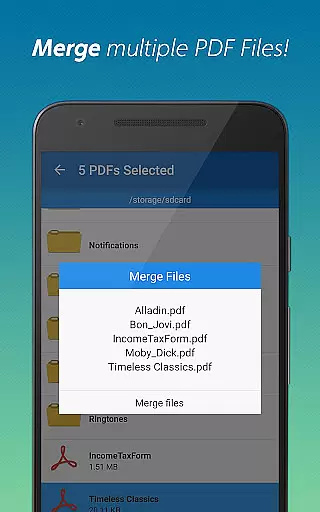
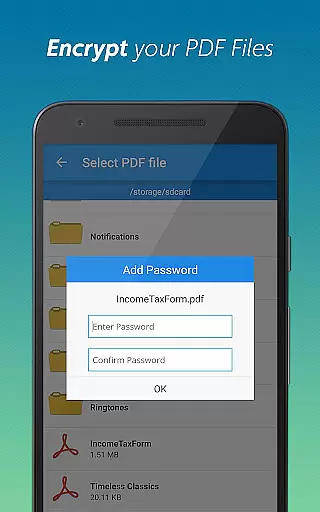
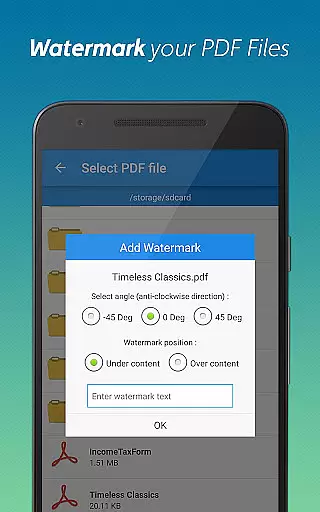
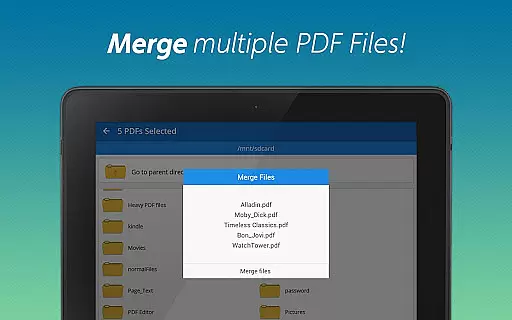
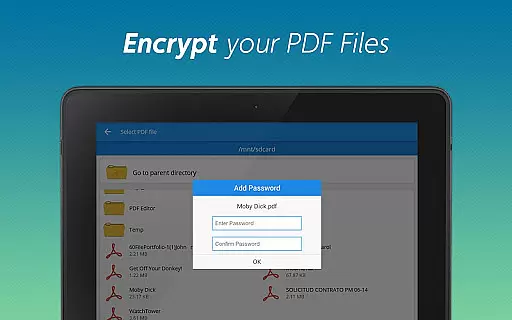
Advanced editing capabilities allow users to merge multiple PDFs, split large documents, delete unnecessary pages, and extract specific sections. Security-conscious users will appreciate the ability to add and remove password protection while maintaining complete control over document access. Additional features like page rotation, watermarking, and file compression ensure documents are properly formatted and optimized for sharing.
What sets this tool apart is its seamless integration of professional-grade features in a mobile-friendly package. The intuitive design makes complex document management accessible to users of all technical levels, while the fast processing speed ensures efficient workflow even with large files.
When it comes to document management, the precision and efficiency of core functions are paramount. PDF editor & PDF converter pro offers an all-in-one solution that guarantees both. The app provides a suite of tools including conversion from Word to PDF and Image to PDF, ensuring that each transformation retains the original quality and formatting.
The application's capabilities extend to merging multiple PDFs into one cohesive document, splitting large files for better organization, and extracting or deleting pages as needed. These features are engineered with meticulous attention to detail, ensuring that every task is performed accurately without any loss of data or formatting integrity.
For users who prioritize security, the app delivers robust options such as password protection and removal. This ensures that sensitive documents remain secure while still being accessible when required. Additionally, the ability to add watermarks and rotate pages adds another layer of customization and control over your PDF files.
Ultimately, this tool empowers users by simplifying complex tasks through its intuitive interface and reliable performance. Whether you're managing personal projects or professional documents, the app's comprehensive feature set enhances productivity and streamlines workflows effectively.
A user-friendly interface is crucial for maximizing productivity, especially in tools designed for document management. PDF editor & PDF converter pro excels in providing an intuitive experience that caters to both novice and experienced users. Its clean design ensures that even those unfamiliar with PDF editing can navigate effortlessly through its features.
The app organizes its extensive toolkit into easily accessible sections. Functions like converting Word to PDF, merging documents, and adding watermarks are just a few taps away. This logical arrangement minimizes the learning curve typically associated with multifunctional apps, allowing users to focus on their tasks rather than figuring out how to use the software.
Moreover, advanced operations such as encrypting files with passwords or compressing PDFs for easier sharing are streamlined to ensure they do not overwhelm the user. Each action is accompanied by clear instructions and feedback, enhancing confidence in performing these actions correctly every time.
In essence, the app combines powerful functionality with an approachable interface, making sophisticated document management accessible to everyone. By prioritizing ease-of-use alongside comprehensive capabilities, it stands out as a top choice for anyone seeking efficient PDF solutions.
User-friendly interface
Comprehensive feature set
Fast document processing
Secure password management
Cross-platform compatibility
Premium features require subscription
Occasional processing delays
Limited free conversion quota
Advanced options need learning
Some features need internet

Change your GPS location instantly. Simulate routes anywhere in the world.
 4.90
4.90
Transfer Files, APK from Phone to Watch & Install.
4.5
This app unlocks the Pro features of the Central for DayZ app
3.60
Enjoy smooth gameplay with Game Booster
4.90
Amateur Radio app for APRS: Track friends, exchange messages, get tactical info.
3.90
Small and simple app to Verify Root Access and BusyBox Install!
4.70
Detect hidden spy camera with advanced scanning {{ Premium version }}
4.00
The Ultimate Bluetooth Keyboard & Mouse. Securely control your PC, Mac, and more
4.50
fast and easy mp3 music downloader
4.80
Navigate with Ease and Style
4.90
Game Booster, GFX Tool is now compatible with newer game update
4.50
PC precision for mobile gaming: dominate with keyboard and mouse!
4.30
Signal Strength, Mobile, Wifi, Speed Test, Bad Signals, Cellular, 5G, LTE, 4G
4.20
Family Locator, Share location, StayConnect with your family in real time
3.90
Safely recover deleted photos, videos, and files with a single easy tap.
3.70
A recovery soft,it features photo recovery, video recovery, file recovery.
3.40
PDF Reader - Document Viewer: Read, Manage & Organize Your Documents
3.10
Unlock your Essential Key. Create custom shortcuts to your favorite apps!
4.4
Save any video in HD - paste the link, download fast and watch offline.
4.1


User Reviews