
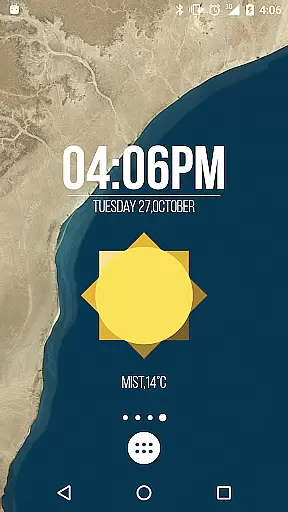
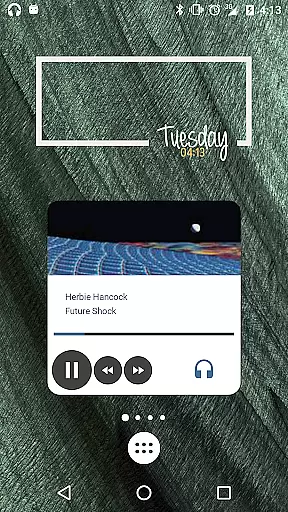
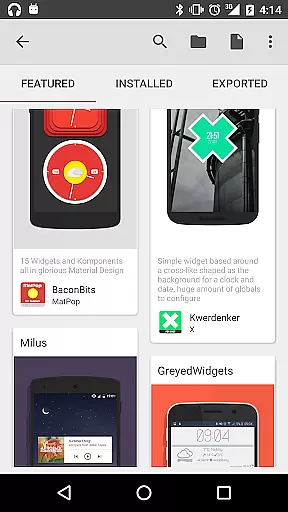
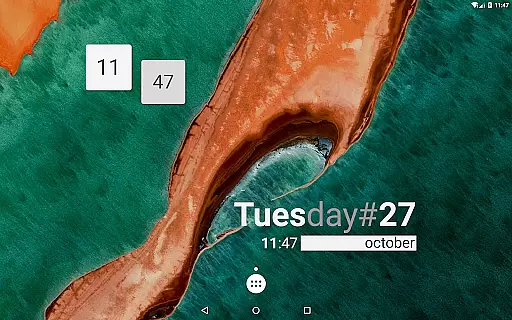
KWGT Kustom Widget Pro Key is a powerful tool designed to enhance your Android experience by unlocking premium features in the KWGT widget app. This key removes ads, supports external skin imports, and enables advanced customization options.
With this pro key, users can create unique launcher designs, display essential data through custom widgets, and enjoy extended functionalities like Buzz Launcher import support and world clock features. It's an ideal solution for those seeking complete creative freedom without compromising device performance.
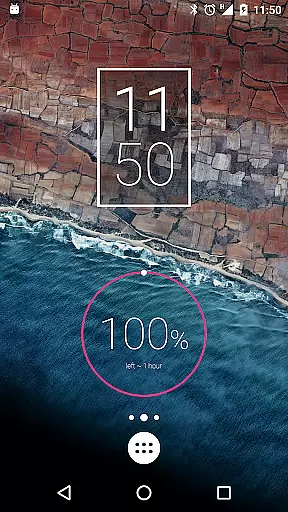
This application is particularly useful for tech-savvy individuals who want to personalize their home screens with sophisticated battery meters, weather widgets, and astronomy displays while maintaining optimal device efficiency.
The KWGT Kustom Widget Pro Key offers an impressive array of features that elevate widget creation to professional levels. Users gain access to advanced design tools including custom fonts, shapes, and 3D transformations.
One standout feature is its sophisticated programming language that allows conditional formatting and global variables. This enables dynamic content changes based on various triggers such as time, location, or weather conditions.
Additionally, the pro key unlocks essential capabilities like SD card import, Google Fitness integration, and Tasker support, making it an indispensable tool for power users who demand maximum flexibility and functionality from their mobile devices.
KWGT Kustom Widget Pro Key is designed to enhance the functionality of the Kustom Widget app by providing users with advanced tools for creating highly customized widgets. The core functions of this application are focused on delivering precise and effective widget creation capabilities.
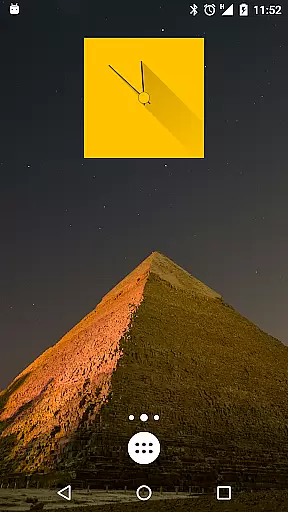
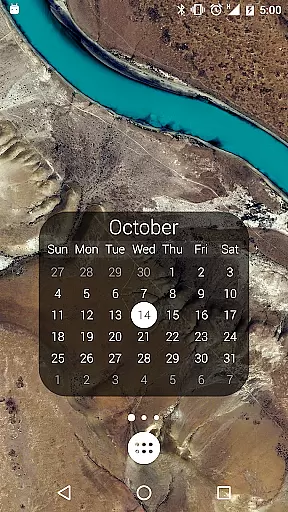
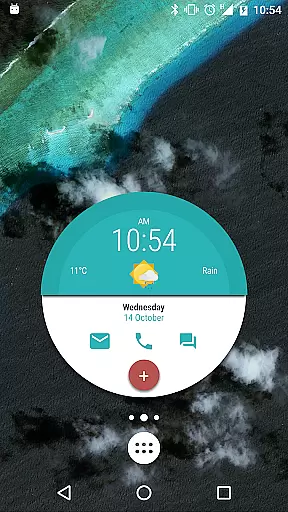
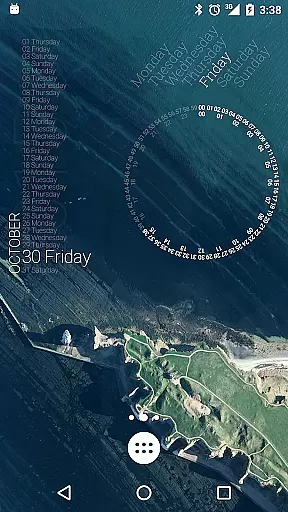
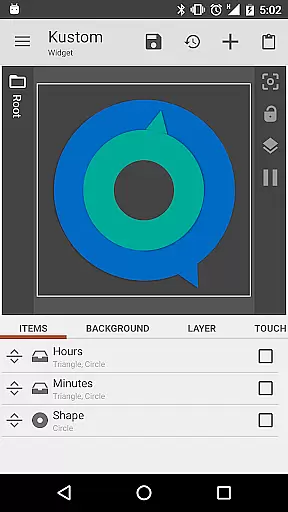
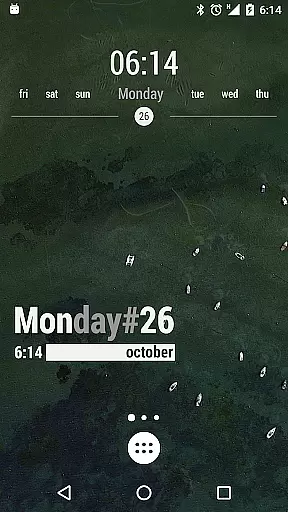
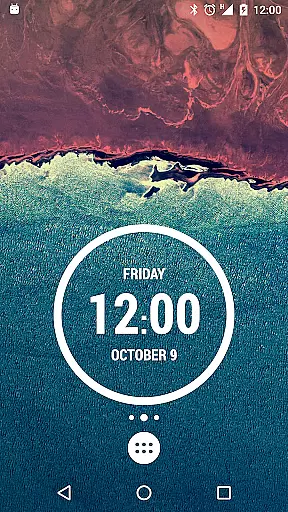
The app allows users to create a wide variety of widgets, including digital and analog clocks, weather displays, battery meters, and more. With its powerful WYSIWYG editor, users can customize every aspect of their widgets, from fonts and colors to shapes and transformations, ensuring that each element behaves exactly as intended.
One of the key benefits of KWGT is its ability to display complex data without compromising device performance. Users can incorporate dynamic content such as live maps, weather updates, and fitness tracking, all while maintaining optimal battery efficiency. This ensures that users have access to real-time information without experiencing significant battery drain.
By unlocking additional features like SD import, Buzz Launcher support, and advanced customization options, KWGT empowers users to push the boundaries of widget design. These enhancements not only improve the accuracy of the displayed data but also provide a more engaging and personalized user experience.
Achieving a balance between powerful functionality and user-friendly design is crucial for any tool-based application, and KWGT Kustom Widget Pro Key excels in providing an intuitive interface that simplifies the widget creation process. The app's layout is crafted to ensure that even beginners can navigate and utilize its features effectively.
The WYSIWYG editor serves as the centerpiece of KWGT's interface, allowing users to see their changes in real time. This immediate visual feedback reduces the learning curve associated with widget design, enabling users to experiment with different elements such as text effects, shapes, and color gradients without needing extensive technical knowledge.
Additionally, KWGT offers a streamlined workflow for importing skins and components from external sources. By supporting formats like PNG, JPG, WEBP, and SVG, the app provides flexibility in design choices while maintaining ease of use. Users can quickly import and modify existing templates or create new ones from scratch.
Overall, KWGT's interface design prioritizes clarity and accessibility, ensuring that users can fully leverage the app's sophisticated features without feeling overwhelmed. This approach not only enhances the user experience but also encourages creativity and exploration within the widget creation process.
Unlimited customization options
Advanced programming capabilities
Enhanced widget functionality
Professional design tools
Optimized performance
Requires separate app purchase
Steep learning curve
No standalone functionality
Premium price point
Limited beginner support

Quickly switch to an encrypted DNS server on Android TV
 4.50
4.50
Transfer Files, APK from Phone to Watch & Install.
4.4
Complete kernel toolbox with features to manage and tweak your rooted device
4.30
Unit and currency converter with easy and simple UI.
4.80
Signal Strength, Mobile, Wifi, Speed Test, Bad Signals, Cellular, 5G, LTE, 4G
4.20
The Ultimate Flex Drivers Utility App - Convenient Tapping & Block Filters
4.70
Clean up your phone, find files, play media, and share files offline
4.50
Your personal health butler
3.60
The ideal app to be the digital eye of your family
3.40
Change your GPS location instantly. Simulate routes anywhere in the world.
4.90
FV File Manager Pro, Fast and powerful file manager for Android
4.60
App to pay for FUTO Keyboard
4.60
Mirror your screen to Fire TV - Super fast and simple
4.40
Pro Emulator is an easy to use game console emulator for a range of consoles.
4.40
pdf merge, word to pdf, jpg to pdf, edit pdf, convert to pdf and much more!
4.20
App that Recover your pictures, videos or files after you delete them.
4.20
Unleash gamepad precision for ultimate mobile gaming dominance.
3.90
Undelete and recover your lost or deleted files with DiskDigger!
3.40
Download any file easily and quickly with Downloader
4.1


User Reviews