
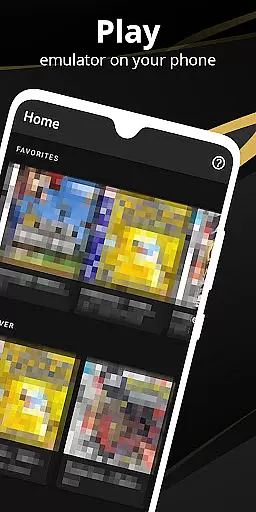

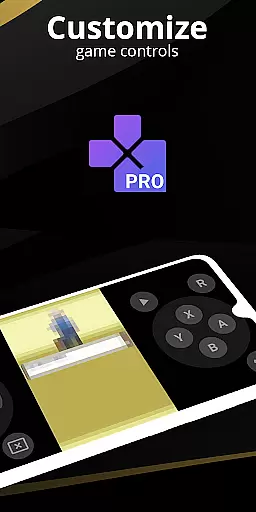
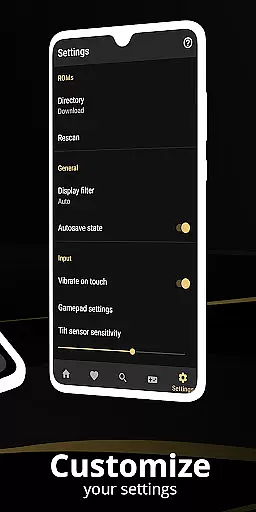
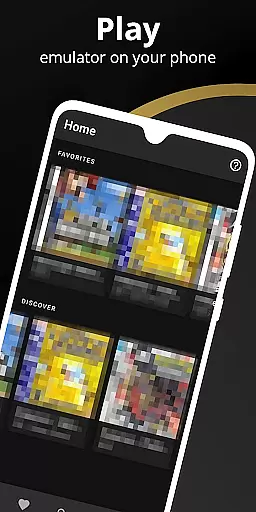
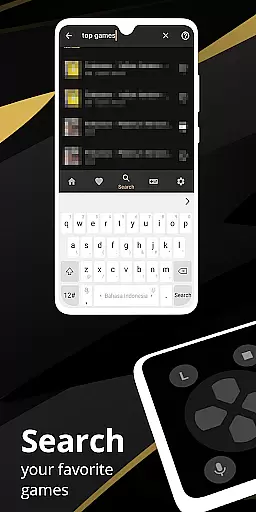
Pro Emulator for Game Consoles is a versatile emulator designed to bring classic gaming experiences to modern Android devices. This powerful tool supports emulation of various consoles, ensuring high compatibility with nearly all games while optimizing performance on different hardware setups. The app automatically saves and restores game states, provides quick save/load functionality, and includes advanced features like link cable emulation across devices using Bluetooth or Wi-Fi.
The emulator offers an impressive array of customization options including touch controls, OpenGL rendering, and video filters through GLSL shaders. It also supports external controllers such as MOGA gamepads, tilt-to-stick functionality, and multi-touch on-screen keypads. With cloud save sync, display simulation, and fast-forward capabilities, users can enjoy seamless gameplay tailored to their preferences. Whether reliving nostalgic gaming moments or exploring retro titles for the first time, this emulator delivers an authentic experience.
Pro Emulator for Game Consoles stands out with its comprehensive feature set that caters to both casual players and dedicated retro gaming enthusiasts. One of its key strengths is the high-level BIOS emulation which eliminates the need for BIOS files, streamlining the setup process. The software supports ROM scanning and indexing, along with IPS/UPS zipped ROM patching, making it easy to manage extensive game libraries.
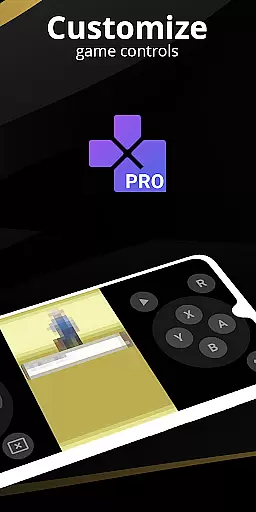
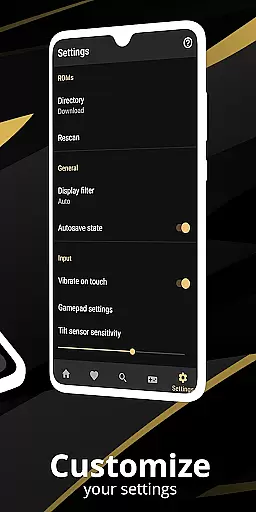
Customization is at the heart of this emulator's design. Users can create and switch between different key-mapping profiles, customize touch controls, and use a powerful screen layout editor to adjust the position and size of on-screen elements. Additional highlights include gyroscope/tilt/solar sensor emulation, rumble feedback, and local multiplayer support for connecting multiple gamepads to a single device. These features ensure an immersive and personalized gaming experience.
Performance optimization is another major advantage. The emulator uses an OpenGL rendering backend for devices with GPUs and offers normal rendering for those without. It includes cool video filters, fast-forward functionality to skip lengthy story segments, and slow-motion modes to navigate challenging levels. With seamless integration into the Android ecosystem and a clean user interface, Pro Emulator for Game Consoles provides a polished and intuitive platform for enjoying classic games.
For an emulator like Pro Emulator for Game Consoles, core function accuracy and effectiveness are crucial to delivering a seamless gaming experience. This app ensures high compatibility with nearly all games, allowing users to run them without issues. The emulator supports advanced features such as automatic save and restore states, quick save/load slots, and link cable emulation across devices via Bluetooth or Wi-Fi.
The emulator is optimized for performance, offering lightning-fast emulation that conserves device battery life while maintaining excellent speed. It includes high-level BIOS emulation, eliminating the need for BIOS files, and provides support for IPS/UPS zipped ROM patching. These capabilities ensure that users can enjoy their favorite retro games with precision and reliability.
Users benefit from the app's comprehensive feature set, including gyroscope, tilt, solar sensor, and rumble emulation, which enhance gameplay authenticity. OpenGL rendering and GLSL shaders deliver visually appealing graphics, while fast-forward and slow-down options allow players to customize their gaming pace. Such robust functionality makes this emulator a top choice for enthusiasts seeking accurate and effective emulation.
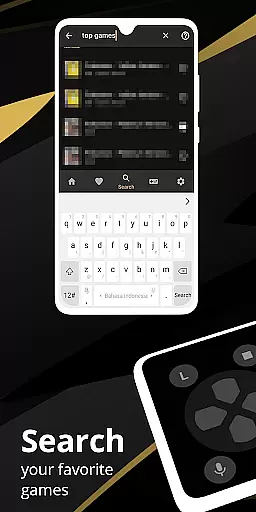
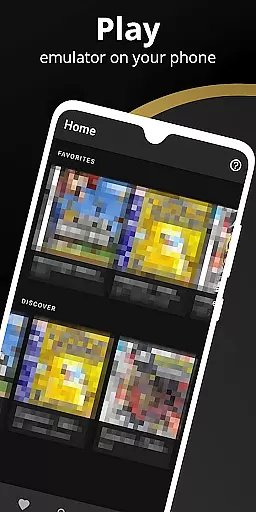
A simple and intuitive interface is essential for ensuring users can easily navigate and operate an emulator. Pro Emulator for Game Consoles offers a clean and well-designed user interface that integrates seamlessly with the latest Android versions. Its straightforward design allows users to effortlessly access powerful features such as ROM scanning, indexing, and cloud save sync.
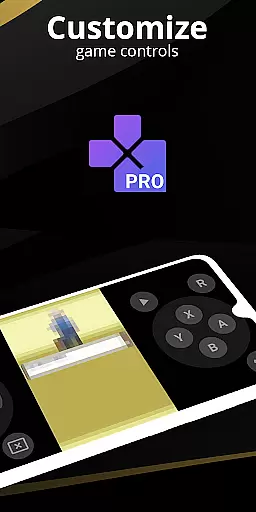
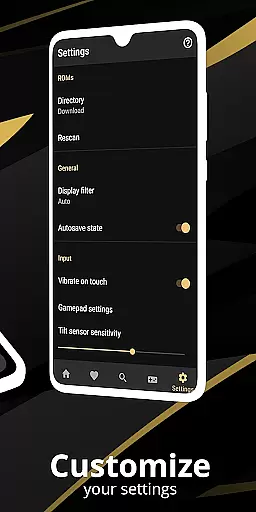
The emulator provides an advanced screen layout editor, enabling users to define the position and size of on-screen controls and game video. Customizable touch controls and external controller support, including MOGA controllers, further enhance usability. Additionally, the software supports creating and switching between different key-mapping profiles, catering to individual preferences.
With multi-touch on-screen keypads and shortcut buttons for load/save functions, users can enjoy a streamlined gaming experience. The interface also facilitates local multiplayer by connecting multiple gamepads to the same device. By prioritizing simplicity and intuitiveness, Pro Emulator ensures that both novice and experienced users can relive the nostalgia of retro gaming with ease.
High game compatibility
Advanced customization options
Cloud save synchronization
Supports multiple controllers
Optimized performance
Powerful device required
No legal game downloads
Complex setup for beginners
Limited newer console support
Occasional bugs

Quickly switch to an encrypted DNS server on Android TV
 4.50
4.50
Head tracking for PC sim games such as MSFS 2024 or Elite:Dangerous. No headset!
4.50
Enjoy smooth gameplay with Game Booster
4.90
Unleash gamepad precision for ultimate mobile gaming dominance.
3.90
Signal Strength, Mobile, Wifi, Speed Test, Bad Signals, Cellular, 5G, LTE, 4G
4.20
Bedrock Together: Join any bedrock server on Xbox/PS
4.80
WiFi Signal Strength Meter help you detect WiFi Signal Strength in real time.
4.80
Planner and Tracker for Stardew Valley
4.60
Fun lie-detection pranks for friends and parties.
3.80
Excellent scientific calculator with symbolic algebra, integrals, derivatives
4.80
Remote Play with FSR upscaling, low latency & full controller support
4.80
HD Camera captures every special moment.
4.60
App to pay for FUTO Keyboard
4.60 4.50
4.50
With videos, electrical calculators, and built-in ebook, Ugly’s has your answer.
4.50
Forza Tuning Calculator App for Forza Horizon 5, Motorsport and Earlier Titles
4.40 4.10
4.10
Detect hidden spy camera with advanced scanning {{ Premium version }}
4.00
Create your own custom widget with endless possibilities
3.90


User Reviews