
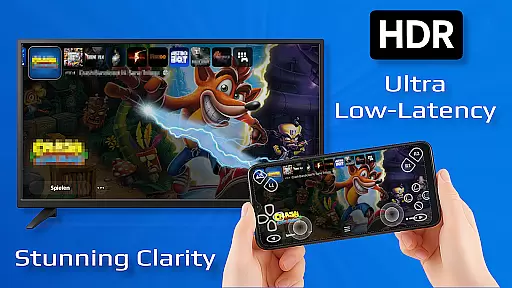
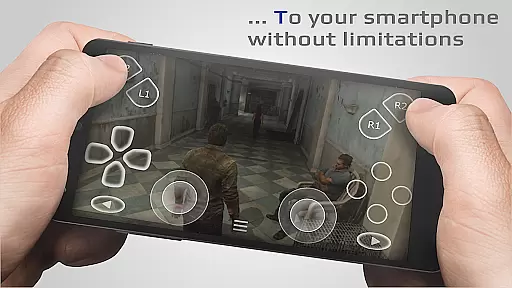
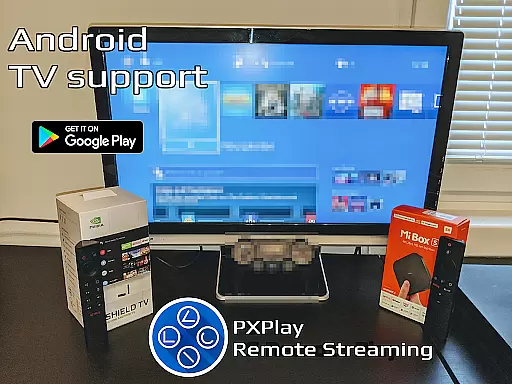
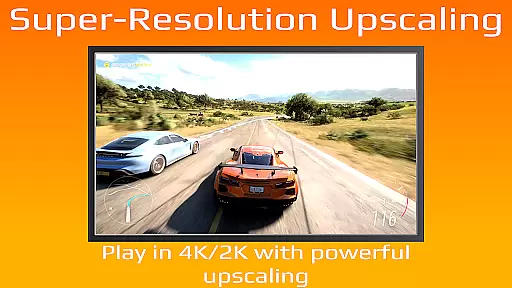
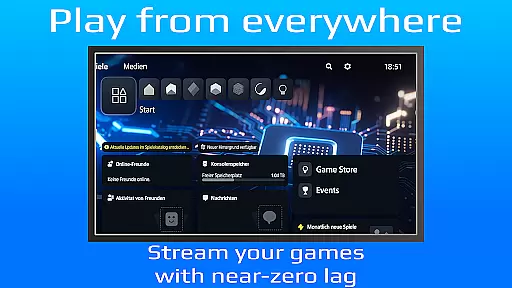
PXPlay is a powerful remote control tool designed for gaming enthusiasts who want to access their gaming devices from anywhere. The app offers an optimized streaming experience with minimal latency, supporting third-party controllers and mobile data connections. PXPlay is compatible with Android TV devices, rooted devices, and various firmware versions starting from 5.05. It also provides advanced features like Picture-In-Picture mode, Multi-Window support, and onscreen gamepad customization.
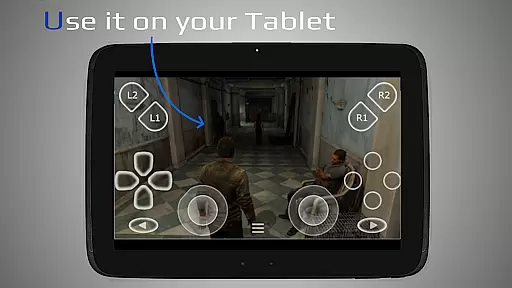
With PXPlay, users can enjoy seamless remote gameplay or use the app as a virtual controller. The application supports gamepad button mapping, multiple profiles, and screen recording (with third-party apps). To ensure the best performance, it's recommended to use a dual-core CPU, at least 2GB of RAM, and connect via a 5GHz WiFi network. Whether you're streaming games or controlling your device remotely, PXPlay delivers a reliable and customizable solution tailored to meet gamers' needs.
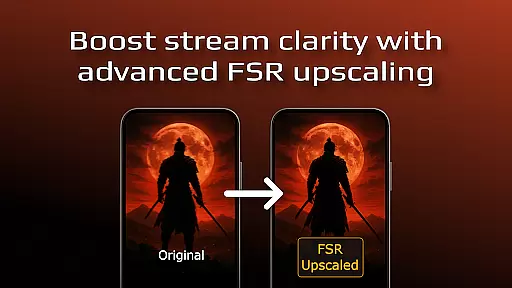
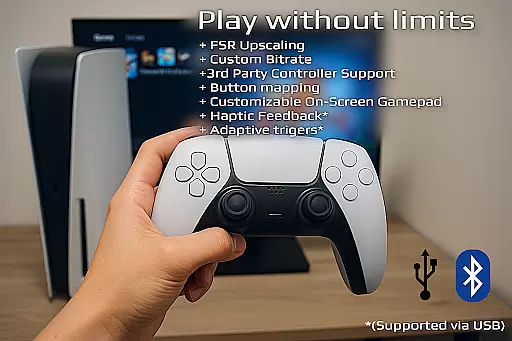
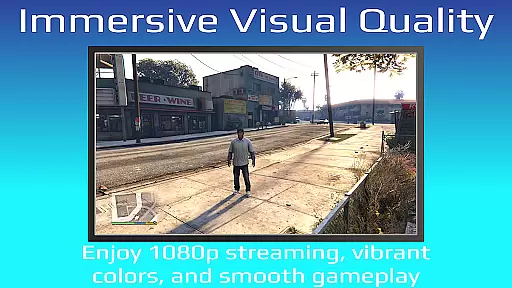
PXPlay stands out with its comprehensive feature set tailored for remote gaming. One of its key highlights is the support for third-party controllers across all Android devices, allowing users to choose their preferred hardware. The app also includes FSR upscaling and sharpening to enhance video quality during streaming sessions. Additionally, PXPlay supports rooted devices and older firmware versions, making it versatile for different user setups.
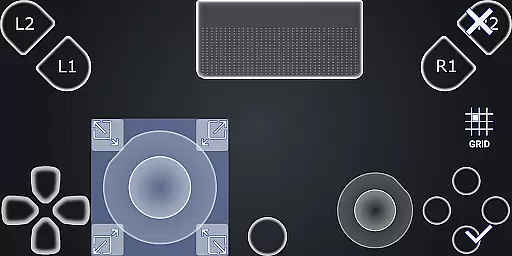
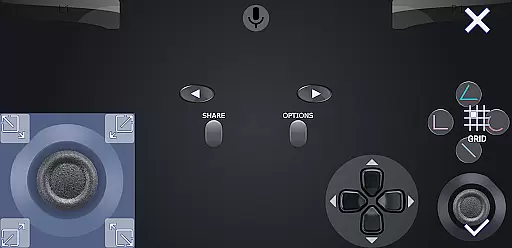
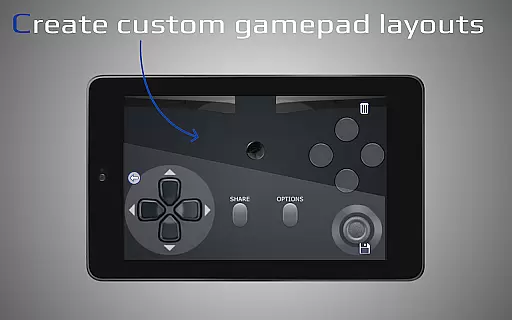
Another notable aspect is its ability to function as a virtual controller, providing flexibility in how users interact with their gaming devices. PXPlay allows easy connection setup, low-latency streaming, and customization options such as onscreen gamepad layout adjustments and button mapping. Features like Picture-In-Picture mode and Multi-Window support further improve usability, while compatibility with mobile data ensures uninterrupted access even when WiFi isn't available.
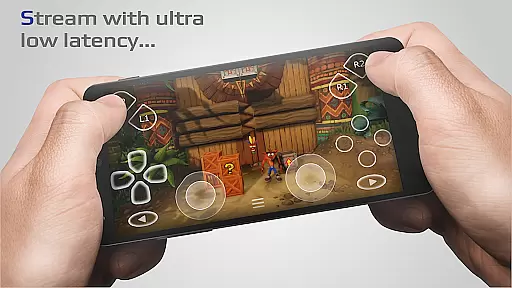
PXPlay is designed to provide an exceptional remote gaming experience by ensuring core functions are both accurate and effective. The application supports low-latency streaming, which is crucial for real-time gameplay without noticeable delays. This feature is particularly important for gamers who require instant feedback from their actions.
The app's ability to support third-party controllers across all Android devices enhances its functionality. Gamers can use their preferred controllers, ensuring a comfortable and familiar setup. Additionally, PXPlay offers gamepad button mapping and customizable onscreen layouts, allowing users to tailor the interface to their specific needs and preferences.
For users with rooted devices or those looking to stream games that support Remote Play, PXPlay delivers a seamless experience. It ensures that every command is accurately registered and executed, maintaining the integrity of the gaming session. This reliability is vital for competitive gaming and immersive experiences.
Ultimately, PXPlay's core functions empower users to enjoy a high-quality remote gaming experience. Whether playing over mobile data or a stable Wi-Fi connection, the app's effectiveness in delivering responsive controls and clear video streams ensures that gamers can focus on what matters mostu2014enjoying their favorite titles without technical hindrances.
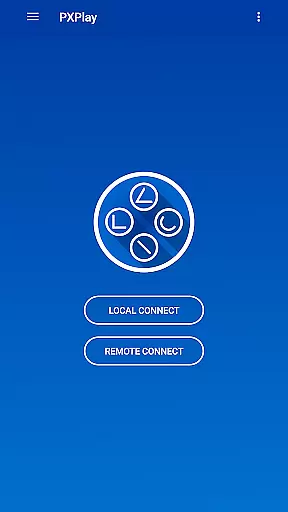
A simple and intuitive interface is essential for any tool-based application, and PXPlay excels in this area. Upon launching the app, users are greeted with a straightforward setup process that guides them through connecting to their gaming device. This ease of use ensures that even those new to remote gaming can quickly get started without a steep learning curve.
PXPlay's interface supports advanced features like Picture-In-Picture mode and Multi-Window functionality, catering to users who multitask or prefer a flexible viewing experience. These options allow gamers to manage their screen real estate efficiently, enhancing productivity and convenience during extended gaming sessions.
The app also provides comprehensive customization options for onscreen gamepad layouts. Users can adjust button placements and sizes to suit their playstyle, making interactions feel natural and effortless. Such personalization contributes significantly to the overall intuitiveness of the interface.
By prioritizing interface simplicity and intuitiveness, PXPlay ensures that users can fully leverage its powerful features without feeling overwhelmed. The clean design and logical flow of functionalities make it easy for gamers to access and utilize all aspects of the app, ultimately leading to a more enjoyable and frustration-free experience.
User-friendly interface
Low-latency streaming
Wide device compatibility
Customizable controls
Third-party controller support
Requires stable internet
Firmware limitations
Account login issues
No offline mode
High system requirements

1-Click close all background apps on Android TV
 3.90
3.90
Use your phone as a webcam on your computer over WiFi or USB.
4.40
Clean the junk files on your device
3.40
Mirror your screen to Chromecast and Android TV - Super fast and simple
4.60
The Ultimate Bluetooth Keyboard & Mouse. Securely control your PC, Mac, and more
4.50
Quickly check the frequency of the Earth
4.30
Fast Video Downloader, Movie Downloader, Torrent Downloader & Adblock Browser
4.70
Screen Mirroring for Roku Sticks, Roku TCL TV and Roku Hisense TV
4.50
Game Booster, GFX Tool is now compatible with newer game update
4.50
Change your GPS location instantly. Simulate routes anywhere in the world.
4.90
Navigate with Ease and Style
4.90 4.50
4.50
Universal TV remote control all TVs, Roku, LG, Samsung, Fire, Vizio, Sony, TCL.
4.40
Signal Strength, Mobile, Wifi, Speed Test, Bad Signals, Cellular, 5G, LTE, 4G
4.20 4.10
4.10
An open-source APK explorer for Android!
4.10
Automate everything from settings to photos, SMS to speech. ADC2 prize winner.
4.10
A powerful, easy-to-use flight computer on your phone or tablet!
3.80
This app unlocks the Pro features of the Central for DayZ app
3.60


User Reviews