
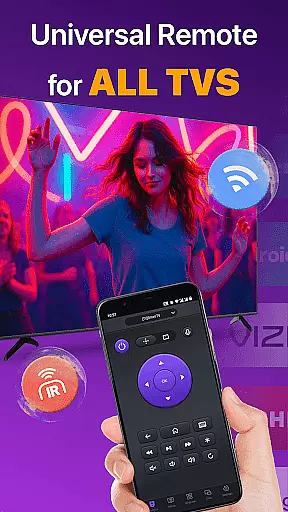
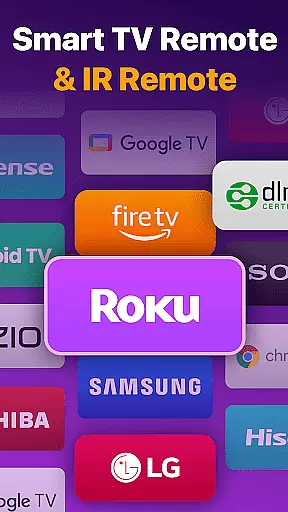
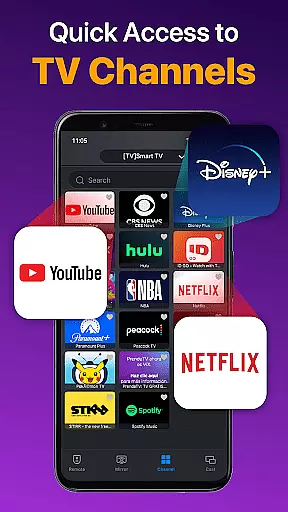
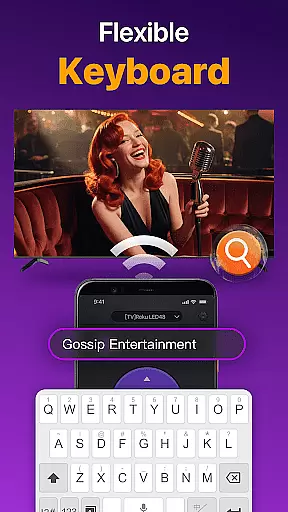
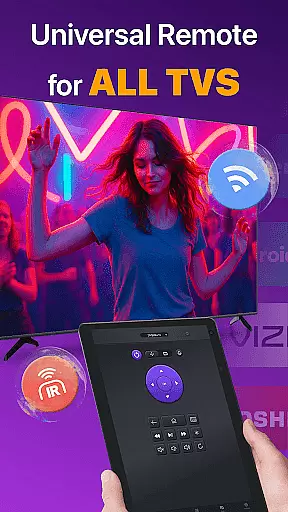
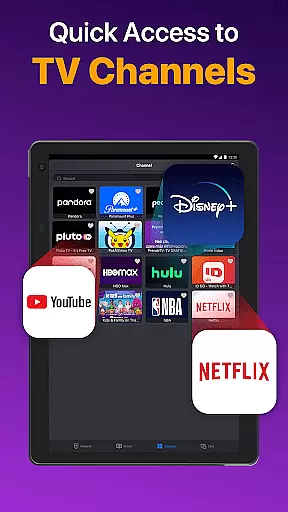
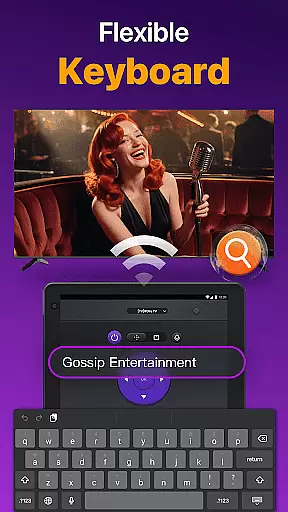
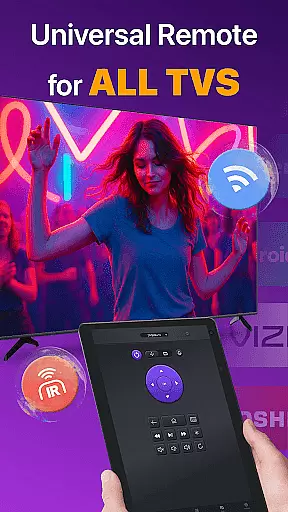
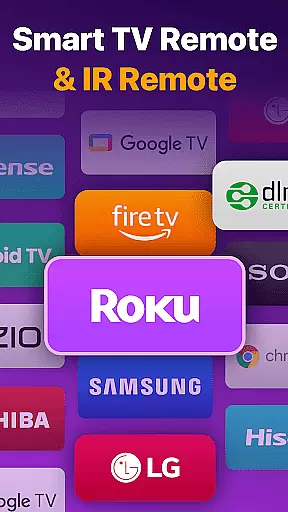
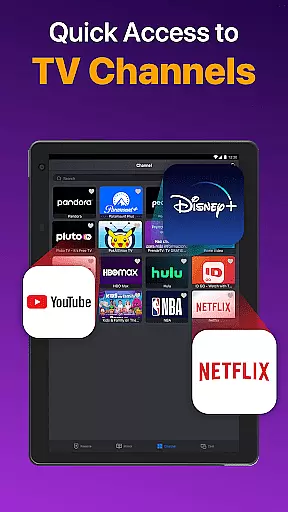
Universal TV Remote for All TV is a versatile remote control application designed to simplify the management of multiple smart TVs. This app supports major brands like Roku, LG, Samsung, and TCL, allowing users to seamlessly control their devices through WiFi or IR modes. With features such as power on/off, volume adjustment, channel management, and playback control, it eliminates the need for multiple physical remotes.
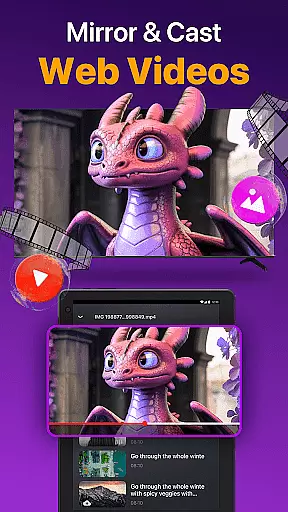
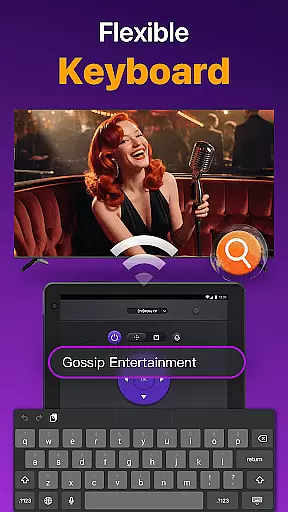
The app also offers advanced functionalities including screen mirroring, casting photos and videos, and quick text input for efficient searching. Compatible with Android devices, this universal remote ensures smooth operation under the same network, making it an essential tool for modern smart TV users who value convenience and efficiency in their home entertainment setup.
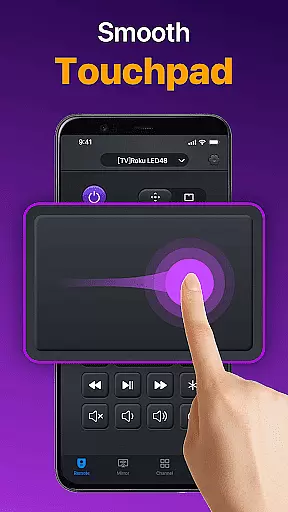
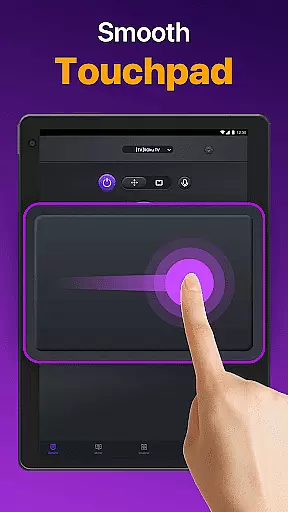
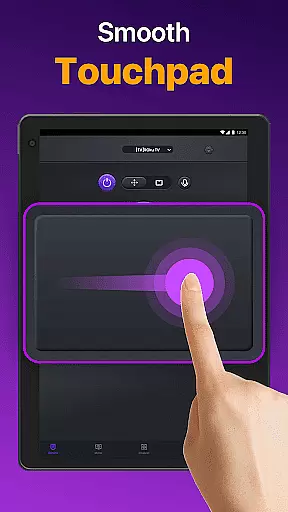
Universal TV Remote for All TV stands out with its comprehensive feature set tailored for smart TV control. The app automatically detects all Smart TVs on the same WiFi network, enabling effortless connection without complex configurations. Its responsive touchpad allows users to navigate their TVs efficiently while supporting key functions like volume control, reverse, fast forward, and power management.
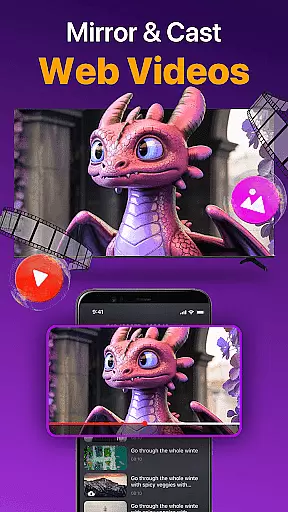
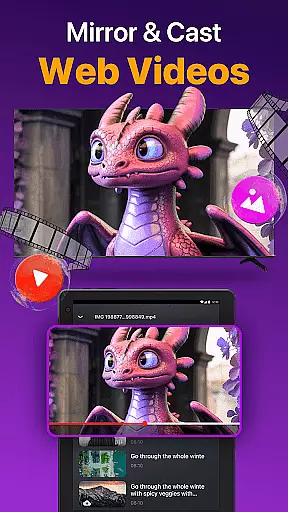
In addition to basic controls, the app provides innovative capabilities such as screen mirroring with low latency and casting local media content directly to the TV. Users can also perform quick text searches to find their favorite shows or movies. These features collectively enhance the user experience by combining traditional remote functions with modern digital conveniences, ensuring compatibility across various TV brands and models.
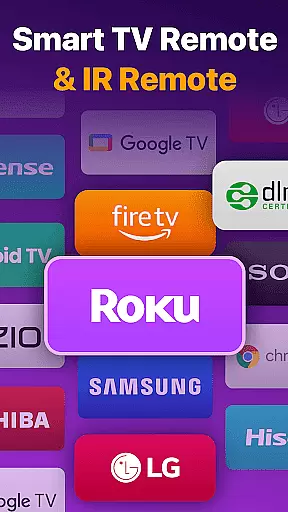
Universal TV Remote for All TV offers a comprehensive solution for controlling multiple smart TVs through a single application. The core functionality revolves around its ability to auto-detect all Smart TVs on the same WiFi network, enabling users to seamlessly switch between different brands such as Roku, LG, and Samsung without the need for multiple physical remote controls.
The app's effectiveness is demonstrated through responsive touchpad controls that allow efficient management of TV operations. Users can easily adjust volume, manage channels, and control content playback with minimal latency. Additionally, the quick text input feature facilitates effortless searching for favorite shows or movies directly from the smartphone interface.
One of the standout features is the support for both WiFi and IR modes, ensuring that users can maintain control over their TVs even when WiFi isn't available. This dual-mode functionality enhances the reliability of the app, making it an indispensable tool for modern households with diverse entertainment setups.
The Universal TV Remote app excels in providing an intuitive and user-friendly interface that simplifies the interaction between users and their smart TVs. Upon launching the app, users are greeted with a straightforward setup process that involves selecting their TV brand or stick, such as Fire TV or Samsung, and connecting to the Smart TV under the same network.
Once connected, the interface presents a clean layout with easily accessible buttons for power on/off, volume control, reverse, fast forward, and channel management. This logical arrangement ensures that even first-time users can navigate the app with ease, eliminating the learning curve typically associated with new technology.
Furthermore, advanced features like screen mirroring and casting are integrated seamlessly into the interface, allowing users to mirror their phone screens to big TVs with low latency. Such thoughtful design choices enhance the overall user experience, making the Universal TV Remote app not only functional but also a pleasure to use on a daily basis.
User-friendly interface
Wide device compatibility
Efficient screen mirroring
Quick text search functionality
IR mode support for offline use
Requires same network connection
Limited official brand support
Potential compatibility issues
No voice command feature
Dependent on TV model limitations

Unlock your Essential Key. Create custom shortcuts to your favorite apps!
 4.0
4.0
Optimize your WiFi network, turn your phone into Wifi Analyzer
4.70
Mirror your screen to Fire TV - Super fast and simple
4.40
Connect wirelessly to your computer to watch movies, browse the web, play games
5.00
The Ultimate Flex Drivers Utility App - Convenient Tapping & Block Filters
4.70
Pro Emulator is an easy to use game console emulator for a range of consoles.
4.40
Clean up large files and similar photos, fast and easy to use
4.40
Clean up your phone, find files, play media, and share files offline
4.50
Screen recorder with audio to record high-quality videos and take screenshots.
4.40
Learn the vast amount of system information about device and monitor it's state
4.70
Connect instantly to a fast, encrypted VPN with one tap
4.60
HD Camera captures every special moment.
4.60 4.50
4.50
The Ultimate Bluetooth Keyboard & Mouse. Securely control your PC, Mac, and more
4.50
Game Booster, GFX Tool is now compatible with newer game update
4.50
Use your phone as a webcam on your computer over WiFi or USB.
4.40
App that Recover your pictures, videos or files after you delete them.
4.20
A convenient photo, video, and file recovery tool.
4.00
Create your own custom widget with endless possibilities
3.90


User Reviews