
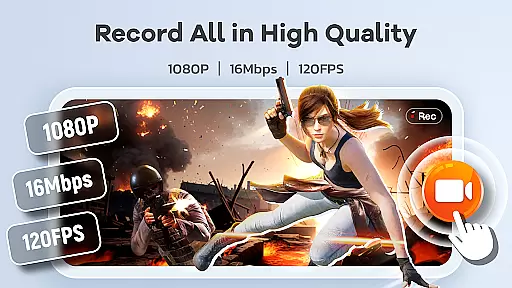
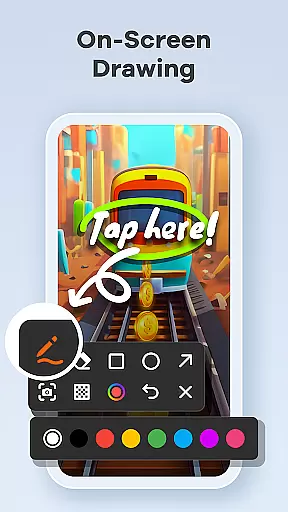
Screen Recorder Video Recorder is a versatile screen recording and video editing tool designed for users who want to create high-quality content directly from their mobile devices. This app allows you to capture your screen in stunning HD quality, up to 1080P resolution, with smooth frame rates of up to 120FPS. Whether you're creating tutorials, recording gameplay, or capturing video calls, this app ensures every detail is recorded with clarity.
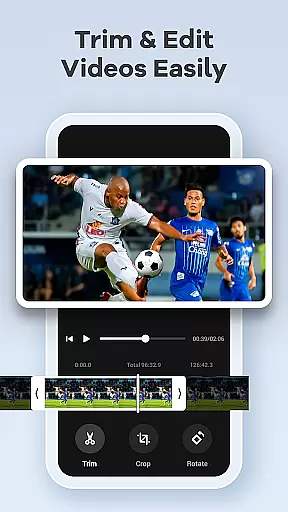
In addition to its powerful recording capabilities, Screen Recorder Video Recorder also offers built-in video editing tools. You can trim, crop, and rotate videos, as well as convert them into GIFs for easy sharing. The app supports both internal and external audio recording, ensuring crisp sound quality. With features like live drawing, facecam integration, and gesture controls, it provides a complete solution for anyone looking to produce professional-grade videos without needing additional software.
One of the standout features of Screen Recorder Video Recorder is its all-in-one functionality. It combines HD screen recording with advanced video editing tools, allowing users to create polished content in one place. The app supports various recording settings, including customizable resolutions, bitrates, and frame rates, giving users full control over their recordings. Additionally, the ability to record both internal system sounds and external microphone audio makes it ideal for a wide range of use cases.
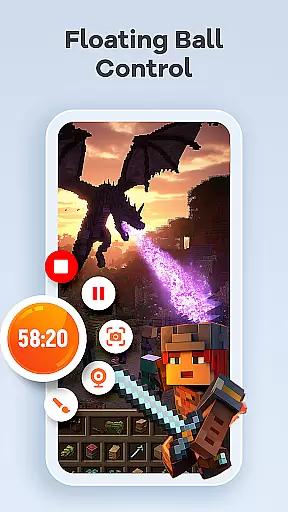
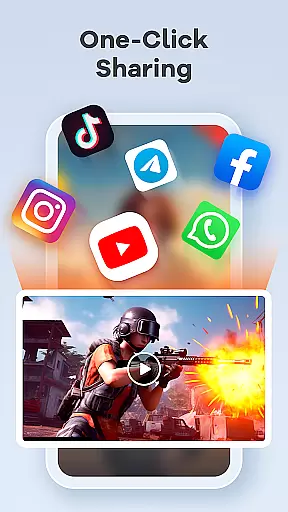
The app also includes intuitive workflow enhancements such as the floating ball control, which lets users start, pause, and stop recordings with a single tap. Gesture controls add another layer of convenience, enabling quick actions through customizable gestures. Other notable features include no time limits on recordings, no watermarks on exported videos, and seamless sharing options to platforms like YouTube and social media. These features make Screen Recorder Video Recorder an excellent choice for content creators, gamers, and educators alike.
Screen Recorder Video Recorder excels in delivering precise and effective core functions that cater to a wide range of video recording needs. The app supports HD recording at 1080P, with bitrates up to 16Mbps and frame rates as high as 120FPS, ensuring every detail is captured in stunning clarity.
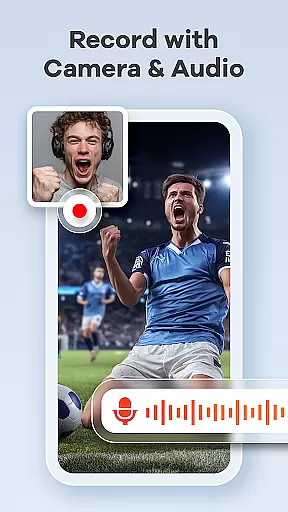
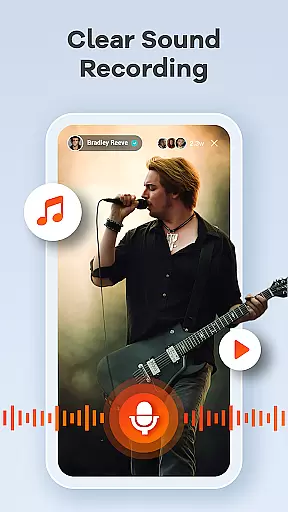
In addition to video quality, the app offers comprehensive audio recording options. Users can record crisp, clear audio from both internal and external sources, such as the device's system sound or an external microphone. This dual capability ensures that all auditory elements are faithfully reproduced.
The built-in video editor enhances the app's functionality by allowing users to trim, crop, and rotate their videos effortlessly. These editing tools ensure that the final content is polished and professional-looking, ready for sharing across various platforms. Moreover, the unique feature of converting videos to GIFs adds versatility to content creation.
Overall, Screen Recorder Video Recorder stands out by providing accurate and effective tools that empower users to produce high-quality screen recordings and engaging video content with ease.
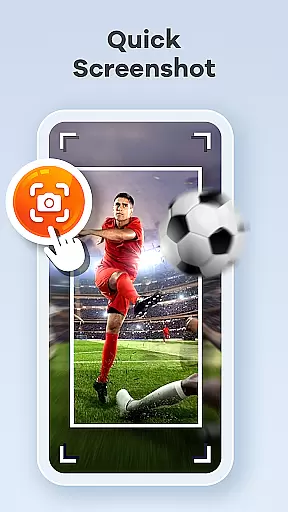
A standout feature of Screen Recorder Video Recorder is its simple and intuitive interface, designed to streamline the video creation process without unnecessary complexity. The one-tap floating ball is a prime example, offering instant access to start, pause, resume, and capture screenshots without interrupting the recording session.
Gestures play a crucial role in maintaining this seamless workflow. Users can customize gesture controls for quick actions, significantly enhancing the efficiency of video production. This flexibility allows creators to tailor the app's operation to their specific preferences and working styles.
Furthermore, the absence of time limits and watermarks underscores the app's commitment to user-friendly features. Creators can record as long as needed and share their work without distracting marks, preserving the integrity of their content. Customizable settings also contribute to this intuitiveness by letting users adjust parameters to suit individual requirements.
By focusing on an uncluttered and efficient user experience, Screen Recorder Video Recorder ensures that even beginners can navigate and utilize its powerful features with confidence.
User-friendly interface
High-quality recording
Built-in editing tools
No watermark on videos
Flexible sharing options
Requires permissions
Limited in some apps
Privacy concerns
Ads in free version
Advanced features cost

HD Camera captures every special moment.
 4.60
4.60
Clean the junk files on your device
3.40
eXtended Permission Manager - a small app to manage permissions and AppOps
4.50
Amateur Radio app for APRS: Track friends, exchange messages, get tactical info.
3.90
Mirror your screen to Chromecast and Android TV - Super fast and simple
4.60
The one-and-only remote control for PC, Mac, and Linux
4.70
Powerful collection of electronics tools and reference.A must for any enthusiast
4.90
Introducing Smart Printer, your ultimate destination for printing solutions!
4.00
fast and easy mp3 music downloader
4.80
Unit and currency converter with easy and simple UI.
4.80
FV File Manager Pro, Fast and powerful file manager for Android
4.60
Canon PRINT is a companion app for your Canon printer.
4.60
Just one-tap to easy translate in any language after calls within seconds.
4.20
App that Recover your pictures, videos or files after you delete them.
4.20
Signal Strength, Mobile, Wifi, Speed Test, Bad Signals, Cellular, 5G, LTE, 4G
4.20 4.10
4.10
Unleash gamepad precision for ultimate mobile gaming dominance.
3.90
A non-root local ADB shell client. READ BELOW!
3.40
Undelete and recover your lost or deleted files with DiskDigger!
3.40


User Reviews