
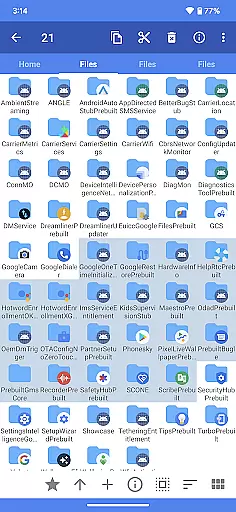
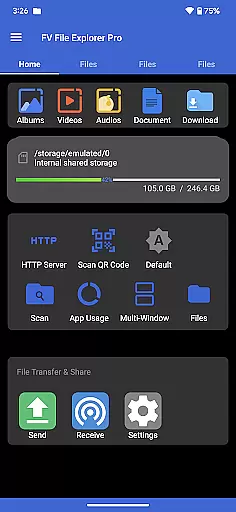
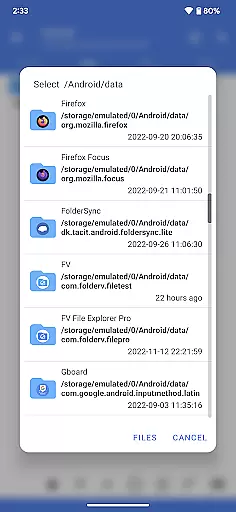
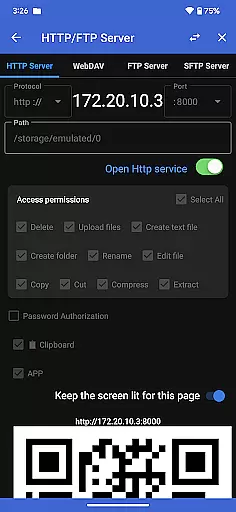
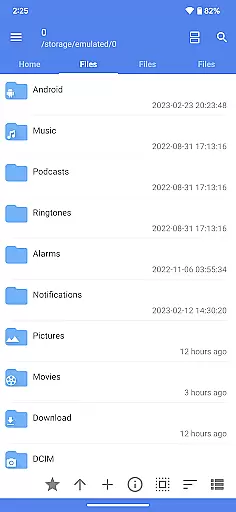
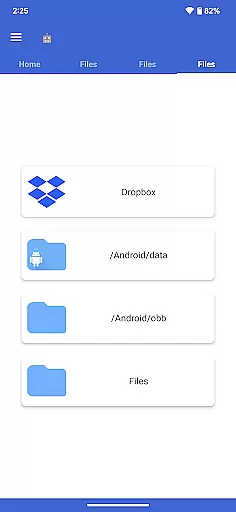
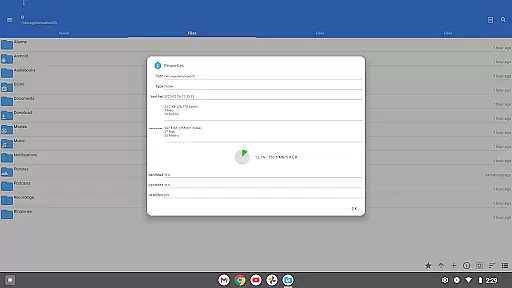
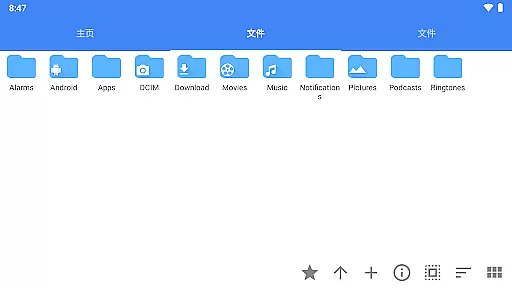
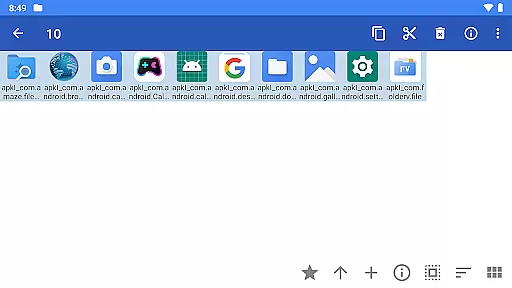
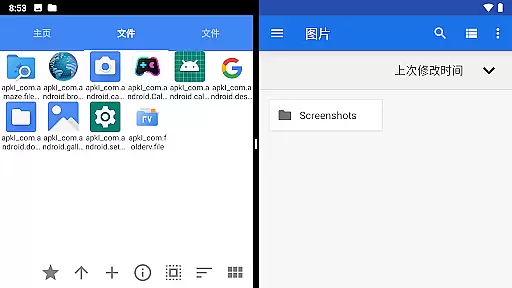
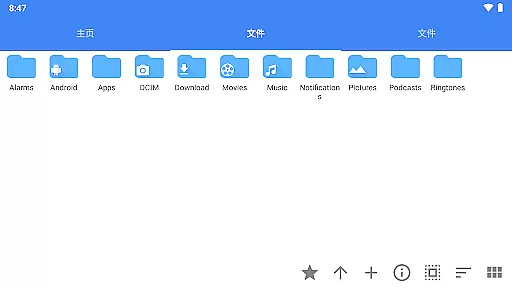
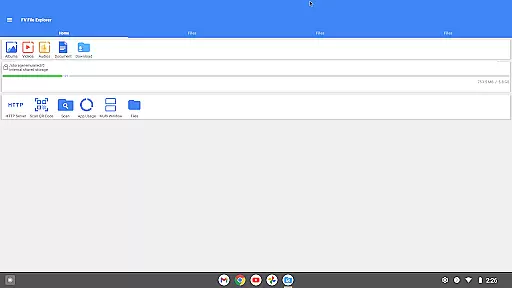
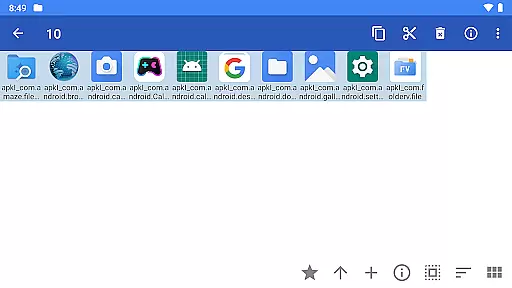
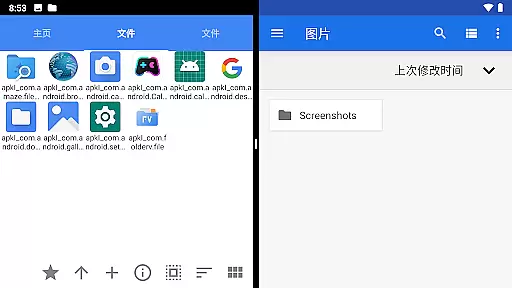
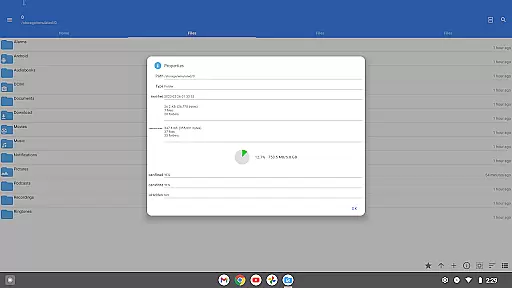
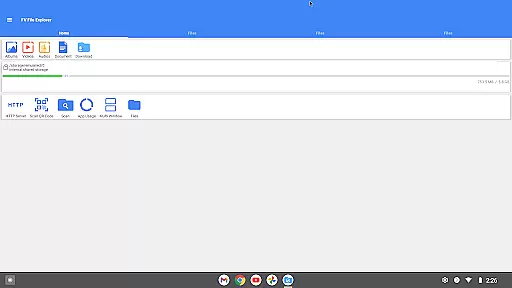
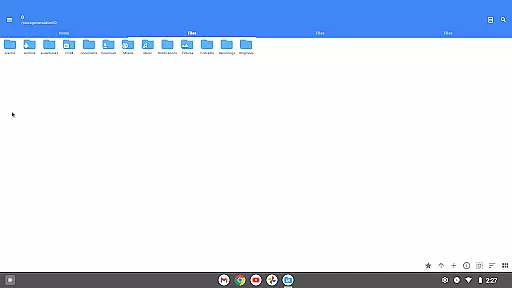
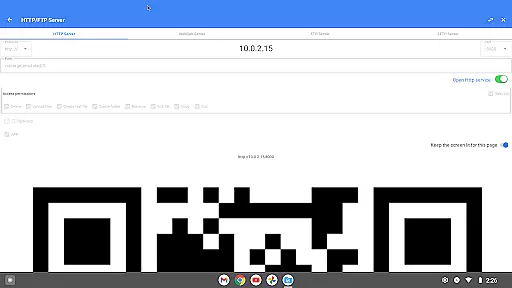
FV File Pro is a fast and powerful file manager for Android, designed to provide users with an efficient way to manage their files. It allows access to critical system directories like /Android/data and /Android/obb on Android 13 without requiring root permissions. The app features a Material Design UI that ensures ease of use while offering advanced functionalities.
One of the standout features of FV File Pro is its support for viewing multiple image formats including JPG, PNG, BMP, TIFF, and more. Additionally, it supports extraction of various compressed file types such as ZIP, RAR, and 7Z. Users can also manage files over a wireless network via HTTP, FTP, or SFTP within the LAN, making it convenient to transfer documents between devices without using data cables.
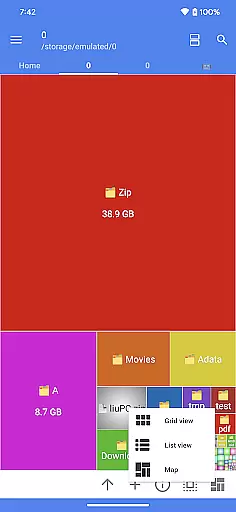
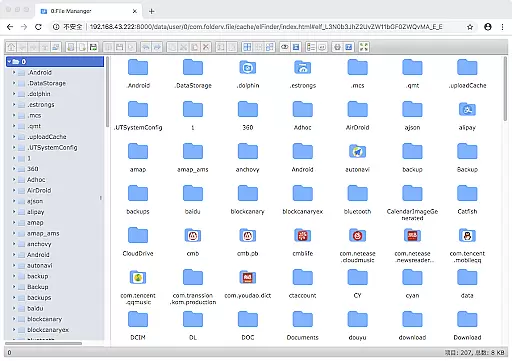
The app includes a WebDAV server feature, enabling seamless file management between your mobile device and computer. With treemap visualizations for storage, users can easily understand their file distribution and sizes. Other notable features include QR code scanning, markdown file preview, and HTTP file download capabilities, making FV File Pro a versatile tool for managing digital content efficiently.
FV File Pro offers a comprehensive suite of features tailored for efficient file management on Android devices. Its Material Design UI provides a sleek and intuitive interface, ensuring users can navigate and manage files with ease. The app's ability to access restricted directories like /Android/data and /Android/obb on Android 13 without root is a significant advantage for advanced users who need to manage system files.
Among its robust features, FV File Pro supports viewing a wide array of image formats such as JPG, PNG, BMP, TIFF, WEBP, HEIF, AVIF, ICO, and APNG. It also facilitates the extraction of multiple compressed file formats including ZIP, RAR, 7Z, ISO, and DMG. This makes it an indispensable tool for users who frequently deal with different file types and need a reliable decompression solution.
Another key feature is the ability to manage files over a wireless network using protocols like HTTP, FTP, or SFTP within the LAN. This functionality allows users to transfer files between their computer and mobile device effortlessly, without the need for data cables. Additionally, the WebDAV server feature enables integration with desktop environments, allowing users to connect to the server directly from their Mac Finder. The treemap visualization for storage offers a graphical representation of file sizes and directory structures, enhancing the user's understanding of their storage usage.
FV File Pro stands out as a robust file management tool designed for Android users. Its core functions are meticulously crafted to ensure both accuracy and effectiveness in managing files. The app provides seamless access to critical directories such as /Android/data and /Android/obb on Android 13 without requiring root permissions, thus maintaining device security while offering extensive control.
One of the key highlights is its support for viewing multiple image formats including JPG, PNG, BMP, TIFF, WEBP, HEIF, AVIF, ICO, and APNG. This ensures that users can open almost any image file they encounter, making it an indispensable tool for graphic designers and photographers alike. Additionally, the app supports decompression of various compressed file types like ZIP, RAR, 7Z, ISO, and DMG, allowing users to extract files effortlessly.
The wireless network management feature further enhances its utility by enabling file transfers via HTTP, FTP, or SFTP within a local area network (LAN). This eliminates the need for data cables and conserves mobile data usage when sharing documents, pictures, and text files between computers and smartphones. Overall, FV File Pro delivers precise and efficient file handling capabilities that cater to diverse user needs.
A standout aspect of FV File Pro is its intuitive interface, which adheres to Material Design principles. This design choice not only makes the app visually appealing but also significantly enhances user experience through simplicity and ease of navigation. Users can easily locate and utilize features without a steep learning curve, thanks to well-organized menus and clear icons representing different functionalities.
The treemap visualization feature exemplifies this simplicity by presenting storage information in an easily digestible format. Each file is represented as a colored rectangle, with its size proportionate to the file's dimensions. Directories form larger rectangles encompassing their contents, providing a hierarchical view that simplifies understanding complex folder structures at a glance.
Moreover, advanced features such as WebDAV server connectivity and QR code scanning are integrated seamlessly into the interface. For instance, connecting to a WebDAV server from a Mac involves simply entering the server address in Finder, demonstrating how straightforward these powerful tools are to use. Such thoughtful design choices ensure that even novice users can harness the full potential of FV File Pro without feeling overwhelmed.
User-friendly interface
Advanced file access
Versatile image support
Efficient compression tools
Wireless file management
Limited iOS support
High system requirements
Occasional bugs
Paid premium features
Complex for beginners

Just one-tap to easy translate in any language after calls within seconds.
 4.20
4.20
Use your phone as a webcam on your computer over WiFi or USB.
4.40
Family Locator, Share location, StayConnect with your family in real time
3.90
Small and simple app to Verify Root Access and BusyBox Install!
4.70
Create your own live wallpaper or check out thousands already made presets
3.90
Detect hidden spy camera with advanced scanning {{ Premium version }}
4.00
Excellent scientific calculator with symbolic algebra, integrals, derivatives
4.80
Connect wirelessly to your computer to watch movies, browse the web, play games
5.00
Pro Emulator is an easy to use game console emulator for a range of consoles.
4.40
Powerful collection of electronics tools and reference.A must for any enthusiast
4.90
Button mapper, mouse toggle, sleep timer and a lot of another features
4.50
Universal TV remote control all TVs, Roku, LG, Samsung, Fire, Vizio, Sony, TCL.
4.40
PC precision for mobile gaming: dominate with keyboard and mouse!
4.30
Remote for Roku, Fire TV, Samsung TV, LG TV, Android TV, Chromecast and VIZIO TV
4.20
An open-source APK explorer for Android!
4.10
MS-DOS in your pocket. Play old DOS games anywhere you are ;)
4.10
A simple app to back up and restore SMS & MMS messages and call logs.
4.10
A convenient photo, video, and file recovery tool.
4.00
Introducing Smart Printer, your ultimate destination for printing solutions!
4.00


User Reviews