
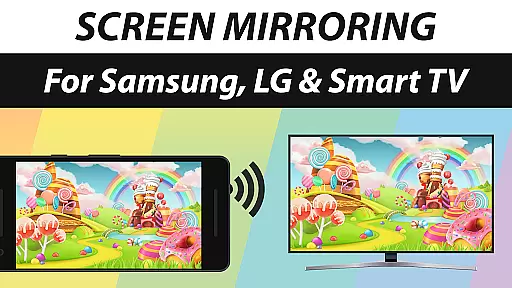
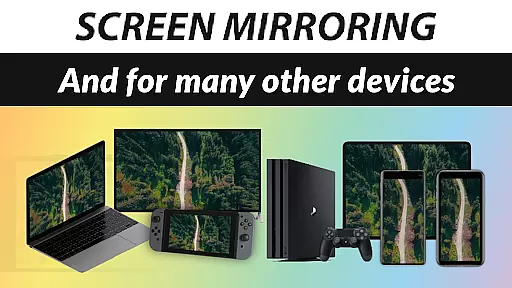
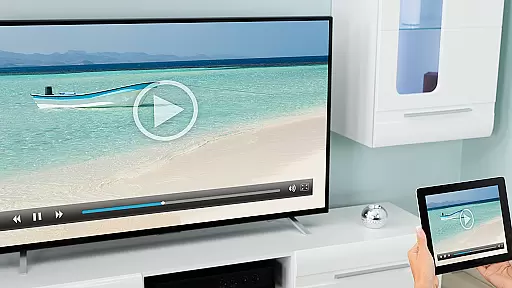
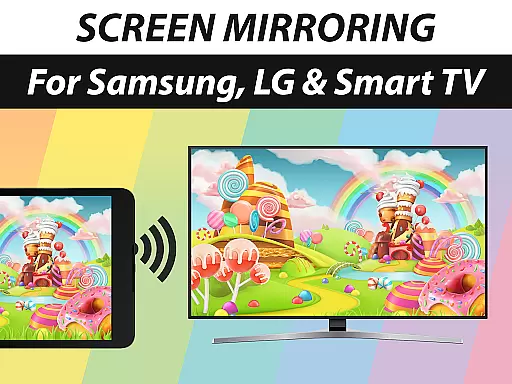
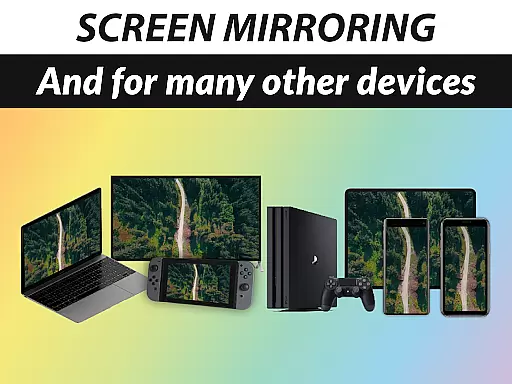
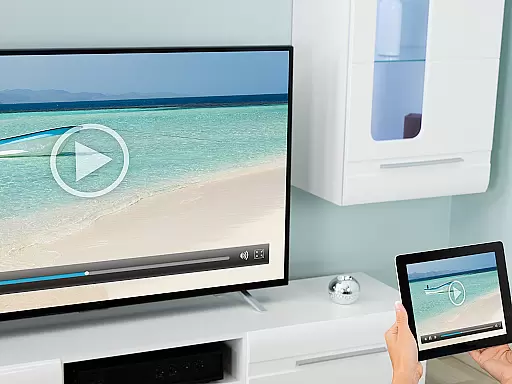
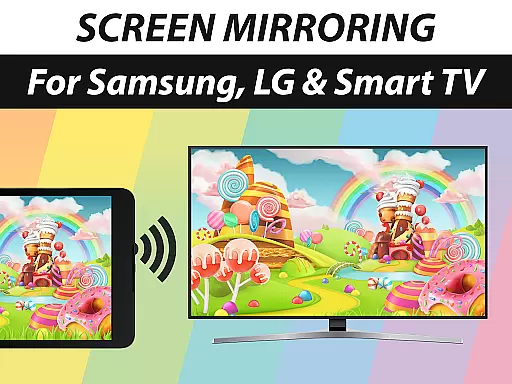
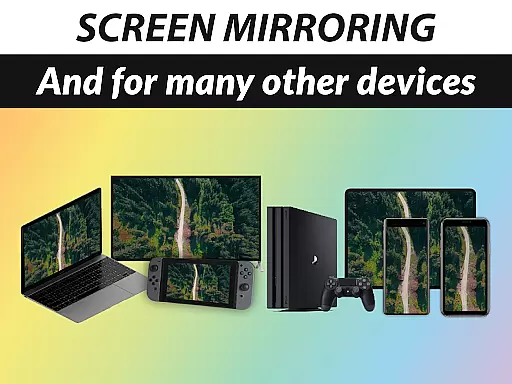
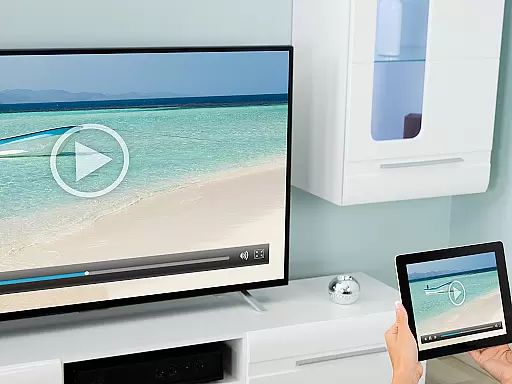
Screen Mirroring Pro App is a powerful tool designed to mirror your screen with sound to various devices including Samsung TV, LG TV, Sony TV, Smart TV, Smart Fridge, Gaming Console, PC, Laptop, Mobile Phone, and Tablet. It offers an easy setup process without the need for wires, allowing users to enjoy live HD quality streaming over Wi-Fi and Internet connections (DSL / Cable / Fibre). The app stands out as the number one screen mirroring solution due to its fast performance, ease of use, and user-friendly interface.
This application supports sharing photos, videos, games, websites, apps, presentations, and documents, making it ideal for both personal and professional settings. Whether you want to share memorable moments with family or conduct business presentations, Screen Mirroring Pro App facilitates seamless connectivity across different platforms.
One of the standout features of Screen Mirroring Pro App is its broad device compatibility. It works seamlessly with any device equipped with an integrated web browser, such as Samsung TV, LG TV, Panasonic TV, Hisense TV, Philips TV, Hitachi TV, Grundig TV, and TCL TV. This extensive support ensures that users can connect their screens to almost any modern display device available in the market.
The app performs optimally under good Wi-Fi network conditions, with a recommendation for 5GHz Wi-Fi for the best experience. Notably, there's no requirement for a companion app on the receiving device, simplifying the connection process. Additionally, sound support is available on Android 10+, although compatibility may vary depending on the receiver device's capabilities.
For users seeking assistance or wishing to provide feedback, the developers offer support via email at info@screenmirroring.app. As part of the renowned VIDEO & TV CAST series, which has achieved over 100 million downloads globally, Screen Mirroring Pro App continues to deliver exceptional casting experiences across all platforms and devices.
Screen Mirroring Pro App delivers exceptional core functionality by enabling users to mirror their screens with sound to a wide range of devices including Samsung TV, LG TV, Sony TV, and more. The app supports screen mirroring over Wi-Fi and the internet, ensuring that users can share content without the need for wires.
The performance of this tool is optimized under good Wi-Fi network conditions, particularly on 5GHz networks, which ensures high-definition quality streaming. This makes it an effective solution for those looking to share photos, videos, games, websites, apps, presentations, and documents seamlessly.
One of the standout features is its broad device compatibility. It works with any device that has an integrated web browser, making it versatile and accessible. Whether you're using a Smart TV, gaming console, PC, or even a smart fridge, Screen Mirroring Pro App provides a reliable and user-friendly experience.
For Android 10+ users, the app also supports sound, enhancing the overall effectiveness of the mirroring process. This attention to detail in supporting both video and audio ensures that users get the most out of their screen mirroring activities, whether for personal or professional use.
The interface of Screen Mirroring Pro App is designed to be simple and intuitive, catering to users who need a fast and easy solution for screen mirroring. With just a few taps, users can initiate screen mirroring to various devices such as Samsung TV, LG TV, and Sony TV, among others.
There's no need for a companion app on the receiving device, which significantly simplifies the setup process. This ease of use is one of the reasons why the app is considered user-friendly and accessible even to those who may not be tech-savvy.
Moreover, the app offers live support in HD quality, ensuring that users enjoy a seamless experience when sharing content like photos, videos, and presentations. Its straightforward design helps users focus on their content rather than the technology behind it.
Overall, the simplicity and intuitiveness of the interface make Screen Mirroring Pro App a top choice for anyone looking to share their screen effortlessly. The developers have successfully created an interface that minimizes complexity while maximizing user engagement and satisfaction.
User-friendly interface
Wide device compatibility
Wireless HD streaming
Integrated sound support
Comprehensive customer support
Requires good Wi-Fi
Sound support limited
Premium version costly
Occasional connectivity issues
Not all devices supported

Change your GPS location instantly. Simulate routes anywhere in the world.
 4.90
4.90
A recovery soft,it features photo recovery, video recovery, file recovery.
3.40
Head tracking for PC sim games such as MSFS 2024 or Elite:Dangerous. No headset!
4.50
Small and simple app to Verify Root Access and BusyBox Install!
4.70
Unleash gamepad precision for ultimate mobile gaming dominance.
3.90
Monitor car performance in real time and troubleshoot malfunctions.
4.80
Remote Play with FSR upscaling, low latency & full controller support
4.80
Automate everything from settings to photos, SMS to speech. ADC2 prize winner.
4.10
Protect your device with antivirus, storage cleanup, and system monitoring
4.70
Learn the vast amount of system information about device and monitor it's state
4.70
ADB support Android 4.X-Android 13(Support wireless pair mode).No root required!
4.70
The one-and-only remote control for PC, Mac, and Linux
4.70
NFC Tools can read and write NFC tags.
4.70 4.50
4.50
Fluid navigation gestures for all of us!
4.30
Just one-tap to easy translate in any language after calls within seconds.
4.20
VESC Tool can monitor and configure VESC-compatible devices over BLE and Wifi
4.20
MS-DOS in your pocket. Play old DOS games anywhere you are ;)
4.10
PDF Reader - Document Viewer: Read, Manage & Organize Your Documents
3.10


User Reviews