
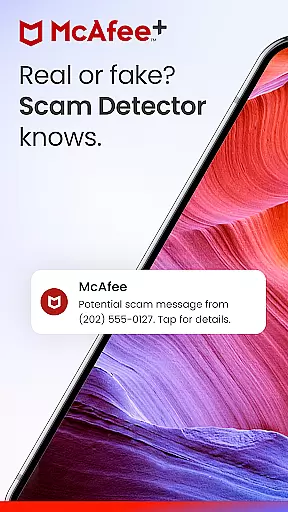



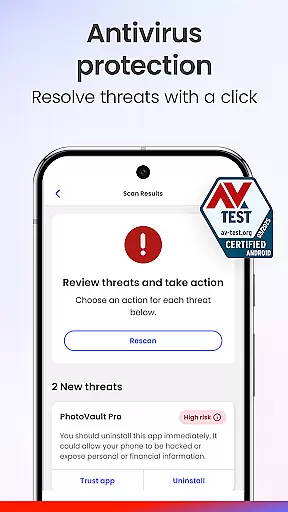





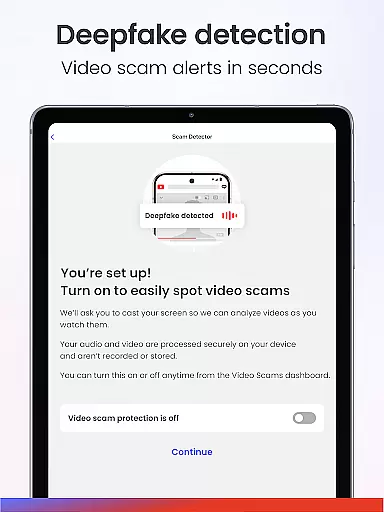

McAfee Security is a comprehensive cybersecurity app designed to protect users from various online threats. It features Scam Detector, which shields against deceptive texts, emails, and deepfake videos. The app provides award-winning antivirus, a private VPN, identity protection, and real-time cybersecurity alerts.
With McAfee+, users receive all-in-one protection that includes scam detection, personal info removal from risky sites, identity theft monitoring, and more. Suitable for individuals and families, it ensures safety on both personal and public networks.
This tool is essential in today's digital age where online scams and malware are prevalent. By using McAfee Security, users can browse safely, protect their identities, and secure their devices from viruses and financial fraud.
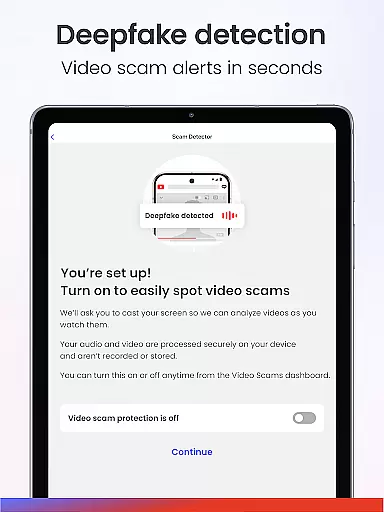
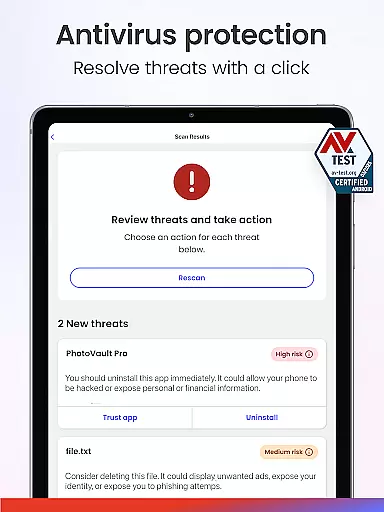
McAfee Security offers an array of robust features aimed at providing top-notch protection. Its Scam Detector filters risky messages and identifies AI-generated videos. Antivirus and virus scanner powered by smart AI detects threats in real-time and protects personal files, apps, and downloads.
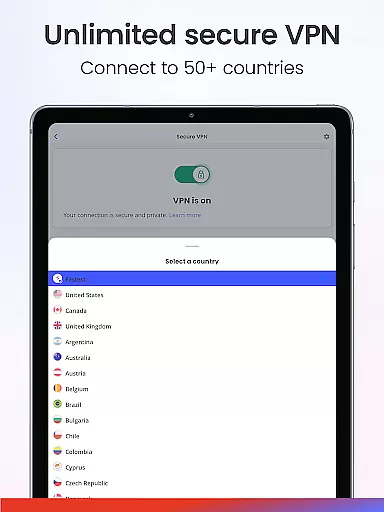
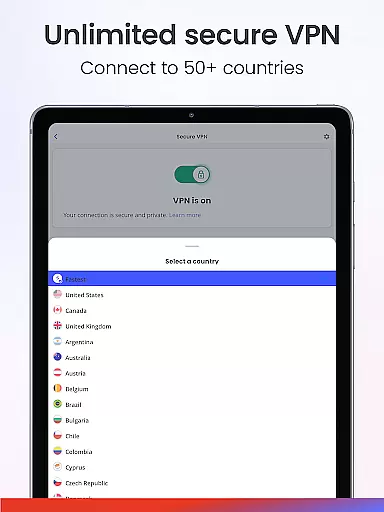
The unlimited secure VPN shields devices from unsecured networks and changes the user's location and IP address for enhanced privacy. Identity monitoring covers up to 10 email addresses and important personal numbers, offering real-time alerts for security breaches.
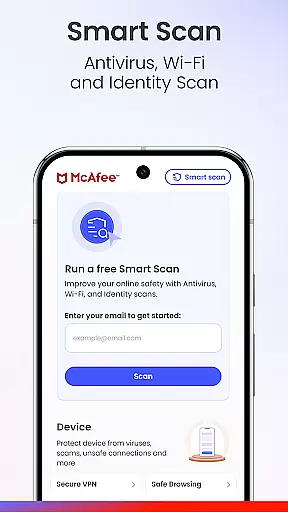
Additional features include transaction and credit monitoring, personal data cleanup, safe browsing, WiFi scan, and social privacy manager. These tools collectively ensure maximum online safety and control over one's digital footprint.
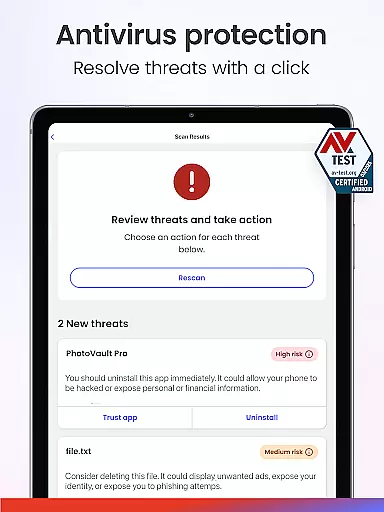
In the realm of cybersecurity, the precision and efficacy of an application's core functions are paramount. McAfee Security offers a comprehensive suite designed to protect users from a multitude of online threats. Its antivirus and malware protection is powered by smart AI that scans and detects threats in real-time, ensuring your devices and personal files remain safeguarded against viruses, spyware, and other malicious software.
Another pillar of McAfee's functionality is its Unlimited Secure VPN service. This feature not only shields your device on unsecured networks but also provides the ability to browse safely with a hidden IP address. By changing your location and masking your online presence, McAfee ensures enhanced privacy and security, effectively preventing hacking, phishing, and fraud attempts while you're connected to public Wi-Fi networks.
The true effectiveness of McAfee Security is highlighted by its capability to monitor identity and financial transactions. With 24/7 identity monitoring, it keeps track of up to 10 email addresses and other sensitive personal information like ID and passport numbers, delivering real-time alerts for any security breaches. Additionally, transaction and credit monitoring allow users to maintain vigilance over their financial activities, providing early detection of potential issues and thus playing a critical role in protecting against identity theft and fraud.
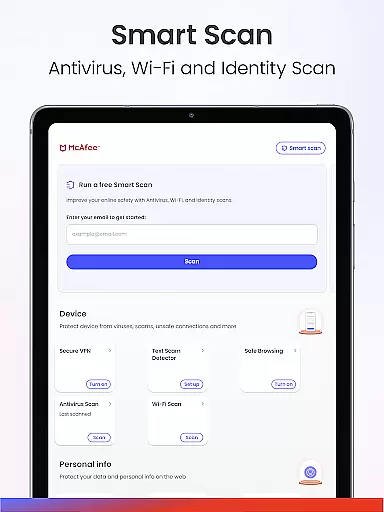
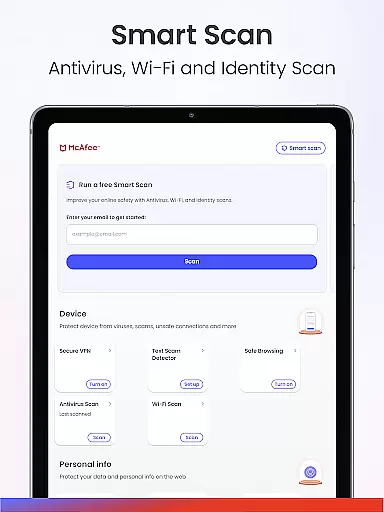
A user-friendly interface is crucial for ensuring that all individuals, regardless of technical expertise, can navigate and utilize an application's features effectively. McAfee Security excels in this area by offering an intuitive layout that simplifies complex cybersecurity tasks. The app consolidates advanced Antivirus, a private VPN, robust identity protection, and real-time cybersecurity alerts into one cohesive platform, making it straightforward for users to access the tools they need without confusion or unnecessary complexity.
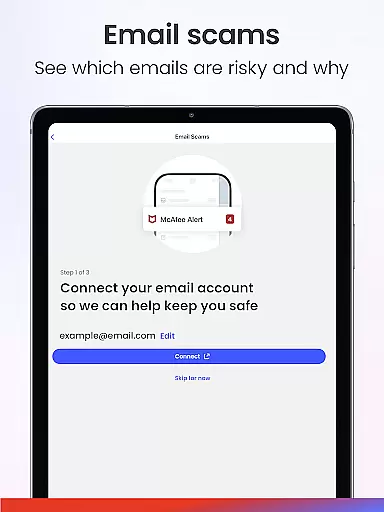
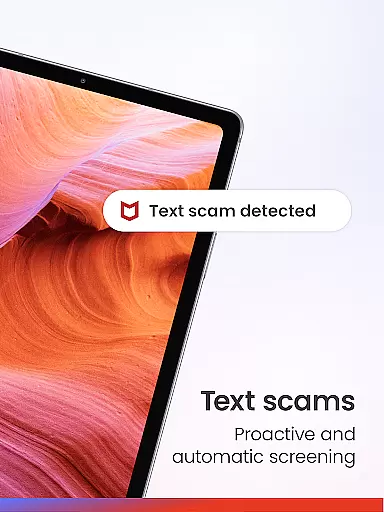
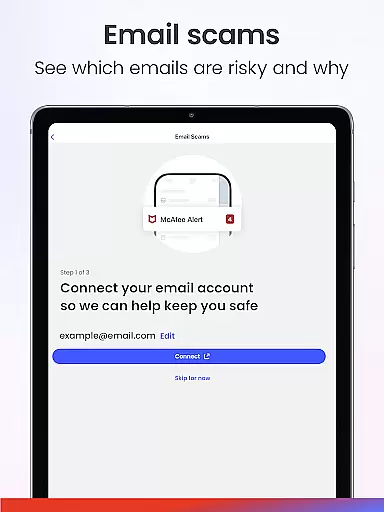
Moreover, McAfee has integrated specific functionalities such as Text Scam Protection and Email Protection seamlessly within its interface. These features filter risky messages and flag suspicious emails respectively, presenting warnings in an easily understandable manner so that users can avoid potential scams before clicking harmful links. Such preemptive notifications are vital for maintaining online safety without overwhelming the user with technical jargon or complicated settings.
Finally, McAfeeu2019s dedication to interface simplicity extends to its network scanner and WiFi security capabilities. Users can effortlessly scan any Wi-Fi network for vulnerabilities prior to connecting, thanks to clear indicators and easy-to-follow instructions provided by the appu2019s design. This approach empowers even those who may be less tech-savvy to maintain their safety on public networks confidently. Overall, McAfee Security combines powerful protection mechanisms with an accessible interface, enhancing both security and peace of mind for its users.
Comprehensive protection
Real-time threat detection
User-friendly interface
Multi-device support
Identity theft prevention
Premium features locked
High subscription cost
Limited free version
Some features device-specific
Occasional performance lags

Extremely fast, secure, and protects your privacy
 4.80
4.80
1-Click close all background apps on Android TV
3.90
Head tracking for PC sim games such as MSFS 2024 or Elite:Dangerous. No headset!
4.50
Quickly check the frequency of the Earth
4.30
Powerful collection of electronics tools and reference.A must for any enthusiast
4.90
A simple app to back up and restore SMS & MMS messages and call logs.
4.10
Button mapper, mouse toggle, sleep timer and a lot of another features
4.50
Fun lie-detection pranks for friends and parties.
3.80
Screen recorder with audio to record high-quality videos and take screenshots.
4.40
HD Video player and downloader for all formats, fast & smooth 4K video playback.
4.60
Keep track of your Palia friendships, tasks, and inventory with Palia Notebook
4.60 4.50
4.50
The Ultimate Bluetooth Keyboard & Mouse. Securely control your PC, Mac, and more
4.50
An easy-to-use calculator designed to save time calculating and bending conduit
4.30
Remote for Roku, Fire TV, Samsung TV, LG TV, Android TV, Chromecast and VIZIO TV
4.20
Signal Strength, Mobile, Wifi, Speed Test, Bad Signals, Cellular, 5G, LTE, 4G
4.20
Introducing Smart Printer, your ultimate destination for printing solutions!
4.00
Amateur Radio app for APRS: Track friends, exchange messages, get tactical info.
3.90
card-reader app
2.20


User Reviews