

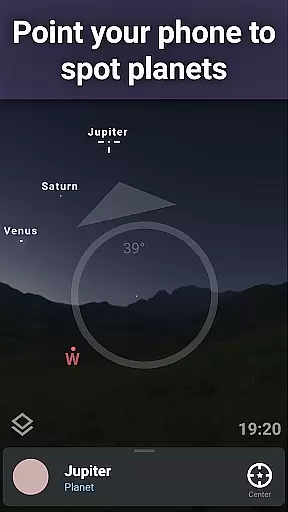
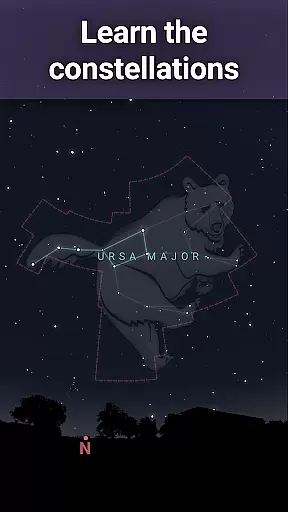
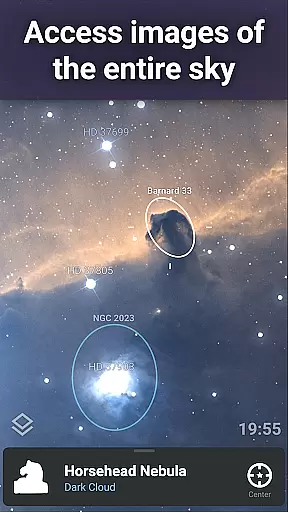
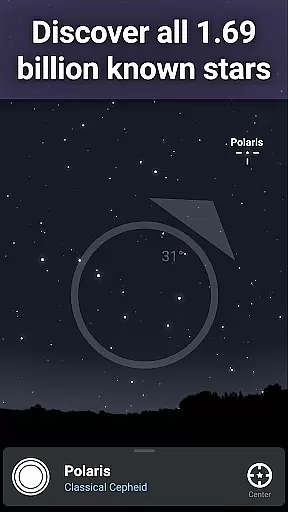
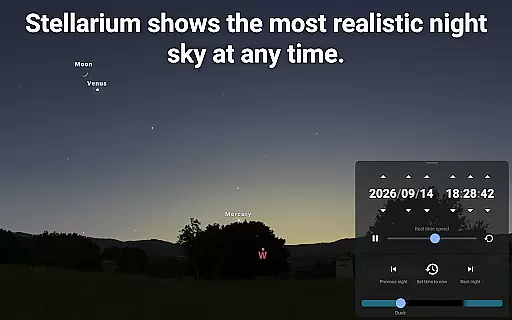
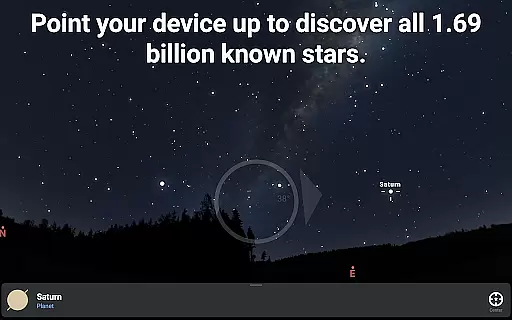

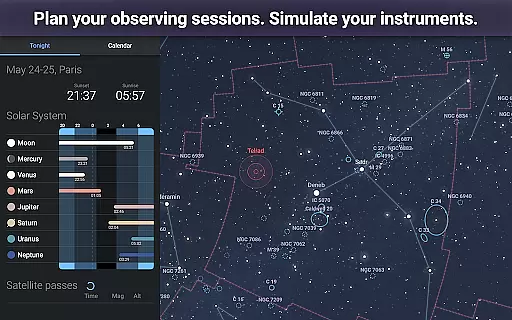
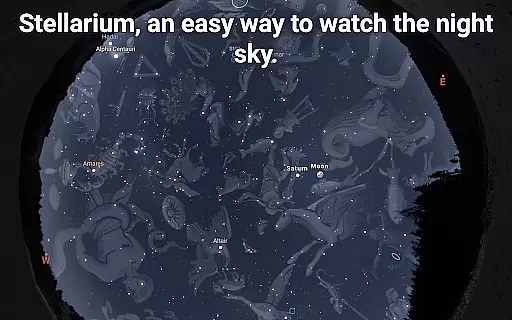
Stellarium Mobile - Star Map is an advanced planetarium app designed for both amateur stargazers and professional astronomers. This application provides a real-time representation of the night sky, accurately displaying stars, planets, constellations, and deep-sky objects visible to the user. With its intuitive interface, users can simply point their device at the sky to identify celestial bodies instantly.
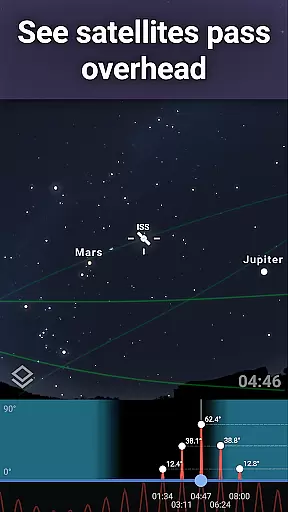
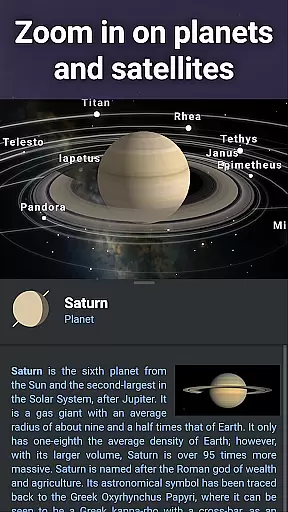
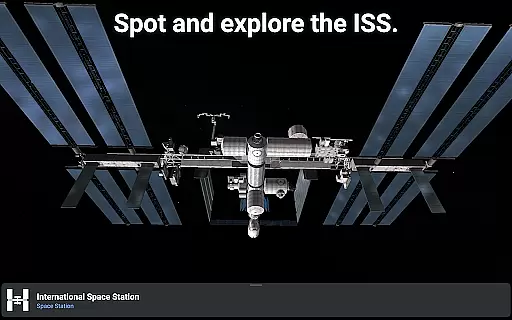
The app offers a comprehensive suite of features that cater to educational purposes and observational planning. Users can explore detailed simulations of the Milky Way, track artificial satellites like the ISS, and even view 3D renderings of solar system planets. Its extensive catalog includes over 1.69 billion stars, making it one of the most complete mobile star maps available today.
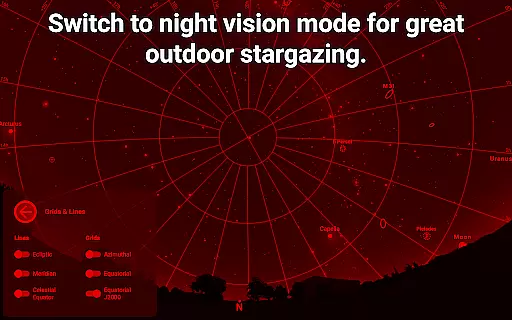
Whether used in urban settings or remote locations, Stellarium Mobile proves invaluable for anyone interested in astronomy education. The app's red night mode ensures minimal disruption to night vision, while its offline functionality allows for uninterrupted use during field observations. These capabilities make it an essential tool for students, educators, and enthusiasts alike.
Stellarium Mobile stands out with its impressive array of features designed to enhance astronomical exploration. The app's core functionality includes real-time sky mapping, which accurately reflects the current positions of celestial objects based on the user's location and time. This feature alone makes it an indispensable tool for both casual observers and serious astronomers.
Among its notable capabilities are the advanced observation tools available through the Stellarium Plus upgrade. These include access to massive astronomical catalogs containing billions of stars, millions of deep-sky objects, and thousands of asteroids. The app also supports telescope control via Bluetooth or WIFI, allowing users to automate their observation sessions with compatible GOTO telescopes.
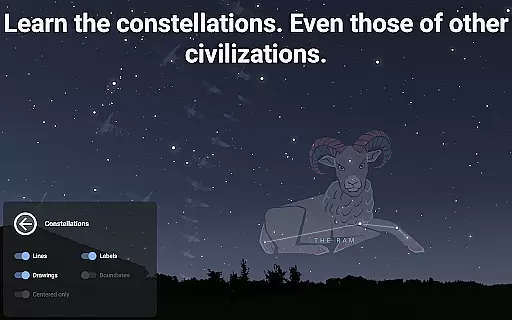
Additional features contribute to its educational value, such as the ability to view different cultural interpretations of constellations and simulate atmospheric conditions. The app's offline mode, containing a reduced but still substantial dataset of 2 million stars and deep-sky objects, ensures usability in remote locations without internet connectivity. These comprehensive features make Stellarium Mobile a versatile tool for both learning and practical astronomical applications.
Stellarium Mobile - Star Map stands out in the realm of educational applications due to its commitment to content accuracy and authority. This planetarium app provides an accurate simulation of the night sky, featuring stars, planets, and deep sky objects for any date, time, and location. The application draws from authoritative astronomical databases, including the Gaia DR2 catalog, which lists over 1.69 billion stars.
The app meticulously renders celestial bodies and phenomena, ensuring that users explore the universe with precise information. It includes all known planets, natural satellites, comets, and a plethora of minor solar system objects such as asteroids. Stellarium Mobile also offers detailed illustrations of constellations from various cultures, enhancing the educational experience by connecting users with different cultural perspectives on astronomy.
For users seeking advanced features, Stellarium Plus is available through an in-app purchase. This upgrade unlocks access to an extensive collection of deep sky objects, providing a combined catalog of over 2 million nebulas and galaxies. Such comprehensive data ensures that both amateur stargazers and professional astronomers receive reliable and scientifically-backed information, making Stellarium Mobile a trusted tool for exploring the cosmos.
While Stellarium Mobile - Star Map primarily focuses on delivering an accurate representation of the cosmos, it also facilitates personalized learning paths for its users. The app's user-friendly interface allows individuals to tailor their exploration of the universe according to their interests and knowledge level. Whether you are an amateur astronomer or an experienced stargazer, Stellarium Mobile adapts to your needs by offering a customizable experience.
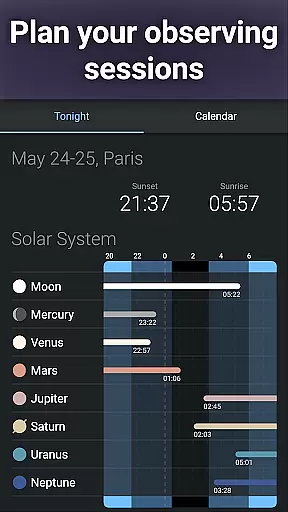
Users can choose to identify stars, constellations, planets, and other celestial bodies at their own pace. For those interested in more than just visual identification, Stellarium Plus offers advanced observation tools that help prepare observing sessions and predict celestial object observability. These features enable learners to set personal goals, such as tracking the International Space Station or simulating atmospheric conditions during sunrise and sunset.
Moreover, the ability to control telescopes via Bluetooth or WIFI adds another layer of personalization for hands-on learners. By integrating with GOTO telescope protocols like NexStar, SynScan, or LX200, Stellarium Mobile bridges the gap between digital and physical stargazing. This adaptability not only caters to individual preferences but also encourages continuous learning and engagement with astronomy, making each user's journey through the stars uniquely their own.
User-friendly interface
Extensive celestial database
Real-time sky mapping
Offline functionality
Educational value
Premium features locked
Advanced tools complex
Large app size
Some features require hardware
Basic version limited

Childcare Management App: Daily sheets, sign in-out, billing and learning tools
 4.70
4.70
An easy to use yet powerful and full-featured flashcard study app.
4.50
Age-Related Child Developmental Milestones
4.80
Engage in learning science and math with the award-winning PhET simulations!
4.70
Explore the City of the Sun in Augmented Reality
3.70
Memorize anything efficiently with AnkiDroid! Many pre-built decks available.
4.80
Reading for kids has never been easier. Learn phonics, letter tracing & more!
4.70
Adventures await with Spider-Man and other Marvel characters!
4.10
Train, track, and reward potty training using Potty with Pull-Ups® ft. Disney®
4.70
Prepare for the BCBA / BCaBA exam. Study ABA with the ABA Wizard app.
4.60
A fast and fun way to learn guitar - works with any guitar.
4.60
Ignite curiosity, spark learning: All babybus videos &games
4.30
Designed for Calculator 84 users
4.20
Listen, request and record pronunciations in more than 450 languages. Everywhere
3.90
FAR/AIM, FAR for Flight Crew and FAR for Aviation Maintenance Technicians
3.80
An aviator’s preparation, study and test tool for FAA Knowledge Exams.
3.80
A must-have app for mastering Japanese verb/adjective conjugations.
3.60
Flashnote Derby is the fun way for kids to learn music notes and memorize them.
3.40
Pickleball guide complete with illustrated Pickleball drills and helpful info
4.1


User Reviews