
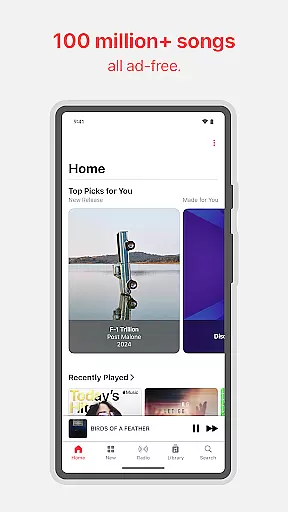
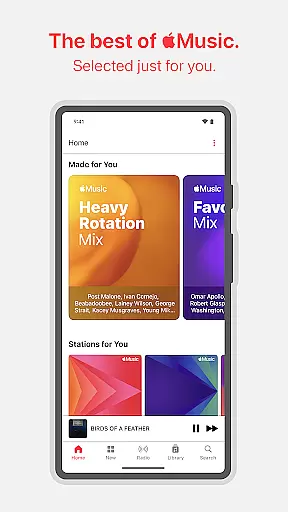
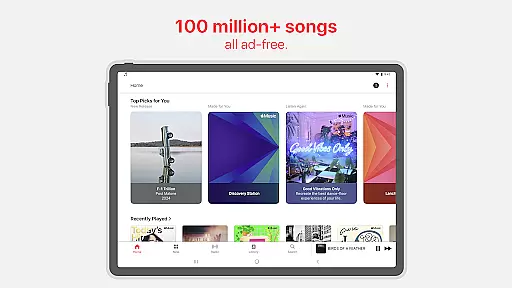
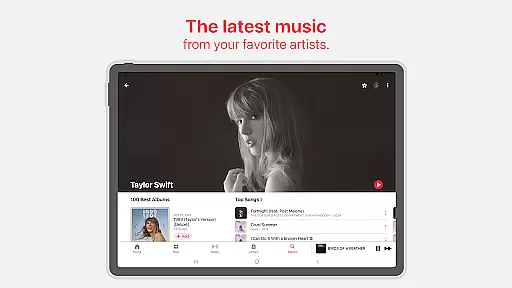
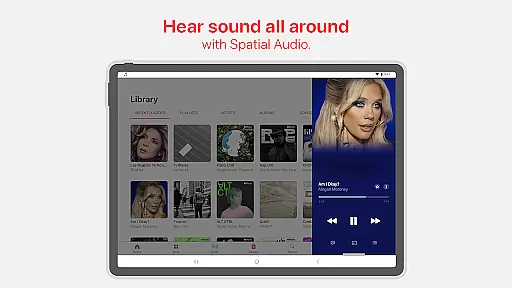
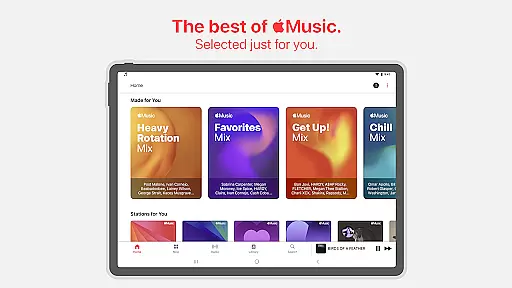
Apple Music is a premier music streaming service that offers unlimited access to a vast library of 100 million songs, all in the highest audio quality and completely free of advertisements. Subscribers can enjoy exclusive content, artist interviews, and live performances, alongside personalized playlists and radio shows curated by iconic music figures. The platform supports immersive Spatial Audio with Dolby Atmos and Lossless Audio for an unmatched listening experience.
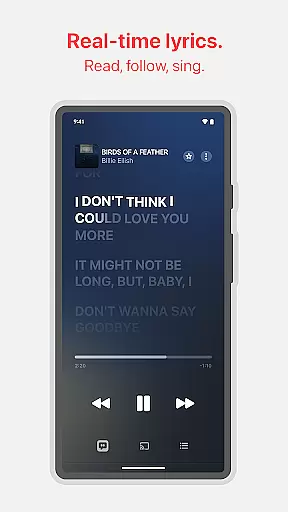
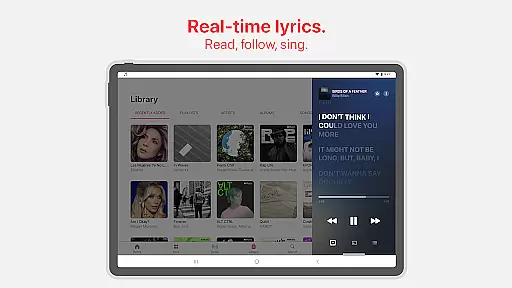
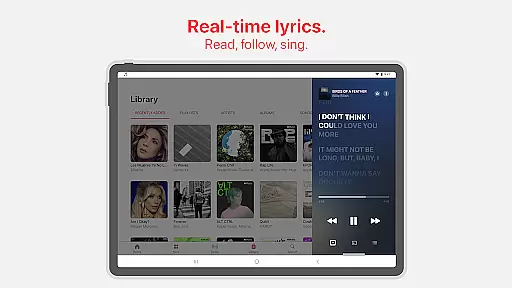
Beyond its extensive music catalog, Apple Music provides users with unique features such as SharePlay for collaborative music control, precise lyrics for sing-alongs, and crossfade for uninterrupted playback. Whether you're at home or on the go, Apple Music ensures a seamless experience across devices, including support for Android Auto and Chromecast, making it easy to stream your favorite tunes wherever you are.
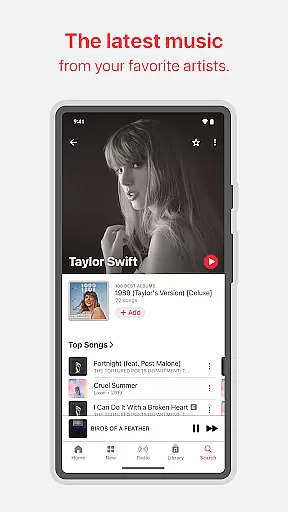
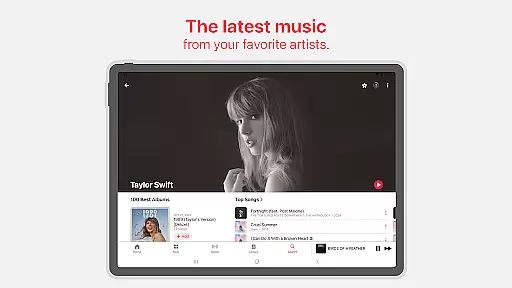
This service is ideal for audiophiles and casual listeners alike, offering a rich ecosystem where music discovery is both intuitive and engaging. With regular updates from editorial teams and personalized recommendations, Apple Music keeps users connected to the artists they love and introduces them to new favorites, enhancing the overall enjoyment and appreciation of music.
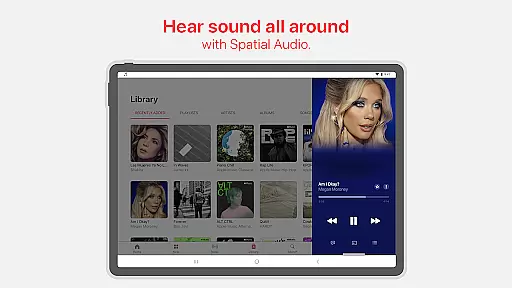
Apple Music stands out with its comprehensive set of features designed to enhance the music listening experience. One of its key highlights is the unparalleled audio quality, featuring Spatial Audio with Dolby Atmos and Lossless Audio, which delivers sound so vivid and clear that it feels like the artist is performing right in front of you. This commitment to audio excellence ensures that every note and beat is captured with precision.
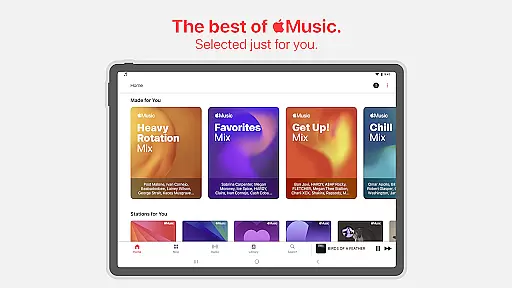
The app also excels in content curation, providing users with personalized new releases, exclusive interviews, and live performances that offer deeper insights into the world of music. Additionally, Apple Music's editorial team handpicks significant moments in music, ensuring that users stay informed and engaged with the latest trends. Collaborative features like shared playlists and SharePlay allow friends and family to connect over music, creating a social dimension to the listening experience.
Moreover, Apple Music integrates seamlessly with various devices and platforms, supporting technologies like Chromecast and Android Auto. This versatility allows users to enjoy their favorite tracks in diverse settings, whether streaming to smart speakers or enjoying music during commutes. With continuous playback options like AutoPlay and crossfade, the music never stops, providing a fluid and uninterrupted auditory journey.
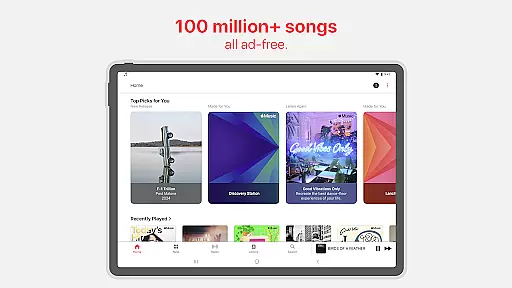
Apple Music offers an extensive music library with over 100 million songs, ensuring users have access to a vast array of tracks across various genres and languages. This immense collection is not only about quantity but also quality, as each song is properly licensed, guaranteeing copyright authenticity.
The service collaborates directly with artists and record labels, which means users can trust the legitimacy of the music they are listening to. This direct partnership ensures that artists are fairly compensated and users receive high-quality audio files.
With such a comprehensive library, listeners can explore new music effortlessly. The app's personalized recommendations make discovering new songs an engaging experience, while exclusive content from beloved artists adds unique value not found on other platforms.
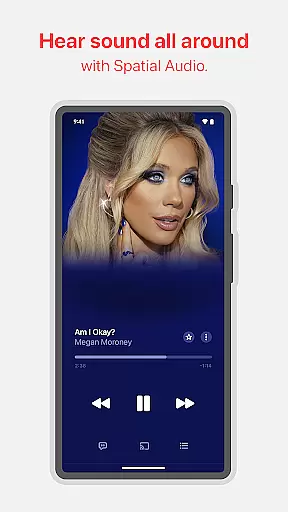
Moreover, Apple Music provides lossless audio and spatial audio with Dolby Atmos, offering unparalleled sound clarity and immersion. These features ensure that users enjoy their favorite tracks exactly as the artists intended, making it a top choice for audiophiles who demand the best audio experience.
One of Apple Music's standout features is its superior audio quality options, setting a new standard in digital music streaming. The platform supports Lossless Audio, delivering unmatched clarity that captures every detail of the original recording. This feature caters to audiophiles who appreciate the nuances of high-fidelity sound.
In addition to Lossless Audio, Apple Music embraces Spatial Audio with Dolby Atmos, creating an immersive listening experience. This technology places sound elements in a three-dimensional space, allowing users to feel as if they are inside the music itself. Whether using compatible headphones or speakers, this feature elevates the enjoyment of supported tracks.
Users can easily switch between different audio quality settings based on their preferences and network conditions. For those with limited bandwidth, there are efficient streaming options that maintain decent sound quality without consuming excessive data.
This flexibility in audio quality options ensures that all users, regardless of their equipment or internet speed, can enjoy an optimal listening experience. By prioritizing both accessibility and premium sound, Apple Music remains committed to providing exceptional value to its diverse user base.
High-quality audio
Extensive music library
Exclusive artist content
Personalized recommendations
Seamless device integration
Subscription cost
Limited free version
Regional restrictions
Complex navigation
Occasional bugs

Formerly known as Spotistats! View your top tracks, artists, albums and more!
 4.40
4.40
Tune in to the greatest hits on UK Radio | The home of Capital, Smooth & Heart.
4.90
Pay Once, no monthly payment
4.60
Powerful beat maker & DJ mixer to remix tracks, make music, & perform DJ mix
3.70
Guzheng Master supports many playing techniques as an acoustic Guzheng
4.50
The best music and audio player, with beautiful UI, music search and equalizer.
4.60
Sheet music reader, piano & music note player. Play music score & learn to read.
3.90
The iconic iOS metronome app is now on Android.
3.70
Sing, record, and create music together — enhanced by smart voice tools.
4.00
Bass Booster & Volume Equalizer Pro improves your music and video sound quality
4.60
Fun & Easy Voice Changer – Record, Edit & Add Hilarious Effects!
4.50
Enhance the sound quality of your devices, listen to what you want
4.50
Ringtone Maker is free app create ringtone from music files or your recording.
4.40
A High-Precision Audio Spectrum Analysis App
4.20
Network/Cloud Streaming, Visualization, Graphic Equalizer and Sound Effects.
4.20
Next generation modular control surface
4.10
Offline Tunes, Unlimited Vibes
3.90
MilkDrop for Android TV
3.00
Simply convert wav to mp3. Clear. Reliable. Safe.
4.2


User Reviews