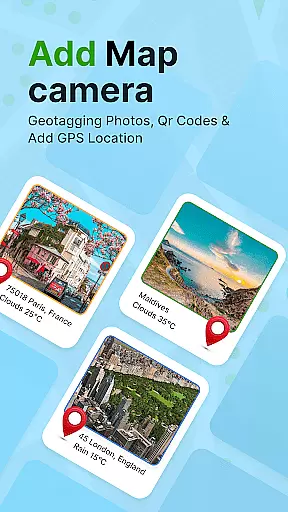
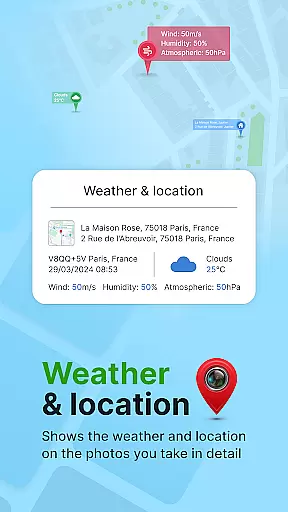
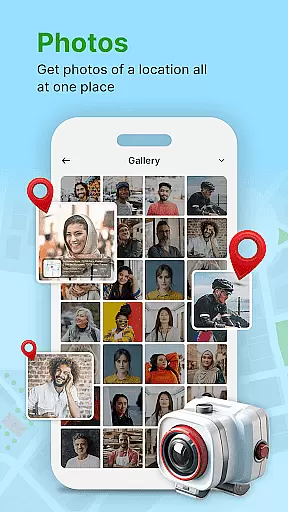
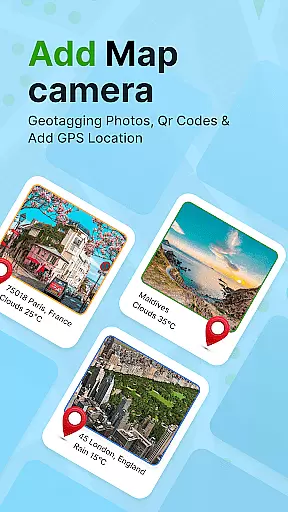
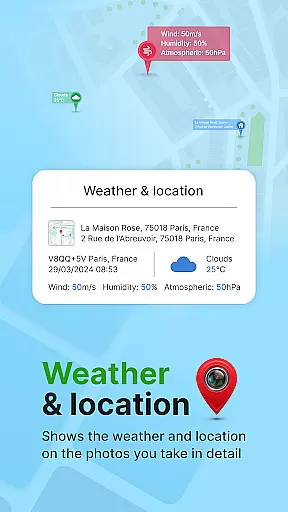
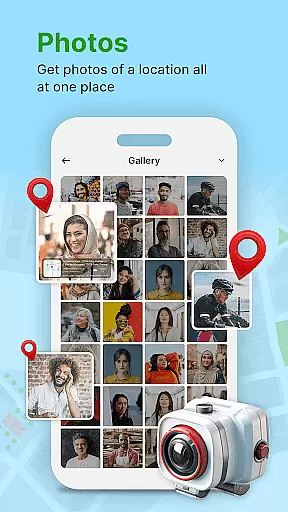
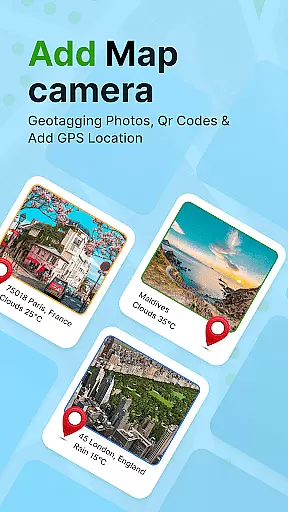
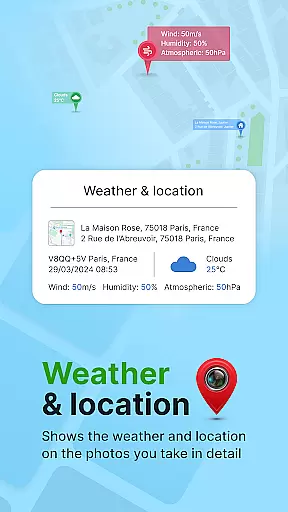
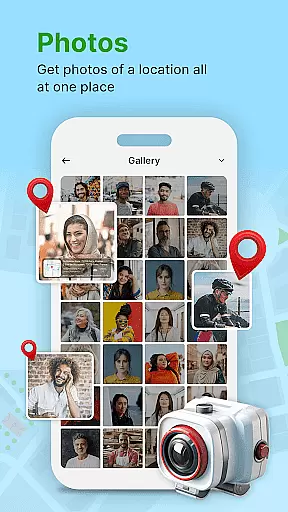
GPS Geotag Photos & Camera Map is a powerful photography app designed to enhance your photo-taking experience by embedding precise location data into your images. The app automatically adds GPS coordinates, altitude, and even weather information to your photos' metadata, making it easy to track where and when each photo was taken.
In addition to geotagging, the app offers advanced customization options, allowing users to adjust timestamps, fonts, colors, and positions on their photos. Whether you're a traveler wanting to remember exact locations or a professional photographer needing detailed metadata, this app provides both convenience and accuracy in managing your photo library.
One of the standout features of GPS Geotag Photos & Camera Map is its ability to automatically embed GPS data directly into your photos. This includes not only latitude and longitude but also altitude, address, and weather conditions at the time of capture. Users can easily share these geotagged photos with friends and family, providing context to every image.
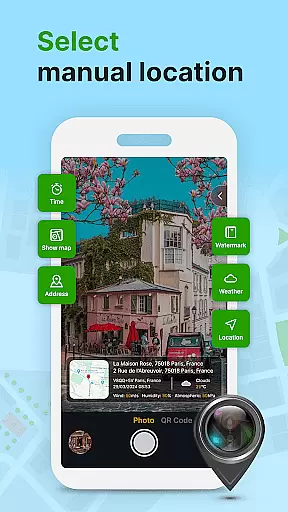
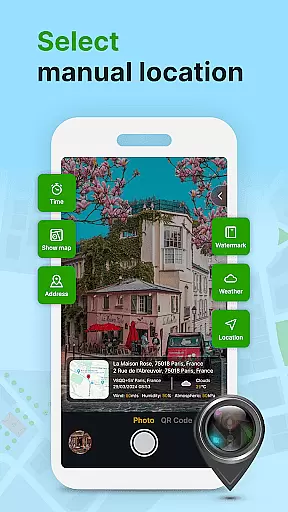
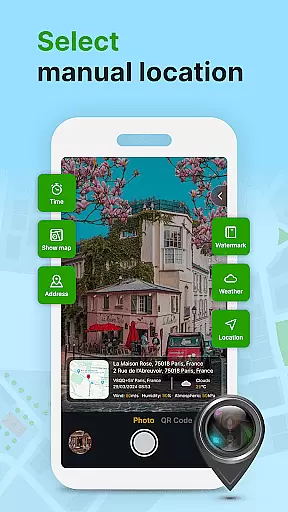
The app also supports manual adjustments for fine-tuning locations, QR code scanning, and customizing visual elements like font size, color, and timestamp placement. These robust features ensure that photographers have complete control over how their photos are tagged and presented, offering both automation and creative freedom.
Real-time capture and preview functionality is essential for photography apps as it allows users to see exactly what the camera sees before taking a shot. This ensures that the framing, lighting, and composition are perfect before capturing an image.
GPS Geotag Photos & Camera Map app excels in this area by providing users with a live view of their surroundings while embedding crucial metadata such as GPS coordinates, altitude, and address directly into the photo. This feature not only enhances the user experience but also adds a layer of practicality by ensuring that every photo taken is rich with information.
Users benefit from this feature by having instant access to geotagged data without needing to manually input location details. The app's ability to automatically add short location stamps on photos makes it easy to share your whereabouts with family and friends, enhancing both personal and professional communication.
The real-time capabilities of this app set it apart from others in the Photography category. By offering a seamless blend of technology and convenience, it empowers photographers to focus more on their art and less on post-processing tasks.
AI beauty and enhancement features have become increasingly popular in photography apps, allowing users to improve the visual appeal of their photos naturally. These tools leverage advanced algorithms to enhance facial features, skin tones, and overall image quality without making edits look artificial or over-processed.
In the case of GPS Geotag Photos & Camera Map, the app offers customization options that let users adjust font size, color, and position of timestamps, which can subtly enhance the aesthetic value of each photo. While not traditionally categorized under AI beauty enhancements, these features contribute significantly to the natural enhancement of images.
Photographers using this app will appreciate the ability to fine-tune the location manually, adjusting latitude and longitude if needed. This level of control ensures that even when enhancements are applied, they remain true to the original context and setting of the photograph.
Ultimately, the AI-driven enhancements provided by this app help maintain the authenticity of the captured moment while still allowing for creative expression. Users can trust that their photos will look polished yet genuine, striking the right balance between enhancement and natural beauty.
User-friendly interface
Automatic geotagging
Customizable photo details
Supports manual location setup
QR code scanner included
Requires constant GPS usage
May drain battery quickly
Limited free features
Occasional bugs reported
Heavy app size

Long exposure camera with computational photography
 2.60
2.60
Find time and duration of different sunlight phases at any location
4.90
Perfect body tune & face app - photo retouch, makeup, slim body & beautify face.
4.80
Be your best in every shot! Fix, edit and retouch your face in selfies & photos.
3.70
Automatically backup your photos and videos to computer, NAS and Cloud services
4.60
Professional photography on your mobile phone
4.20
Hair color changer, AI haircut app, fun hair editor and buzz cut filter for all!
3.80
Turn photos into cartoons & avatars! - Photo Editor, Cartoon Face!
3.90
Effortlessly make high-quality GIFs from images & videos without any watermarks.
4.70
Collage your moments in one tap: 1000+ layouts, filters, stickers, and texts.
4.90
Pro version: AR sun/moon tracker for any date. Tool for photographers & planners
4.90
Photo prints, cards, & gifts at Walgreens. Easy ordering & fast local pickup !
4.80
Amazing Photo Effects - The most fun you can have with your photos!
4.70
Take videos and pictures with the popular TikTok TIME WARP SCAN filter.
4.60
HD Camera Pro with HD Video shooting, Panorama, Photo editor , Beauty Camera.
4.50
Pet Camera
3.70
Raw Image Viewer. Gallery with support of raw images (.cr3, .cr2, .nef, .raf).
2.00
Over 800 film simulation recipes for Fujifilm. Black Friday Offer!
4.2
Add a dreamy vibe to your selfies and videos with soft style filters
4.4


User Reviews