
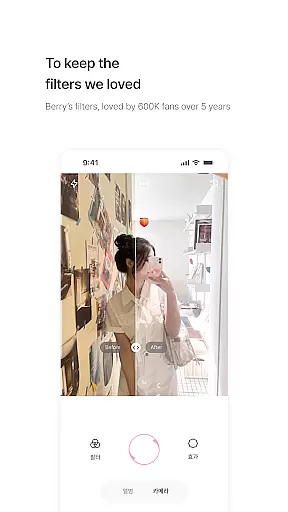
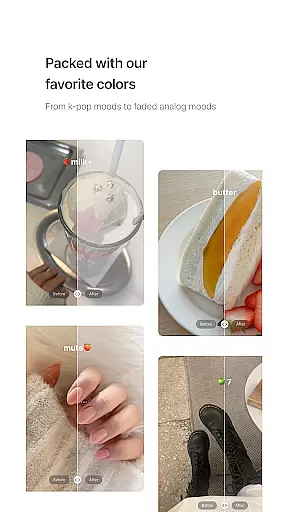
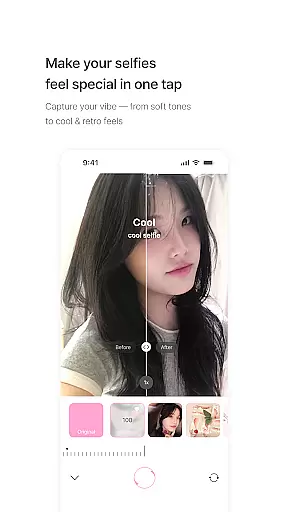
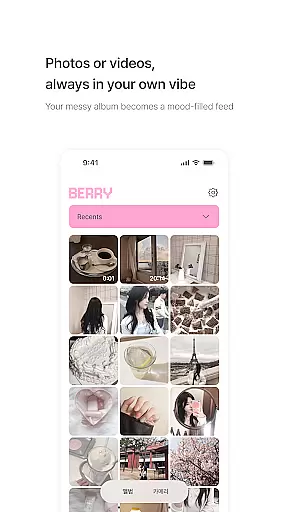
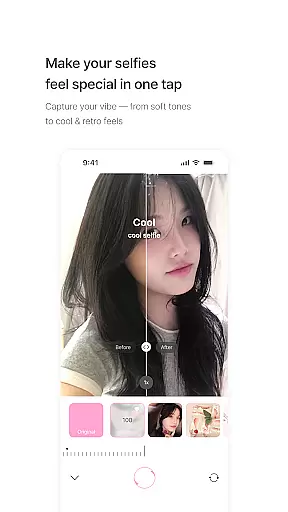
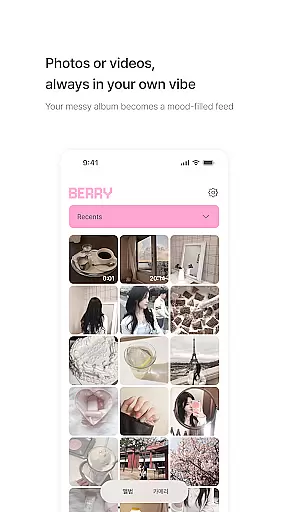
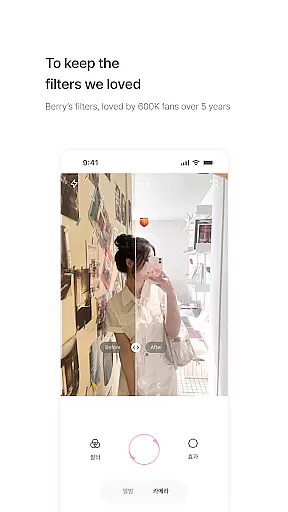
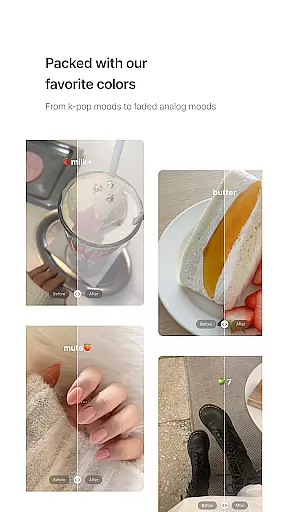
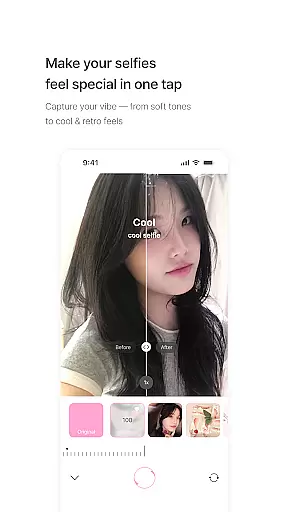
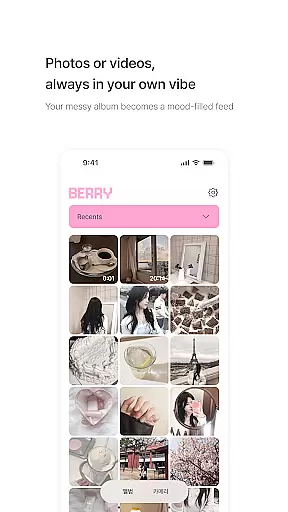
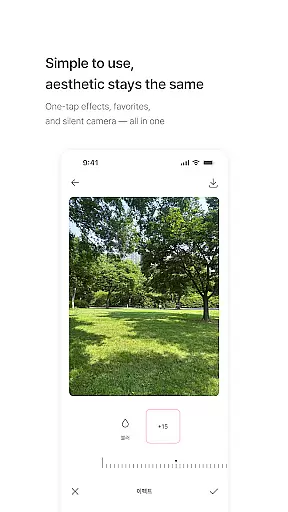
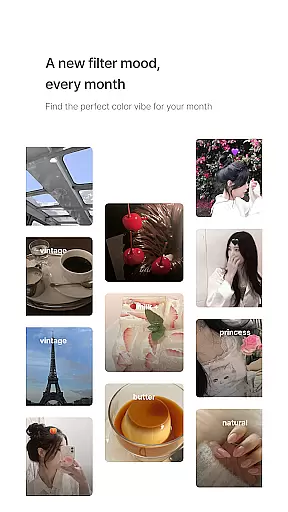
BerryFilm is a photography app developed by Berry, a renowned filter creator from South Korea. This app serves as a curated space for her signature soft-toned filters, preserving the unique aesthetics she has crafted over five years. Designed for photo and video editing, it offers users an array of Korean-style filters that range from airy milk tones to vintage moods.
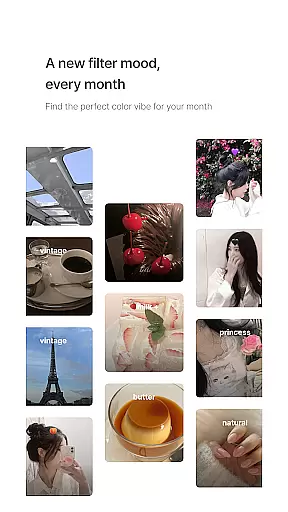
The app stands out with its minimalist interface and one-tap filter application, making it easy to transform your gallery into an aesthetically pleasing feed. With new filters added monthly and features like natural skin tone effects in development, BerryFilm caters to photography enthusiasts who appreciate subtle edits and regularly updated content.
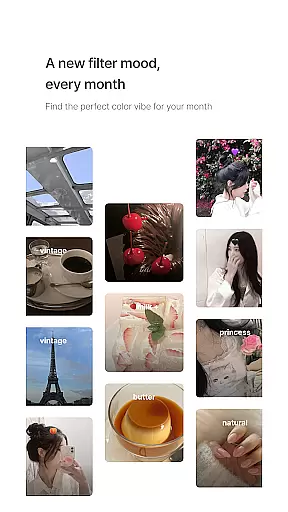
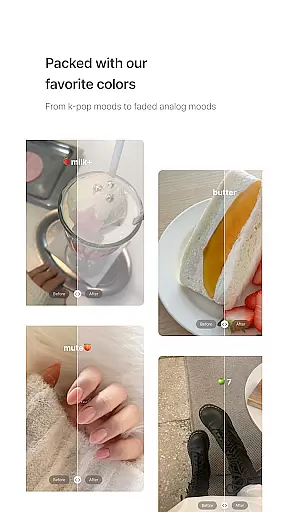
BerryFilm boasts an impressive set of features tailored for photography lovers. The app includes over 20 carefully designed filters such as Milk, Butter, Cool, Warm, and Blossom, each offering distinct moods from airy and soft to vintage-inspired tones. These filters are crafted to enhance natural beauty without heavy edits.
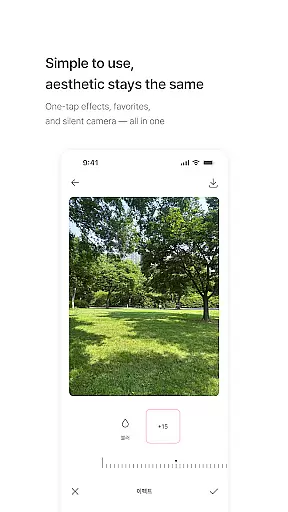
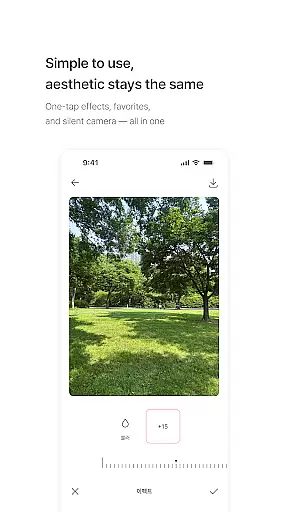
In addition to its rich filter library, BerryFilm allows users to apply filters to both photos and videos with a single tap. Users can save their favorite filters and capture moments with a silent shutter feature. The app also incorporates user feedback for continuous improvement, ensuring an evolving and responsive editing experience.
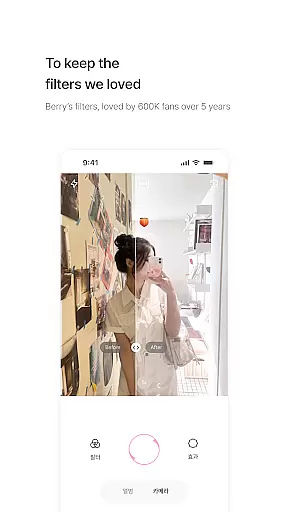
Real-time capture and preview functionality is essential for photography apps like BerryFilm. This feature allows users to see the effects of filters applied instantly on their photos or videos before capturing them.
BerryFilm excels in this area by offering a seamless experience where users can apply one of the over 20 carefully designed filters, such as milk, butter, cool, warm, and blossom, with just one tap. The app ensures that the preview accurately reflects how the final image will look, providing confidence in the creative process.
The benefit to users is significant; they can experiment with different aesthetics without any lag or discrepancy between what they see in the preview and the final result. This immediate feedback loop enhances creativity and saves time, allowing photographers to focus more on composition and less on post-processing.
Ultimately, real-time capture and preview empower users to produce high-quality images that align with their artistic vision while maintaining an efficient workflow.
AI beauty and enhancement features are becoming increasingly popular in photography applications. These tools aim to subtly improve facial features and skin tones while preserving a natural appearance. For BerryFilm, this translates into enhancing users' photos with soft light features and natural skin tone effects without over-editing.
The app achieves this through advanced algorithms that intelligently analyze each photo's unique characteristics. By applying gentle color correction and minimalist touch-ups, BerryFilm ensures that every selfie or portrait retains its authenticity while benefiting from professional-grade enhancements.
Users appreciate these subtle adjustments because they allow for beautiful yet realistic results. Whether itu2019s smoothing out minor imperfections or adding a hint of glow, AI-driven enhancements help create stunning visuals that still feel genuine.
In summary, BerryFilmu2019s commitment to natural-looking edits not only meets but exceeds user expectations by delivering polished images that remain true to life.
User-friendly interface
Regularly updated filters
Natural skin tone effects
Soft light features
Quiet and simple usage
Limited to soft tones
No advanced editing tools
Fewer filters than competitors
Monthly updates only
Requires internet connection

Virtual makeup, hair filters & body tuner—edit from face to full body!
 4.20
4.20
Perfect body tune & face app - photo retouch, makeup, slim body & beautify face.
4.80
Create amazing frames with up to five photos. Rounded corners, effects and more!
3.60
Photo editor & gallery. Crop pictures & edit photos offline, no wifi!
4.50
Professional quality photo edits with the new Snapseed.
4.00
AI-powered video creator by MiniMax - Where ideas meet cinema
4.20
Astrophotography with your smartphone, photo live stacking and much more!
3.90
Try an anime version, cartoon yourself, and generate AI hug or aging videos!
3.70
Photo & Video Gallery app to manage albums and save WA Status easily.
4.70
AI Photo Editor with 100+ Filters, Effects! Remove BG, Retouch & Photo Enhancer.
4.80
Add Watermark - Sign your pictures with a text or logo. Effective, quick, easy!
4.50
Transform photos into videos! Create realistic or anime-style images easily!
4.50
Movie camera, supports pro recording settings for filming. Try it and be amazed!
4.50
Trendy TikTok time warp scan funny filter app brings you unique photos & videos.
4.40
All-in-One Editor & AI Photo Enhancer, Beautify & Retouch, Collage, Cartoonify
4.20
Professional camera app that brings DSLR manual photography controls to Android.
4.20
live datamoshing
4.00
Turn photos into cartoons & avatars! - Photo Editor, Cartoon Face!
3.90
Hair color changer, AI haircut app, fun hair editor and buzz cut filter for all!
3.80


User Reviews