
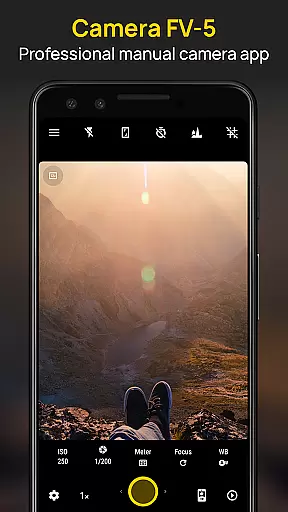
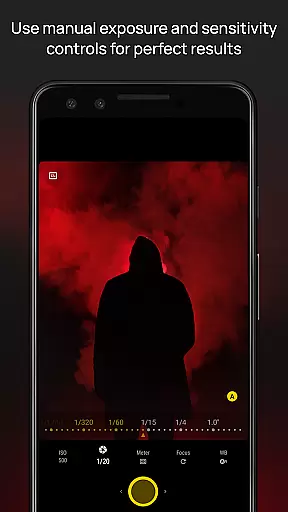
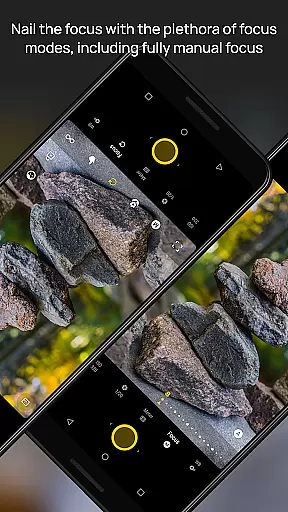
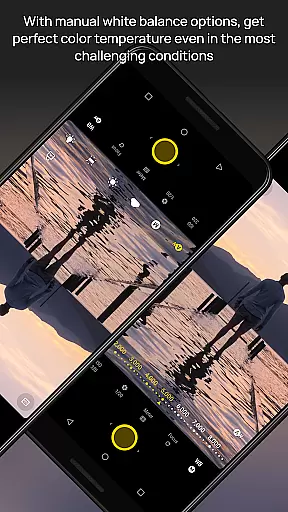
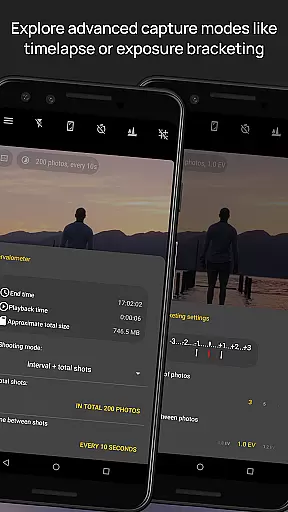
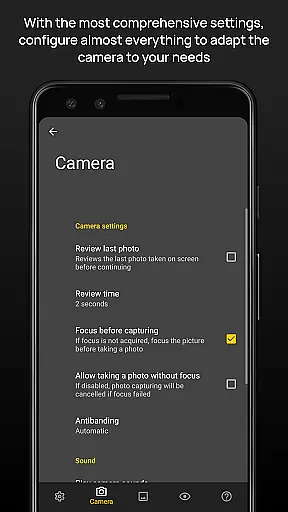
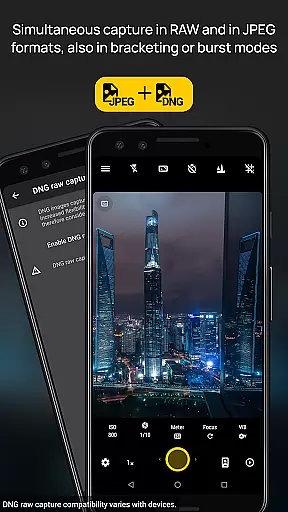
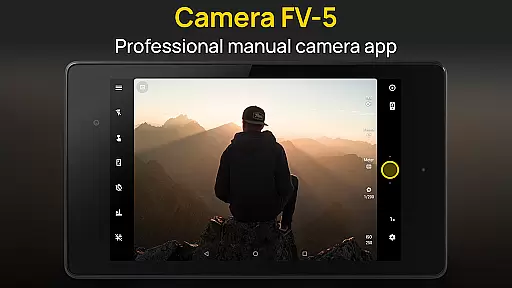
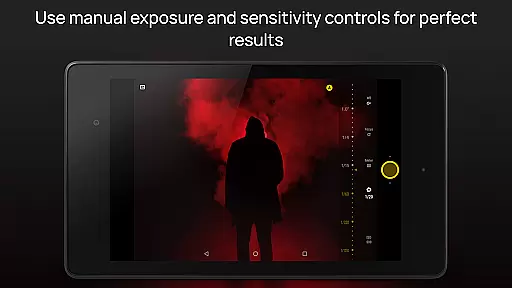
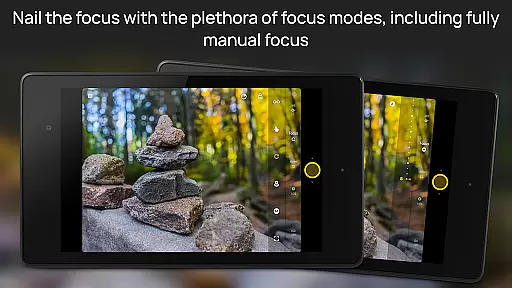
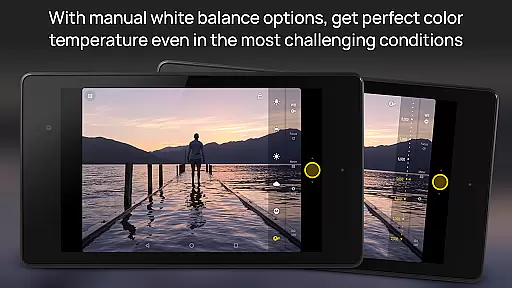
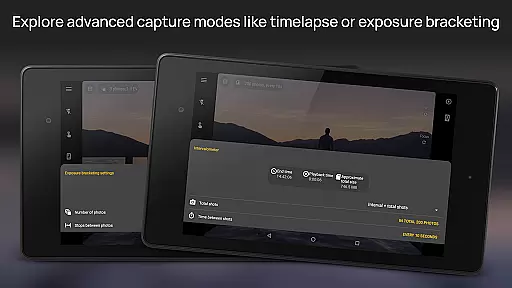
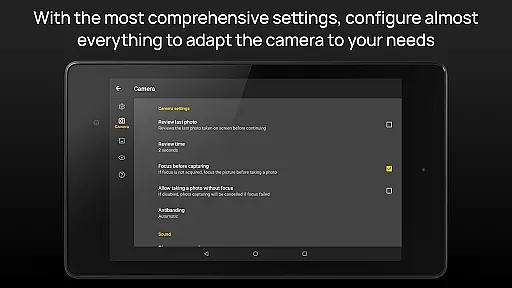
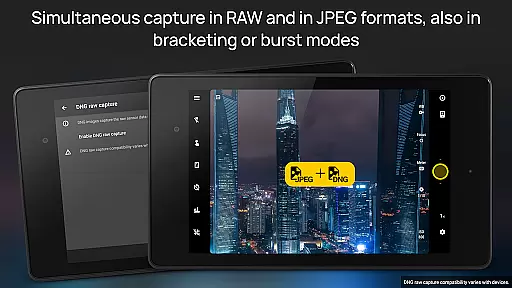
Camera FV-5 is a professional-grade camera application designed for mobile devices, offering DSLR-like manual controls. It caters to photography enthusiasts and professionals who seek to capture high-quality raw images for post-processing. With features like exposure compensation, ISO adjustment, and various focus modes, it provides users with the tools needed to produce stunning photographs. The app supports advanced functionalities such as exposure bracketing, intervalometer for timelapses, and multiple photo formats including JPEG, RAW, and PNG.
The application stands out with its comprehensive viewfinder display, showing real-time exposure data, and its compatibility with hardware camera keys for intuitive control. Photographers can take long exposure shots and utilize different metering modes, ensuring they have the creative freedom previously only available with DSLR cameras. Whether capturing night scenes or creating HDR timelapses, Camera FV-5 offers the flexibility and control required for professional results.
Camera FV-5 boasts an impressive array of features tailored for professional photographers. One of its standout capabilities is the full manual control over photographic parameters, including exposure, ISO, white balance, and focus modes. This allows users to fine-tune every aspect of their photos, akin to using a DSLR camera. Additionally, the app includes an advanced electronic viewfinder with live RGB histogram and multiple grid overlays, aiding in precise composition.
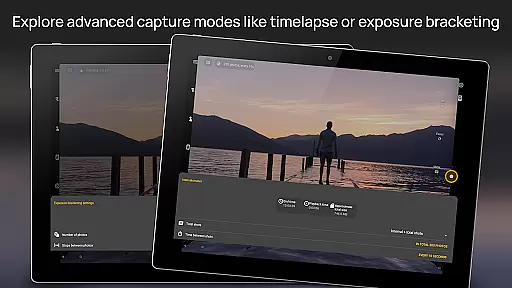
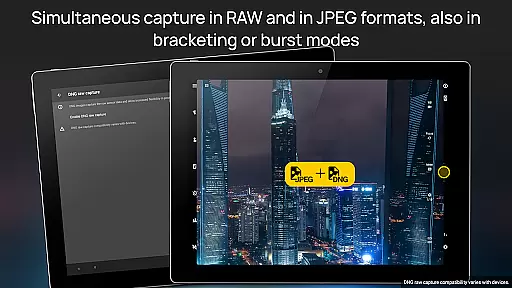
Another remarkable feature is the built-in intervalometer, enabling the creation of stunning timelapses and time-controlled photo series. The app also supports various photo formats such as JPEG, true 16-bit RAW in DNG format, and lossless PNG, catering to different post-processing needs. Moreover, Camera FV-5 offers extensive organizational options, allowing users to customize file names and choose different storage locations. These robust features ensure that photographers can achieve their desired results with precision and ease.
Real-time capture and preview functionality is essential for photographers who need precise control over their shots. Camera FV-5 excels in this area by offering a DSLR-like viewfinder display that provides real-time information on exposure time, aperture, and stops with EV and bracketing settings. This allows users to make informed decisions before capturing a photo.
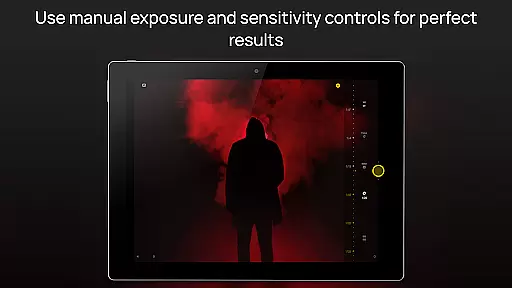
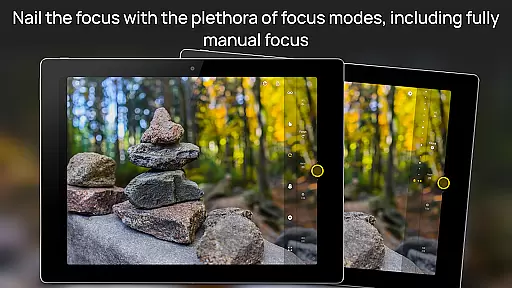
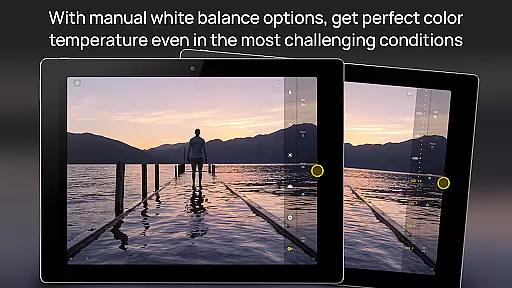
The application supports manual adjustments of various photographic parameters such as ISO, light metering mode, focus mode, and white balance. These controls are easily accessible, empowering photographers to fine-tune each shot according to their creative vision. With the ability to assign camera functions to volume keys, users can swiftly adjust settings like EV, ISO, and color temperature without interrupting their shooting process.
One of the standout features is the electronic viewfinder, which includes live RGB histograms, composition grid overlays, and crop guides. This advanced tool helps photographers achieve optimal exposure and composition, ensuring that every photo meets professional standards. The result is an unparalleled level of control that enhances both the quality and creativity of mobile photography.
While Camera FV-5 does not focus on AI beauty enhancements typically found in consumer-grade camera apps, it offers powerful post-processing capabilities through its support for true 16-bit RAW in DNG format and lossless PNG photo capturing formats. These formats allow photographers to retain maximum detail and dynamic range, providing the flexibility needed for extensive editing while maintaining naturalness.
The app's emphasis on manual controls extends to post-processing, where images can be developed and processed in the background. This uninterrupted workflow ensures that photographers can continue shooting without delay, preserving the authenticity of each image. By avoiding automated scene modes, Camera FV-5 respects the photographeru2019s intent, delivering results that reflect true-to-life colors and details.
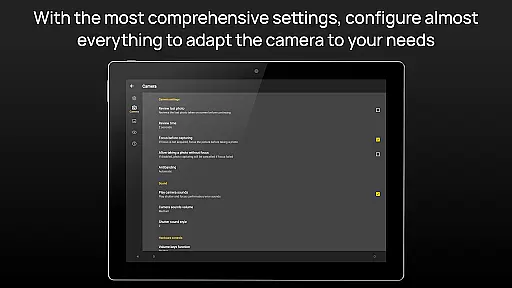
Additionally, Camera FV-5 supports different storage locations and fully customizable file names, including variables. This organizational feature helps photographers manage their files efficiently, ensuring that each photo remains traceable and editable. Overall, Camera FV-5 prioritizes professional-grade functionality, allowing users to produce high-quality images that maintain their natural essence.
DSLR-like controls
Advanced viewfinder
Multiple photo formats
Intervalometer functionality
Customizable settings
Complex for beginners
Limited device support
No automatic mode
Requires technical knowledge
Interface not modern

Remote control of the phone camera from your Wear OS smartwatch
 3.70
3.70
Android Native system HD camera app. Never been so simple and faster.
4.70
Be your best in every shot! Fix, edit and retouch your face in selfies & photos.
3.70
Take videos and pictures with the popular TikTok TIME WARP SCAN filter.
4.60
Luminar: Photo Editor - easy picture editing with AI
4.20
Collage your moments in one tap: 1000+ layouts, filters, stickers, and texts.
4.90
A unique animation app. Powerful, easy to use, and lots of fun.
4.30
Discover How to Plan any Sun, Moon and Milky Way Photo You Imagine in Seconds
4.70
Try an anime version, cartoon yourself, and generate AI hug or aging videos!
3.70
Enhance, upscale, and transform your images — on your device, without limits
4.70
Fit multiple photos on one post. Create carousels & scroll layouts for Instagram
4.50
AI photo enhancer with Sora 2! Enhance, descratch, and colorize your old photos.
4.50
Use AI Video Generator to turn your words to ai generated videos.
4.50
Easily stitch panoramas from multiple photos or video.
4.40
Transform Photos: Edit, Beautify and Craft Memories & Make Collages!
4.10
Photo editor: face & body editor, beauty cam, filters and quality enhancer.
4.00
Photobooth mini FULL app will allow you to add more fun to your parties
4.00
Professional quality photo edits with the new Snapseed.
4.00
Add a dreamy vibe to your selfies and videos with soft style filters
4.1


User Reviews