
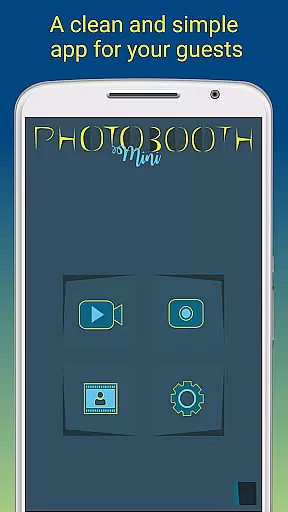
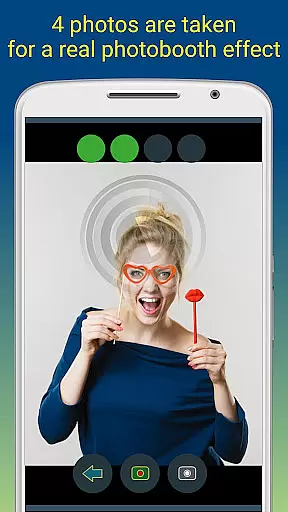
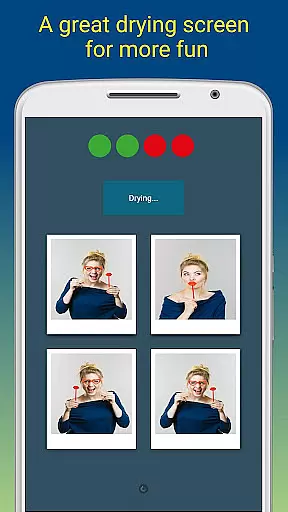
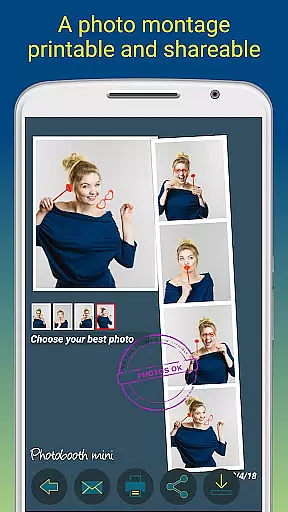
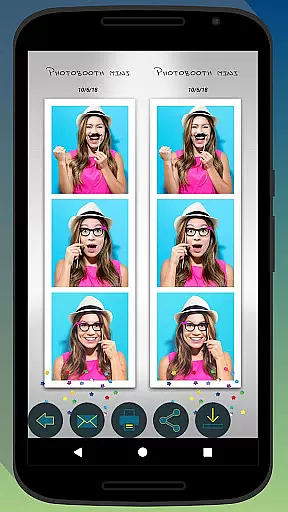
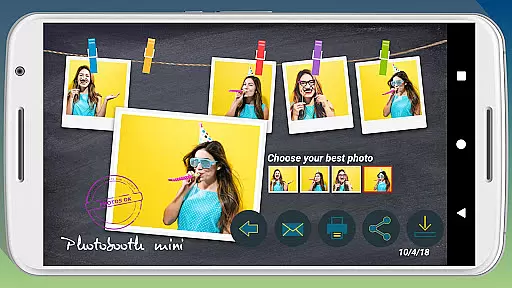
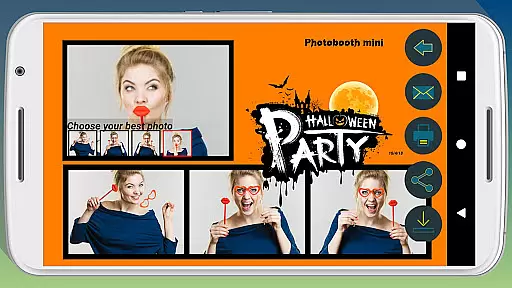
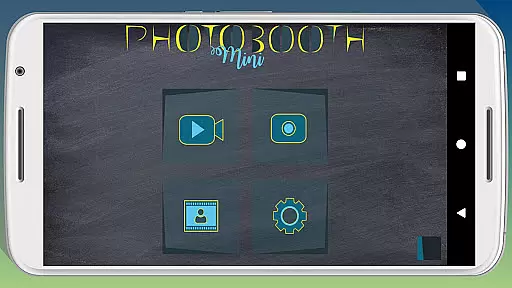
Photobooth mini FULL is a feature-rich photography app designed to capture fun moments at parties and events. The app offers full-screen preview functionality that adapts to the user's distance, mimicking a real photo booth experience. With options like a timer, multiple picture captures, and video messaging, it ensures an engaging experience. Users can take 4-5 photos per session, enjoy a realistic drying effect with sound, and customize their experience with various settings.
The application shines in social settings, allowing continuous use for extended periods while saving countless photos. Guests can directly print, share, and email their captured memories. Additionally, users can add text captions and dates to their images. Its extensive configurability includes changing background images and adjusting the timer, making it adaptable to different event needs.
Photobooth mini FULL stands out with its specialized features tailored for event photography. The full-screen preview function uses volume buttons for zooming while maintaining the chosen distance, creating an authentic photo booth feel. The built-in timer and multi-photo sessions enhance the interactive experience, capturing 4-5 images per use. A unique drying feature with blowing sounds adds a playful touch to the photo-taking process.
Customization is key with this app, offering users the ability to modify background images and adjust settings to fit their specific photo booth setup. It supports direct printing, sharing, and emailing of photos, even managing email requests if internet access is temporarily unavailable. This ensures no guest is left without their party memento. Furthermore, the app's compatibility with certain photo booth hardware makes it versatile for various event types.
Photobooth mini FULL offers a unique real-time capture experience that ensures every photo taken is perfectly adapted to the user's distance and position. The full-screen preview feature allows users to see exactly how their photo will look before capturing, providing an authentic photobooth experience.
The application maintains the chosen zoom level using volume buttons, ensuring consistent photo quality throughout a session. This attention to detail guarantees that each picture reflects the intended composition, making it ideal for parties and events where multiple photos are taken in succession.
With its intuitive interface, users can easily navigate through various settings while always having a clear view of their subjects. This seamless integration of functionality and usability enhances the overall photography experience, allowing users to focus on creating memorable moments without technical distractions.
While Photobooth mini FULL doesn't explicitly market AI-powered beauty enhancements, it offers several features that contribute to natural-looking photo improvements. The application's sophisticated algorithms ensure that photos maintain their authenticity while still benefiting from subtle enhancements.
The drying effect with blowing sound adds a playful yet realistic touch to the photo-taking process, creating a more engaging experience for users. Additionally, the app's customizable settings allow users to adjust background images and other parameters, ensuring that enhancements complement the natural environment.
Furthermore, the ability to add text and date stamps provides context and personalization without compromising the photo's original quality. These thoughtful features demonstrate the app's commitment to enhancing photos naturally while preserving their genuine character, resulting in pictures that truly capture the essence of special moments.
User-friendly interface
Highly customizable settings
Realistic photo booth simulation
Direct sharing and printing options
Extended event usage capability
Complex setup for beginners
Requires compatible hardware
Internet needed for emails
Limited to event scenarios
Premium features may cost extra

Effortlessly organize, view and share your photos & videos with Gallery app!
 4.40
4.40
Natural Beauty, Selfie Retouch
4.30
Pet Camera
3.70
Transform photos into videos! Create realistic or anime-style images easily!
4.50
Photo Exif Editor allows to view, add and modify EXIF data of multiple photos
4.50
A must-have app for landscape photographers
4.60
Professional quality photo edits with the new Snapseed.
4.00
Astrophotography with your smartphone, photo live stacking and much more!
3.90
Remote control the phone camera shutter from your smartwatch and take a picture
1.60
Photo prints, cards, & gifts at Walgreens. Easy ordering & fast local pickup !
4.80
Android Native system HD camera app. Never been so simple and faster.
4.70
Easily view, share, delete photos with Gallery.
4.70
Easily stitch panoramas from multiple photos or video.
4.40
Edit like a pro with Hypic. Apply filters, AI effects, & magic touch.
4.40
GCamera allows all GCam features on all phone models! Better photos with GCamera
3.30
Superimpose one photo on top of another using the original Superimpose app!
3.20
Long exposure camera with computational photography
2.60
Photo Album Watch Face shows your favorite pictures as a Watchface.
1.90
HD Photo gallery and photo manager to edit, hide private photos, videos & albums
4.2


User Reviews