
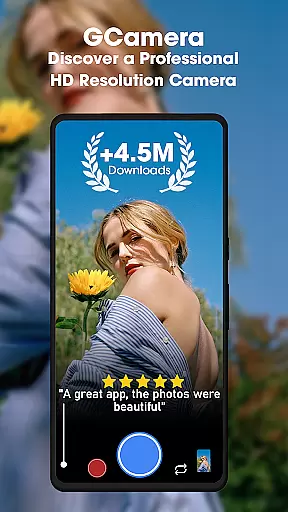
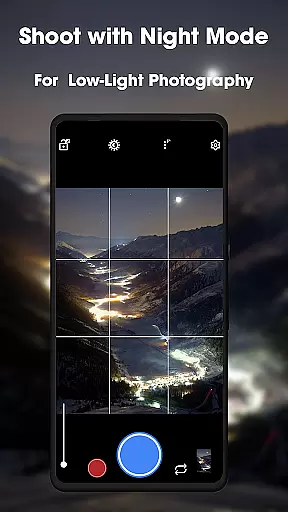
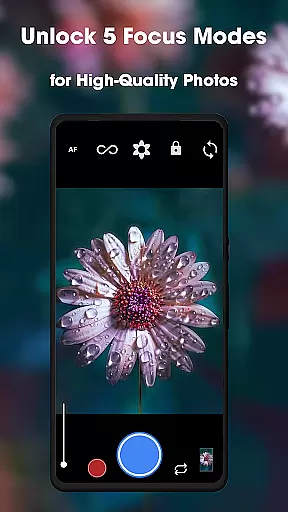
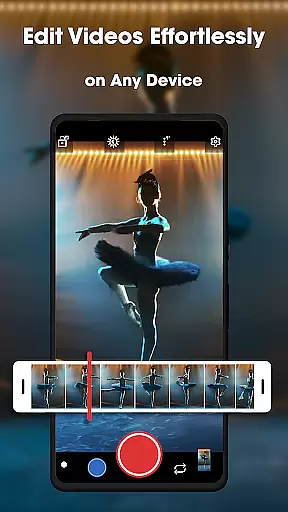
GCamera is a feature-rich photography app that transforms your smartphone into a professional-grade digital camera. With advanced modes like HDR+, Night Sight, and Astrophotography, it ensures stunning image quality in any lighting condition. Whether you're an amateur or a seasoned photographer, GCamera provides tools to capture vibrant colors, sharp details, and impeccable dynamic range.
The app also includes Portrait Mode for artistic bokeh effects and HD Camera Performance for consistently high-quality shots. Its user-friendly interface makes accessing these powerful features simple and intuitive. From low-light environments to scenic landscapes, GCamera adapts to every shooting scenario, making it the ultimate tool for creative expression.
GCamera stands out with its diverse and innovative features tailored for photography enthusiasts. The HDR+ mode combines multiple shots using advanced algorithms, delivering images with enhanced colors and sharpness. Night Sight allows users to capture clear, detailed photos even in low-light conditions, while Astrophotography mode opens up opportunities to photograph stars and galaxies with ease.
Additional features include Portrait Mode, which creates professional-looking portraits by blurring backgrounds, and HD Camera Performance for consistently high-definition results. These functionalities ensure that users can explore various creative styles, from everyday snapshots to specialized night and astro-photography. With its sleek design and intuitive navigation, GCamera empowers photographers of all levels to achieve impressive results effortlessly.
Real-time capture and preview functionality is essential for any photography app as it allows users to see exactly what the camera sees before taking a shot. This ensures that every photo meets the user's expectations in terms of framing, lighting, and focus.
GCamera excels in this area by providing an intuitive interface that displays a high-quality live preview. The app leverages advanced algorithms to ensure that the preview accurately reflects the final image quality, including HDR+ enhancements and low-light adjustments.
Users benefit from GCamera's real-time capabilities by being able to make instant adjustments to their shots. Whether tweaking exposure settings or switching between different shooting modes like Night Sight or Portrait Mode, photographers can fine-tune their images on-the-fly.
This feature not only enhances the overall photography experience but also saves time by reducing the need for post-processing. With GCamera, capturing professional-grade photos becomes more accessible and efficient, allowing users to focus on their creativity rather than technical details.
AI-powered beauty and enhancement features have become increasingly popular in photography apps, offering users the ability to refine and perfect their images with minimal effort. The key to success in this area is maintaining a natural look while still delivering noticeable improvements.
GCamera incorporates sophisticated AI algorithms that intelligently enhance facial features, skin tones, and overall image quality without over-processing. This ensures that edited photos retain their authenticity and do not appear overly artificial or filtered.
Photographers using GCamera can take advantage of these enhancements to elevate their portraits and selfies. From subtle skin smoothing to dynamic lighting adjustments, the app provides a range of tools that cater to various aesthetic preferences.
Ultimately, GCamera's AI beauty features empower users to achieve polished results that still look genuine. By striking the right balance between enhancement and naturalness, the app helps users create stunning images that reflect their unique style and vision.
Advanced HDR+ technology
Excellent low-light performance
User-friendly interface
Versatile shooting modes
High-definition image quality
May drain battery faster
Requires modern hardware
Limited manual controls
Occasional processing delays
Not all features work on older devices

A collection of tools and reference tables for DPs, ACs, DITs and Operators.
 4.70
4.70
Photo editor: face & body editor, beauty cam, filters and quality enhancer.
4.00
Perfect photos with body shaping, BG changer and object remover.
3.70
Viewfinder, Light meter, Reciprocity failure time, DOF & Bellows Extension
4.60
Photo editor: AI filters, photo enhancer, pic collage maker, AI art generator.
4.80
A must-have app for landscape photographers
4.60
AI photo enhancer with Sora 2! Enhance, descratch, and colorize your old photos.
4.50
Enhance, upscale, and transform your images — on your device, without limits
4.70
Unlock the full potential of your DJI drone with Litchi
4.50
Collage your moments in one tap: 1000+ layouts, filters, stickers, and texts.
4.90
Photo prints, cards, & gifts at Walgreens. Easy ordering & fast local pickup !
4.80
The original Rarevision VHS look seen everywhere!
4.70
AI photo editor with hair editor, retouch tools, hair color changer & filters!
4.50
Photo editor & gallery. Crop pictures & edit photos offline, no wifi!
4.50
Shooting photos and records video easily and efficient with professional Camera
4.30
Natural Beauty, Selfie Retouch
4.30
Smart, light, and fast photo and video gallery
4.30
Application for remote controlling DSLR
3.00
Snap photos remotely using your Garmin watch as the camera trigger
4.3


User Reviews