
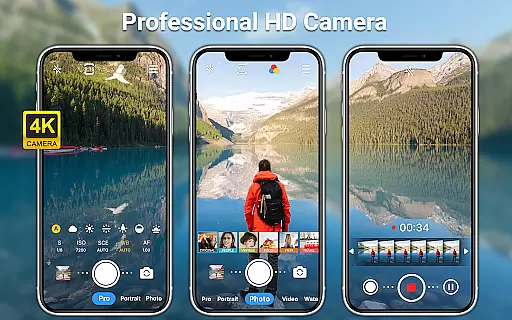
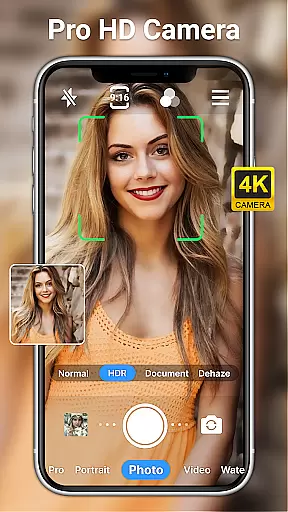
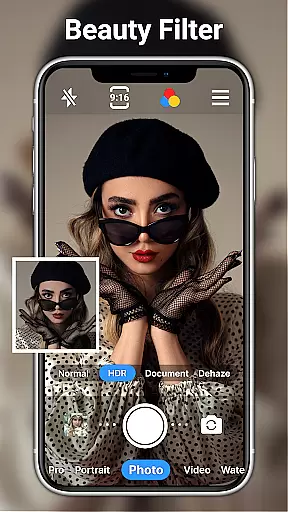
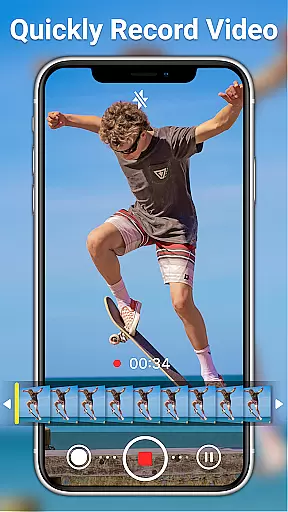
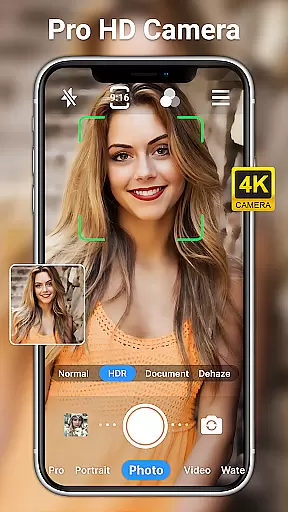
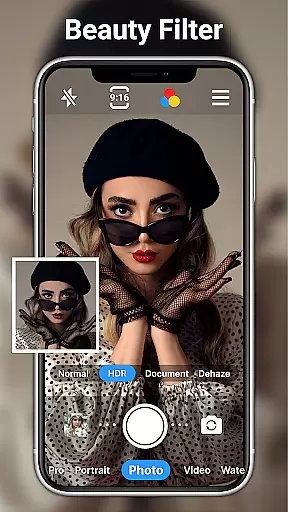
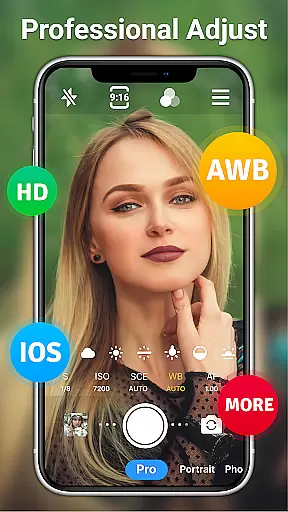
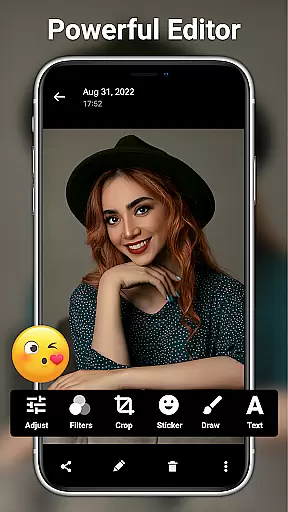
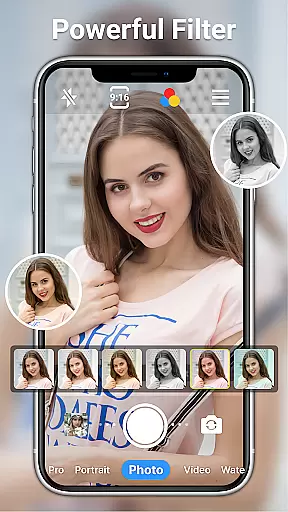
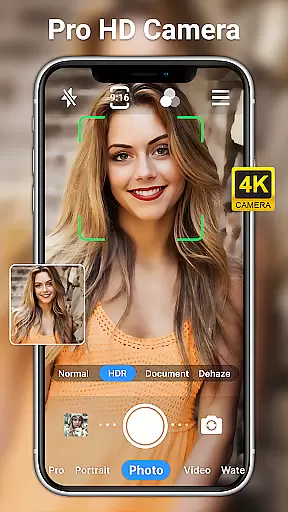
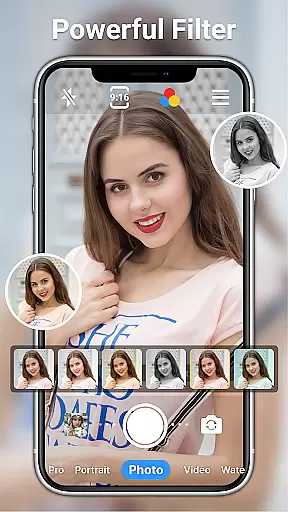
HD Camera for Android is a professional-grade camera application designed to maximize the photographic capabilities of your Android device. This app allows users to capture high-definition photos and videos with advanced features typically found in standalone cameras.
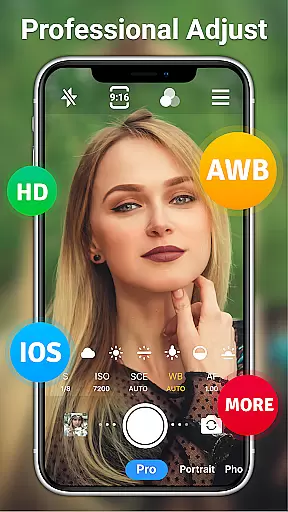
The app offers multiple shooting modes including sports, night, and HDR scenes, along with manual controls for ISO, shutter speed, and white balance. With real-time filters, optical zoom, and focus adjustments, it caters to both amateur photographers and professionals seeking creative freedom on their mobile devices.
Whether capturing spontaneous moments or planning detailed shoots, HD Camera for Android ensures exceptional image quality regardless of lighting conditions. Its intuitive interface makes it easy to use while delivering powerful tools that enhance every photo opportunity.
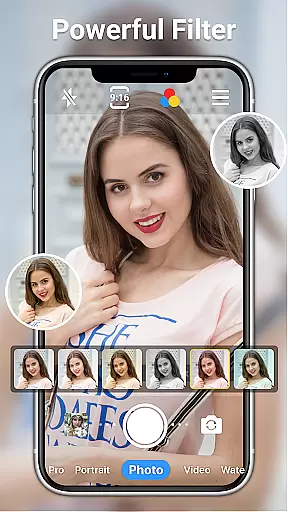
One of the standout features of HD Camera for Android is its comprehensive set of professional tools. Users can toggle between front and rear cameras, apply over 10 real-time filters, and utilize steady shooting modes with pinch-to-zoom functionality.
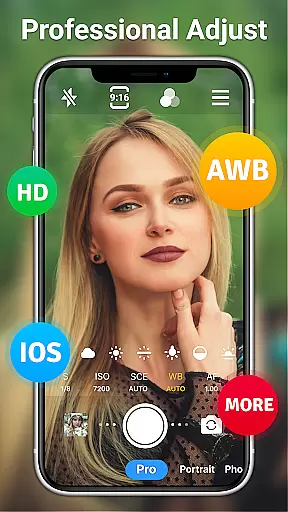
The app supports various scene modes such as sports, night, sunset, party, and HDR, allowing users to adapt to different environments effortlessly. Advanced settings include ISO adjustment, shutter speed control, and diverse white balance options like cloudy, daylight, and incandescent.
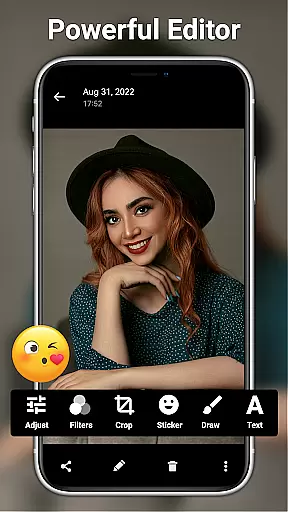
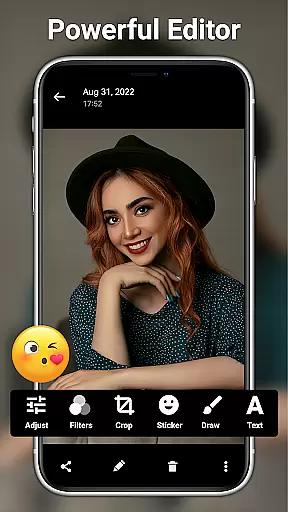
Additionally, HD Camera for Android provides robust photo editing capabilities. From basic adjustments like brightness and contrast to sophisticated AI restoration and facial retouching, users have access to a wide array of editing tools. The inclusion of stickers, text overlays, and mosaics further enhances creative possibilities.
Real-time capture and preview functionality is essential for ensuring that every photo or video taken meets the user's expectations immediately. HD Camera for Android excels in this area by providing a seamless experience where users can see exactly what the camera captures before taking the shot.
This app offers 1080p full HD mode, allowing users to capture images with stunning clarity and vibrant colors. The real-time preview ensures that users can adjust their shots on the fly, making use of features like optical and digital zoom, tap to focus, and steady shooting.
With professional shooting modes and various scene settings such as sports, night, sunset, party, and HDR, users have the tools needed to adapt to any environment. This flexibility empowers photographers to produce high-quality content regardless of the situation, enhancing both daytime and nighttime photography experiences.
The inclusion of grid lines, level indicators, and time-lapse options further enriches the capturing process, enabling users to compose their shots more effectively. These features collectively ensure that the final output aligns perfectly with the useru2019s creative vision, making HD Camera for Android an indispensable tool for capturing life's moments.
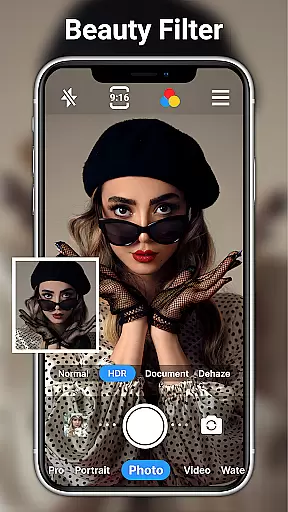
AI beauty and enhancement features are crucial for users looking to elevate their photography with natural-looking edits. HD Camera for Android incorporates advanced AI technology to provide enhancements that maintain the authenticity of the original image while offering improvements.
The app includes powerful yet easy-to-use photo editing tools that allow users to adjust brightness, contrast, saturation, exposure, and highlights. With over 20 photo filters catering to different styles, users can achieve the desired look without compromising the photo's natural essence.
One standout feature is the one-click facial retouch option, which intelligently smooths skin tones and enhances facial features without creating an artificial appearance. Additionally, AI restore and AI palettes help bring out the best in every photo, ensuring that colors and details remain true to life.
By integrating these sophisticated AI capabilities, HD Camera for Android ensures that users can enhance their photos naturally and professionally. Whether adding text, stickers, or markup, the app provides a comprehensive suite of editing tools that cater to both amateur and experienced photographers, making it a top choice for anyone seeking to improve their mobile photography effortlessly.
User-friendly interface
High-quality image output
Comprehensive editing tools
Real-time filter application
Versatile scene modes
Occasional performance lags
Interface may overwhelm beginners
Limited customer support
Ads present in free version
Some features require learning curve

Effortlessly organize, view and share your photos & videos with Gallery app!
 4.40
4.40
Trendy TikTok time warp scan funny filter app brings you unique photos & videos.
4.40
HD Photo gallery and photo manager to edit, hide private photos, videos & albums
4.4
Photobooth mini FULL app will allow you to add more fun to your parties
4.00
All-in-One Editor & AI Photo Enhancer, Collage, Cartoonify, Funny Stickers & BGS
4.10
Transform photos into videos! Create realistic or anime-style images easily!
4.50
Cartoon and artistic effects for your photos and videos
4.70
A light meter for true photographers.
4.20
Discover How to Plan any Sun, Moon and Milky Way Photo You Imagine in Seconds
4.70
Photo prints, cards, & gifts at Walgreens. Easy ordering & fast local pickup !
4.80
Take videos and pictures with the popular TikTok TIME WARP SCAN filter.
4.60
Easily create custom gifts, cards, photo books & more on the Shutterfly app!
4.60
Unblur, enhance & restore photos with powerful AI photo enhancer tools.
4.60
Create collages easily! Nice pic collage maker & background eraser for Instagram
4.50
Create Business Headshots, Polaroid Filter, Retake Photos,Profile Pics,AI Photos
4.50
Create AI photos & videos with Enhancer; restore, fix, beautify, enhance photos
4.50
RAW video capture with advanced controls
4.40
The #1 app for B&W film developing featuring an advanced darkroom timer.
4.10
Astrophotography with your smartphone, photo live stacking and much more!
3.90


User Reviews