
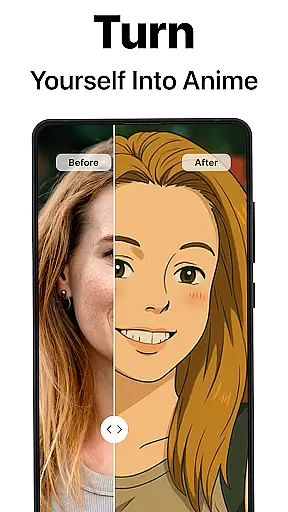
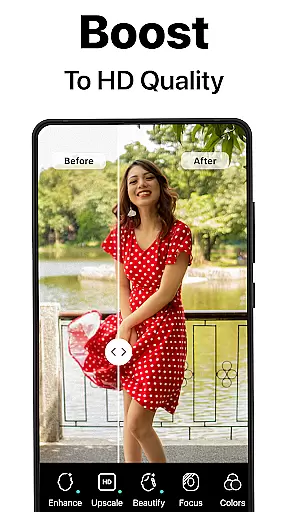
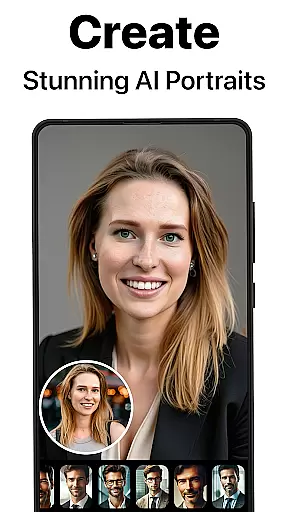
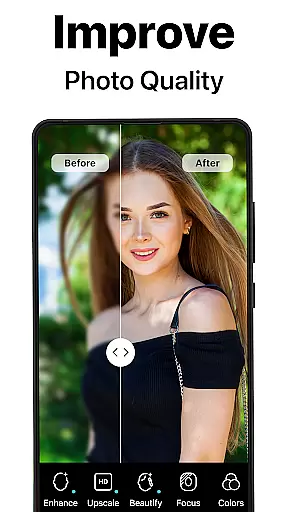
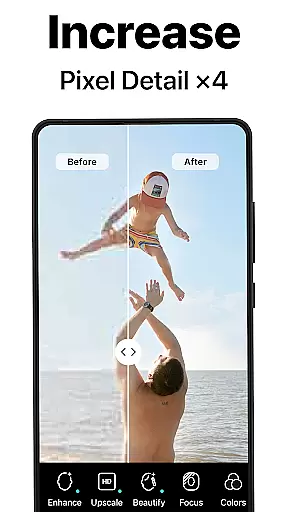
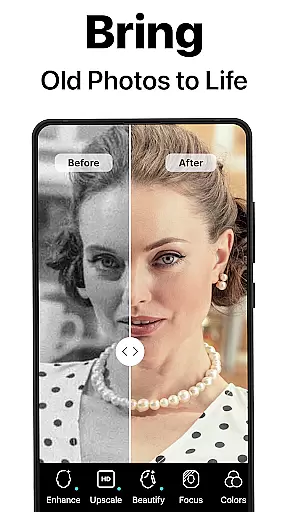
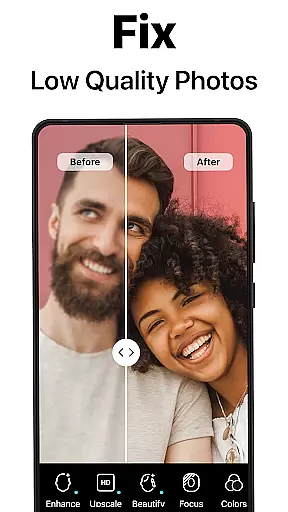
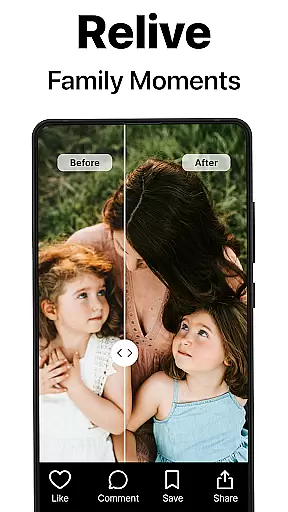
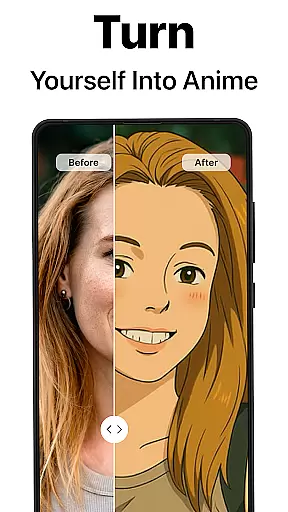
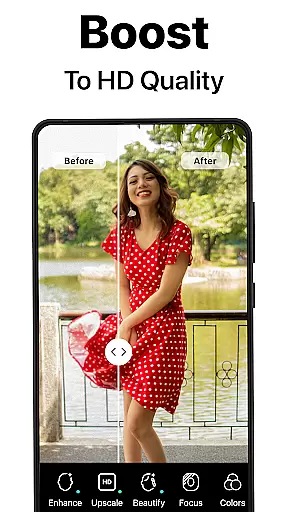
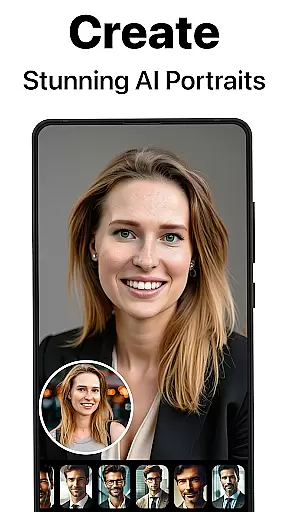
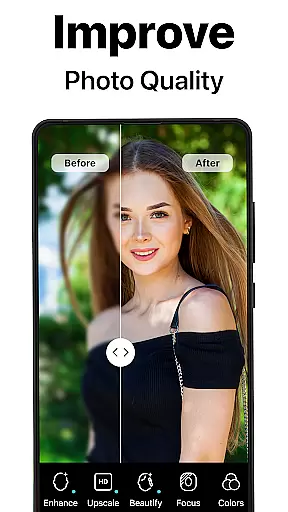
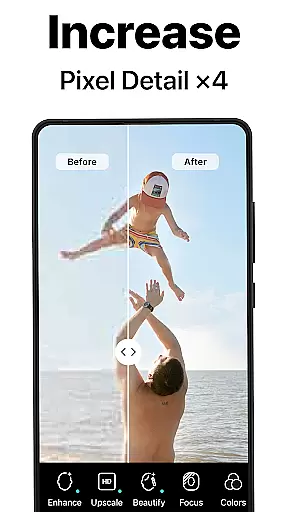
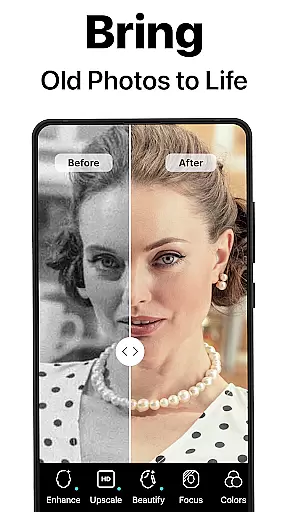
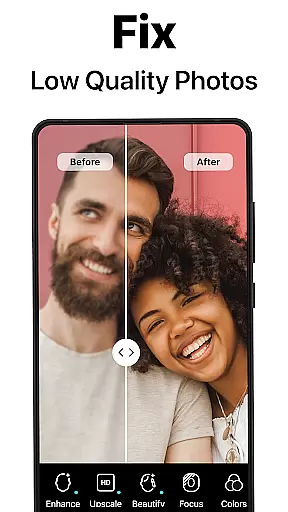
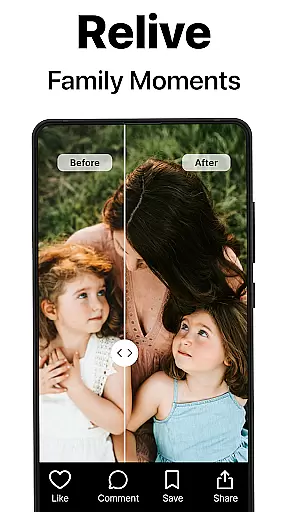
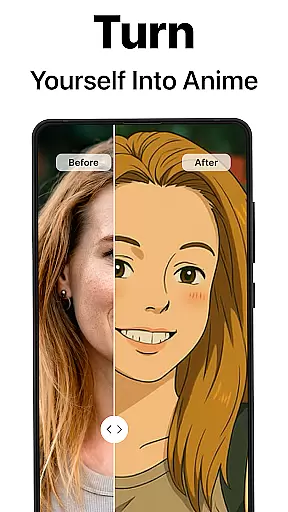
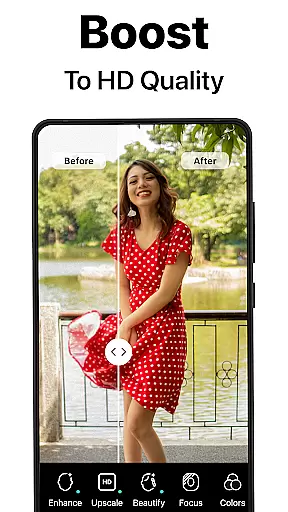
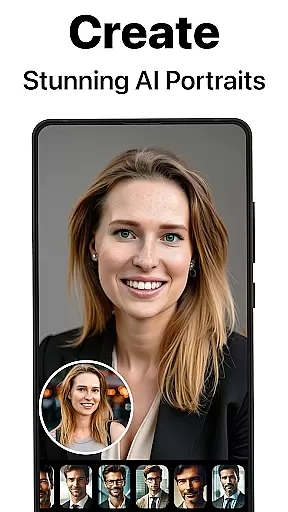
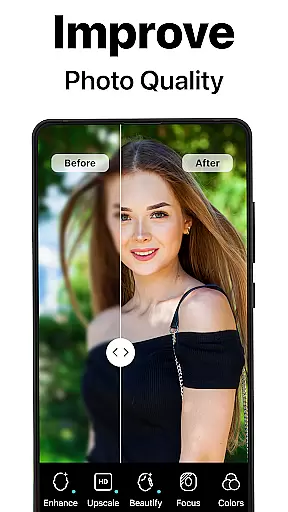
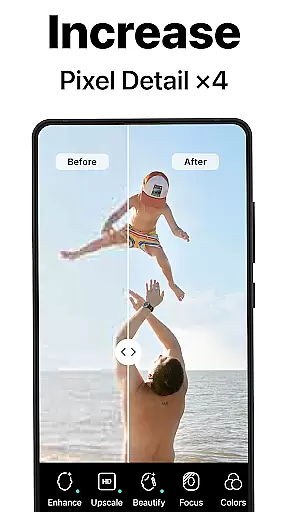
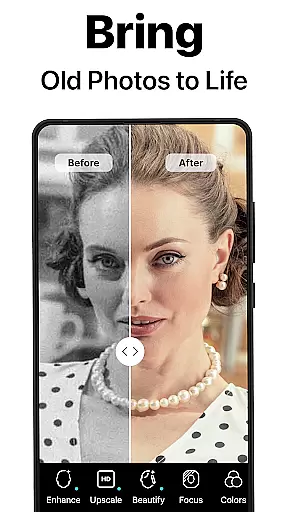
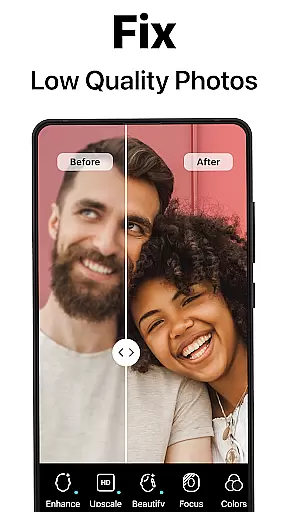
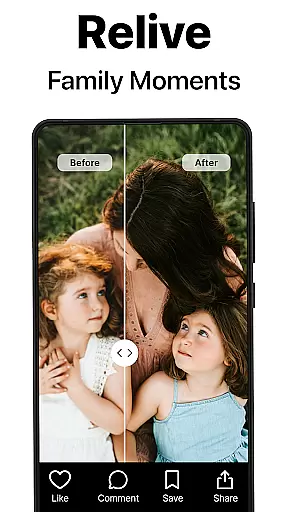
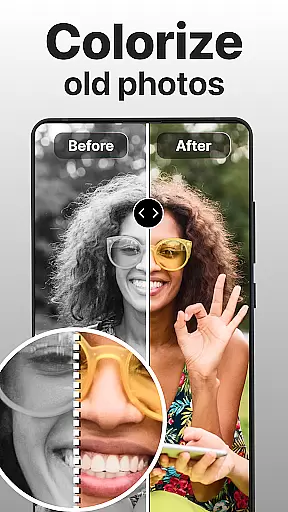
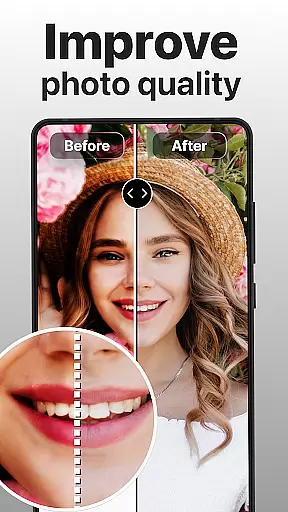
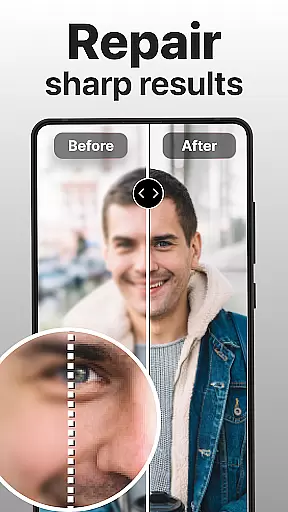
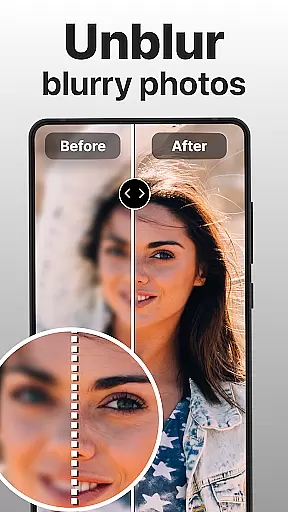
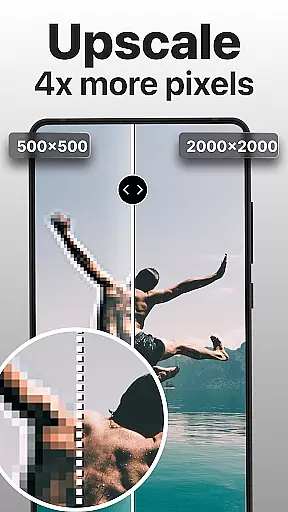
PhotoBoost is a powerful photography app designed to enhance, restore, and transform your photos using cutting-edge AI technology. The app specializes in sharpening blurry images, reviving pixelated photos, and restoring cherished memories with precision. Its standout feature, AI Avatars, allows users to create stunning avatars in various artistic styles, making it versatile for both personal and professional use.
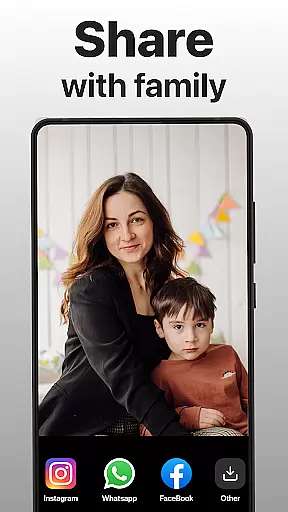
With capabilities like advanced photo upscaling, colorization of black-and-white images, and side-by-side comparison tools, PhotoBoost caters to photographers, social media enthusiasts, and families looking to preserve their legacy. Whether you're repairing old family albums or generating creative content, this app ensures high-quality results within seconds.
PhotoBoost offers an impressive range of features tailored to meet diverse photography needs. At its core is the ability to instantly sharpen low-resolution or blurry photos, which is ideal for enhancing images for social media or personal keepsakes. Additionally, the app provides robust restoration tools that repair scratches, fix faded colors, and even add vibrant hues to monochrome pictures.
The AI Avatars feature stands out by offering hundreds of customizable themes, from festive holiday designs to fantasy-inspired art styles. Users can experiment with endless creative possibilities, such as transforming selfies into masterpieces inspired by famous artists like Van Gogh. Other notable functionalities include advanced upscaling for enlarging images without quality loss and a "before and after" comparison tool to showcase enhancements effectively.
Real-time capture and preview functionality is essential for ensuring that users can see exactly what they are capturing before finalizing their photos. This feature allows users to adjust settings such as lighting, focus, and composition instantly, which enhances the overall quality of the images they take.
PhotoBoost excels in real-time capture by utilizing advanced AI technology to provide users with immediate feedback on their shots. The app processes images quickly, allowing users to see enhancements and adjustments in real time. This ensures that every photo taken is optimized for the best possible outcome.
Users benefit greatly from this feature as it eliminates the guesswork involved in photography. With real-time previews, individuals can make necessary changes on the fly, ensuring that their final images meet their expectations. This capability is particularly useful for those who rely on precision and accuracy in their photography work.
The value of real-time capture and preview in PhotoBoost lies in its ability to empower users with greater control over their photographic process. By delivering instant results, the app not only saves time but also enhances creativity, enabling photographers to experiment freely while maintaining confidence in the quality of their output.
AI beauty and enhancement features have become a cornerstone of modern photography apps, allowing users to refine and beautify their images naturally. This functionality is crucial for those seeking to enhance their photos without making them appear overly processed or artificial.
PhotoBoost stands out by employing sophisticated AI algorithms that ensure enhancements look genuine and lifelike. The app intelligently adjusts skin tones, smooths imperfections, and enhances facial features while preserving the natural essence of the subject. This approach results in photos that are polished yet retain their authenticity.
For users, the advantage of AI beauty enhancements in PhotoBoost is clear. They can achieve professional-grade edits effortlessly, whether preparing images for social media or personal albums. The app's ability to maintain natural aesthetics means that edited photos resonate more deeply with viewers, enhancing engagement and satisfaction.
Ultimately, the true strength of PhotoBoost's AI beauty features lies in their subtlety and effectiveness. By prioritizing natural enhancement, the app delivers superior image quality that empowers users to express themselves confidently through their photography, knowing that their edits will be both impactful and believable.
User-friendly interface
Fast processing speed
Versatile editing tools
Unique AI Avatars
Frequent theme updates
Premium subscription required
Limited free trial
High system requirements
Occasional ads
Learning curve for beginners

Photo Album Watch Face shows your favorite pictures as a Watchface.
 1.90
1.90
How would you look like with a differently shaped nose, chin or lips?
3.90
An interval timer to automate photo taking process for timelapse
2.90
Movie camera, supports pro recording settings for filming. Try it and be amazed!
4.50
Fit multiple photos on one post. Create carousels & scroll layouts for Instagram
4.50
Use AI Video Generator to turn your words to ai generated videos.
4.50
A light meter for true photographers.
4.20
Solocator stamps photos you take with GPS location, Compass Direction, Date/Time
3.80
Edit photos with the picture generator: PS2 & AI Clay filters, cartoon effects.
4.50
Perfect body tune & face app - photo retouch, makeup, slim body & beautify face.
4.80
Easily create custom gifts, cards, photo books & more on the Shutterfly app!
4.60
Discover & download millions of art for The Frame TV or Hisense CanvasTV
4.60
Add Watermark - Sign your pictures with a text or logo. Effective, quick, easy!
4.50
AI photo editor with hair editor, retouch tools, hair color changer & filters!
4.50
HD Camera Pro with HD Video shooting, Panorama, Photo editor , Beauty Camera.
4.50
Photo editor & gallery. Crop pictures & edit photos offline, no wifi!
4.50
Edit like a pro with Hypic. Apply filters, AI effects, & magic touch.
4.40
RAW video capture with advanced controls
4.40
Catch sunlight, sunrise sunset times and sun phases with the AR sun tracker.
4.10


User Reviews