
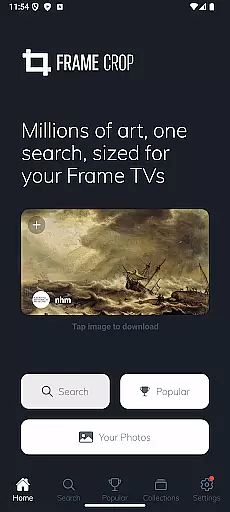
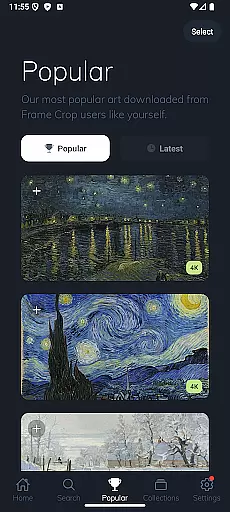
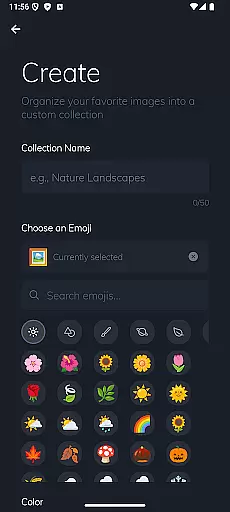
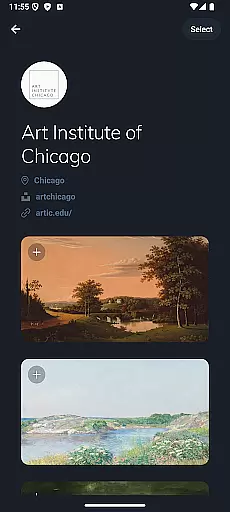
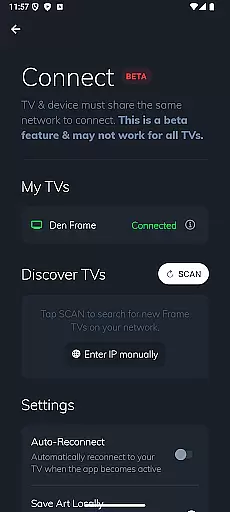
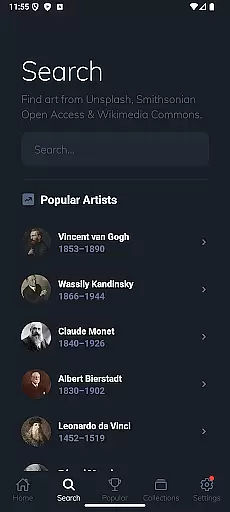
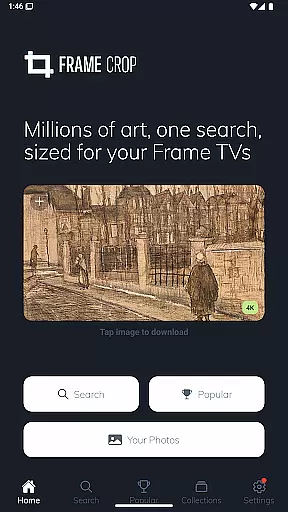
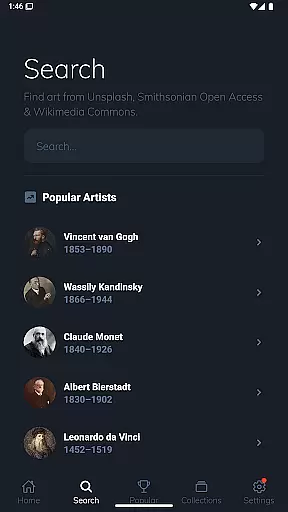
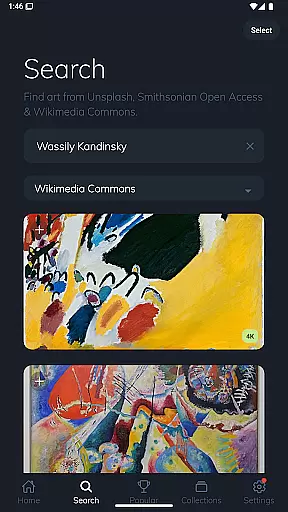
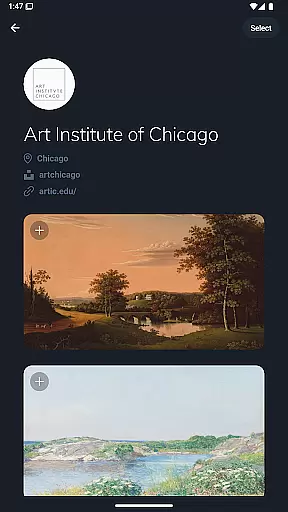
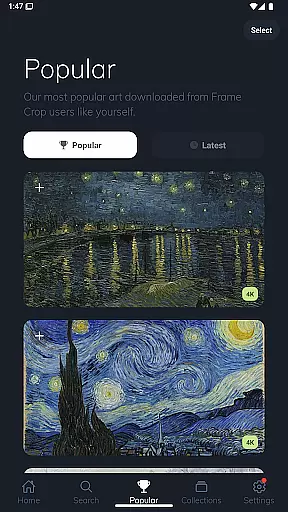
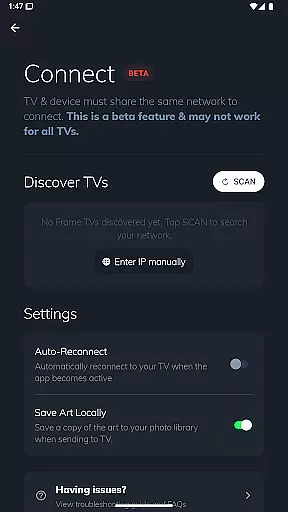

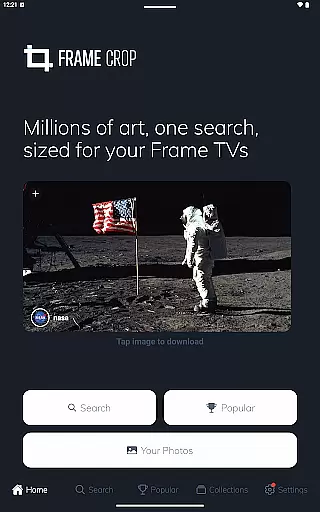
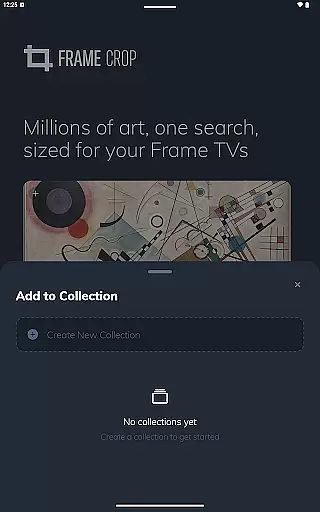
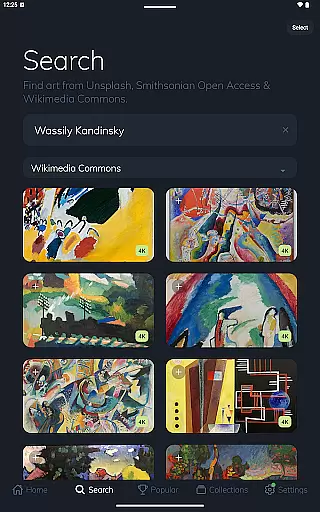
Frame Crop is a specialized application designed for Samsung Frame TV and Hisense CanvasTV owners who wish to enhance their viewing experience with personalized artwork. This app allows users to browse, crop, and download high-quality images from renowned libraries such as Smithsonian Open Access, Unsplash, and Wikimedia Commons. Whether you want to showcase cherished memories or professional art pieces, Frame Crop ensures every image perfectly fits the borderless display of your TV.
The app's intuitive cropping tools make it easy to adjust photos to match your mood or home decor. With access to thousands of stunning, high-resolution images, users can frequently update their displays using the SmartThings app. Frame Crop transforms your TV into a dynamic art gallery, offering both aesthetic pleasure and seamless integration with your living space.
Frame Crop stands out with its comprehensive set of features tailored for art enthusiasts and tech-savvy homeowners. The app provides intuitive photo cropping tools that allow precise adjustments to fit images perfectly on Samsung Frame TVs and Hisense CanvasTVs. It supports portrait-mounted TVs, expanding its usability beyond traditional landscape orientations.
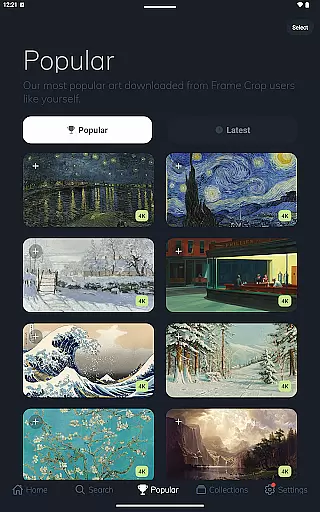
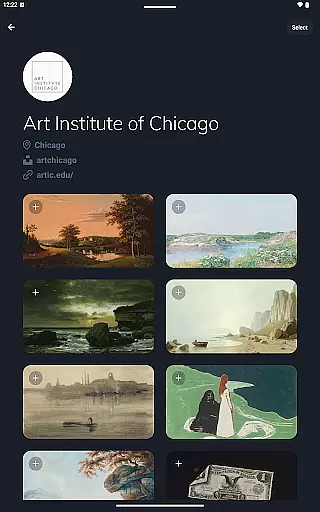
Users can explore an extensive library comprising art, landscapes, animals, and more from prestigious sources like Smithsonian Open Access, Unsplash, and Wikimedia Commons. This vast collection ensures there's something for everyone, whether you're looking for serene nature scenes or vibrant abstract art. Additionally, Frame Crop's compatibility with the SmartThings app enables effortless management and updates of displayed art, enhancing user convenience and satisfaction.
Real-time capture and preview functionality is essential for ensuring that the images displayed on your Samsung Frame TV or Hisense CanvasTV are exactly as you envision them. This feature allows users to see adjustments instantly, making the editing process seamless and efficient.
Frame Crop offers an intuitive interface where users can crop photos and artwork to fit their TV's borderless display effortlessly. The real-time preview ensures that every adjustment, from aspect ratio changes to fine-tuning details, appears precisely as intended before finalizing the download.
By providing immediate visual feedback, this app empowers users to match their mood or home decor with ease. Whether showcasing favorite memories or professional artwork, the ability to preview in real time enhances user satisfaction and confidence in their selections.
This capability not only saves time but also elevates the overall experience by allowing users to switch out art using the SmartThings app for a customized viewing experience tailored specifically to their preferences.
AI beauty and enhancement features have become pivotal in photography apps, offering tools that improve image quality while maintaining natural aesthetics. These enhancements ensure that photos look polished yet authentic, preserving the original essence of the captured moment.
Frame Crop leverages advanced AI algorithms to optimize images for display on Samsung Frame TVs and Hisense CanvasTVs. By enhancing colors, contrast, and sharpness, it brings out the best in each photo without over-processing, which could otherwise lead to unnatural results.
The app supports a vast library of high-resolution images sourced from Smithsonian Open Access, Unsplash, and Wikimedia Commons. Each piece benefits from AI-driven enhancements that retain the integrity of the artwork, whether itu2019s a breathtaking landscape or a detailed painting.
With these sophisticated AI capabilities, Frame Crop transforms any space into an elegant gallery, allowing users to enjoy stunning visuals that complement their environment naturally and beautifully.
User-friendly interface
Extensive art library
Precise cropping tools
Supports portrait mode
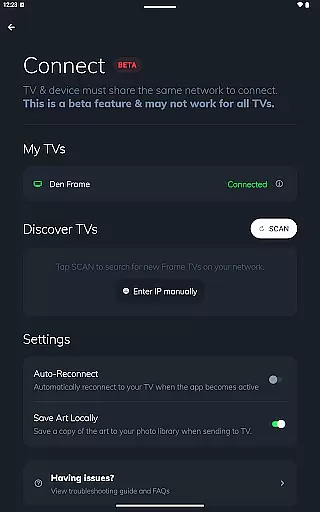
SmartThings integration
Limited to specific TV models
Requires internet connection
Some features may need subscription
Occasional app stability issues
Learning curve for new users

Search, tag and rate your way to an organized image gallery
 4.40
4.40
Trendy TikTok time warp scan funny filter app brings you unique photos & videos.
4.40
Photobooth mini FULL app will allow you to add more fun to your parties
4.00
How old age camera Gender Swap App Face Shape Hairstyle App Hair Styler App fun!
4.00
Virtual makeup, hair filters & body tuner—edit from face to full body!
4.20
Collage your moments in one tap: 1000+ layouts, filters, stickers, and texts.
4.90
Fit multiple photos on one post. Create carousels & scroll layouts for Instagram
4.50
Turn photos into cartoons & avatars! - Photo Editor, Cartoon Face!
3.90
Discover How to Plan any Sun, Moon and Milky Way Photo You Imagine in Seconds
4.70
Easily view, share, delete photos with Gallery.
4.70
1M influencer's special filter
4.60
HD Camera Pro with HD Video shooting, Panorama, Photo editor , Beauty Camera.
4.50
Photo editor & gallery. Crop pictures & edit photos offline, no wifi!
4.50
Create AI photos & videos with Enhancer; restore, fix, beautify, enhance photos
4.50
Easily stitch panoramas from multiple photos or video.
4.40
AI-powered video creator by MiniMax - Where ideas meet cinema
4.20
What celebrity do you look like? Celebs will find your celebrity match!
4.10
Astrophotography with your smartphone, photo live stacking and much more!
3.90
Add a dreamy vibe to your selfies and videos with soft style filters
4.3


User Reviews