
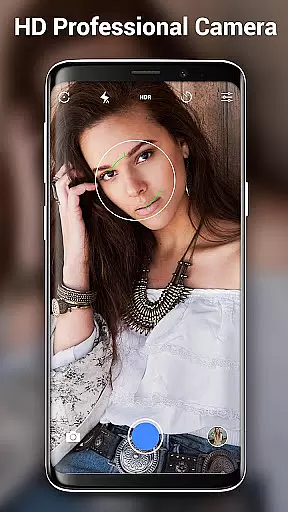
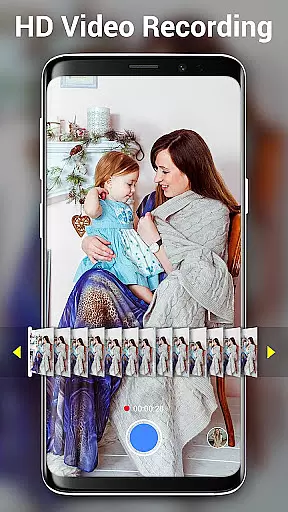

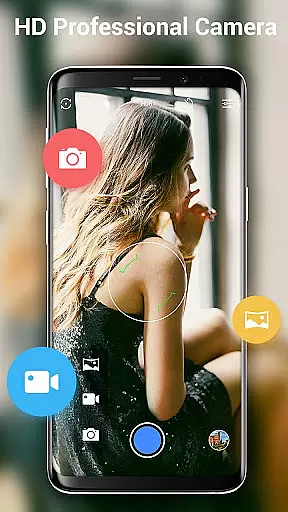
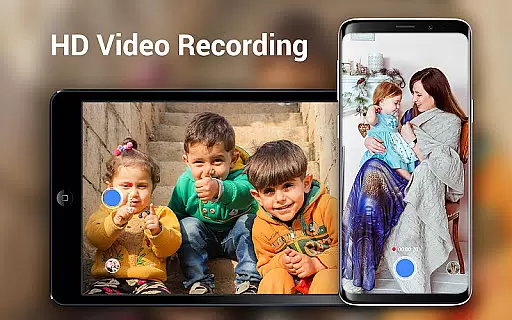
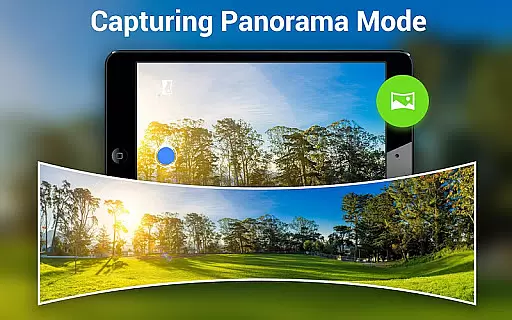
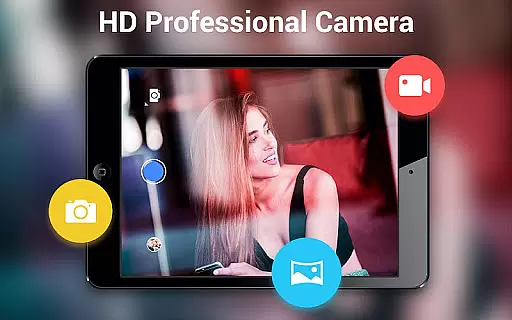
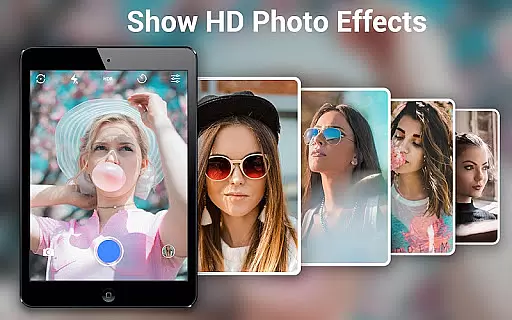
HD Camera Pro Edition is a premium photography application designed for Android users who demand professional-grade features without advertisements. This app offers a comprehensive suite of tools including Quick Snap, HD video recording, and creative panorama modes such as Photo Sphere. It stands out as an all-in-one solution for capturing high-resolution images and videos, making it ideal for both amateur photographers and professionals.
The application excels in providing advanced functionalities like optical and digital zoom, tap-to-focus, and various white balance settings. Additionally, its intuitive interface allows users to easily adjust preferences and capture stunning visuals effortlessly. Whether you're taking selfies or shooting landscapes, HD Camera Pro delivers exceptional image quality that rivals DSLR cameras.
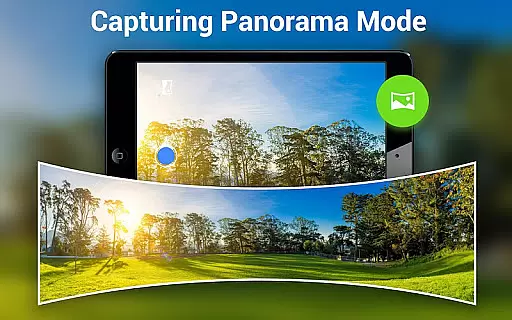
For those seeking to enhance their mobile photography experience, this app serves as a powerful tool. Its ability to produce detailed panoramas and apply artistic filters adds a creative touch to every shot. With the convenience of having a professional camera at your fingertips, HD Camera Pro ensures you never miss capturing life's precious moments in vivid detail.
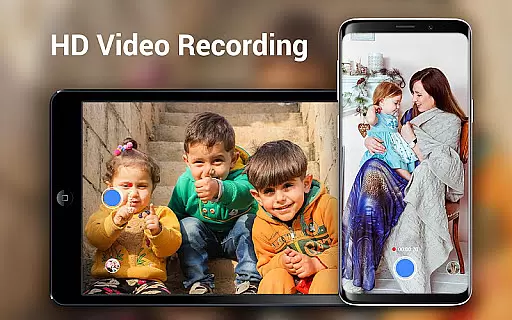
HD Camera Pro boasts an impressive array of features tailored for photography enthusiasts. One standout capability is its support for high-definition video recording, allowing users to capture crisp and clear footage with ease. The app also includes specialized modes such as Panorama and Photo Sphere, enabling unique perspectives and immersive visual storytelling.
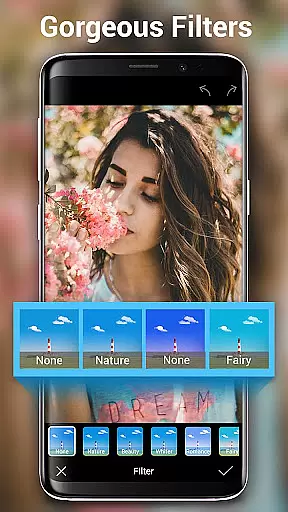
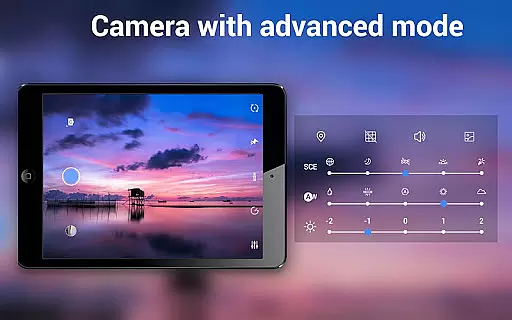
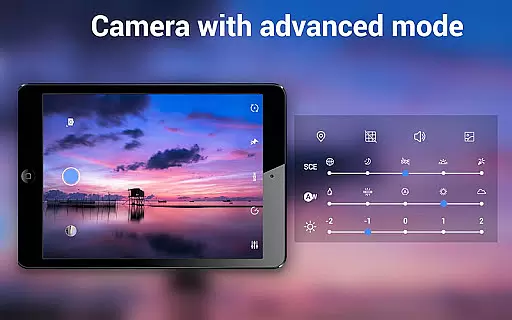
In addition to its core functionalities, HD Camera Pro provides several creative tools. Users can experiment with various filters to add artistic flair to their photos. The app's advanced settings include options for adjusting white balance, setting timers for time-lapse photography, and utilizing focus halos for precise control over image composition. These features collectively empower users to explore different photographic styles and techniques.
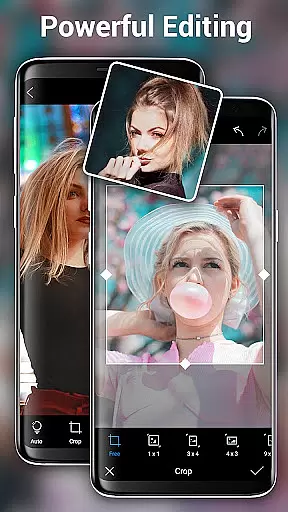
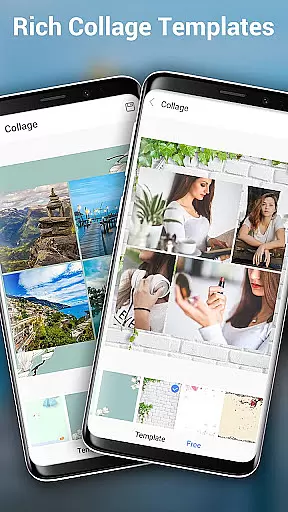
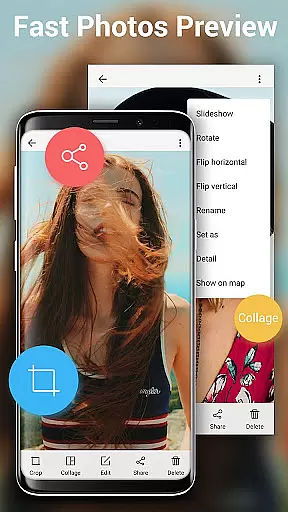
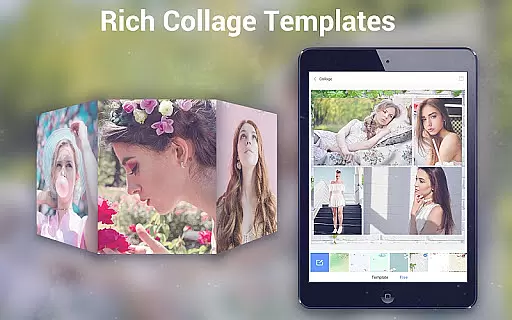
Another notable aspect is the app's optimization for different lighting conditions. With presets for night, sunset, and party scenarios, it adapts seamlessly to diverse environments. Furthermore, the built-in photo editor allows for cropping and collaging, ensuring that users can refine their work directly within the app. This combination of robust features makes HD Camera Pro a versatile choice for anyone looking to elevate their mobile photography game.
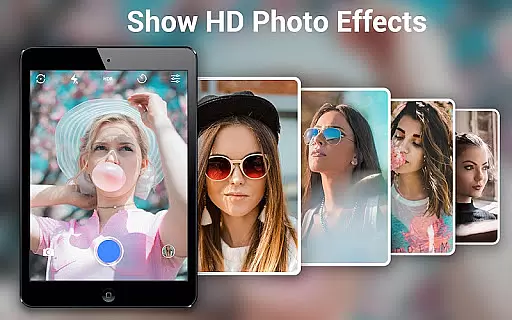
Real-time capture and preview functionality is essential for any photography app as it allows users to frame their shots accurately before capturing. HD Camera Pro Edition excels in this area by providing a seamless live view that mirrors the real world with impressive clarity.
The application leverages advanced processing capabilities to minimize lag between the action and what you see on your screen, ensuring that every moment is captured precisely as it happens. This responsiveness is crucial when trying to photograph fast-moving subjects or fleeting moments.
Users benefit from an intuitive interface that makes shooting high-quality images straightforward. With features like tap-to-focus and optical/digital zoom, photographers can fine-tune their composition directly within the preview window, enhancing both convenience and creative control.
This immediacy not only improves user experience but also increases satisfaction by reducing missed opportunities due to delayed previews. As a result, whether capturing spontaneous events or meticulously planned shots, HD Camera Pro Edition empowers photographers with confidence in their ability to seize the perfect instant.
AI beauty and enhancement features have become increasingly popular among smartphone cameras, offering tools to refine portraits while maintaining natural aesthetics. HD Camera Pro Edition stands out by delivering enhancements that are subtle yet effective, preserving authenticity in each edited photo.
Utilizing sophisticated algorithms, the app intelligently identifies facial features and applies adjustments such as skin smoothing, blemish reduction, and eye enhancement without creating an over-processed look. These modifications aim to highlight individual characteristics rather than mask them under heavy filters.
Photographers using this tool will appreciate how it respects original textures and details, resulting in images where subjects appear refreshed yet genuine. The balance between enhancement and realism ensures photos remain relatable and true-to-life even after editing.
Ultimately, these AI-driven enhancements provide users with professional-grade results at their fingertips, making portrait photography more accessible and enjoyable. By prioritizing natural outcomes, HD Camera Pro Edition caters to those who value quality and subtlety in their visual storytelling.
User-friendly interface
High-quality image output
Versatile shooting modes
Comprehensive editing tools
No advertisements
Premium price point
Requires learning curve
Advanced features may overwhelm beginners
Limited compatibility with older devices
Occasional performance lags

Search, tag and rate your way to an organized image gallery
 4.40
4.40
Trendy TikTok time warp scan funny filter app brings you unique photos & videos.
4.40
Photobooth mini FULL app will allow you to add more fun to your parties
4.00
Create & Edit with AI: AI Remove, Enhance, Retouch, Filter
4.10
Photo editor: AI filters, photo enhancer, pic collage maker, AI art generator.
4.80
Enhance, retouch & create your story - Share the moment with Photoshop Express.
4.60
AI-powered video creator by MiniMax - Where ideas meet cinema
4.20
Enhance, upscale, and transform your images — on your device, without limits
4.70
Effortlessly make high-quality GIFs from images & videos without any watermarks.
4.70
Your personal guide to the sun and moon. Plan ahead, visualize and predict!
4.70
Effortlessly organize, view and share your photos & videos with Gallery app!
4.40
Future baby face generator: AI kids generator, kid face! What my baby look like?
4.40
All-in-One Editor & AI Photo Enhancer, Beautify & Retouch, Collage, Cartoonify
4.20
Luminar: Photo Editor - easy picture editing with AI
4.20
live datamoshing
4.00
Hair color changer, AI haircut app, fun hair editor and buzz cut filter for all!
3.80
Remote control of the phone camera from your Wear OS smartwatch
3.70
Professional video recording application with manual controls for filmmakers!
2.80
Long exposure camera with computational photography
2.60


User Reviews