
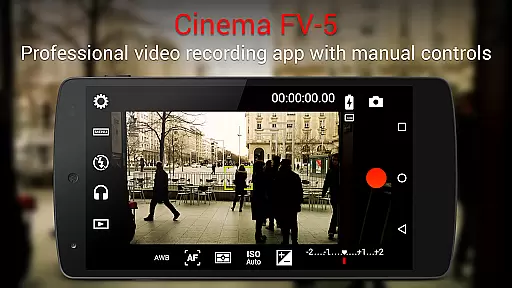
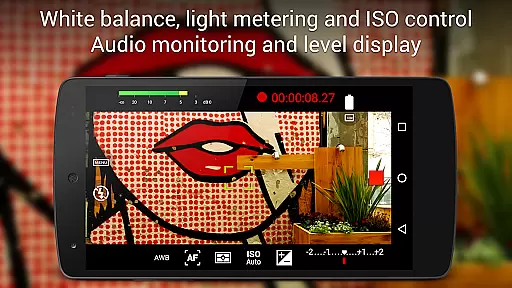
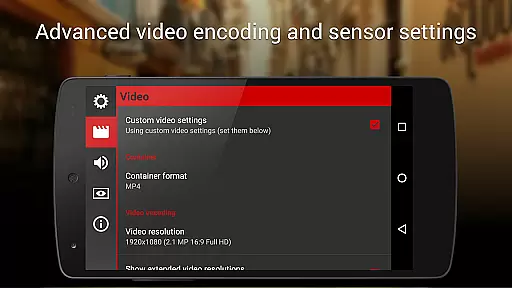
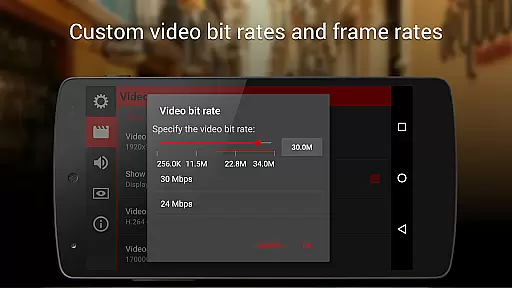
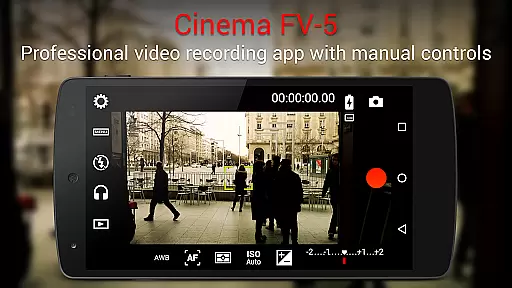
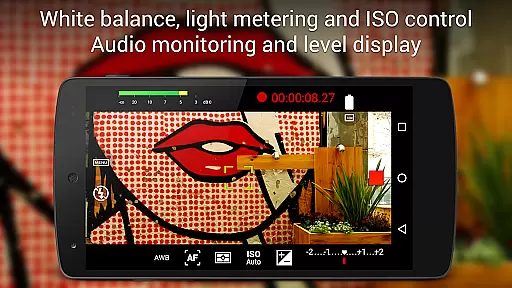
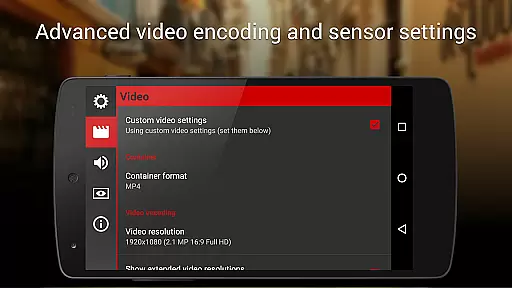
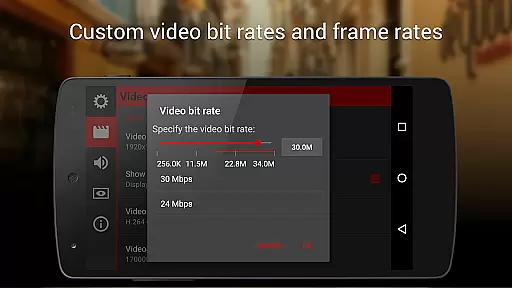
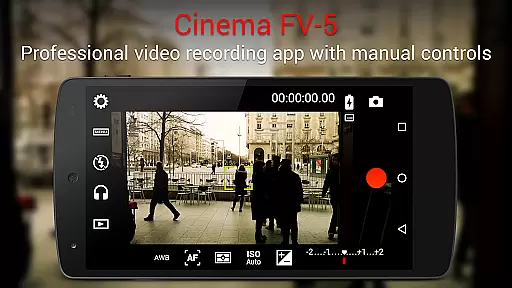
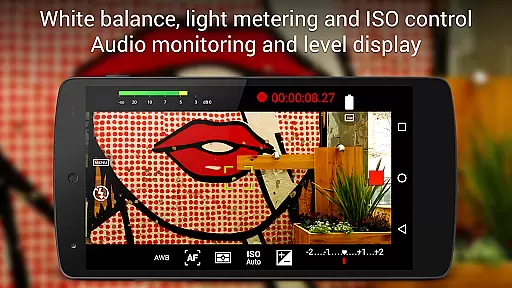
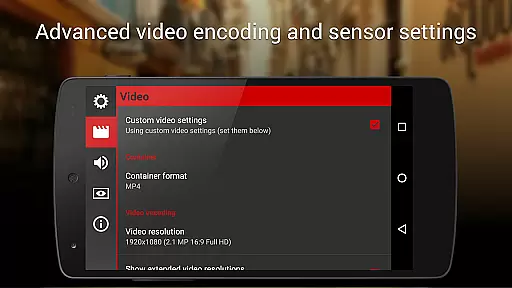
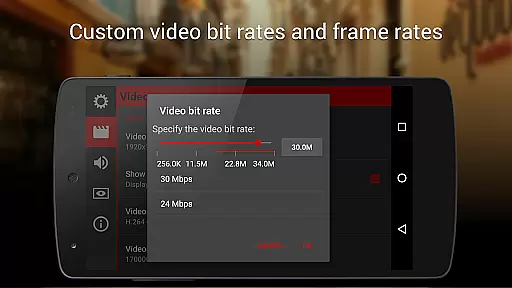
Cinema FV-5 is a professional video camera application designed for mobile devices, offering advanced manual controls for videographers and filmmakers. With this app, users can adjust image sensor parameters such as exposure compensation, ISO, light metering modes, focus, and white balance. It supports real-time adjustments during recording, including focus and sensor settings, ensuring high-quality footage for postproduction.
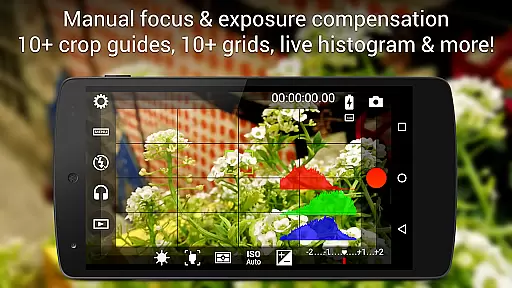
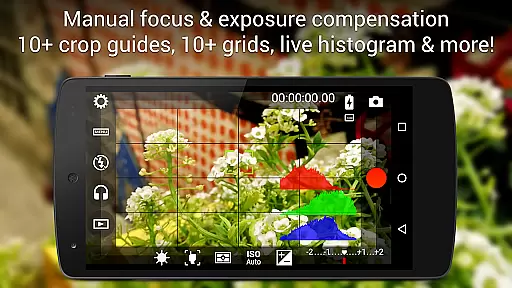
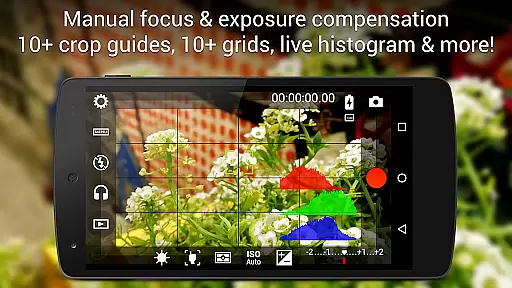
The app features a professional viewfinder with compositing grids, crop guides, and live RGB histograms. It also provides professional sound metering options, multiple audio input sources, and customizable video and audio codec settings. Supporting 4K UHD video recording on compatible devices, Cinema FV-5 allows videographers to capture professional-grade footage using medium- to high-end smartphones or Android-based compact cameras.
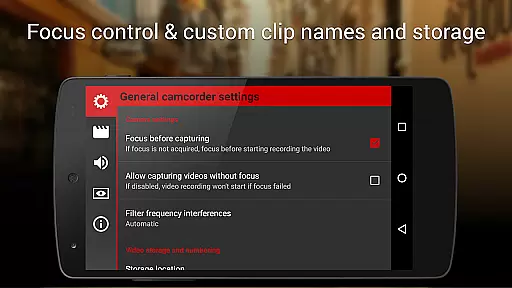
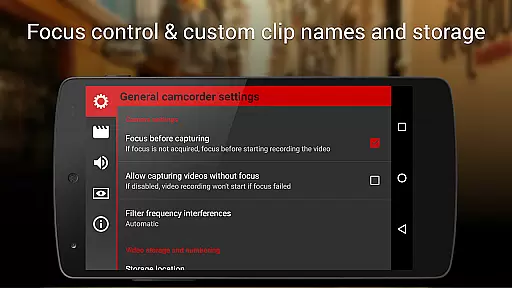
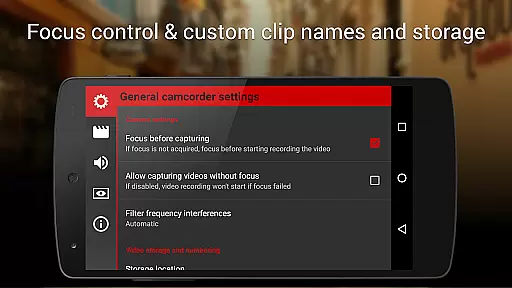
Cinema FV-5 stands out with its extensive set of professional video controls. Users can adjust all critical image sensor parameters, including exposure, ISO, and white balance, even during active recording. The app offers precise focus management, allowing videographers to lock focus before recording and adjust focus planes while filming, which is crucial for creating dynamic shots.
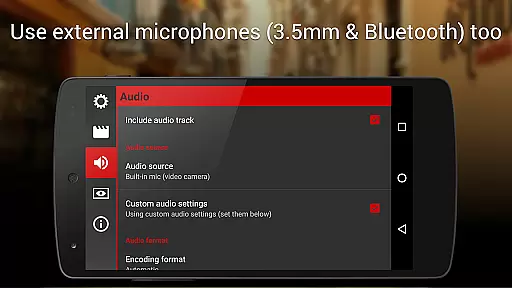
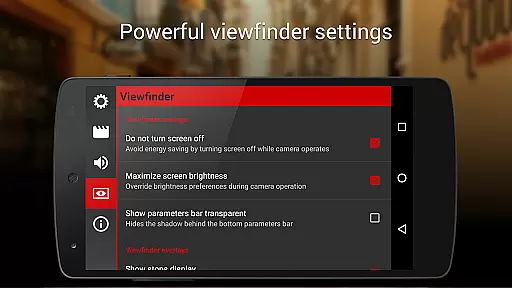
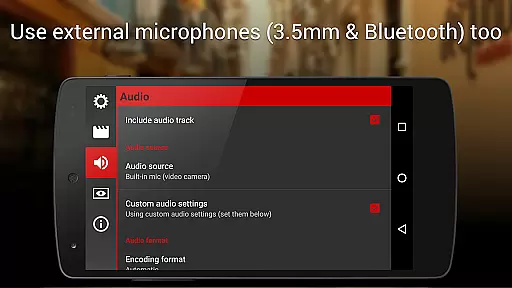
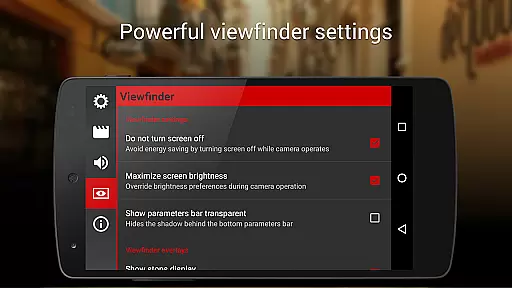
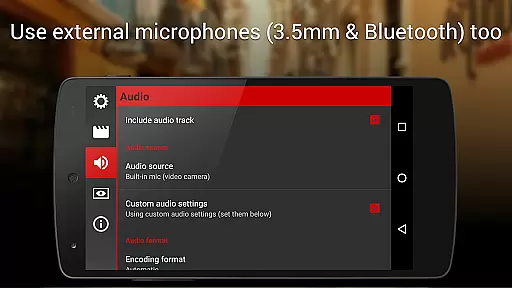
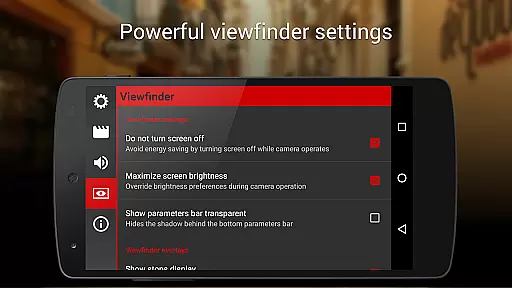
One of the key highlights is its advanced electronic viewfinder, featuring live RGB and luminance histograms, professional sound metering, and various grid and guide options. Additionally, the app supports different audio input sources like built-in microphones, external mics, or Bluetooth headsets. With assignable camera functions to volume keys, video geotagging, and powerful clip organization options, Cinema FV-5 delivers a complete professional videography toolset optimized for creative flexibility.
Cinema FV-5 offers a professional-grade video capturing experience with real-time preview capabilities, ensuring videographers can monitor their footage as it is being recorded. This feature is crucial for professionals who need to ensure every detail is captured perfectly.
The app provides users with advanced manual controls over various camera settings such as ISO, exposure compensation, and white balance. These adjustments can be made live, even during recording, allowing for dynamic changes in the shooting environment without interrupting the capture process.
With its powerful electronic viewfinder, Cinema FV-5 displays live RGB and luminance histograms, offering precise visual feedback on exposure levels. This ensures that videographers can make informed decisions about their shot composition and lighting adjustments in real time.
By supporting 4K UHD video recording on compatible devices, the app guarantees high-resolution output. The ability to use different audio input sources further enhances the quality of the captured content, making Cinema FV-5 an indispensable tool for professional videography.
While primarily focused on professional video capture, Cinema FV-5 also includes features aimed at enhancing the natural beauty of the footage without relying on artificial enhancements. This approach preserves the authenticity of the scene while still improving overall video quality.
The application's advanced sensor controls allow videographers to fine-tune image parameters like focus and white balance manually. By locking focus and adjusting settings during recording, users can maintain natural-looking scenes that remain true to the original environment.
Cinema FV-5 supports various audio input sources, including built-in microphones and external options, ensuring clear and natural sound recording. This complements the visual enhancements by providing balanced audio that matches the enhanced video quality.
Additionally, customizable file naming and organization options help streamline post-production workflows. Videographers can efficiently manage their clips, focusing on natural edits that enhance the raw beauty captured through Cinema FV-5u2019s sophisticated controls.
Advanced manual controls
Real-time parameter adjustments
Professional viewfinder tools
Supports 4K UHD video
Customizable file naming
Complex for beginners
Requires high-end devices
No built-in editor
Premium price point
Limited automated features

Gallery show photo, video, slideshow, is perfect 3D effect private photo albums.
 4.80
4.80
HD Photo gallery and photo manager to edit, hide private photos, videos & albums
4.2
Photobooth mini FULL app will allow you to add more fun to your parties
4.00
How old age camera Gender Swap App Face Shape Hairstyle App Hair Styler App fun!
4.00
All-in-One Editor & AI Photo Enhancer, Collage, Cartoonify, Funny Stickers & BGS
4.10
Edit like a pro with Hypic. Apply filters, AI effects, & magic touch.
4.40
Create collages easily! Nice pic collage maker & background eraser for Instagram
4.50
Professional camera app that brings DSLR manual photography controls to Android.
4.20
Discover How to Plan any Sun, Moon and Milky Way Photo You Imagine in Seconds
4.70
Find time and duration of different sunlight phases at any location
4.90
Viewfinder, Light meter, Reciprocity failure time, DOF & Bellows Extension
4.60
AI portrait generator and polaroid AI selfie, fun AI generated AI photo creator!
4.30
[3DSteroid Pro] is a stereoscopic application for Android.
4.30
Smart, light, and fast photo and video gallery
4.30
Virtual makeup, hair filters & body tuner—edit from face to full body!
4.20
Transform Photos: Edit, Beautify and Craft Memories & Make Collages!
4.10
Gallery Slideshow is slideshow maker app for slideshow from your gallery photos.
3.90
Superimpose one photo on top of another using the original Superimpose app!
3.20
Over 800 film simulation recipes for Fujifilm. Black Friday Offer!
4.3


User Reviews