
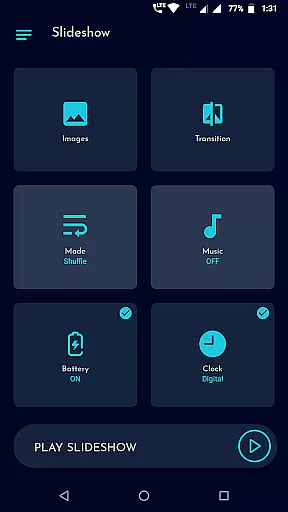
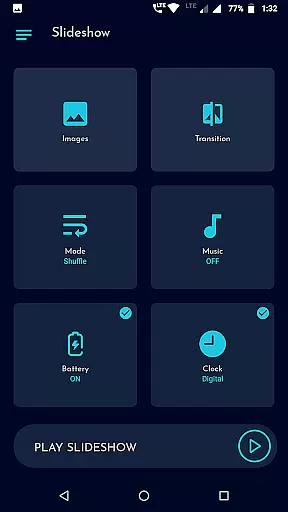
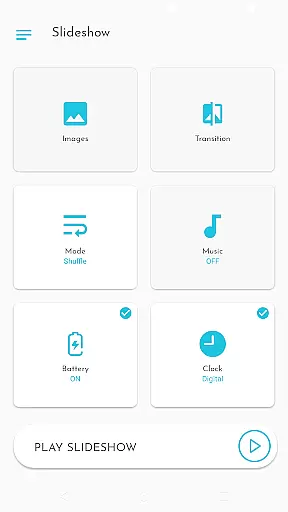
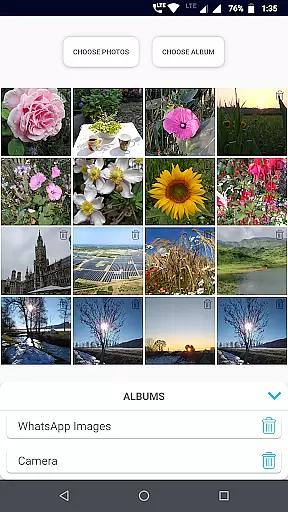
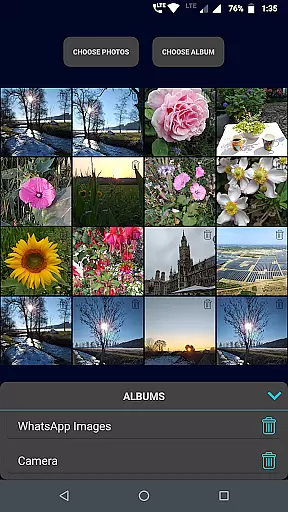
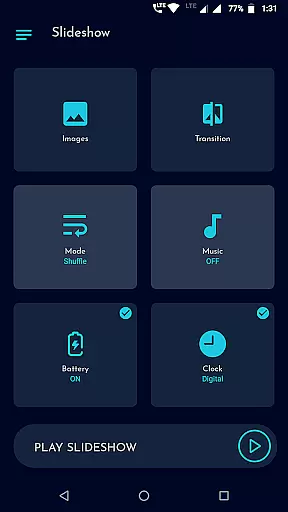
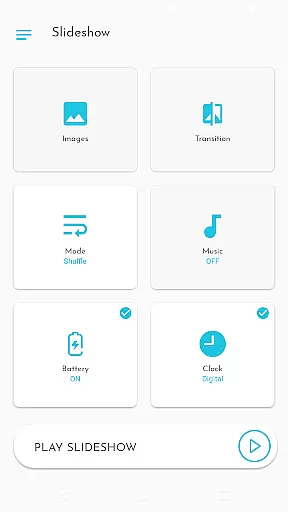
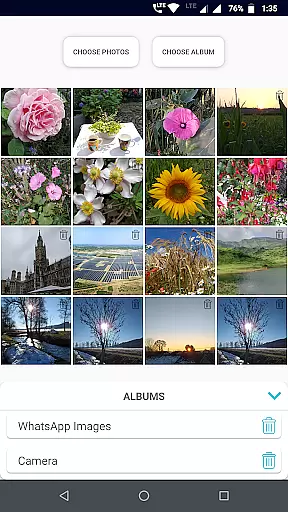
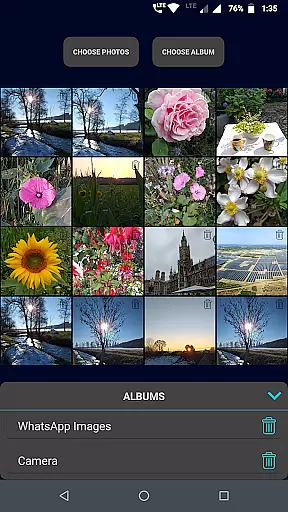
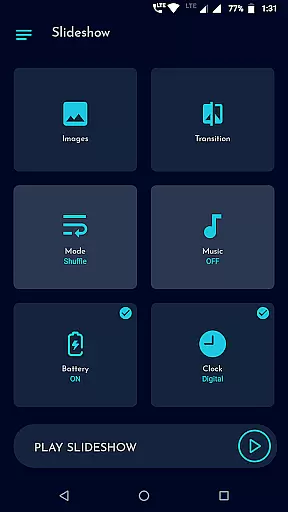
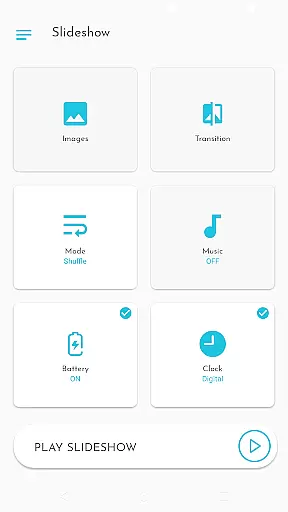
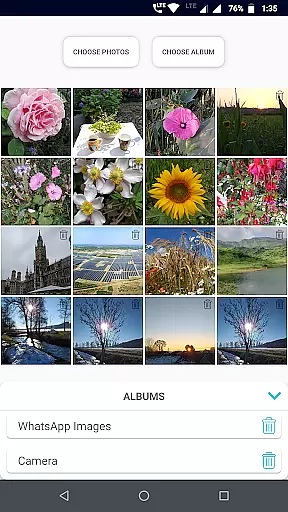
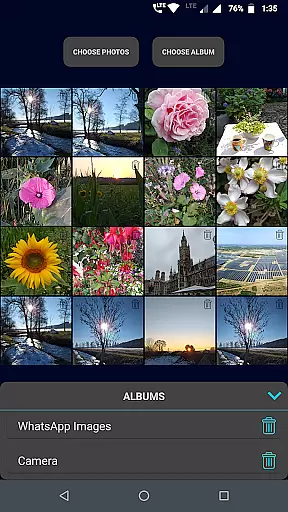
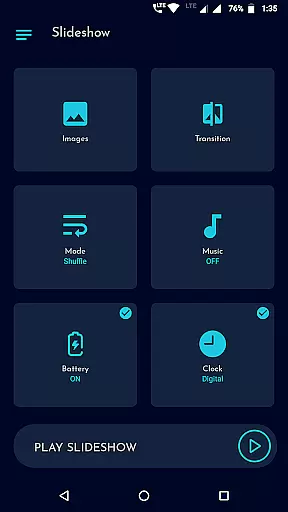
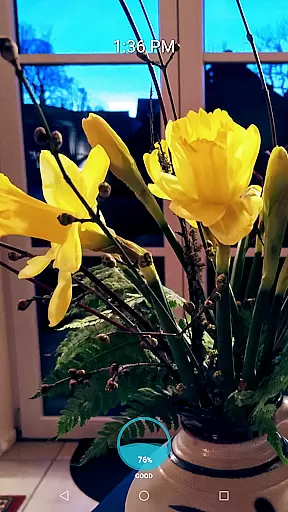
Gallery Slideshow is a photography app designed to display your gallery photos as dynamic slideshows on your phone screen with background music and transition effects. Unlike video editing or slideshow maker apps, this tool focuses purely on presenting your existing photos in an engaging way. It allows users to select individual photos or entire folders for the slideshow while offering customization options such as shuffle mode, duration control, and clock displays.
The app's simplicity makes it ideal for personal entertainment or sharing memories with friends and family. With features like battery percentage display and customizable transitions, Gallery Slideshow enhances the viewing experience without requiring advanced technical skills. Whether you're revisiting cherished moments or showcasing images, this app provides a seamless and enjoyable way to view your photos.
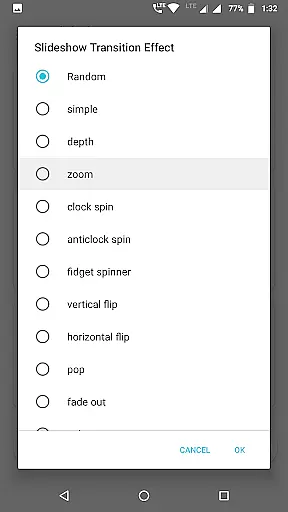
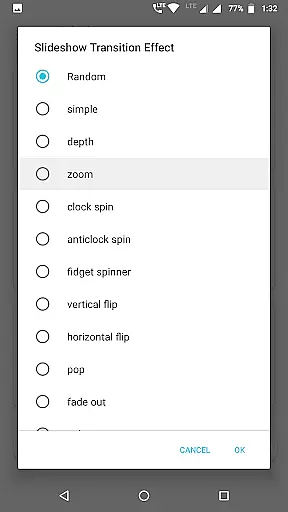
Gallery Slideshow offers a variety of features that enhance photo viewing experiences. Users can choose any number of photos or entire folders for their slideshow, giving flexibility in content selection. The app includes multiple cool transition effects, adding visual appeal to each slide change. Additionally, users can opt for sequential or shuffled playback based on preference.
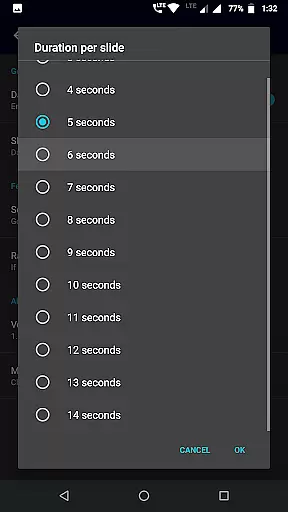
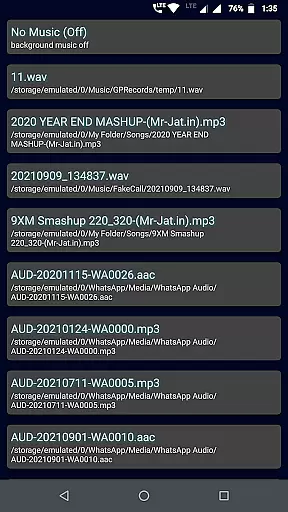
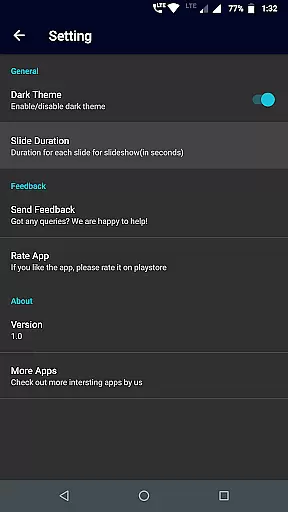
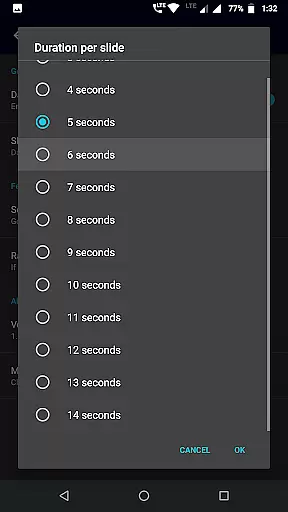
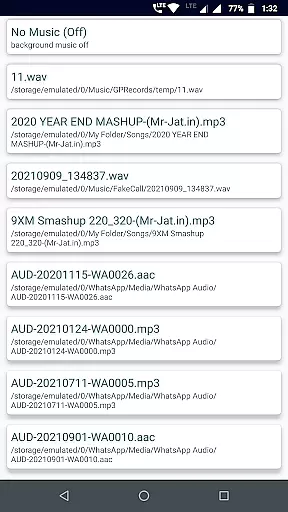
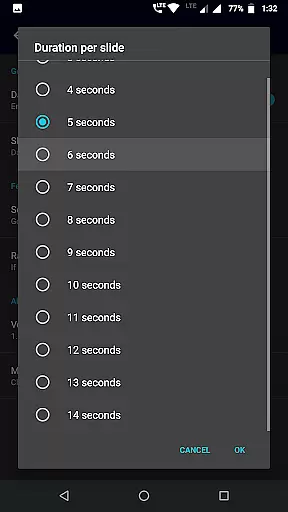
Customization is at the core of this app's functionality. You can set background music, adjust the duration between slides, and even enable options like showing battery percentage or clocks (digital, analog, or both). These features ensure that every slideshow feels personalized and tailored to individual tastes. Its intuitive UI ensures ease of use, making it accessible even for those unfamiliar with advanced photo applications.
Real-time capture and preview functionality is essential for photography apps as it allows users to see exactly what the camera is capturing before taking a photo. Gallery Slideshow, while not a photo-taking app, enhances user experience by providing real-time previews of selected photos in a slideshow format.
This app offers users the ability to choose multiple photos or entire folders for a dynamic slideshow presentation on their phone screens. With cool transition effects and background music options, users can enjoy a rich media experience that brings their gallery images to life.
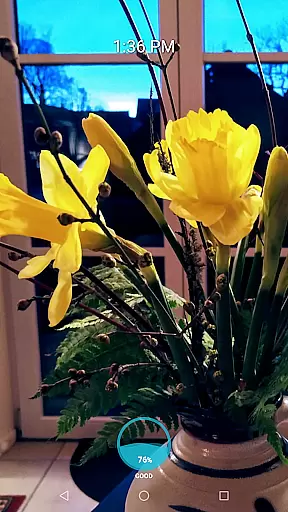
The inclusion of features such as showing battery percentage, digital or analog clocks during the slideshow adds an element of practicality. Users can also set the duration between slides, giving them control over how they view their memories in a personalized and engaging way.
While Gallery Slideshow does not focus on AI beauty enhancements typical of photo editing apps, it provides tools that enhance the natural viewing experience of personal galleries. The emphasis here is on presenting original photos with added elements like music and transitions rather than altering image content.
Users have access to various transition effects which add a touch of elegance when moving from one photo to another without changing the core content of the images themselves. This approach respects the authenticity of user photos while still offering an enhanced visual journey through their memories.
Additionally, options such as shuffling sequences or setting durations between slides allow users to customize their experience naturally. By focusing on these aspects, Gallery Slideshow ensures that each presentation remains true to its source material while delivering an aesthetically pleasing show.
User-friendly interface
Flexible photo selection
Customizable transitions
Background music support
Battery status display
No video creation
Limited editing tools
No social sharing
Basic animations only
Folder limit

A collection of tools and reference tables for DPs, ACs, DITs and Operators.
 4.70
4.70
Shooting photos and records video easily and efficient with professional Camera
4.30
HD Photo gallery and photo manager to edit, hide private photos, videos & albums
4.5
Photo prints, cards, & gifts at Walgreens. Easy ordering & fast local pickup !
4.80
AI photo editor with hair editor, retouch tools, hair color changer & filters!
4.50
Amazing Photo Effects - The most fun you can have with your photos!
4.70
Luminar: Photo Editor - easy picture editing with AI
4.20
Easily view, share, delete photos with Gallery.
4.70
Solocator stamps photos you take with GPS location, Compass Direction, Date/Time
3.80
Pro version: AR sun/moon tracker for any date. Tool for photographers & planners
4.90
Easily create custom gifts, cards, photo books & more on the Shutterfly app!
4.60
Unblur, enhance & restore photos with powerful AI photo enhancer tools.
4.60
Create AI photos & videos with Enhancer; restore, fix, beautify, enhance photos
4.50
Easily stitch panoramas from multiple photos or video.
4.40
Turn your phone into a professional camera - full DSLR manual photography
4.30
All-in-One Editor & AI Photo Enhancer, Beautify & Retouch, Collage, Cartoonify
4.20
How would you look like with a differently shaped nose, chin or lips?
3.90
Professional video recording application with manual controls for filmmakers!
2.80
Snap photos remotely using your Garmin watch as the camera trigger
4.1


User Reviews