
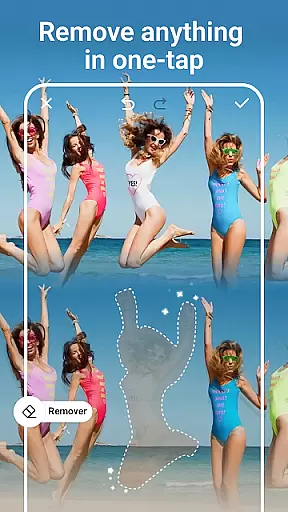
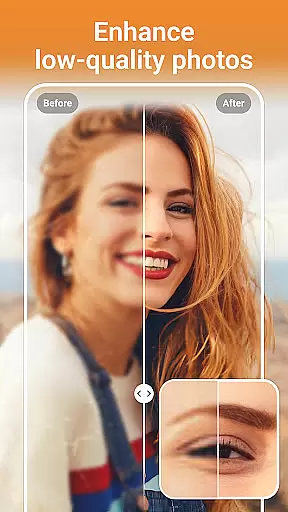
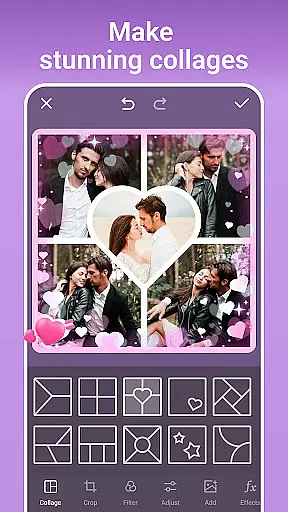
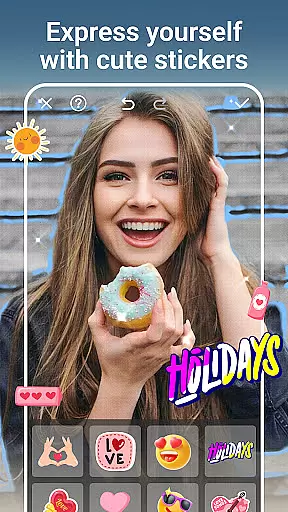
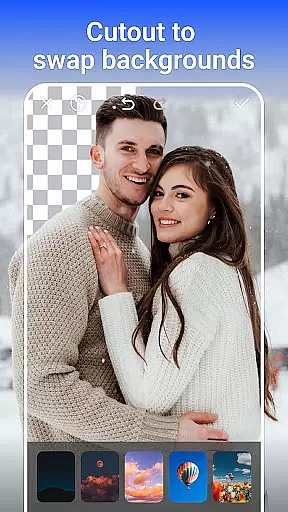
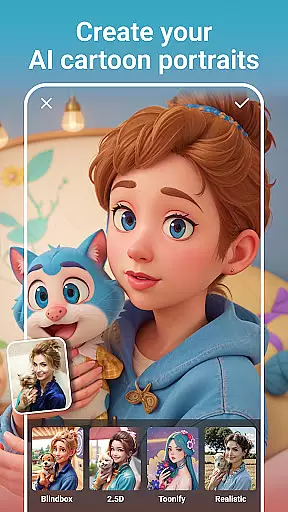
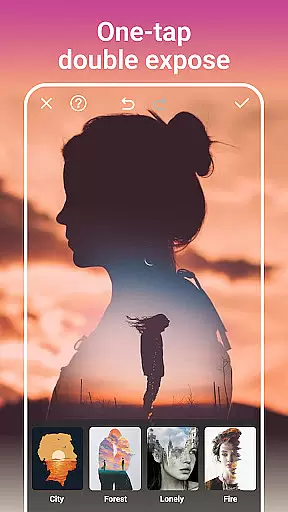
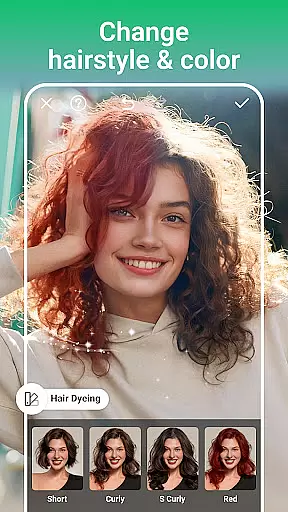
AI Photo Editor - PhotoArt is a comprehensive photography app that utilizes artificial intelligence to provide users with professional-grade photo editing capabilities. The app's core features include AI Face Swap, Magic Eraser, One-Tap Enhance, and creative filters that allow users to transform their photos into artistic masterpieces.
Beyond basic editing, PhotoArt offers advanced tools such as HSL adjustments, Curves, and Double Exposure effects, enabling precise color control and unique compositions. Whether you're enhancing resolution, removing unwanted objects, or creating collages, this app caters to both casual photographers and professionals.
The app is particularly useful for social media enthusiasts who want to create watermark-free, high-quality content for platforms like Instagram and Facebook. With over 100 filters and effects, users can embrace their signature style while enjoying intuitive tools that simplify complex edits.
PhotoArt stands out with its diverse range of AI-driven features designed to meet various photo editing needs. From AI Cartoon Filters and Face Retouch to Background Removal and creative Effects, the app provides everything required for modern photo enhancement.
One of the key highlights is the Easy-to-use Photo Editing Tools section, where users can experiment with colors, lighten or darken specific areas, and utilize advanced options like Highlight and Split Tone adjustments. The Curve tool allows for perfect color balancing, making photos vibrant and unforgettable.
Additional standout features include AI-powered resolution enhancement, old photo restoration, and innovative collage creation tools. Users can also personalize images with stickers, custom backgrounds, and body effects like tattoos or cat ears, ensuring each photo reflects their unique creativity.
Real-time capture and preview functionality is essential for any photography app as it allows users to see exactly what their camera sees before taking a shot. This ensures that the framing, lighting, and composition are all perfect before capturing the moment.
AI Photo Editor - PhotoArt offers an intuitive real-time capture system that provides users with a seamless experience. The app's advanced algorithms ensure that the preview accurately reflects the final image, including any filters or effects applied in real time.
Users benefit from this feature by being able to make instant adjustments to their photos. Whether it's tweaking the exposure, experimenting with different filters, or applying creative effects, the ability to preview these changes live empowers users to take their photography to the next level.
The value of real-time capture and preview extends beyond convenience; it enhances creativity and precision. Photographers can fine-tune every aspect of their shot, ensuring that the final product is exactly what they envisioned.
AI beauty and enhancement features have become a staple in modern photo editing apps, allowing users to enhance their photos naturally without over-processing. This is crucial for maintaining the authenticity of the original image while still improving its overall quality.
With AI Photo Editor - PhotoArt, users can leverage sophisticated AI-driven tools to retouch faces, reshape figures, and apply makeup with remarkable naturalness. The app intelligently detects facial features and applies enhancements that look realistic and flattering.
This feature benefits users by providing them with professional-grade editing capabilities at their fingertips. Whether it's smoothing skin imperfections, whitening teeth, or enhancing eye brightness, the edits appear subtle and true to life.
The emphasis on natural enhancement ensures that edited photos retain their genuine feel, making the app suitable for both casual users and professional photographers who demand high-quality results without compromising on authenticity.
User-friendly interface
Advanced AI tools
Versatile editing options
High-quality results
Regular updates
Some features may require payment
Occasional performance issues
Learning curve for beginners
Limited offline functionality
Ads in free version

Search, tag and rate your way to an organized image gallery
 4.40
4.40
Shooting photos and records video easily and efficient with professional Camera
4.30
Professional video recording application with manual controls for filmmakers!
2.80
Natural Beauty, Selfie Retouch
4.30
Cartoon and artistic effects for your photos and videos
4.70
Photo Exif Editor allows to view, add and modify EXIF data of multiple photos
4.50
Easily view, share, delete photos with Gallery.
4.70
Use AI Video Generator to turn your words to ai generated videos.
4.50
Transform Photos: Edit, Beautify and Craft Memories & Make Collages!
4.10
Photo editor: AI filters, photo enhancer, pic collage maker, AI art generator.
4.80
1M influencer's special filter
4.60
Discover & download millions of art for The Frame TV or Hisense CanvasTV
4.60
AI photo editor with hair editor, retouch tools, hair color changer & filters!
4.50
Trendy TikTok time warp scan funny filter app brings you unique photos & videos.
4.40
Edit like a pro with Hypic. Apply filters, AI effects, & magic touch.
4.40
Virtual makeup, hair filters & body tuner—edit from face to full body!
4.20
Luminar: Photo Editor - easy picture editing with AI
4.20
Photobooth mini FULL app will allow you to add more fun to your parties
4.00
GCamera allows all GCam features on all phone models! Better photos with GCamera
3.30


User Reviews